How to Remove Password from Aadhaar PDF (Password Format Explained)
The e-Aadhaar PDF password is the first 4 letters of your name in capitals plus your birth year. How to open it, and how to save a copy with no password.
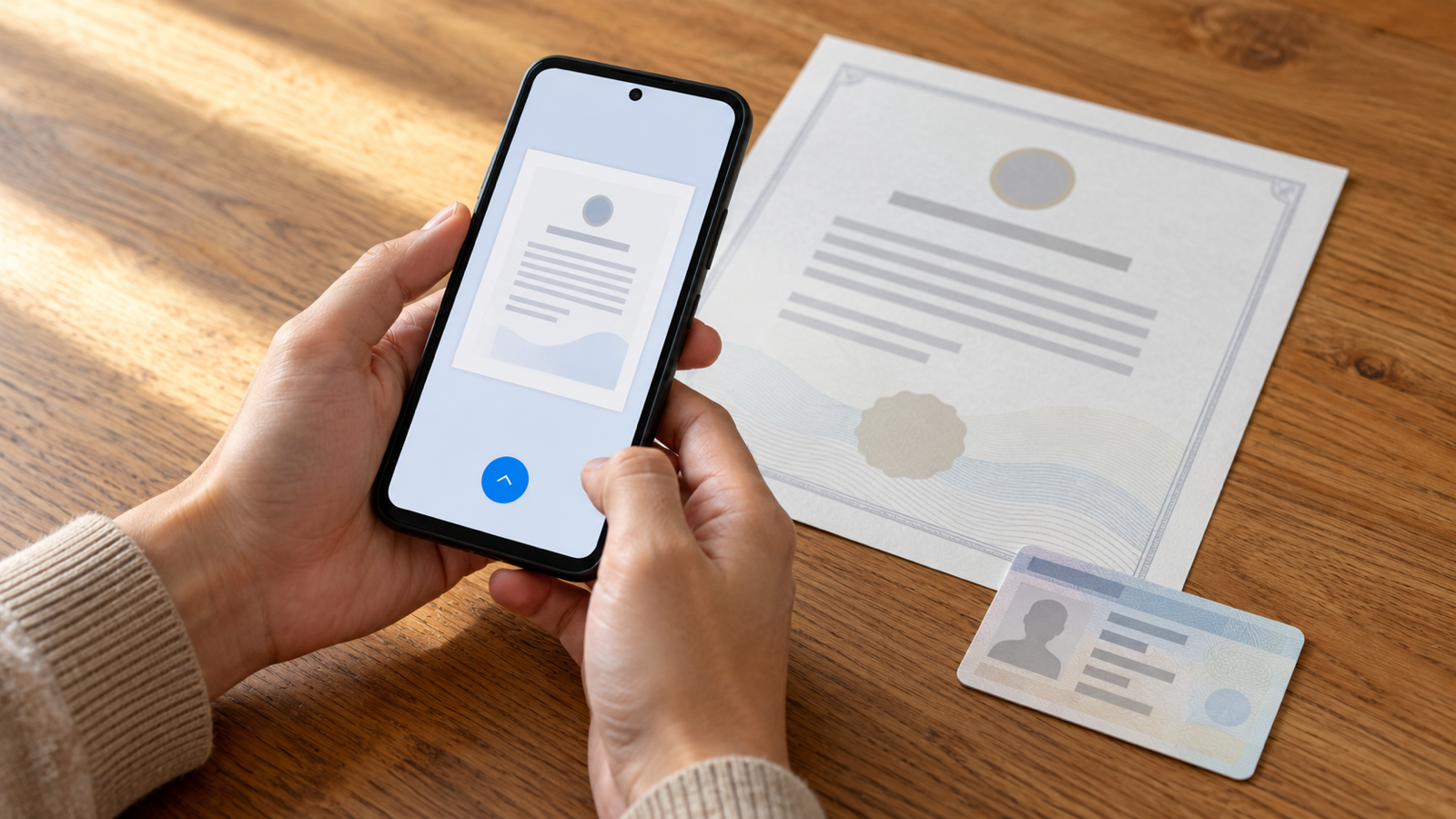
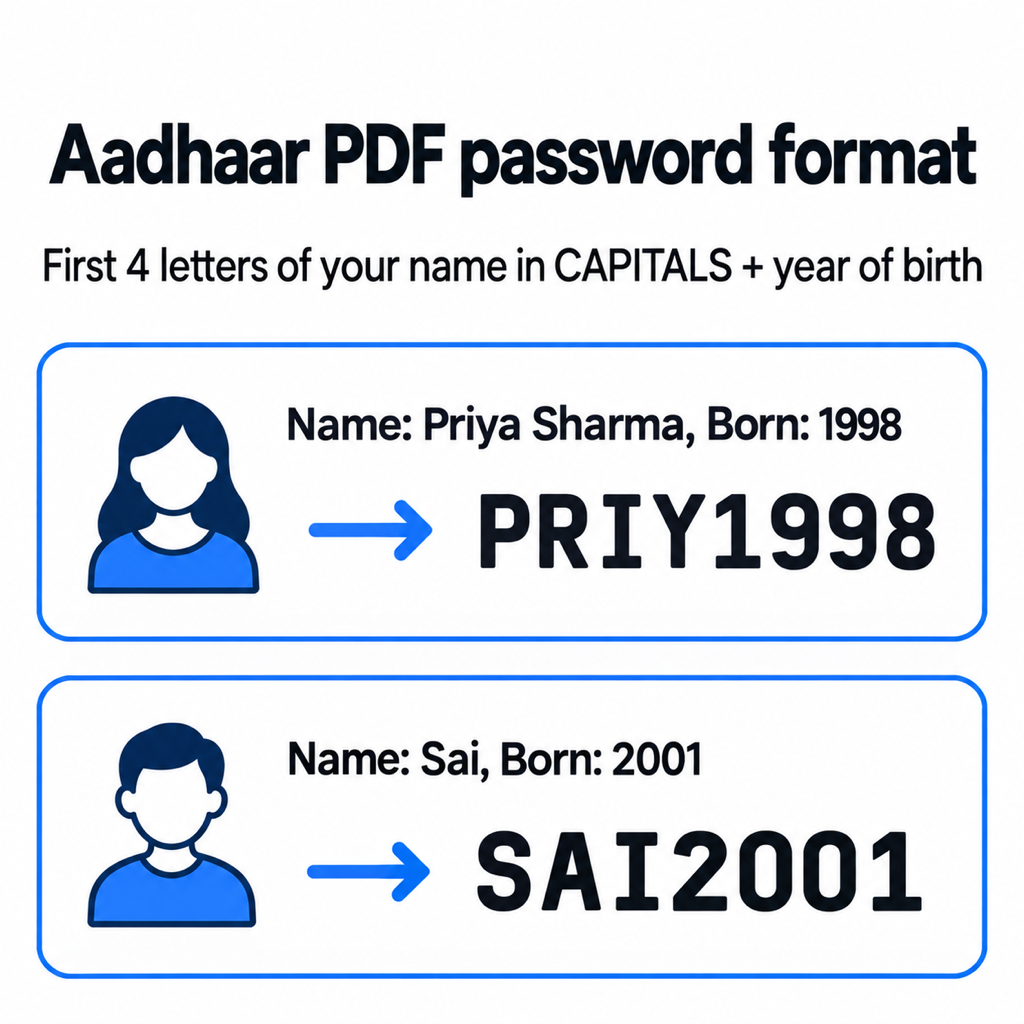
The e-Aadhaar PDF password is the first four letters of your name, in capital letters, followed by your year of birth. For SURESH KUMAR born in 1990, it is SURE1990. To remove the password from an Aadhaar PDF, open it once with that password in an app that can save an unlocked copy, and keep the new file. You never need a "password cracker"; you already know the password.
The Aadhaar PDF password format
UIDAI protects every downloaded e-Aadhaar with the same rule: first 4 letters of the name as printed on the Aadhaar, in CAPITALS, then the year of birth as four digits (YYYY). UIDAI's own examples:
- SURESH KUMAR, born 1990 → SURE1990
- SAI KUMAR, born 1990 → SAIK1990 (the space is skipped, so the K of KUMAR is the fourth letter)
- RIA, born 1990 → RIA1990 (names shorter than four letters are used in full)
Aadhaar password not working? Check these
- Lowercase letters. "sure1990" fails. The letters must be capitals.
- Full date of birth. Only the year goes in, not 15081990 or 15/08/1990.
- Spelling on the card. Use the name exactly as printed on the Aadhaar, which may differ from how you usually spell it, or include an initial.
- Not an e-Aadhaar. A PDF someone else re-saved or scanned may have a different password, or none.
How to remove the password on your phone
Removing a password means saving a new copy without one. With PDF Maker on Android, the file never leaves the phone:
- Tap Unlock on the home screen and pick the e-Aadhaar PDF from Downloads.
- Enter the password in the format above.
- Save the unlocked copy. The app writes a new file ending in -unlocked.pdf that opens without a password; the original stays untouched.
Unlock is a Pro tool, and every install gets three free tries, which is plenty for an Aadhaar and a couple of bank statements. The app never stores the password you type.
Once unlocked, you can compress it to 100 KB or 200 KB for a portal, or merge it with your other documents into one upload.
When an unlocked Aadhaar PDF is useful
The password protects the file in your downloads folder, but it gets in the way in a few common situations:
- Upload portals that reject encrypted PDFs. Many exam, scholarship and KYC forms cannot read a password-protected file and show a vague "invalid file" error.
- Size limits. Compressors cannot shrink a locked PDF, so it has to be unlocked before you can get it under 100 or 200 KB.
- Merging into one application PDF. A locked Aadhaar cannot be combined with your other documents until the password is off.
- Printing at a shop. Handing a password-protected file to a print shop means telling them the password, which is your name and birth year.
A free method with Google Drive
If the PDF is in Google Drive, you can often produce an unlocked copy by printing it to a PDF:
- Open the PDF in the Drive app and enter the password.
- Tap the three-dot menu and choose Print.
- Set the printer to Save as PDF and save.
The saved copy has no password. It is a re-printed version, so check the QR code and photo still look sharp before you rely on it.
Why not use an online Aadhaar password remover?
Dozens of sites offer to unlock your Aadhaar for free. To do that, they need both your Aadhaar PDF and its password, which together are your full name, birth year, address, photo and Aadhaar number. There is no good reason to hand that to an unknown server when the same job takes a minute on your own phone.
It is also worth asking whether you need the full Aadhaar at all. UIDAI's masked Aadhaar download hides the first eight digits of the number and is accepted in many places that only want proof of identity.
Common questions
What is the password of the Aadhaar card PDF?
The first four letters of your name in capital letters, followed by your year of birth. For example, PRIYA SHARMA born in 1998 is PRIY1998.
Can I remove the Aadhaar PDF password without knowing it?
No, and you do not need to: the password is built from your own name and birth year. Tools that claim to remove it "without the password" are guessing that same pattern.
Is it legal to remove the password from my Aadhaar PDF?
Saving an unlocked copy of your own e-Aadhaar for your own use is common practice. Keep the unlocked copy private, since anyone with the file can now read it.
Does the same method work for bank statement PDFs?
Yes. Banks use their own password formats, usually stated in the email that carried the statement, but once you know it, Unlock saves a password-free copy the same way.
The short version
Password = first four letters of your name in CAPITALS + birth year. Enter it once, save an unlocked copy, and keep that copy on your phone rather than on a converter's server. PDF Maker does it on Android without uploading anything.
From the studio
Previous Article
How to Merge PDF Files on Android (Free, No Upload)
Next Article
How to Open DOCX File in Mobile (Android, Without Word)