All apps

New
Status
Productivity
Category
Android
Platform
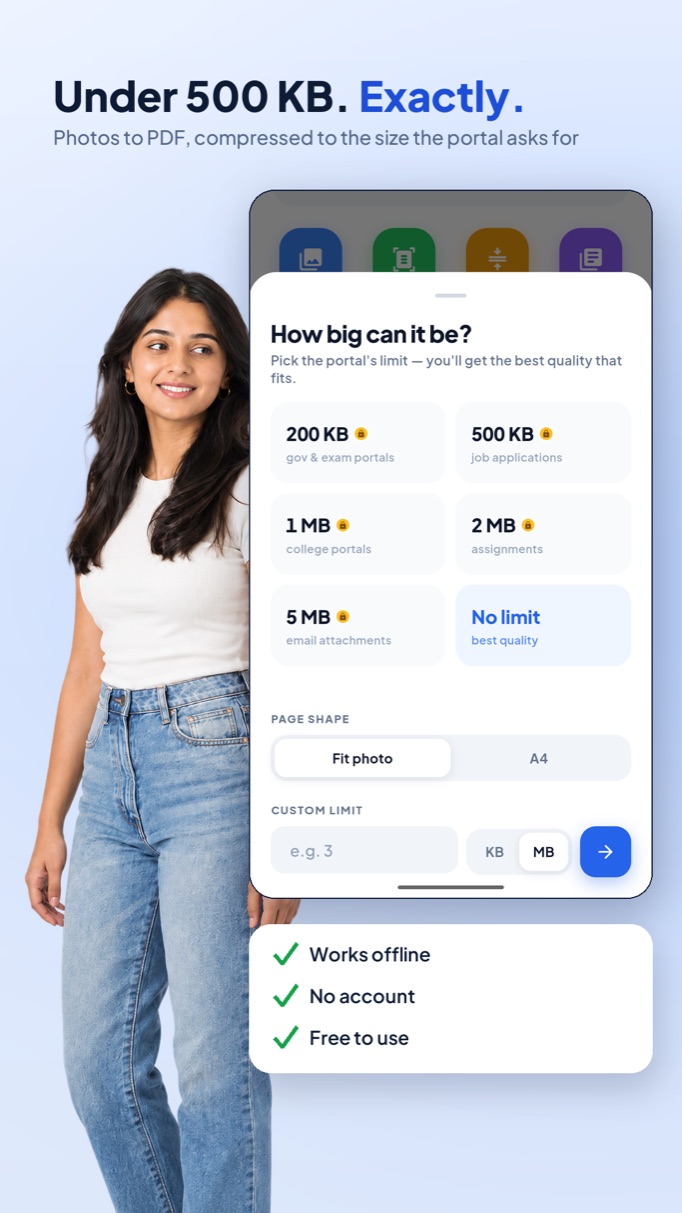
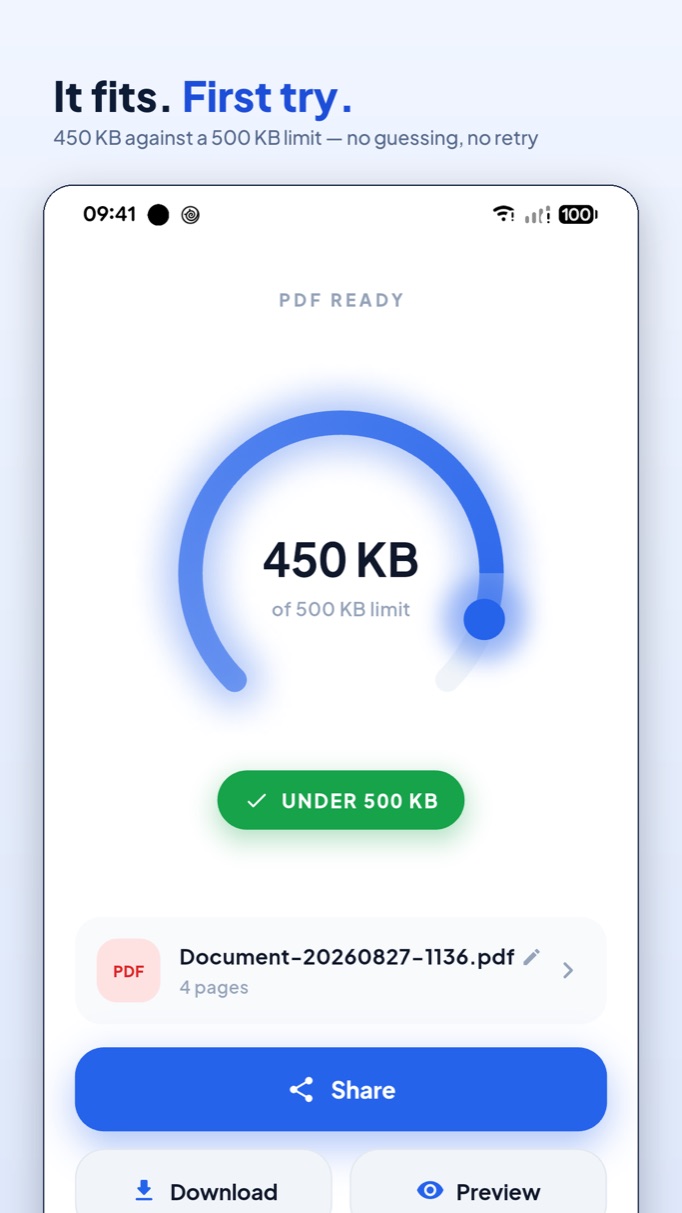
PDF Maker screenshots
About
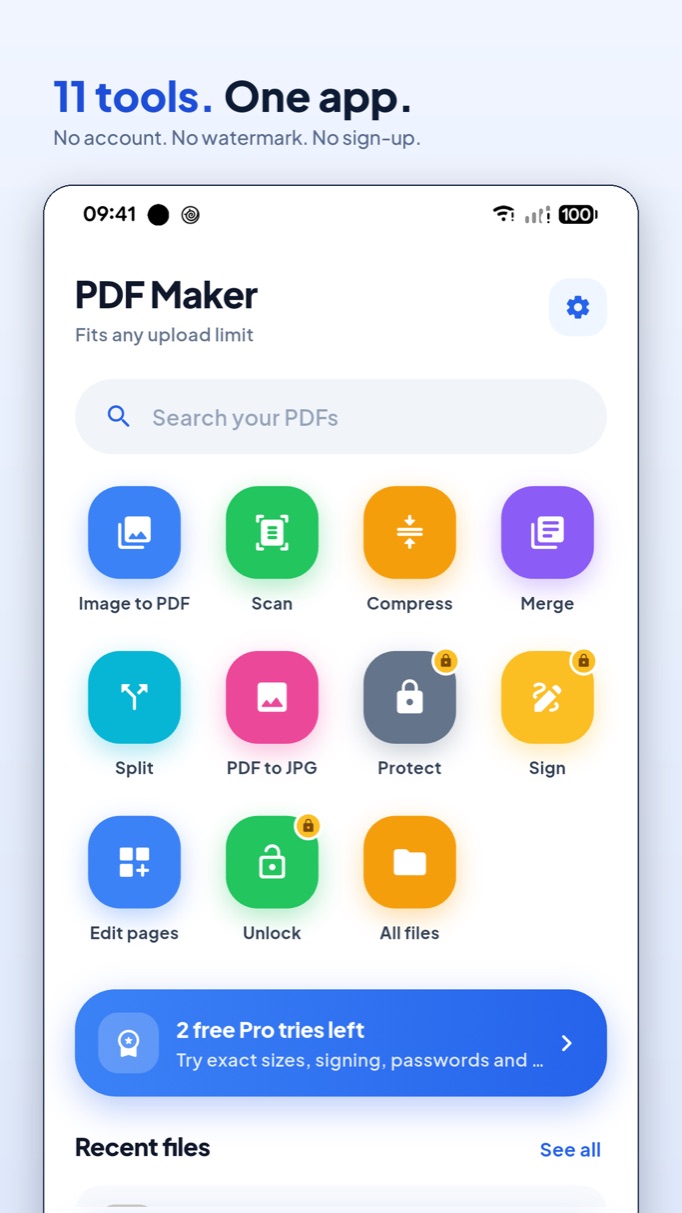
Turn photos into clean PDFs, then compress one to an exact size — 500 KB, 2 MB, whatever the portal demands. Merge, split, reorder, sign, password-protect and read, Word and Excel files included. Everything runs on the phone: no account, no upload, no watermark.
What's inside
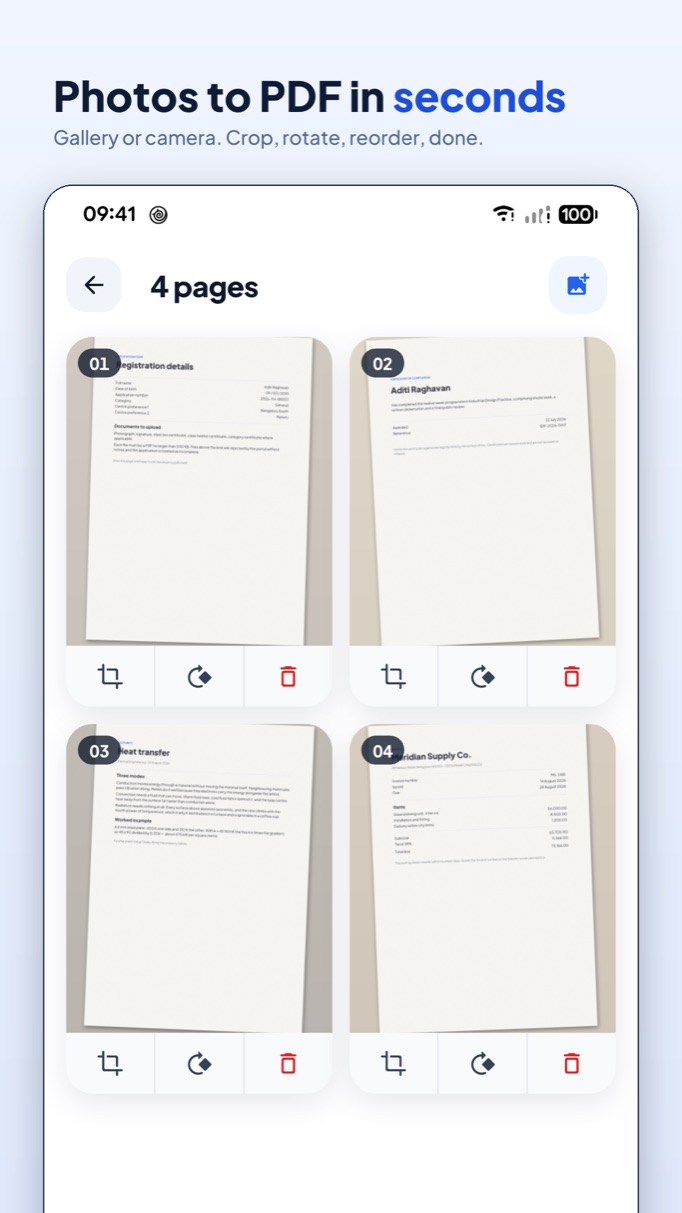
Image to PDF, from the gallery or straight from the camera
Compress to an exact size — hit a 500 KB or 2 MB limit precisely
Merge, split, reorder, rotate and delete pages
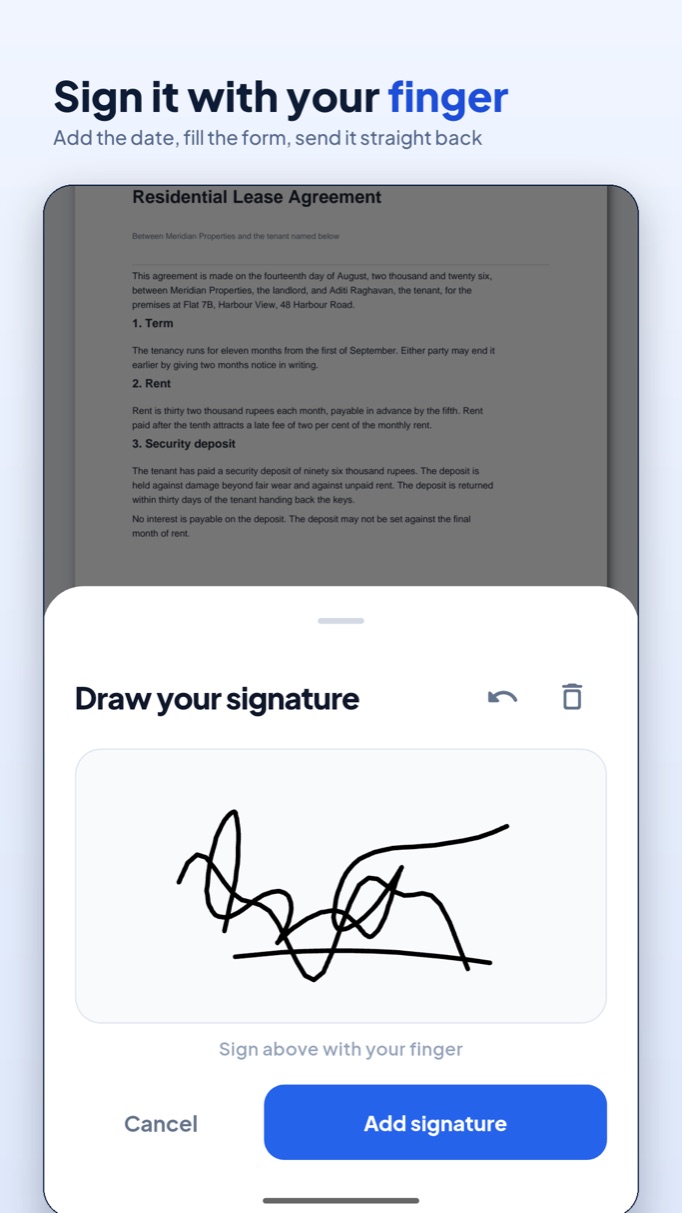
Sign with your finger, add the date and fill in forms
Password-protect a PDF, or remove a password you already know
Read and search PDF, Word, Excel and PowerPoint files
Frequently asked questions
No. Every PDF is made, compressed, signed and read on the phone itself. There is no account and no PDF Maker server — the only reason the app touches the network at all is to check a Google Play purchase.