All apps

AssistiveDot
Tools · App
New
Status
Tools
Category
Android
Platform
AssistiveDot screenshots
About
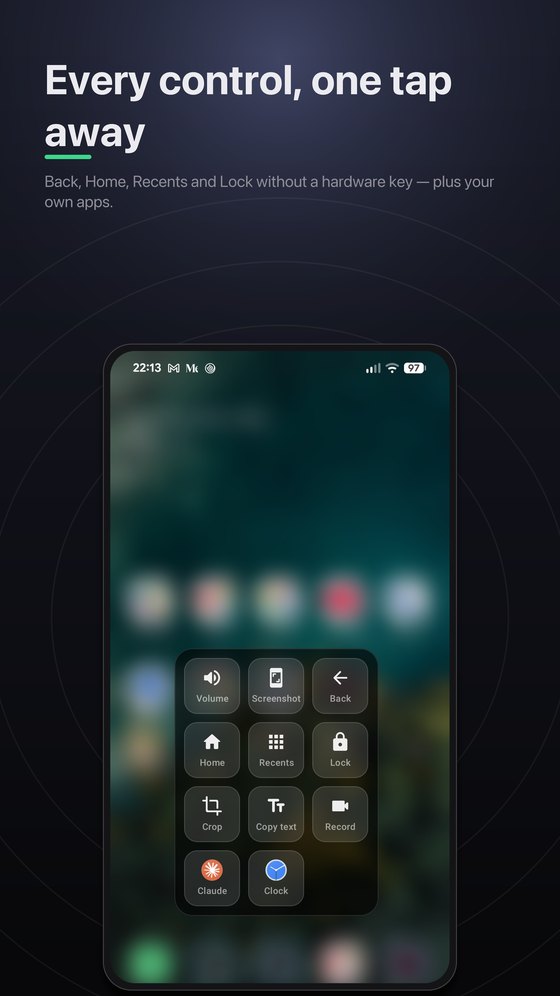
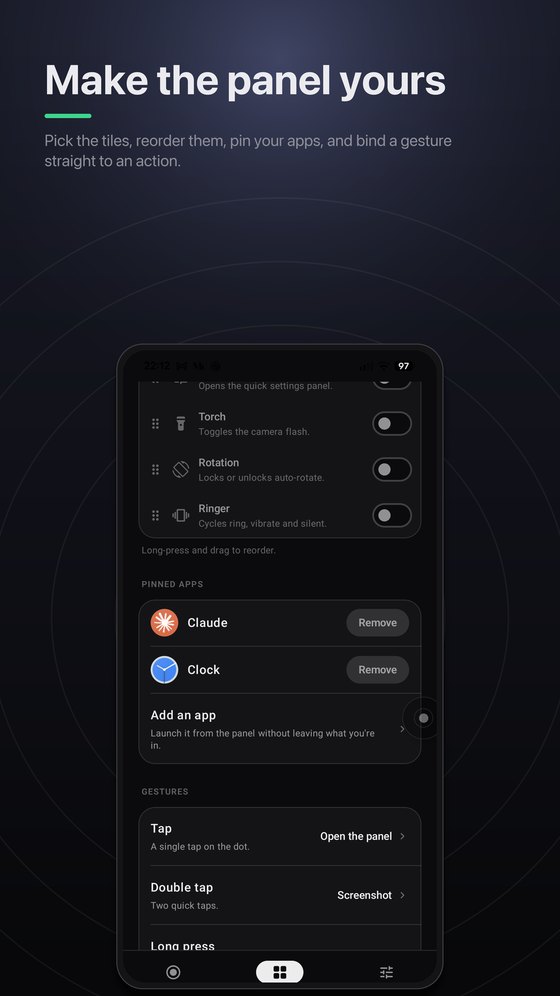
A floating button that puts your phone’s controls within reach. Back, Home, Recents and Lock without a hardware key, plus screenshots, scrolling capture, on-device text recognition and screen recording — all from one movable dot.
What's inside
Back, Home, Recents & Lock without hardware buttons
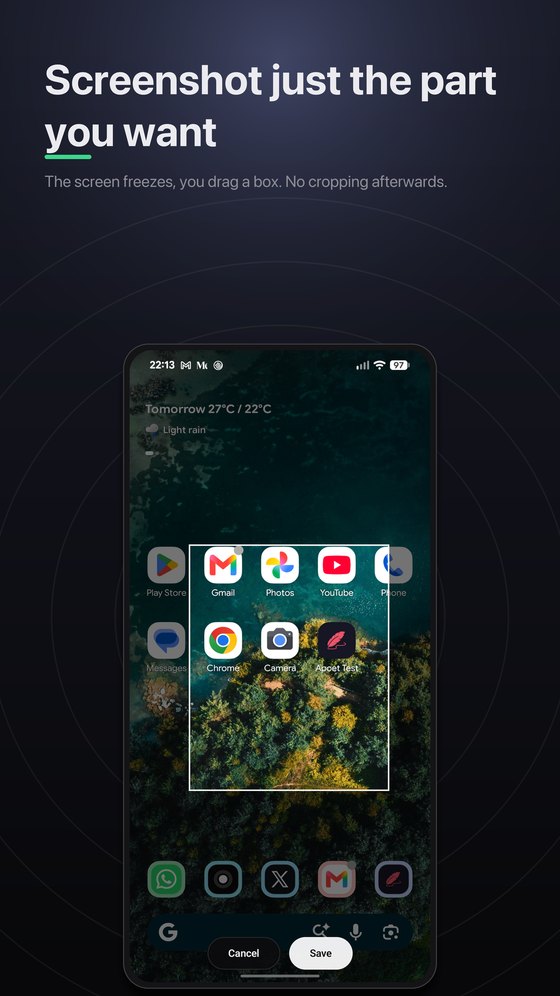
Region, timed and scrolling screenshots
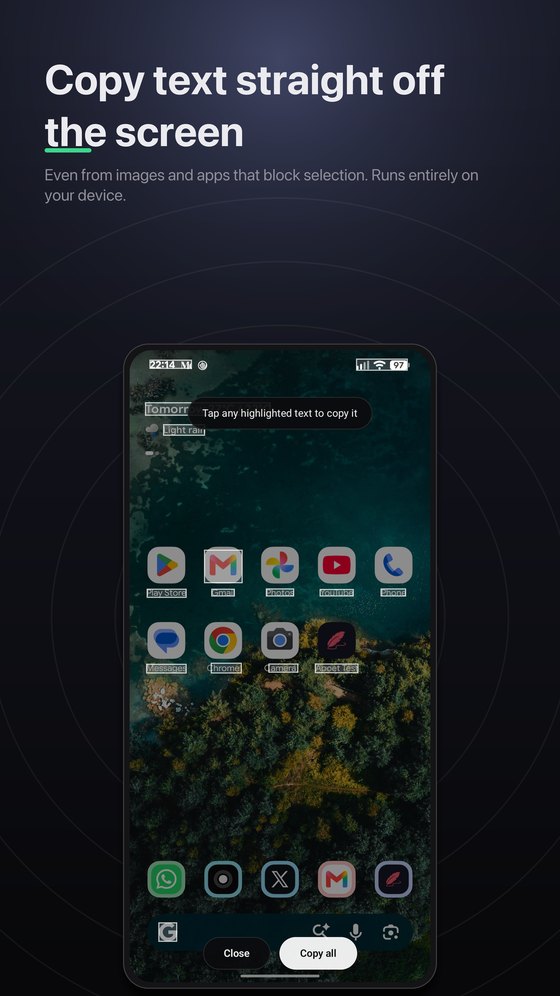
Copy text off the screen, fully on-device
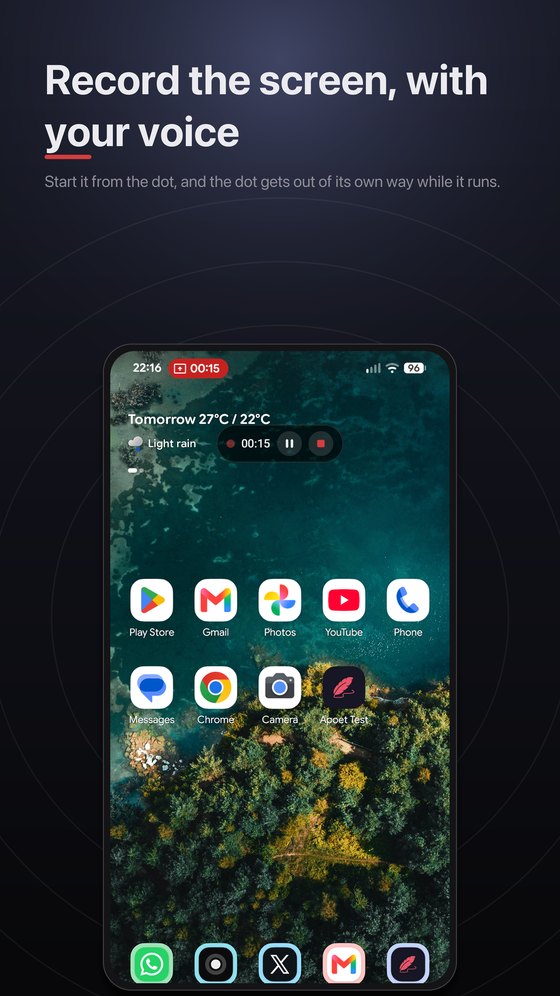
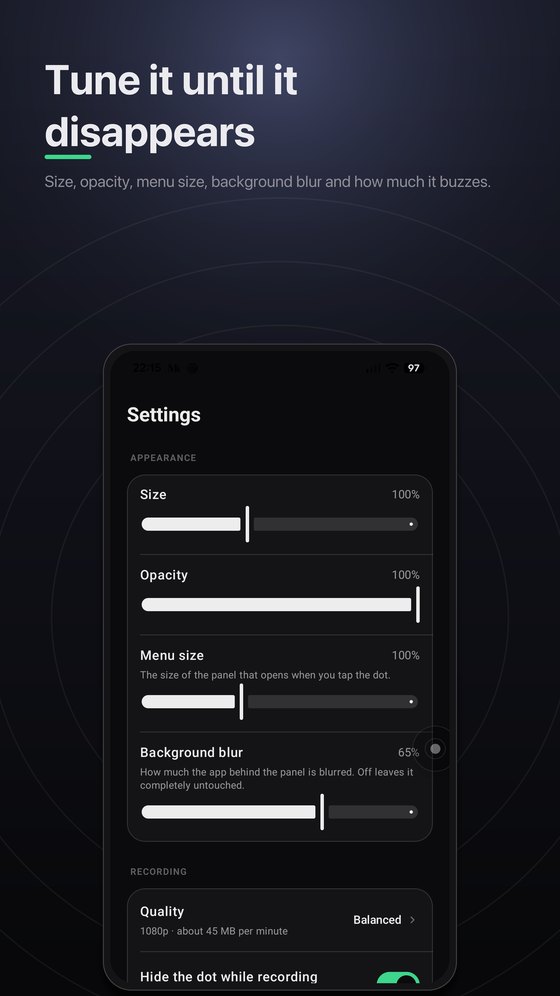
Screen recording with microphone
Pin your apps and launch them from anywhere
No analytics, no ads, no trackers
Frequently asked questions
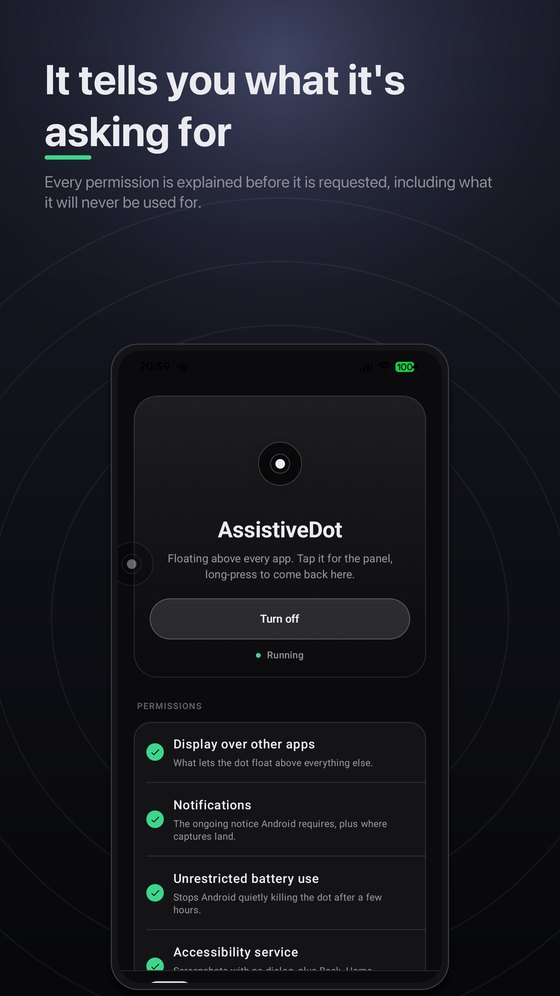
Android exposes Back, Home, Recents, Lock, the notification shade and silent screenshots only to an accessibility service — there is no other API for them. That is exactly what an assistive button needs, and it is the app’s only purpose.