How to Compress PDF to 200KB (Without Losing Quality)
Get a PDF under 200 KB for an exam or job portal, on your phone, without uploading it. How many pages fit, and what to do when it will not go lower.
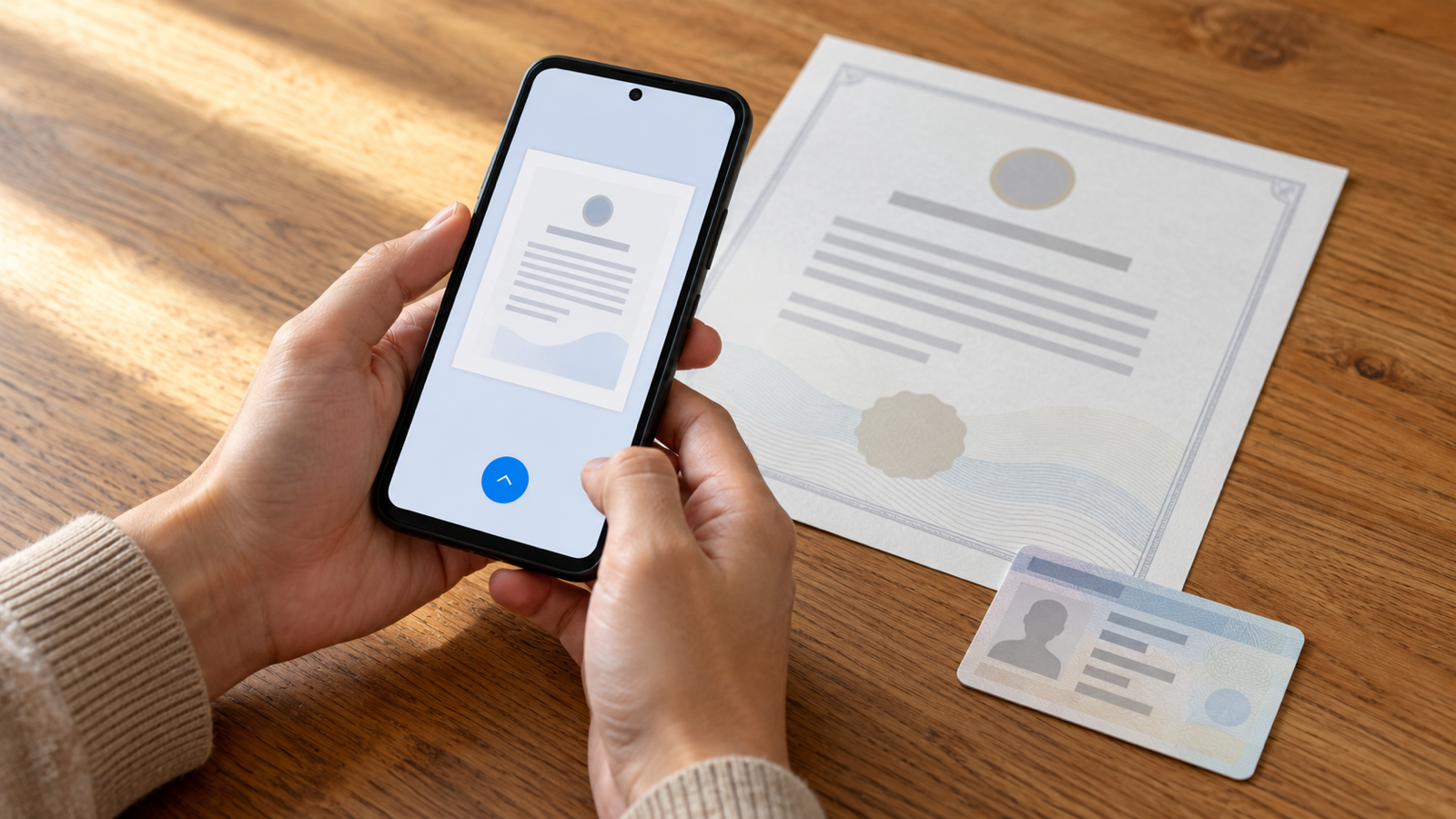
To compress a PDF to 200 KB, you need a tool that takes a size limit, not a vague "low / medium / high" level. Set the limit to 200 KB, let it rebuild the pages at the highest quality that still fits, and check the result is under the line before you upload. On a phone, that takes about a minute and the file never has to leave the device.
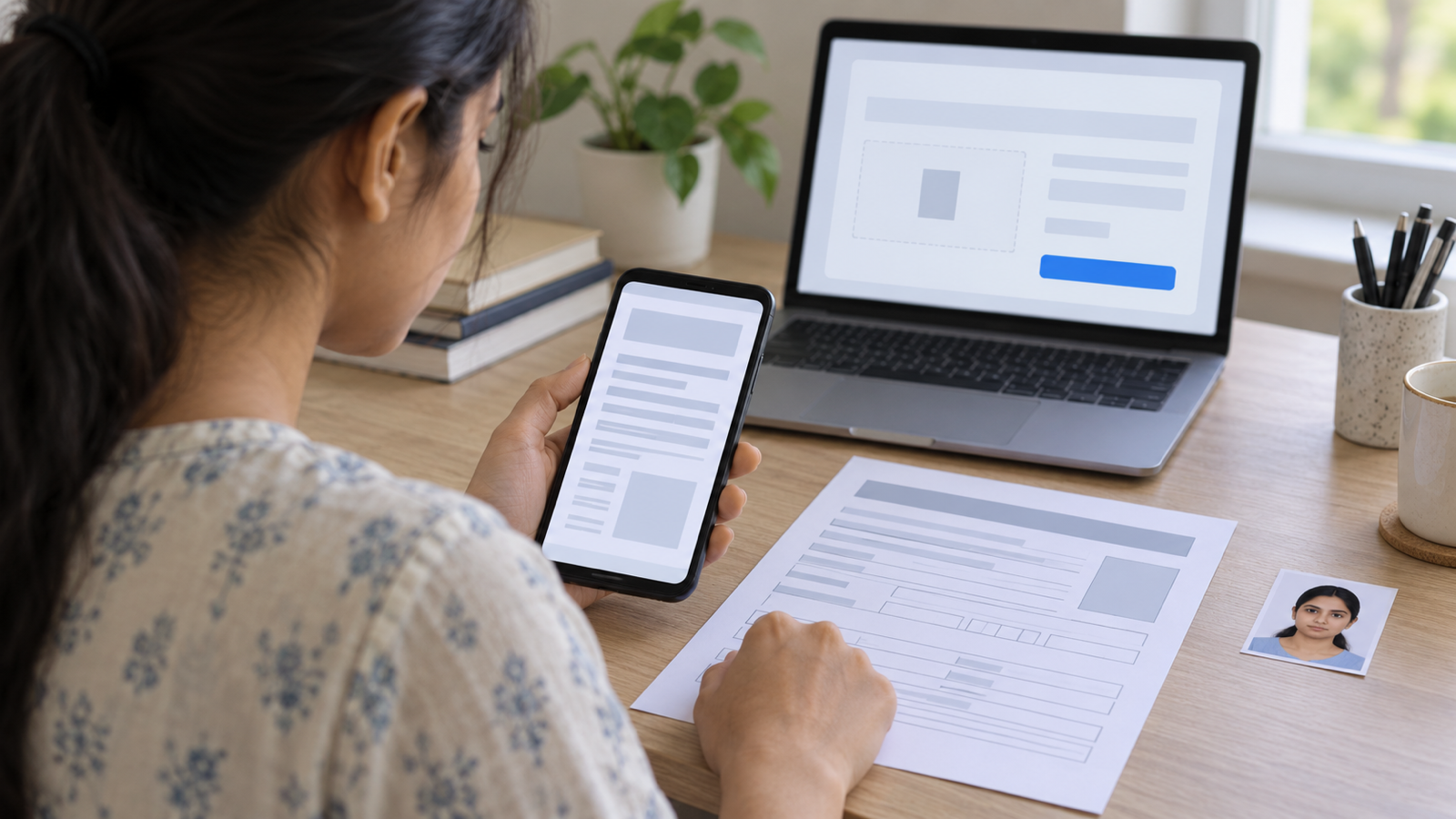
200 KB is the most common upload cap on Indian exam, scholarship and government portals, and plenty of job sites use it too. Here is how to hit it reliably, how many pages realistically fit, and what to do when the file refuses to shrink.
Why the "compress" button usually misses 200 KB
Most compressors, including the free web ones, offer a quality level. They squeeze the file by a fixed amount and hand back whatever size falls out. A 2 MB scan might come back at 640 KB on "high compression", which is still three times the limit, so you run it again, and again, and each pass blurs the text a little more.
What you want is the reverse: tell the tool the limit, and let it search for the best quality that lands under it. That is how an exact-size compressor works. It tries a resolution and JPEG quality, measures the real file, and walks the settings down until the whole PDF fits. A good one then walks quality back up if there is room, so you get 196 KB of sharp text instead of 80 KB of mush.
How to compress a PDF to 200 KB on your phone
These steps use PDF Maker on Android, which has 200 KB as a one-tap preset:
- Open Compress on the home screen and pick the PDF (from Downloads, WhatsApp, Drive, wherever it landed).
- Choose "Under 200 KB" in the size sheet. If the portal says 150 KB or 250 KB, type it into Custom limit instead.
- Read the warning, if there is one. When a limit is too tight for the page count, the app says so before it starts and suggests the next size up, rather than silently producing an unreadable file.
- Save and check the size on the result screen, then share it straight to the browser or save it to Downloads for the upload.
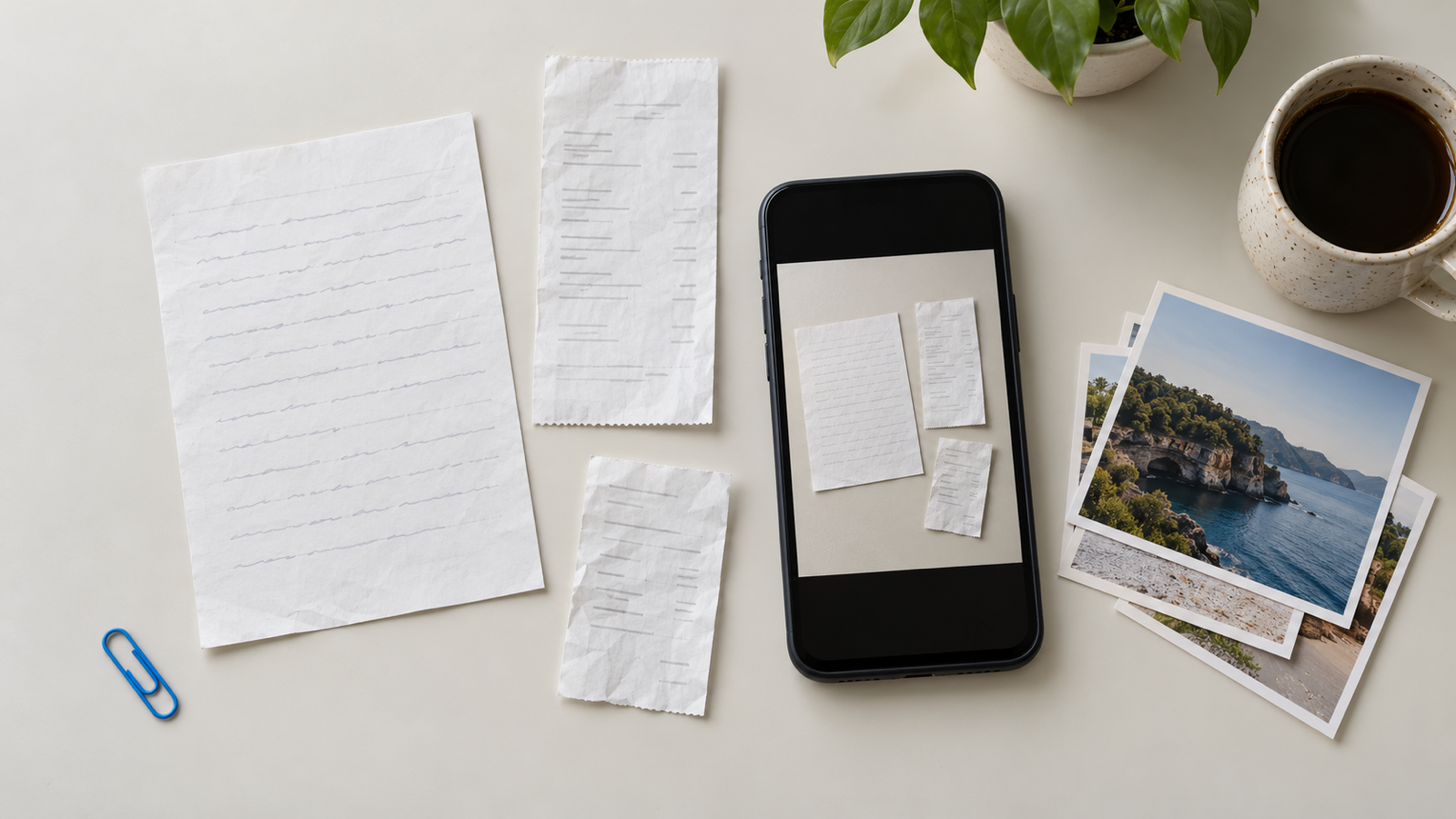
Starting from photos rather than a PDF? Use Image to PDF, add your pages, and pick "Under 200 KB" at the save step. You get one PDF at the right size in a single pass, instead of making a big PDF and compressing it afterwards. The photos to PDF guide covers that flow.
The quality levels (Best quality and Balanced) are free and unlimited. Exact-size targets are a Pro tool, and every install gets three free tries at them, so you can see one land under 200 KB before deciding.
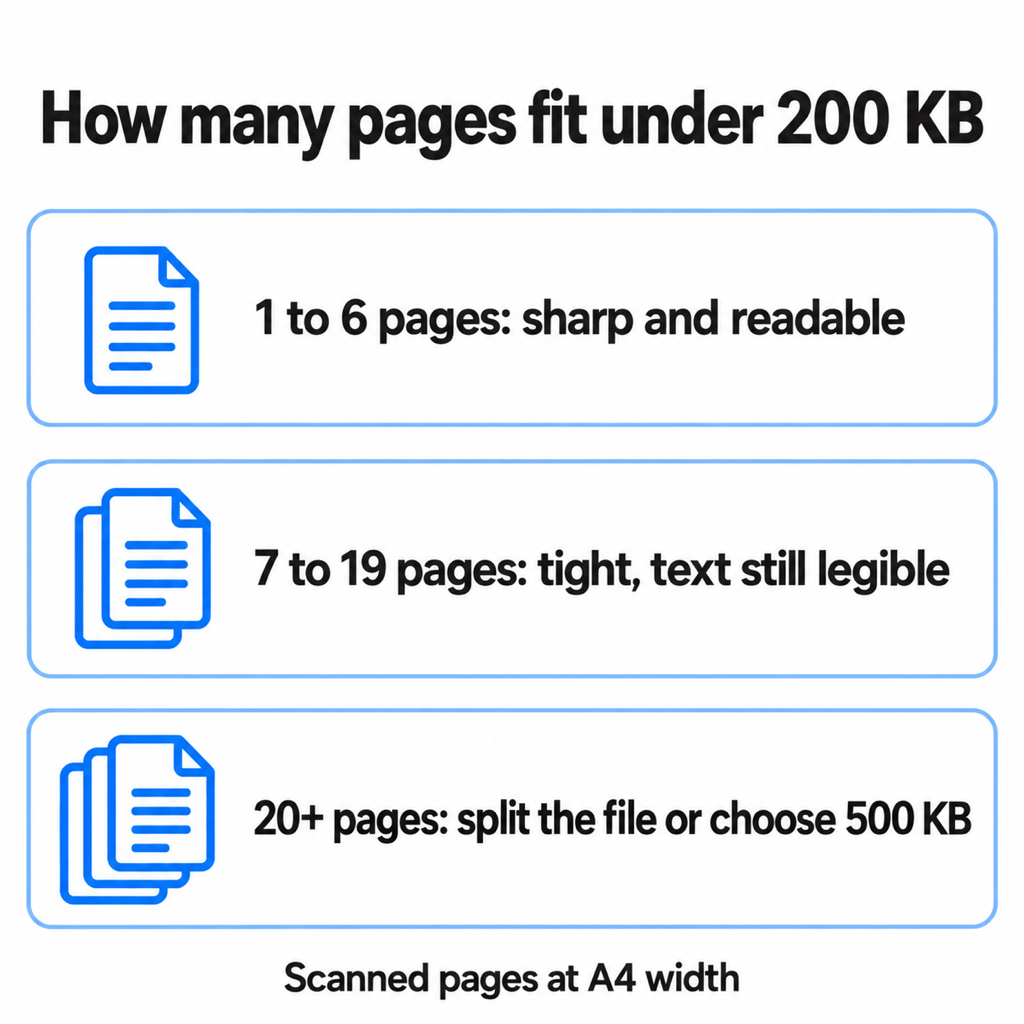
How many pages fit in 200 KB?
Each page of a scan is effectively a photo, so the budget is shared. After the PDF's own structure, 200 KB leaves roughly:
- 1 to 6 pages: around 28 KB or more per page. Text is crisp and stamps and signatures stay readable. This covers a marksheet, a certificate, an ID card or a two-page form.
- 7 to 19 pages: 10 to 28 KB a page. Typed text survives; small print and photos get soft.
- 20 pages or more: under 9 KB a page, which is not enough for a readable scan. Split the document, ask whether the portal accepts several files, or use a 500 KB limit if it allows one.
Those bands are the same thresholds PDF Maker uses for its "tight" and "unrealistic" warnings, so the app and this table agree.
"Without losing quality": what is actually possible
You will see "compress PDF to 200 KB without losing quality" promised everywhere. For a scan, some loss is unavoidable: you are throwing away pixels. The goal is no loss you can see, and three things get you most of the way there:
- Crop to the paper. A photo of a certificate on a bedsheet spends half its bytes on the bedsheet. Crop to the edges before compressing.
- Use black and white for text pages. A clean black-and-white page compresses far smaller than a grey-tinted colour photo of the same page, so more of the budget goes to sharpness.
- Start from the best original. Compress the first scan, not one that has already been squeezed by WhatsApp. Every recompression adds blur.
One honest trade-off: to hit a hard limit, the compressor rebuilds each page as an image. If the original PDF had selectable text (a form you downloaded, say), the compressed copy will not. For portal uploads that rarely matters, because the reviewer is reading it, not copying from it.
Online compressor or app?
iLovePDF, Adobe's online tool, 11zon and Pi7 all have "compress to 200 KB" pages, and they work. The catch is that every one of them uploads your file to a server first. For a marksheet that is a mild concern; for an Aadhaar card, a PAN card or a bank statement, it is a real one, and the retention policies on free converters are rarely clear.
An on-device app does the same job without the upload, works on a bad connection, and does not care whether the site is down the night before a deadline.
Common questions
How do I reduce a PDF to 200 KB for free?
Free web tools such as iLovePDF or Adobe's online compressor can get many PDFs under 200 KB, but they upload the file. PDF Maker on Android gives three free exact-size runs per install, and its free quality presets often get a one- or two-page scan under 200 KB on their own.
Why won't my PDF compress below 200 KB?
Usually because it has too many pages. At 20 pages or more, 200 KB leaves under 9 KB per page, which is not enough for a readable scan. Split the PDF, crop away background, or switch text pages to black and white.
Is 200 KB the same as 0.2 MB?
Close, but not exactly. Most portals count 1 MB as 1,024 KB, so 200 KB is about 0.195 MB. If a portal says "max 200 KB", aim for something like 190 to 198 KB to be safe.
Can I compress a PDF to 200 KB on iPhone?
The iPhone's built-in tools can shrink a file but none of them take a size target, so you cannot aim for 200 KB with them. PDF Maker is Android-only for now; on iPhone an online exact-size tool is the practical route.
The short version
Pick a tool that takes a limit, not a quality level. Keep it to six pages or fewer for a sharp result, crop the background and use black and white for text. If you are on Android, PDF Maker has 200 KB as a preset and does it without uploading anything. Need it even smaller? See how to compress a PDF to 100 KB.
From the studio
Previous Article
Is Vibration Massage Good for You? Benefits and Side Effects
Next Article
How to Compress PDF to 100KB (Free, on Your Phone)