How to Open DOCX File in Mobile (Android, Without Word)
A .docx from WhatsApp or email will not open on your phone? Three ways to open Word files on Android, with or without Microsoft Word or an account.
To open a DOCX file in mobile, tap the file and choose an app that reads Word documents: Microsoft Word, Google Docs, or a lighter document reader. If your phone says "No app can open this file", none is installed yet. Install one, then tap the file again, or use Open with from WhatsApp, Gmail or the Files app.
A .docx is the standard Microsoft Word format. Android does not ship a Word reader, which is why a resume, assignment or offer letter sent to you over WhatsApp can sit there unopened. Here are three ways to read it, and which to choose.
Option 1: Microsoft Word (best for editing)
The Microsoft Word app, or the combined Microsoft 365 app, opens .docx files exactly as they were designed: same fonts, same page layout. Viewing is free; editing on a phone with a larger screen or saving changes can require signing in with a Microsoft account. It is the right choice if you need to edit the document and send it back as Word.
Option 2: Google Docs (if you live in Drive)
Google Docs opens .docx files and lets you edit them. Tap the file, choose Docs, and it opens in Office-compatibility mode; editing usually converts it to a Google Doc in your Drive. Good if you already use Google's apps, but it needs your Google account and, for most features, a connection.
Option 3: a light reader that also does PDFs
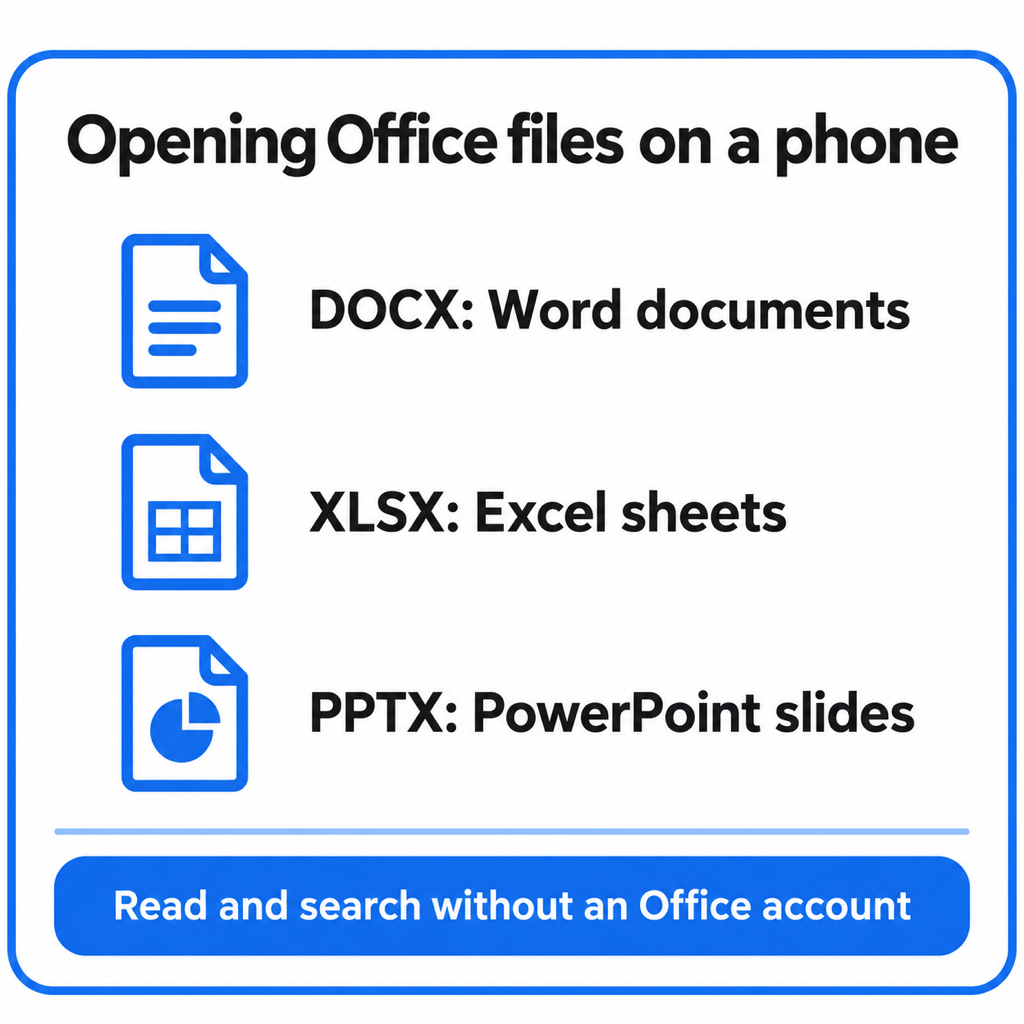
If you only need to read the file, a full office suite is a lot of app for the job. PDF Maker reads Word (.docx), Excel (.xlsx) and PowerPoint (.pptx) files on the phone, free, with no account:
- From WhatsApp, Gmail or Files: tap the .docx, choose Open with, then PDF Maker.
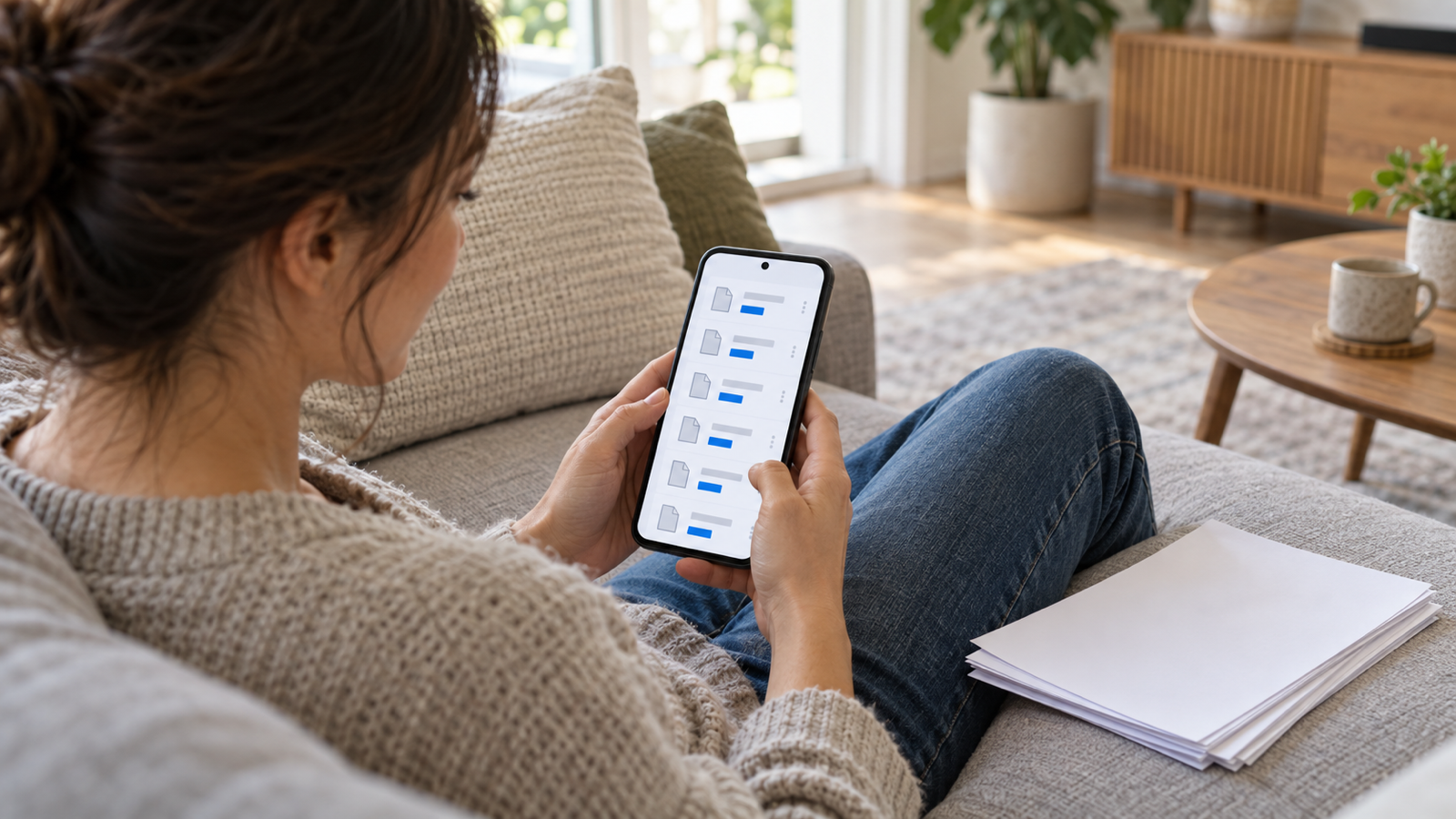
- Find it again later in the app's recent files: once opened, the document is listed there, so you do not have to dig through WhatsApp's folders.
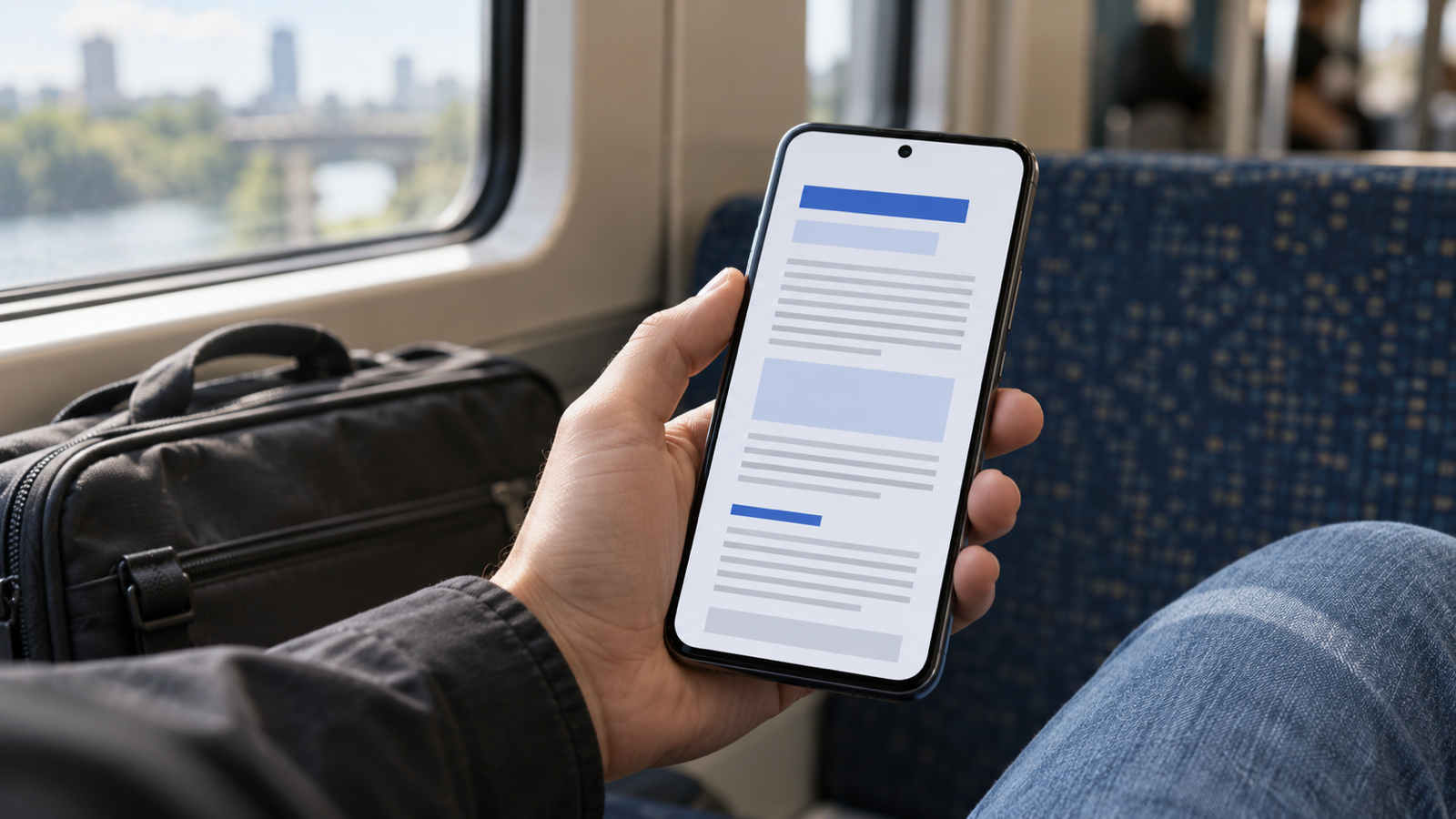
- Read it in a clean, phone-sized layout with headings, lists, tables and images. Share it on from the top bar.
One honest limit: it shows the document's content in a reading layout made for a phone screen, not a pixel copy of the printed page, so exact fonts, column widths and positions are not reproduced. For reading a letter, notes or an assignment on the go, that is usually easier than pinching around an A4 page. For checking a resume's exact layout before you send it, use Word.
The same app turns photos into PDFs, compresses and merges PDFs, which is what you often need next when a form asks for documents. See the photos to PDF guide.
"Can't open file" on Android: common causes
- No app installed for Word files. Install one of the three above, then tap the file again.
- The file is an old .doc, not .docx. Files saved by Word 2003 or earlier use .doc. Word and Google Docs open them; many light readers, including PDF Maker, only read .docx.
- The download did not finish. A WhatsApp document that shows a download arrow is not on the phone yet. Tap it to download first.
- The wrong app is set as default. If a file always opens in an app that fails, go to Settings → Apps → that app → Open by default, and clear defaults.
- The file is password-protected. Only Word can open an encrypted .docx; ask the sender for the password or an unprotected copy.
Common questions
How do I open a DOCX file on Android without Word?
Use Google Docs, or a reader app such as PDF Maker, which opens .docx, .xlsx and .pptx files free with no account. Tap the file and choose the app under Open with.
How do I open a DOCX file sent on WhatsApp?
Tap the document in the chat to download it, then tap again and pick an app that reads Word files. If WhatsApp says no app can open it, install Word, Google Docs or a reader first.
Can I open DOCX files offline on my phone?
Yes. Microsoft Word and PDF Maker both open .docx files stored on the phone without a connection. Google Docs needs offline mode turned on in advance.
How do I convert a DOCX to PDF on my phone?
Open it in Word or Google Docs and use Share or Download as PDF. If the document is already printed on paper, scanning it into a PDF with your phone's camera is often quicker.
The short version
Editing: Microsoft Word. Living in Google: Docs. Just reading Word, Excel and PowerPoint files on the go, with PDF tools alongside: PDF Maker for Android.
From the studio
Previous Article
How to Remove Password from Aadhaar PDF (Password Format Explained)
Next Article
Pulsaciones por minuto en mecanografía: qué son, cómo se calculan y cuántas son buenas