How to Compress PDF to 100KB (Free, on Your Phone)
100 KB is the strictest upload limit around. How to get a certificate, ID or form under it on your phone, how many pages fit, and why some PDFs never will.
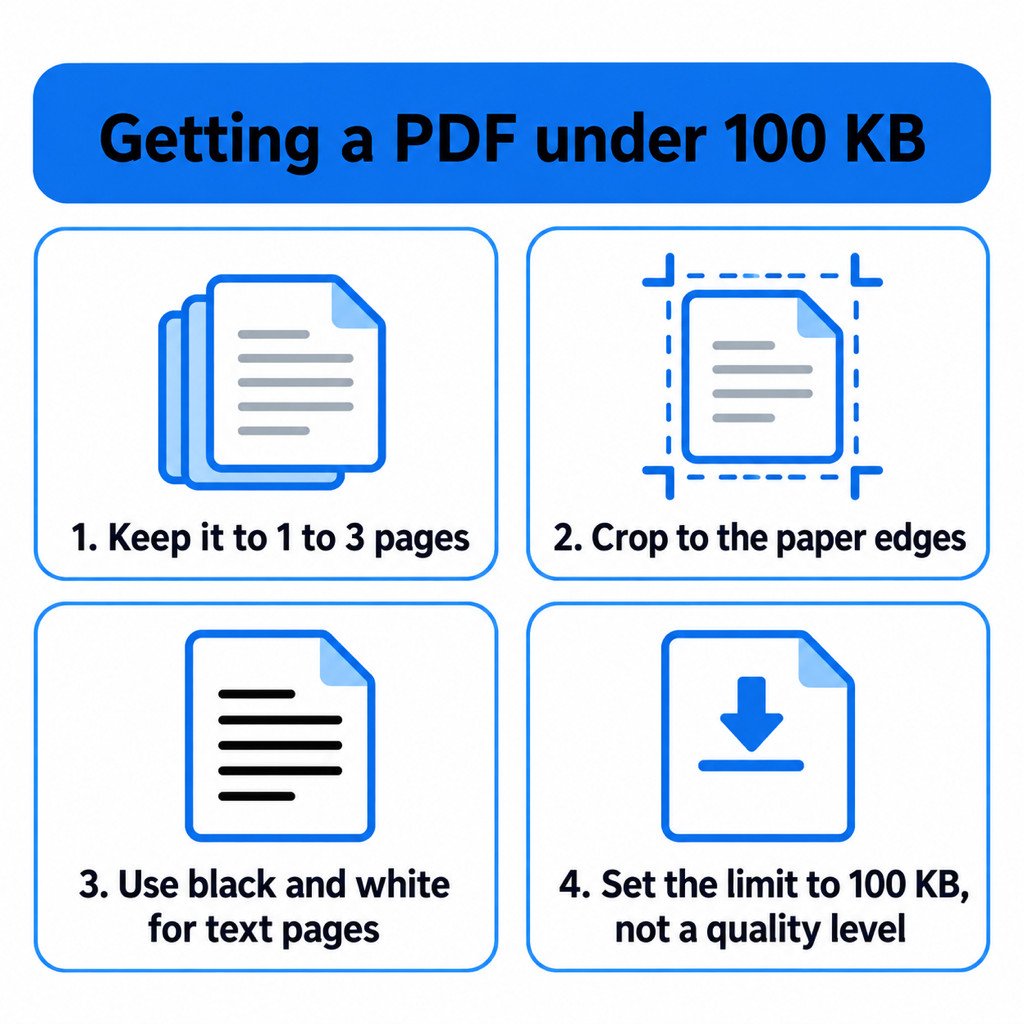
To compress a PDF to 100 KB, keep it to one to three pages, crop each page to the paper, switch text pages to black and white, and then use a compressor that accepts an exact limit of 100 KB. Most PDFs that refuse to get under 100 KB simply have too many pages for the budget, and no setting fixes that.
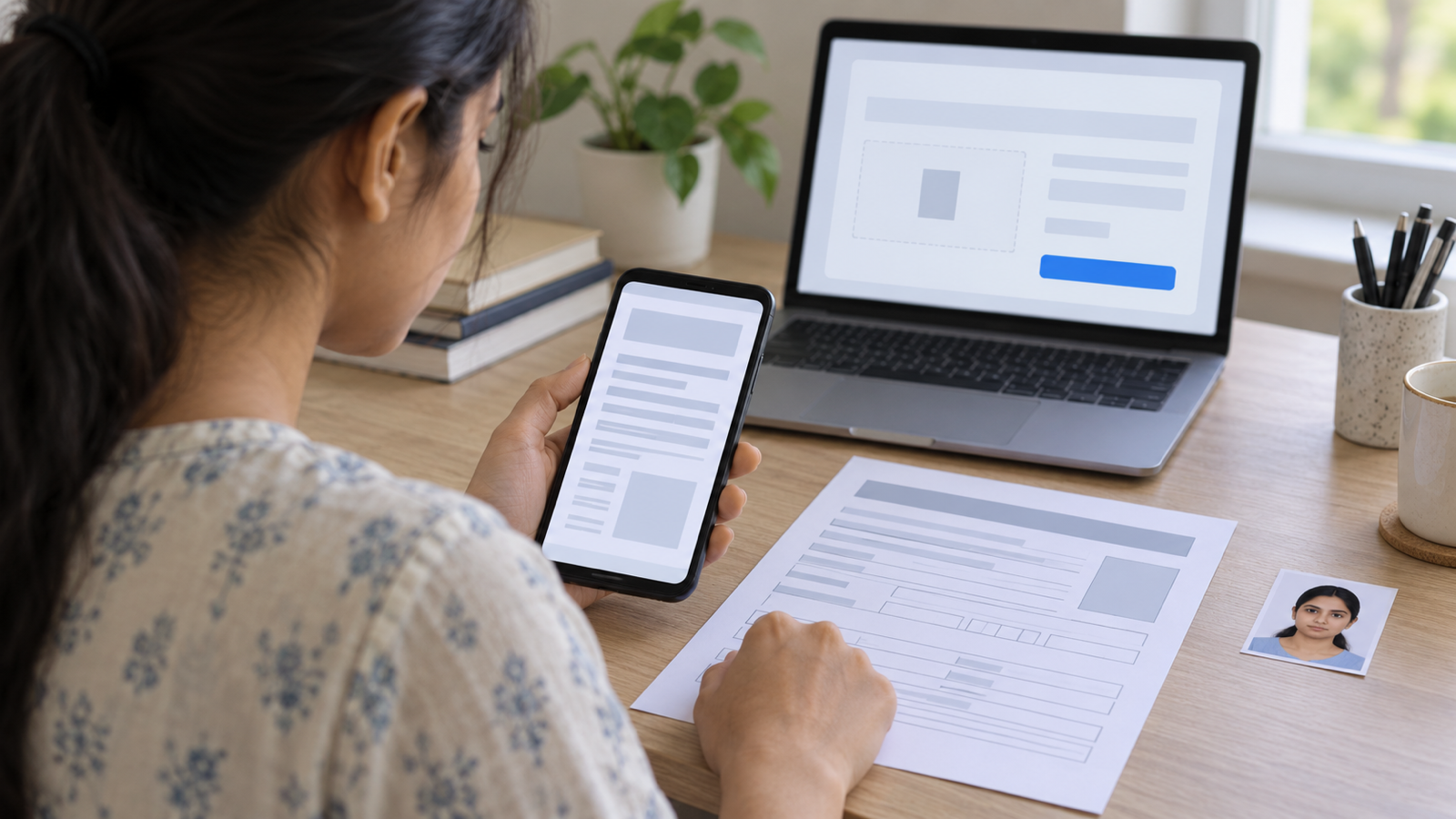
100 KB turns up on caste and income certificate uploads, some state recruitment portals, scholarship forms and older university systems. It is about half of what most scans weigh straight off a phone camera, so it takes a bit more care than the usual 200 KB limit.
How much fits in 100 KB
A scanned page is a photo. After the PDF's own structure takes its few kilobytes, a 100 KB file leaves:
- 1 to 3 pages: around 28 KB or more per page. A certificate, ID card or one-page form stays sharp.
- 4 to 9 pages: 10 to 28 KB a page. Typed text survives, but small print, seals and photographs blur.
- 10 pages or more: under 9 KB a page. That is below what a readable scan needs. Split it or ask for a bigger limit.
So the first question is not "which compressor?" but "how many pages does this upload actually need?". A portal asking for a 100 KB caste certificate wants the certificate, not the cover letter stapled to it.
Step by step on Android
Using PDF Maker, which does the whole thing on the phone:
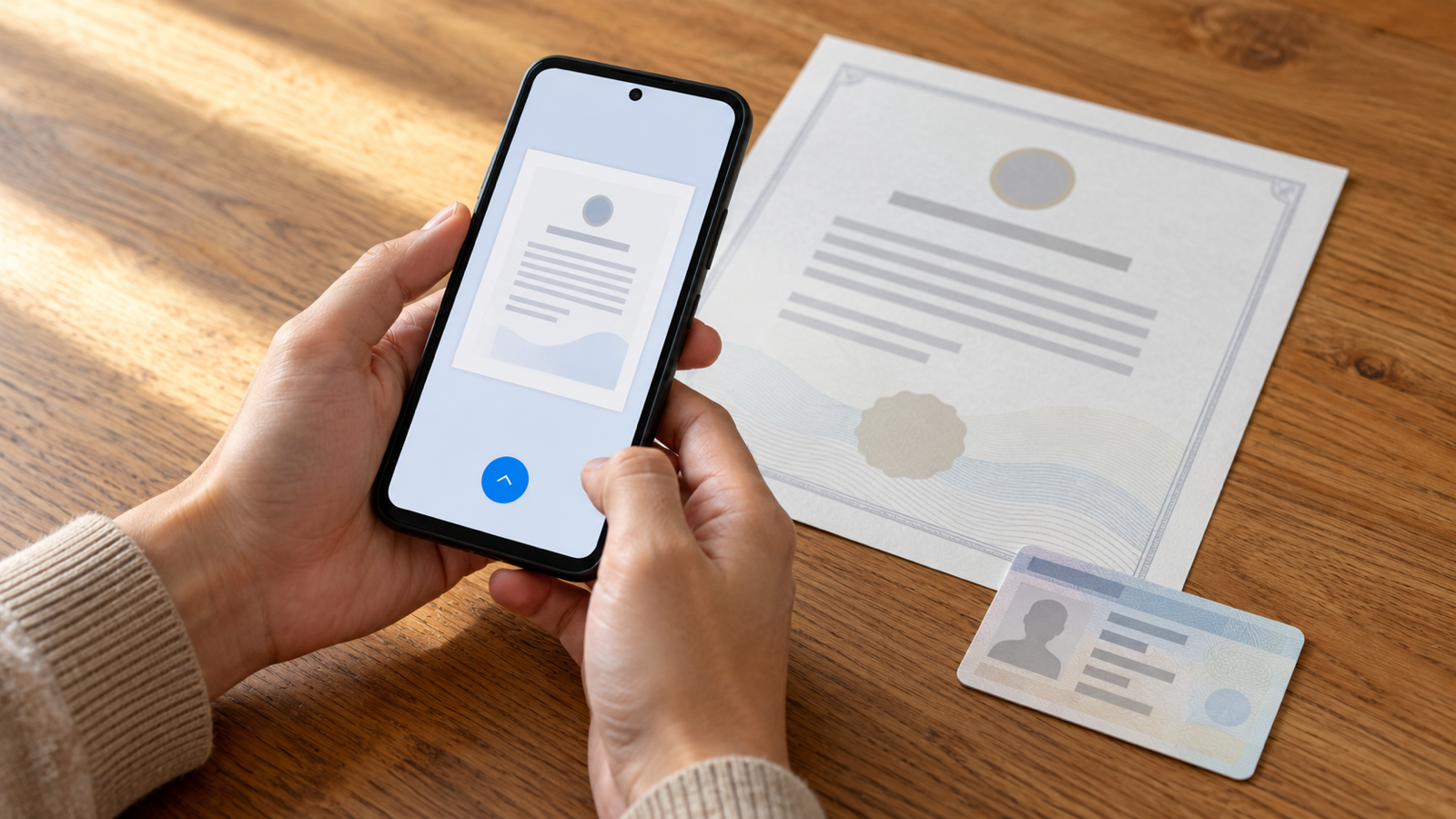
- Start from the paper if you can. Tap Scan and photograph the document. The scanner finds the edges and straightens the page, which already removes the background that wastes bytes.
- Pick the enhancement. For printed text, choose B&W. It produces the smallest pages with the sharpest letters. Keep Original only for photos and colour seals that must stay coloured.
- Remove what is not needed. Delete extra pages in the editor before saving. Every page you drop roughly doubles what the others get.
- Set a custom limit of 100 KB. In the size sheet, open Custom limit, switch the unit to KB and enter 100. The app warns you up front if the page count makes 100 KB unrealistic.
- Check the number on the result screen before you upload. It shows the exact size of the file it wrote.
Already have the PDF? Use Compress instead, pick the file and set the same 100 KB custom limit. Exact-size targets are a Pro tool with three free tries per install; the plain quality presets are free and unlimited.
Why some PDFs will not go under 100 KB
- Too many pages. Covered above: past roughly nine pages there is not enough room per page.
- The page is mostly background. A photo of a document on a patterned table carries all that pattern. Crop or rescan.
- It has already been compressed. A PDF that went through WhatsApp or another compressor has noise and blocky artefacts baked in, and noise compresses badly. Go back to the original photo if you still have it.
- Colour where none is needed. A grey-tinted colour photo of a black-and-white page wastes bytes on colour that adds nothing.
Is it safe to use an online 100 KB compressor?
Sites like iLovePDF, 11zon, Pi7 and Adobe's online tool do work. They also upload your document to their servers to do it. The documents that come with a 100 KB limit are usually identity and income papers, which is exactly what you would rather not hand to a free converter with a vague retention policy. Doing it on the phone avoids the question entirely.
Common questions
How do I reduce a PDF to 100 KB without losing quality?
Keep it to three pages or fewer, crop each page to the paper and use black and white for text. At that point a 100 KB limit gives about 30 KB per page, which is enough for a sharp certificate or ID.
Can I compress a PDF to 100 KB offline?
Yes, with an app that compresses on the device. PDF Maker for Android does the scan, the clean-up and the 100 KB compression without an internet connection.
What is 100 KB in MB?
About 0.098 MB, since most systems count 1 MB as 1,024 KB. Aim for 95 to 99 KB to clear a strict "100 KB maximum" check.
Should I compress the photo or the PDF?
Make the PDF at the target size in one step if you can. Compressing photos first and then wrapping them in a PDF adds a second round of loss; setting 100 KB at the moment you create the PDF avoids it.
The short version
One to three pages, cropped, black and white, and a tool that takes a 100 KB limit. If the file still will not fit, it has too many pages. On Android, PDF Maker does all of it on the phone, and the same approach works for any other size. The phone compression guide covers the general case.
From the studio
Previous Article
How to Compress PDF to 200KB (Without Losing Quality)
Next Article
How to Compress PDF in Mobile (Android, Free)