Rubik’s Cube After White Face: What to Do Once You Have the White Side
Solved the white side of your Rubik’s cube and stuck? Check whether you have a white face or a white layer, then the next step and algorithm, through to the yellow side.
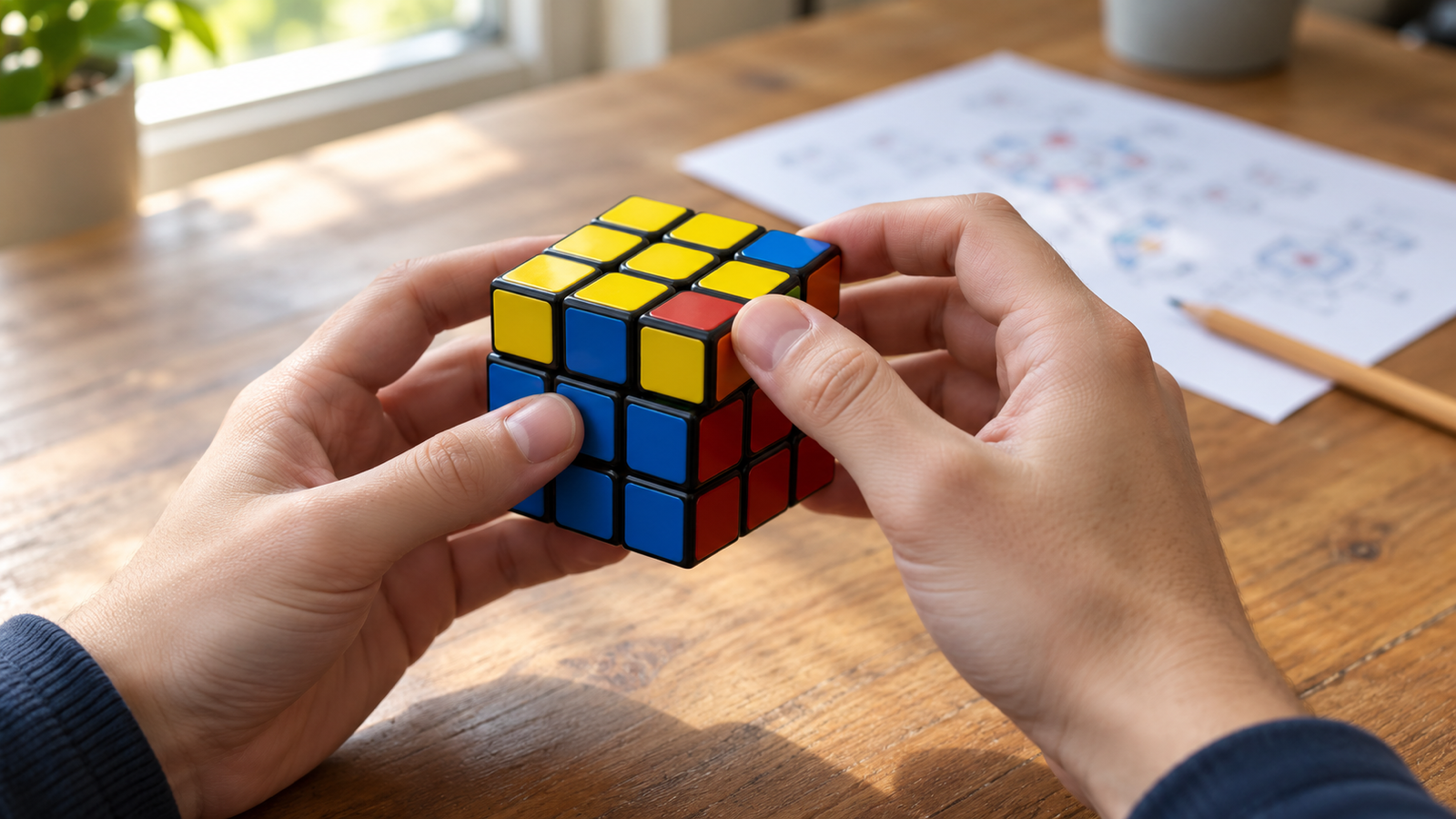
Getting the white side is the part most people can do by feel. Then the cube stops cooperating: every move you try to make on the rest of it breaks the white. The trick is that what you do after the white face depends on whether you actually have a white face or a white layer. Check that first, and the rest of the solve is five algorithms.
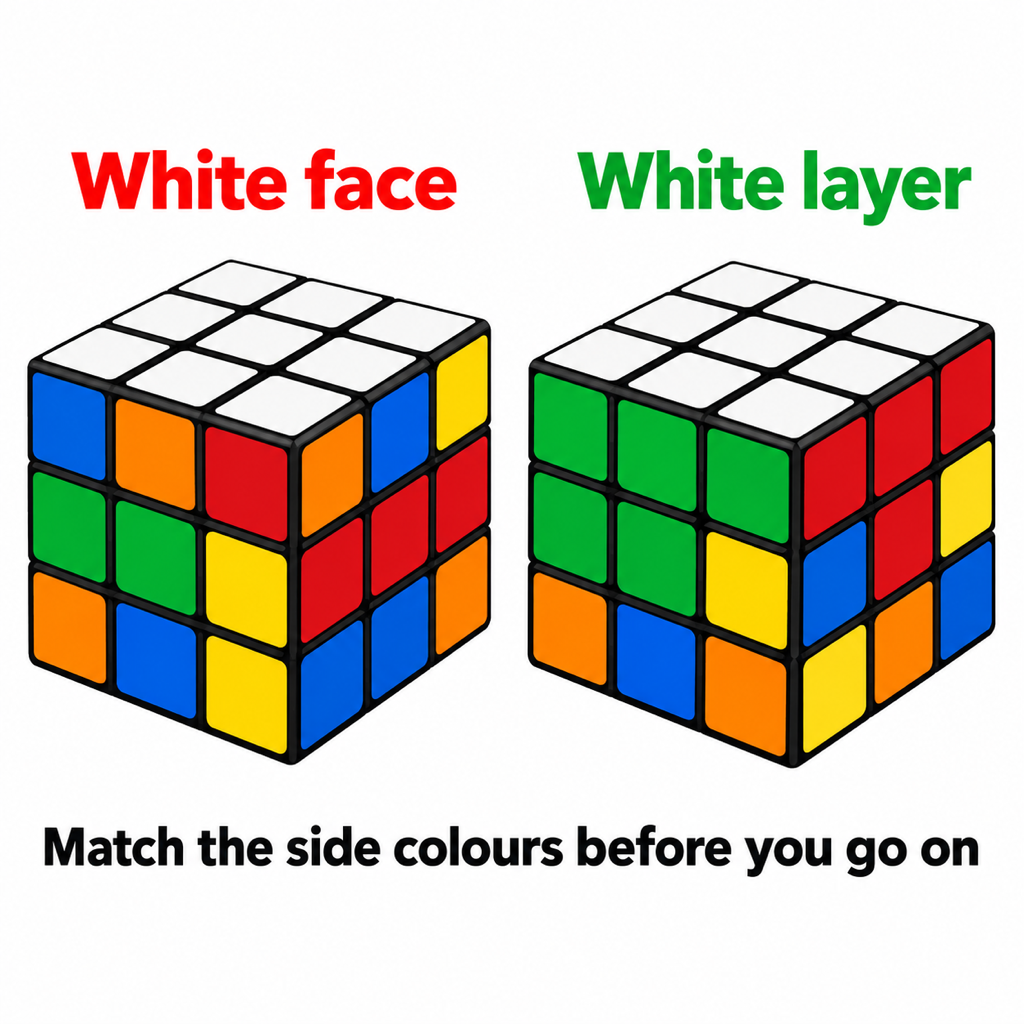
Step 0: White face or white layer?
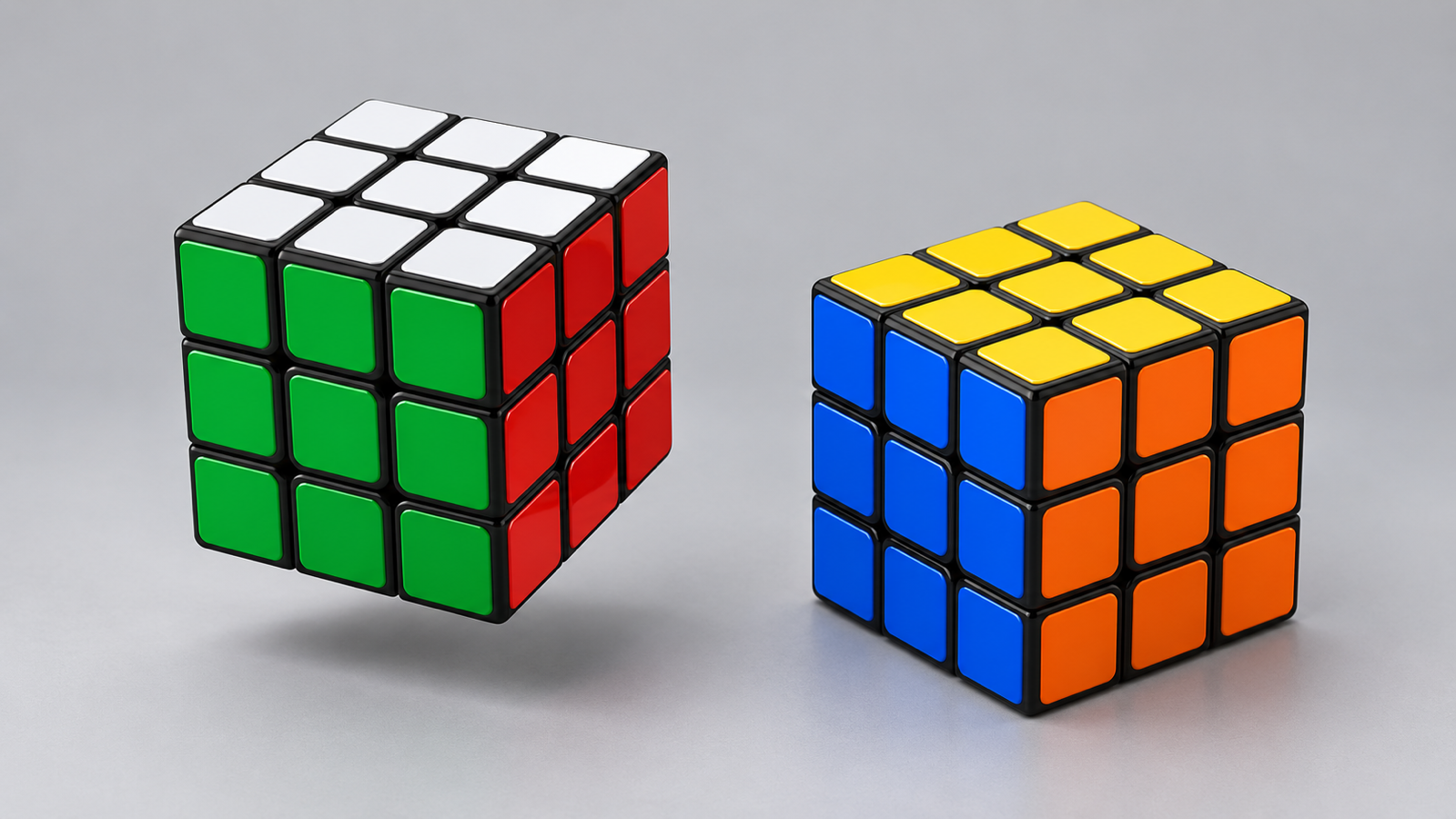
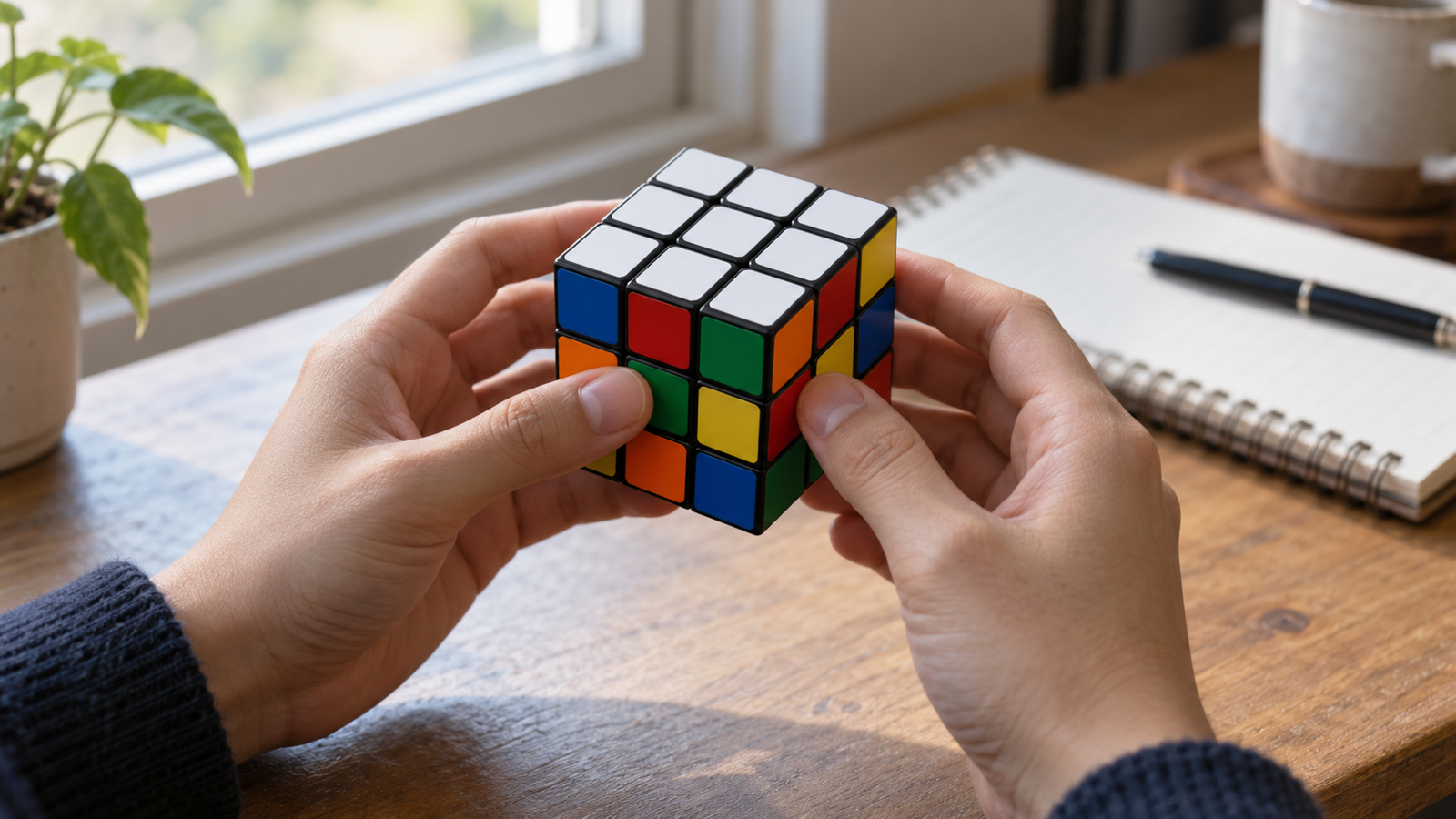
Look at the row of stickers just below the white on each of the four sides. If each of those rows matches the centre of its own side (green over green, red over red and so on), you have a white layer. Skip ahead.
If the top is white but those rows are mixed colours, you have a white face. It looks solved, but no algorithm from here on will work, because the pieces are in the wrong places. You have to fix it first. That’s the most common reason people get stuck here.
If you only have a white face: turn it into a white layer
- Redo the white cross properly. Each white edge must match two things: white on top, and its other color matching the centre of the side it sits on. If an edge is white-side-up but over the wrong centre, turn it out and back in over the right one.
- Redo the corners with R U R' U'. Hold the cube white side down. Find a corner in the top layer with white on it, turn the top until it sits above the spot between the two centres that match its other colors, hold it at the front right, and repeat R U R' U' until it drops in with white facing down.
It feels like going backwards. It isn’t: a white layer is the real first stage of the solve, and the white face was only halfway there.
The step after the white layer: the middle layer
Keep white on the bottom from now on. Find an edge in the top layer with no yellow on it, and turn the top until its front color matches the centre below it. Then:
- If its top color matches the centre on the right: U R U' R' U' F' U F
- If it matches the centre on the left: U' L' U L U F U' F'
Do this for all four middle edges. Two layers are now solved, and only the yellow top is left.
Then the yellow side, in four algorithms
- Yellow cross: F R U R' U' F', holding the yellow L shape at the back left or the line left to right.
- Yellow edges matched to the sides: R U R' U R U2 R'
- Yellow corners in the right places: U R U' L' U R' U' L
- Yellow corners twisted the right way: R' D' R D, two or four times per corner. It messes up the bottom layers temporarily; keep going and they come back.
Every algorithm is on one card in our Rubik’s cube algorithms sheet, and the whole method with explanations is in how to solve a Rubik’s cube.
Why you shouldn’t try to solve the next face the same way
It’s tempting to do the yellow face next by feel, the same way you did the white. It can’t work: every twist that moves a yellow piece also moves white pieces. The algorithms exist because they move a few pieces and then put the finished layers back. That’s the difference between solving a cube face by face, which never finishes, and layer by layer, which always does.
Common questions
What is the next step after the white side of a Rubik’s cube?
Make sure the white side is a full layer, with the row below it matching each side’s centre. Then solve the four middle-layer edges with U R U' R' U' F' U F and its mirror.
How do I solve a Rubik’s cube once I have the white side?
Turn the cube so white is on the bottom, solve the middle layer, then the yellow cross, the yellow edges, and finally the yellow corners. That’s five algorithms in total after the white layer.
Why does my white face break when I solve the rest?
Because moves done by feel don’t protect the finished layer. Use the algorithms above; each one returns the white layer to where it was when it finishes.
Can an app show me the rest of the solution?
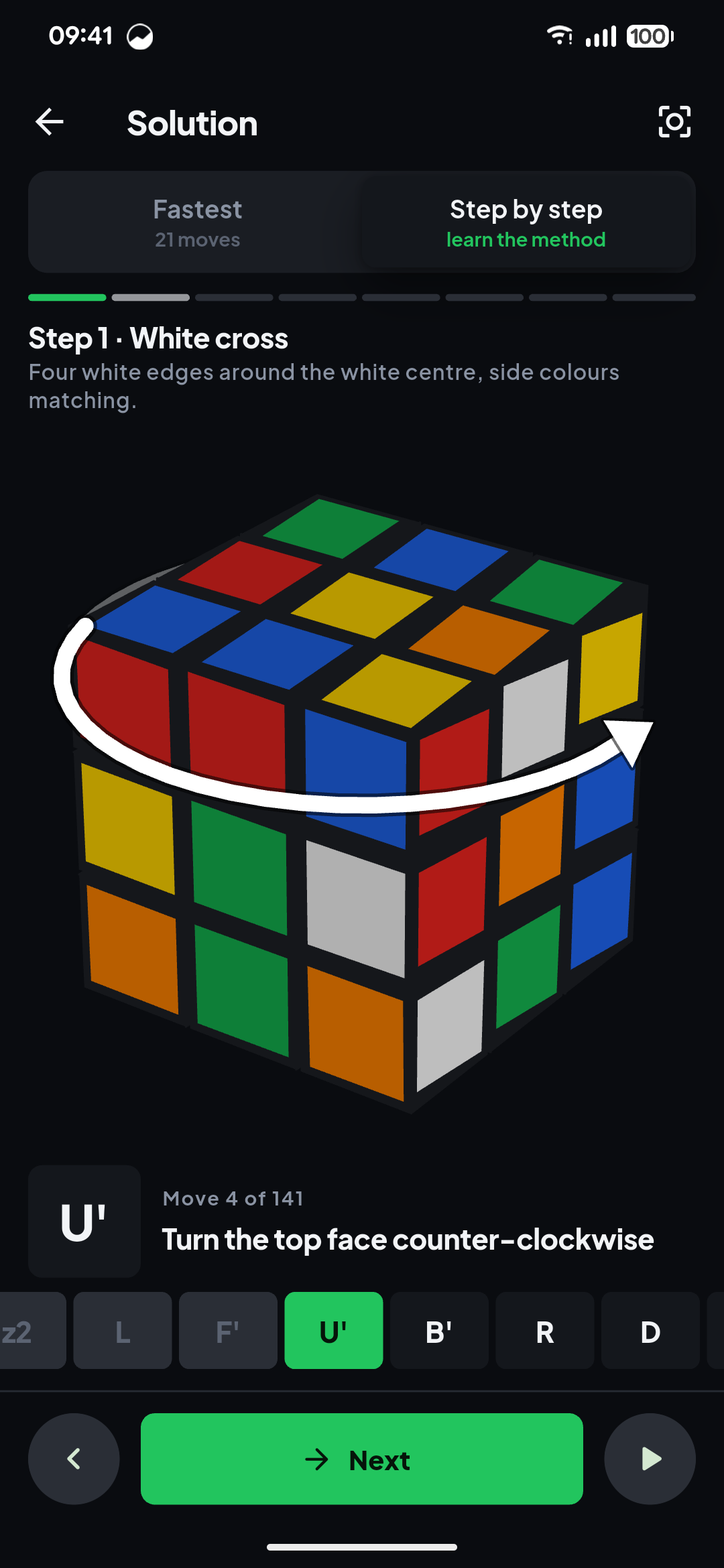
Yes. Scan the cube into Cube Solver: Scan & Solve 3D and it can show the solution the beginner way, stage by stage, animated on a 3D cube, so you can continue from exactly where you are.
The short version
Check the row under the white first. If it doesn’t match the side centres, fix the cross and corners. Then, with white on the bottom: the middle layer, the yellow cross, the yellow edges, and the yellow corners.
From the studio
Previous Article
Rubik’s Cube Sides Colors: Face Names, Order and Opposite Colors
Next Article
Best Pick Up Line App (Free): A Line Library vs an AI Pick Up Line App