Invalid Scramble Meaning: Why Your Cube Solver Says the Cube Is Unsolvable
What “Invalid Scramble” means on a cube solver, why most colour patterns are unsolvable, and how to find the sticker you got wrong or fix a cube that really is.
You scan all six faces, hit solve, and the app tells you the cube is invalid, unsolvable, or — the classic — “Invalid Scramble” with no further explanation. The cube is sitting right there in your hand. It plainly exists. So what is the app talking about?
The message is almost always correct, and it almost never means what people assume. It is not saying your cube cannot be solved. It is saying that the 54 colours it was given do not describe any cube that could exist — so a sticker somewhere was read or typed wrong.
Here is why a solver can be so sure, and how to find the offending square in under a minute.
What is the meaning of “Invalid Scramble”?
“Invalid Scramble” means the colours you scanned or typed in cannot come from a real cube. No amount of turning could produce that pattern, so the solver refuses it instead of guessing. Almost always, one sticker was read as the wrong colour (orange and red, or white and yellow, under warm light). The rest of this article explains how the app knows, and how to find that sticker.
Most colour arrangements are impossible
A real 3x3 has 43,252,003,274,489,856,000 reachable positions. That is the famous number, and it is enormous.
But the number of ways you could paint the stickers onto the pieces, ignoring whether turning could ever produce it, is twelve times larger. Which means that if you handed a solver a random but internally tidy colour arrangement, only one in twelve would be a position any amount of turning could ever reach. The other eleven-twelfths are unreachable no matter what you do.
Three separate rules produce that factor of twelve, and every solver checks all three.
The three laws a real cube obeys
1. Corner twist — the corners must sum to zero, in thirds
Every corner piece has three orientations: correct, twisted clockwise, twisted counter-clockwise. Score them 0, 1 and 2, and add up all eight. On a real cube the total is always a multiple of three.
The practical consequence: you cannot have exactly one corner twisted in place with everything else solved. Turning cannot produce it. If you pull a corner out of a solved cube, rotate it, and push it back in, the cube is now permanently unsolvable — and this is the single most common way a physical cube gets broken.
2. Edge flip — the flips must be even
The same idea, with two states instead of three. Each edge is either correct or flipped, and the number of flipped edges is always even.
So a single flipped edge in an otherwise solved cube is impossible. Two flipped edges is fine and happens all the time.
3. Permutation parity — corners and edges swap together
This one is less intuitive and just as strict. Every quarter turn of a face moves four corners and four edges in a cycle, and each such cycle is an odd permutation. Because they always happen together, the corner permutation and the edge permutation always have the same parity.
The consequence you can actually check: you cannot swap exactly two pieces and leave everything else alone. Two corners swapped with nothing else moved is impossible. Two edges swapped, likewise. Solvers report this as something like “two pieces are swapped in a way that cannot happen by turning”.
The checks that come before those
Before a solver even gets to parity, it checks the colours themselves. These are the errors you are far more likely to hit, and they point straight at the mistake:
- Nine of each colour. Fifty-four stickers, six colours, nine each. Eight white and ten yellow means two white squares were read as yellow — a warm light bulb does that constantly.
- Six different centres. The centres are fixed to the core and can never repeat. Two green centres means a face was scanned twice, or one was skipped.
- Opposite colours never share a piece. On a standard cube white is opposite yellow, red opposite orange, and blue opposite green. Those pairs are on opposite sides of the core, so no single edge or corner can ever show both. A red-and-orange edge is not a rare cube — it is a misread sticker.
- No colour twice on one piece. A corner showing green, green and white does not exist.
- No duplicate pieces. There is exactly one white-and-red edge and exactly one white-red-blue corner. If two appear, one of them is wrong.
Between them, these catch the overwhelming majority of failed scans — and unlike the parity laws, each one names the exact piece to go and look at.
So which sticker did you get wrong?
Assuming your cube has not been taken apart, the answer is nearly always one of these four:
- Orange read as red. The classic. In warm indoor light, or in shadow, the two are genuinely close, and orange is the one that loses. If the error mentions red or orange, check every orange sticker first.
- White read as yellow. Under a tungsten or warm LED bulb, white stickers pick up a yellow cast. In a dim room the reverse happens and yellow reads as white.
- A face scanned upside down or rotated. The colours are all correct and every piece is wrong, because the app thinks the top row is the bottom row. This one usually surfaces as a parity error rather than a colour-count error, which is why it feels so mysterious.
- A face scanned twice, another skipped. Easy to do when scanning quickly. The duplicate-centre check catches it immediately.
The fix in every case is the same: go back to the face the error names and correct that sticker, rather than starting the whole scan again.
How to scan a cube so this stops happening
- Use bright, indirect daylight. Near a window on an overcast day is close to ideal. It is the single biggest improvement available.
- Avoid direct sun and avoid coloured lamps. Direct sun blows the stickers out to white; a warm bulb pushes everything towards orange and yellow, which is precisely where the hard decisions are.
- Do not cast a shadow over the cube. Half a face in shadow and half in light is worse than uniformly dim light.
- Keep the same orientation for every face. Rotate the cube in one consistent direction, following whatever order the app asks for, and do not flip it around between faces.
- Check the centre. If the centre sticker is being read correctly, the light is good enough. If the centre is wrong, nothing else on that face will be right either.
- Fix rather than rescan. Any decent app lets you tap a square and correct it. That is faster and more accurate than a second full pass under the same bad light.
When the cube really is unsolvable
Sometimes the app is right about the cube and not about the scan. Two ways this happens:
It was taken apart and reassembled. Popping a cube apart and pushing the pieces back in without care gives you a one in twelve chance of a solvable cube. Eleven times out of twelve you have built something no sequence of turns can solve, and you can turn it forever without ever getting there.
Stickers were peeled and swapped. The traditional cheat. It leaves a cube that looks fine and violates one of the three laws.
Either way the repair is physical, not algorithmic:
- One corner twisted. Turn the top layer 45 degrees, lever that corner out with a fingernail or a small screwdriver, rotate it to the correct orientation, and push it back.
- One edge flipped. Same technique on the edge piece.
- Two pieces swapped. Pull both out and put them back in each other’s places.
- Genuinely no idea. Take the whole cube apart and rebuild it solved. Ten minutes, and it definitely works.
Modern speed cubes come apart under tension and go back together easily. Older Rubik’s-brand cubes are stiffer — turn the layer 45 degrees first and lever an edge out, never a corner, or you risk snapping the plastic.
A reassuring aside: every real cube is 20 moves from solved
It is worth knowing what a solver is actually claiming when it refuses your cube, because the alternative is remarkably strong.
In 2010 an exhaustive computer search established God’s number for the 3x3: twenty. Every one of those 43 quintillion positions can be solved in at most twenty moves, and the number is exact — positions requiring all twenty exist, the superflip among them.
So if a position is real, a good solver will find a short solution, essentially instantly. A solver that stalls or refuses is telling you something concrete about the input, not struggling with a hard cube. There are no hard cubes.
Errors that name the piece
The complaint we saw over and over while researching this — in the reviews of the apps already on the store — was not that validation existed. It was “Invalid Scramble” with nothing else. You are told you are wrong, given no idea where, and your only option is to scan all six faces again and hope.
So in Cube Solver: Scan & Solve 3D every rejection is a sentence about a specific piece. “Two green centres — check the centres on the highlighted faces.” “Too few orange stickers: you entered 7.” “Red and orange are on the same piece, which cannot happen.” “A corner is rotated in a way that cannot happen by turning.” The faces involved are highlighted, and you tap the square to fix it.
The scanner is built to avoid the problem in the first place: it samples all nine stickers live, calibrates against the centre colour, and only auto-captures a face once the centre reads as the colour it expects — so a badly lit face is caught while you are still holding it, not five faces later. There is also a grid you can just tap the colours into, which takes about a minute and never misreads anything.
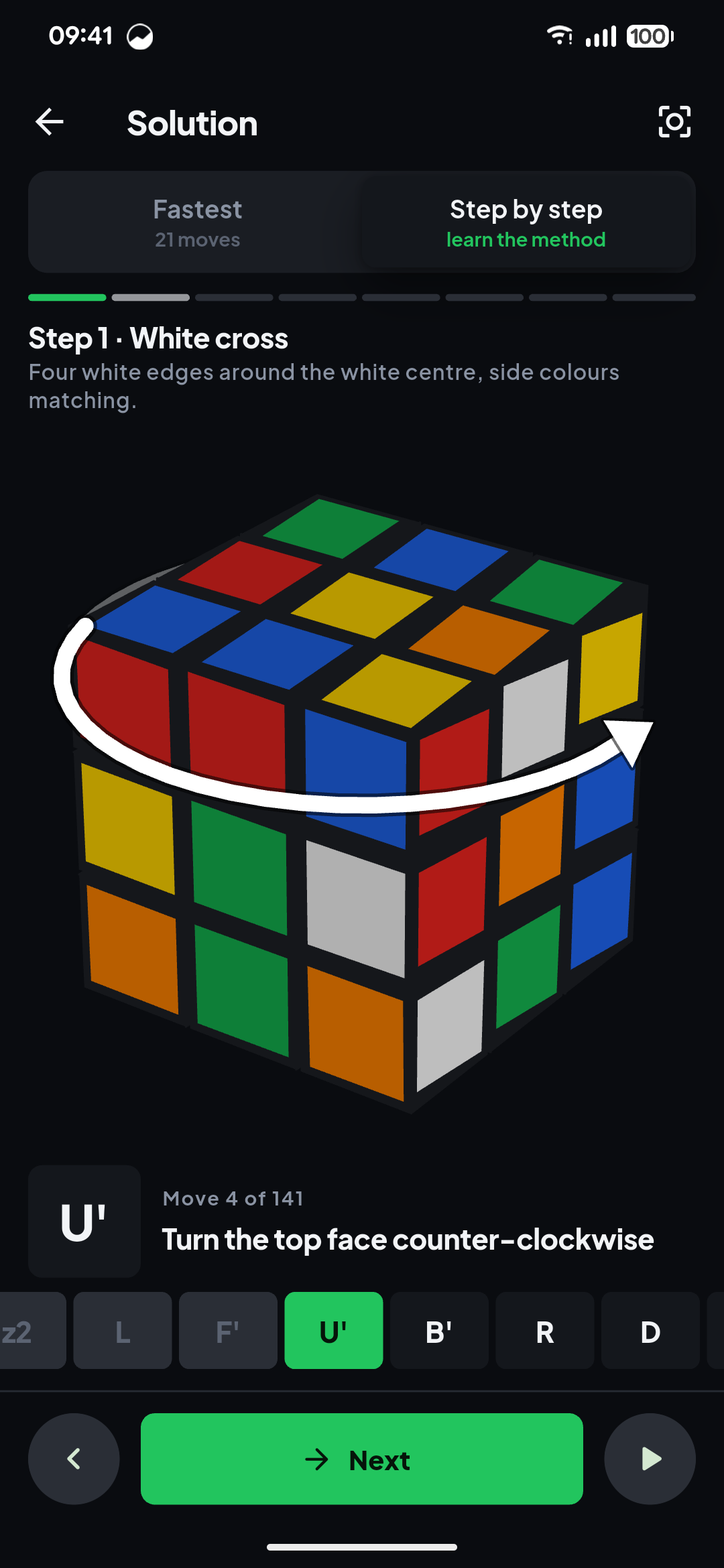
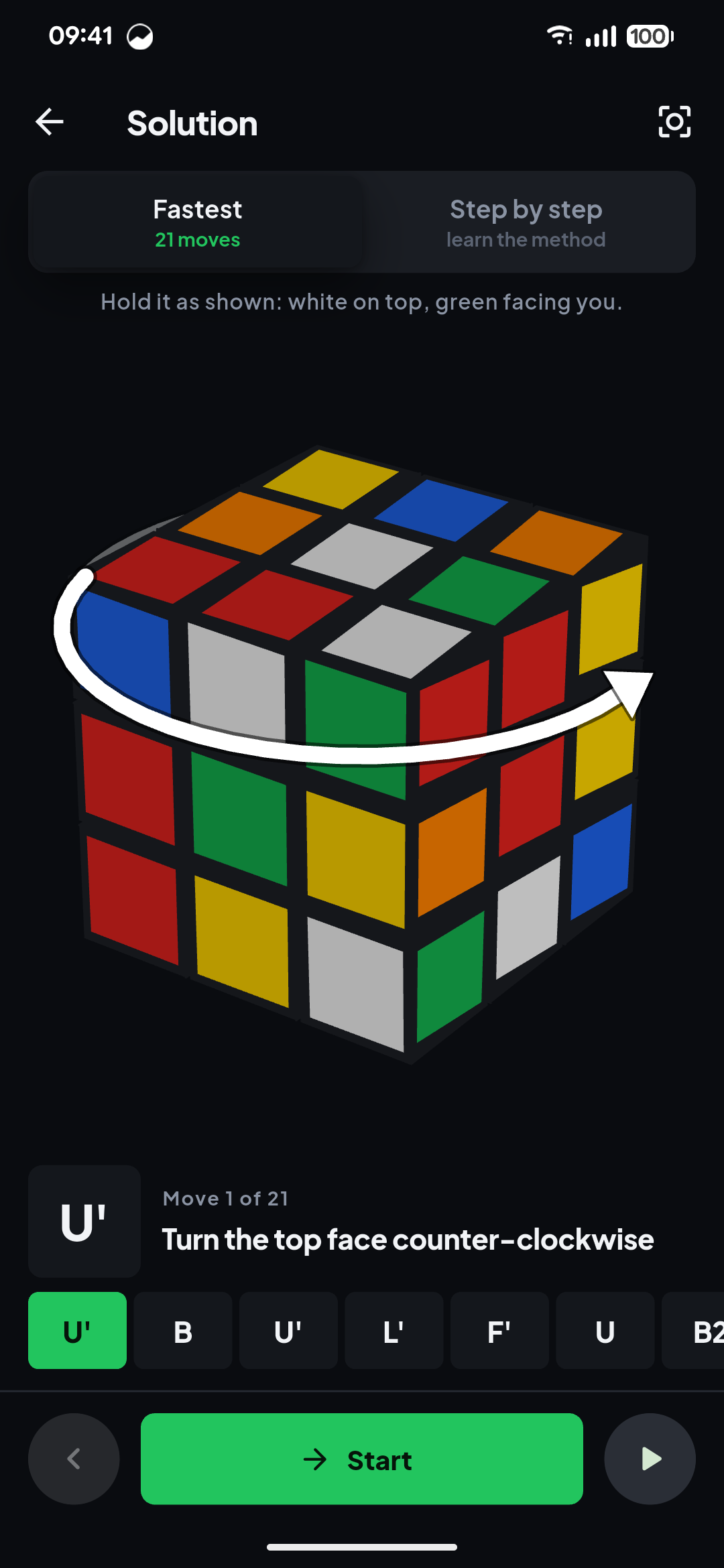
Once it has a valid cube, you get the short solution — usually 19 to 21 moves — animated on a 3D cube with an arrow around the layer that turns, or the same cube solved the beginner way, stage by stage, if you would rather learn the method than copy the moves.
Common questions
What does “invalid middle configuration” mean on a cube solver?
It means the centre stickers don’t add up: usually two faces were scanned with the same centre colour, or a face was scanned while the cube was held a different way round. Each centre must be a different colour, with white opposite yellow, green opposite blue and red opposite orange. Rescan with the same face on top for every capture.
Is there such a thing as an unsolvable Rubik’s cube?
Only a cube that has been taken apart and rebuilt wrong, or had stickers swapped. A cube that has only ever been turned is always solvable, in 20 moves or fewer. If yours was reassembled, twist the odd corner, flip the odd edge, or swap two pieces back, as described above.
How do I fix an unsolvable Rubik’s cube scramble?
First assume the scan is wrong: count the stickers of each colour (there must be exactly nine of each) and check that no piece has two colours that sit on opposite faces. If the scan is right and the solver still refuses, the fault is physical and the fix is to pop the offending piece out and put it back the right way.
The short version
Eleven of every twelve colour arrangements cannot be reached by turning a cube, because corner twists must sum to a multiple of three, edge flips must be even, and corner and edge permutations must share a parity. When a solver rejects your cube it has checked all three, and the cause is nearly always one misread sticker — orange read as red, or white read as yellow, under bad light.
Rescan that one face in daylight, or tap the square to correct it. If the cube was taken apart, put the offending piece back the right way round. And if the app will not tell you which piece it means, use one that will: Cube Solver: Scan & Solve 3D.
From the studio
Previous Article
Rubik’s Cube Notation Chart (Free PDF): What U2, R' and x Mean
Next Article
How Accurate Is a GPS Speedometer? (And Why Your Car Reads High)