Samsung to Mac File Transfer: Every Way That Still Works in 2026
Smart Switch, Quick Share and Flow do not move files from a Galaxy to a Mac. What does: a local Wi-Fi app, Image Capture or OpenMTP over USB, and the cloud.
Samsung to Mac file transfer is awkward because none of Samsung's own tools do it: Smart Switch for Mac only backs up and restores, Quick Share has no Mac app, Samsung Flow is Windows-only, and DeX for Mac was dropped. What does work: a local Wi-Fi app such as Beam for everyday photos, videos and documents, Image Capture (built into macOS) for photos over a USB cable, OpenMTP for browsing the whole phone over USB, and the Quick Share web page or a cloud drive when you just need to get one thing across. Google's Android File Transfer, the app most guides still recommend, was discontinued in 2024.
Samsung to Mac file transfer wireless
Wireless is where most Galaxy owners end up, because it does not depend on a cable or a USB mode. Three ways, in order of how much they are worth setting up.
Over your own Wi-Fi with Beam
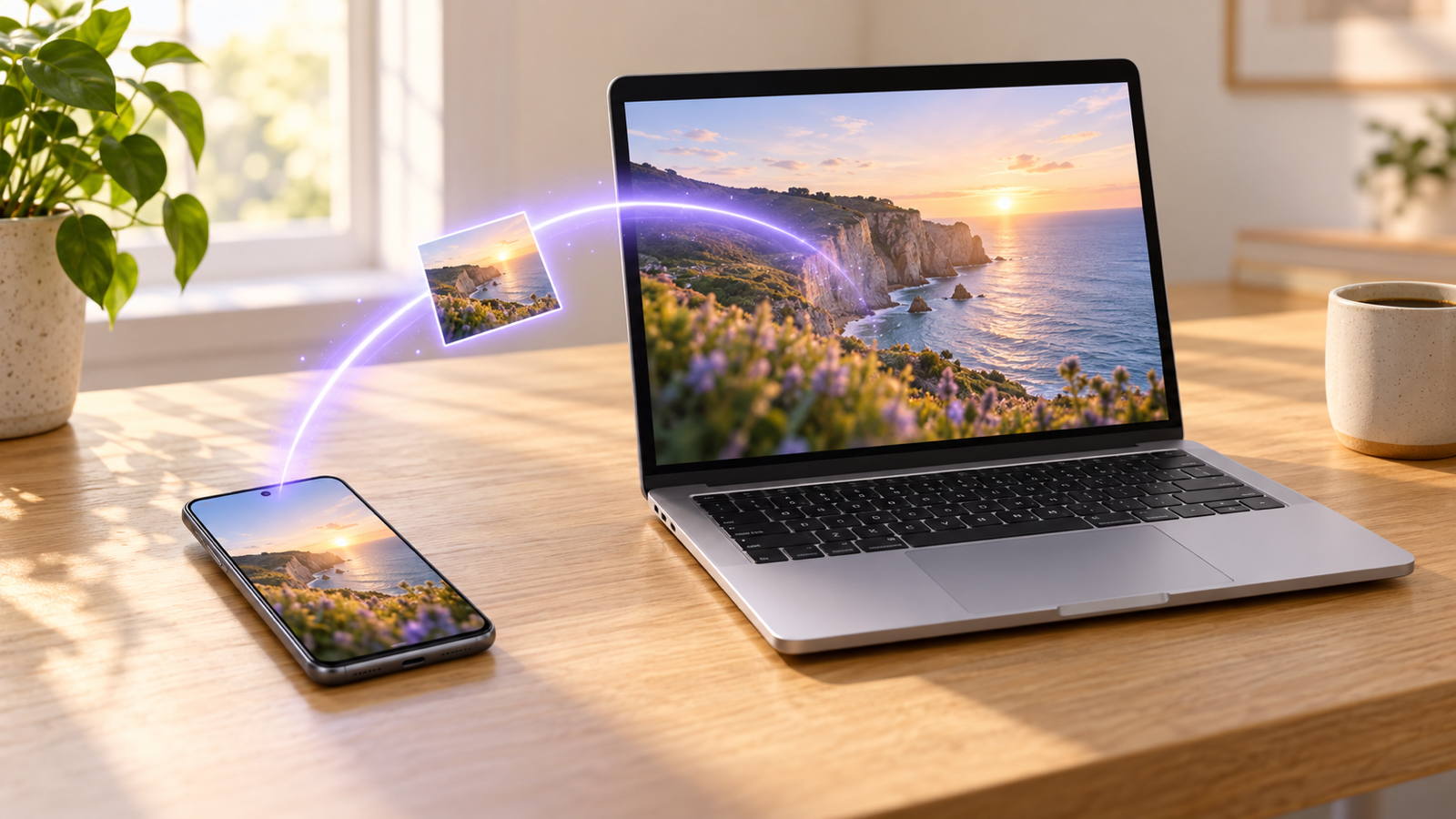
Beam is our app for exactly this gap. It runs on Android, Mac, Windows and iPhone, finds your other devices on the Wi-Fi you are already on, and sends the file straight from the phone to the Mac with no account, no cloud and no server in between. Every transfer is encrypted, every file is checked against a SHA-256 hash before it is saved, and a transfer that drops halfway resumes where it stopped. Install it on both from beam.riekapps.com, then on the phone tap Share, choose Beam, tap your Mac, and the file lands in Downloads at the original size.
Quick Share on the web
Quick Share has no app for macOS, but the web version at share.samsungcloud.com works from a Mac browser. On the phone, share the file with Quick Share, choose to share as a link (Samsung account required), and open the link on the Mac. The file goes up to Samsung's cloud first and the link expires, so it suits a one-off document, not a camera roll.
Cloud drives
Google Drive, OneDrive or Dropbox: upload on the phone, download on the Mac. Reliable, but a 3 GB video goes up at your upload speed and comes down again, and it counts against your storage. Fine for files you want on every device anyway.
Samsung to Mac file transfer USB
Plug a Galaxy into a Mac and nothing appears in Finder: macOS has never supported MTP, the protocol Android uses for files over USB. You need one of two apps.
Image Capture for photos and videos (already on your Mac)
Image Capture is in Applications › Utilities. Connect the phone with a data cable, unlock it, allow access when the phone asks, and choose File transfer or Transferring images (PTP). The phone appears in Image Capture's sidebar with thumbnails of everything in DCIM: pick a destination folder and click Import, or Import All for the whole camera roll. It is built in and the fastest way to empty a Galaxy's camera folder onto a Mac, but it only sees photos and videos, not documents or downloads.
OpenMTP for everything else
For documents, voice recordings, WhatsApp media or anything outside DCIM, install OpenMTP, a free open-source app that does what Google's Android File Transfer used to. Set the phone to File transfer when it asks about the USB connection, and OpenMTP shows the Mac on one side and the phone (internal storage and SD card) on the other. Drag in either direction. The full set of USB options, including MacDroid, is in Android File Transfer for Mac: why it is gone and what to use instead.
Does Smart Switch work on Mac?
Yes, but not for this. Smart Switch for Mac exists, but it is a backup, restore and phone-migration tool, not a file browser. It makes a full backup of the Galaxy and puts it back, or moves data from an old phone. It cannot show you the phone's folders and let you drag a video to the desktop, and its backup is a bundle you cannot open to pull single photos out of. Smart Switch also grabs the USB connection while it runs, so quit it before using OpenMTP or Image Capture. Samsung Flow, which does let a computer browse the phone, is Windows-only, and Samsung DeX for Mac was discontinued.
Galaxy to Mac photo transfer
The quickest route depends on how many photos you have.
- A handful of photos: share them from Gallery with Beam and tap the Mac. They arrive at the original resolution with no compression, unlike anything sent through a chat app.
- The whole camera roll: a data cable and Image Capture. Tick Delete after import if you want the phone cleared at the same time, and untick it if you do not.
- Photos you already back up: open Google Photos or OneDrive in the Mac's browser and download from there. Gallery sync to OneDrive is already on for many Galaxy owners.
One Samsung trap: motion photos come through Image Capture as a JPEG plus a short video clip, so expect extra files. HEIF photos open natively on a Mac.
Samsung to MacBook large video
A 4K video from a Galaxy is 350 to 700 MB a minute, so a ten-minute clip is several gigabytes. That rules out Bluetooth and makes the Quick Share link and cloud drives slow and storage-hungry. Use a USB cable with Image Capture or OpenMTP, the fastest raw pipe, or Beam over Wi-Fi, which keeps the original file untouched and resumes if the connection drops, so a long transfer never starts again from zero. No Wi-Fi? Turn on the Galaxy's hotspot and join it from the MacBook: the transfer stays local and uses no mobile data. More in how to send large video files without losing quality.
Samsung not connecting to Mac? Troubleshooting
- Check the USB mode. Pull down the notification shade and tap the USB notification. Choose File transfer (MTP) for OpenMTP, or Transferring images (PTP) for Image Capture. Charging only is the default on many Galaxy phones, which is why nothing shows up.
- Swap the cable. Many USB-C cables only carry power. If the phone charges but never shows a USB notification, the cable is the problem.
- Unlock the phone and keep it unlocked. MTP sessions drop when the screen locks. Turn the screen timeout up while you transfer.
- Quit Smart Switch and any other app that talks to the phone. Only one Mac app can hold the MTP connection at a time.
- Plug in directly, not through a hub or monitor, and try the other port.
- Allow access on the phone. If you dismissed the Allow access to phone data prompt, unplug and reconnect.
- Over Wi-Fi, check you are on the same network. A guest network or a router with client isolation keeps the two from seeing each other; the hotspot trick above gets round it.
The Wi-Fi methods skip every one of these except the last, which is why we start there. For something small with no Wi-Fi around, Bluetooth does work; see how to send files from Android to Mac via Bluetooth.
Common questions
How do I transfer files from a Samsung to a Mac?
Over Wi-Fi with a local transfer app such as Beam, over USB with Image Capture (photos) or OpenMTP (everything), or through a cloud drive. Samsung's own Smart Switch does not browse files.
Can I use Quick Share from Samsung to Mac?
There is no Quick Share app for macOS. You can share a file as a link from the phone and open it at share.samsungcloud.com in a Mac browser; it goes through Samsung's cloud.
Why does my Mac not recognise my Samsung phone?
macOS cannot read MTP without an app, and the phone is often in Charging only mode. Install OpenMTP or open Image Capture, use a data cable, unlock the phone and pick File transfer.
Does Android File Transfer still work with Samsung on Mac?
Google discontinued it in 2024. Old copies are unreliable, especially on Apple silicon. OpenMTP is the direct replacement.
Can I transfer from Mac to Samsung too?
Yes. OpenMTP drags both ways, and with Beam you drop a file on the Mac app and tap the phone; it arrives in Downloads with a notification.
Is Samsung Flow available for Mac?
No. Samsung Flow is Windows-only, and Samsung has not announced a Mac version.
The short version
Samsung's own tools will not move files to a Mac: Smart Switch backs up, Quick Share has no Mac app, Flow is Windows-only. For everyday photos and documents, put the Galaxy and the Mac on the same Wi-Fi and use Beam. For a whole camera roll, a data cable and Image Capture. For everything else over a cable, OpenMTP. The wider Android picture is in how to transfer files from Android to Mac.
From the studio

Previous Article
How Big of a Video Can You Text? MMS, RCS and iMessage Limits Explained
Next Article
Rubik’s Cube Beginner Method Algorithms: The 7 You Need (Cheat Sheet)