How to Transfer Files from Android to Mac (Wirelessly or with a Cable)
Android File Transfer is gone. Here are the ways that still work to move photos, videos and files from Android to a Mac, with a cable or over Wi-Fi.
Plug an Android phone into a Mac and, unlike on Windows, nothing happens. macOS has never spoken the protocol Android uses for files over USB, and Google's old fix, the Android File Transfer app, is no longer offered. So how do you transfer files from Android to a Mac today?
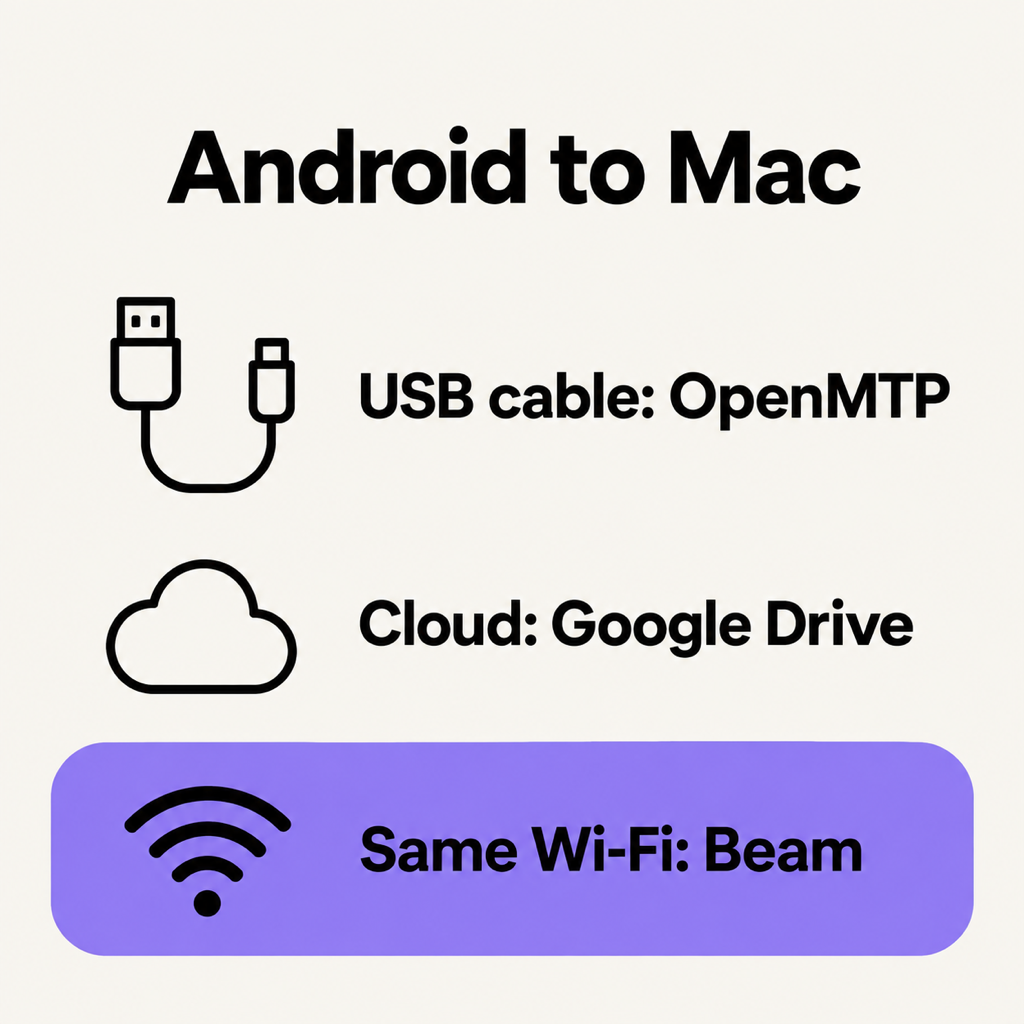
You have three real options: a USB cable with a third-party app, the cloud, or a local Wi-Fi transfer app that sends the file straight across the room. Here is how each works, and when to pick which.
1. With a USB cable: OpenMTP
If you want a cable, you need an app that speaks MTP, the Media Transfer Protocol Android uses. OpenMTP is free and open source, and it is the closest thing to the old Android File Transfer.
- Install OpenMTP on the Mac and connect the phone with a USB cable that carries data (many charging-only cables do not).
- Unlock the phone, pull down the notification shade, tap the USB notification and choose File transfer.
- OpenMTP shows the Mac on one side and the phone on the other. Drag files between them.
A cable is fast and needs no network, which is good for a one-off dump of a whole camera folder. It is also the method people give up on most: the phone disconnects when the screen locks, the cable turns out to be charge-only, or the Mac simply refuses to see the phone.
2. Through the cloud: Google Drive or Google Photos
Upload from the phone, download on the Mac. It works everywhere, and for photos you already back up to Google Photos there is nothing to do but open photos.google.com on the Mac.
The costs are time and space. Every file travels to a server and back, so a 2 GB video goes up over your upload speed before it can come down again, and it counts against your 15 GB of free Google storage. For a private scan or a contract, it also means a copy on someone else's server.
3. Over Wi-Fi, straight across: Beam
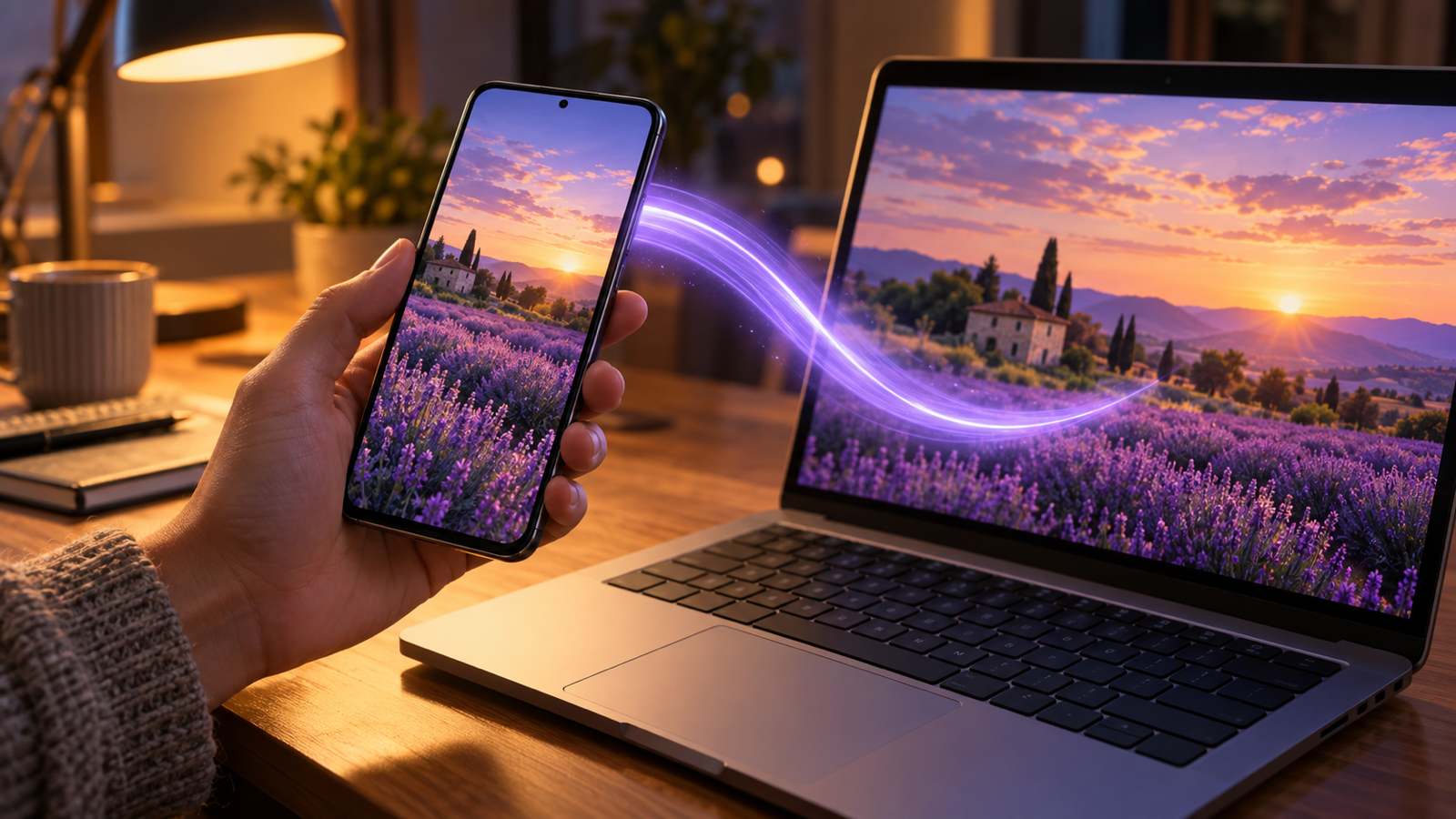
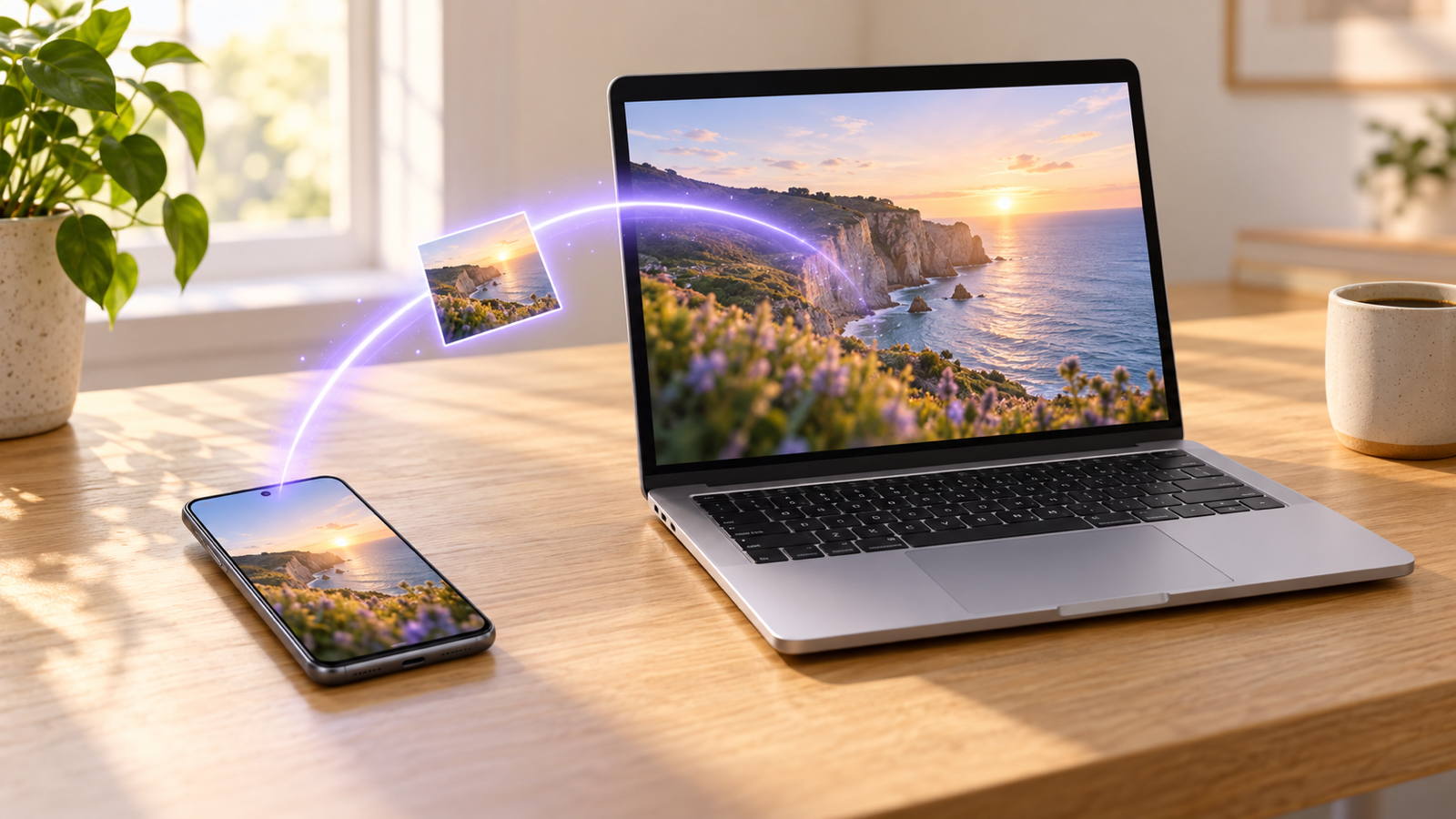
If both devices are on the same Wi-Fi, the file does not need to leave the room. That is what we built Beam for: an app for Android, Mac, Windows and iPhone that finds your other devices on the local network and hands the file straight over. AirDrop, but between brands.
- Install Beam on both. Get it from Google Play on the phone and download the Mac app from beam.riekapps.com. The Mac app lives in the menu bar.
- Join the same Wi-Fi. The two find each other in a few seconds. There is no account and no pairing code.
- Share and tap. In Gallery, Photos, Files or any app, tap Share, choose Send with Beam and tap your Mac. Accept on the Mac the first time, and tick "Always accept" so your own phone never has to ask again.
The file lands in the Mac's Downloads folder exactly as it left the phone: same resolution, same format, no compression. Each file is checked against a SHA-256 hash before it is saved, and the whole transfer is encrypted from one device to the other. If the Wi-Fi drops halfway through a big video, sending it again picks up where it stopped.
What about Bluetooth or Quick Share?
Bluetooth file transfer between Android and a Mac is unreliable at best, and slow enough that a single video takes minutes. Quick Share, Google's Android sharing feature, has an official app for Windows but none for macOS. We cover the workarounds in Quick Share on a Mac.
Mac to Android: the other direction
Everything above works in reverse. With OpenMTP, drag from the Mac pane to the phone pane. With Beam, right-click a file in Finder, choose Share, then Beam, or drop the file on the menu bar icon, and tap your phone. On Android it arrives in Downloads/Beam with a notification, even while you are in another app.
Which should you use?
- Hundreds of photos, once: a data cable and OpenMTP.
- Files you want on every device anyway: Google Drive or Google Photos.
- Everyday photos, screenshots, PDFs and videos between your own phone and Mac: a Wi-Fi app like Beam. Nothing to plug in, nothing uploaded.
Common questions
Why doesn't my Mac see my Android phone?
macOS has no built-in support for MTP, the protocol Android uses over USB, so the phone never shows up in Finder. You need an MTP app such as OpenMTP, and the phone has to be unlocked and set to File transfer.
Can I transfer files from Android to a Mac without a cable?
Yes. Upload to a cloud service and download on the Mac, or use a local Wi-Fi app that sends the file straight from the phone to the Mac when both are on the same network.
Does a wireless transfer lower the photo quality?
Not with a file transfer app. Chat apps compress photos and videos; a file transfer sends the original bytes. Beam checks every file against the sender's hash, so what arrives is identical to what was sent.
What if there is no Wi-Fi?
Turn on the phone's hotspot and join it from the Mac. The two are then on the same network, and the transfer does not use mobile data because the file never goes to the internet.
The short version
The Mac will not read an Android phone on its own. For a cable, use OpenMTP. For everyday transfers, put both on the same Wi-Fi and use Beam: share, tap the Mac, done. Going to a Windows PC instead? See how to transfer files between a PC and Android wirelessly.
From the studio

Previous Article
That Girl Morning Routine: The Checklist, and How to Actually Keep It
Next Article
How to Transfer Photos from iPhone to PC (Windows 11 & 10, With or Without a Cable)