How to Send Large Video Files Without Losing Quality (Phone, Mac & PC)
Chat apps compress video and email caps it at 25 MB. How to send large videos at full quality between iPhone, Android, Mac and Windows, nearby or far.
A 4K video from a modern phone is roughly 400 MB a minute. Try to send a few minutes of it and every usual route breaks: email refuses it, WhatsApp squashes it, and the cloud upload bar crawls. Here's how to send large video files without losing quality, split by the question that matters most: is the other device in the same room?
Why videos get worse when you send them
Messaging apps re-encode video to a lower resolution and bitrate so it sends quickly on mobile data. The result looks fine on a phone and falls apart on a laptop or TV. To keep quality, you need to send the original file, and every route has a size ceiling except one.
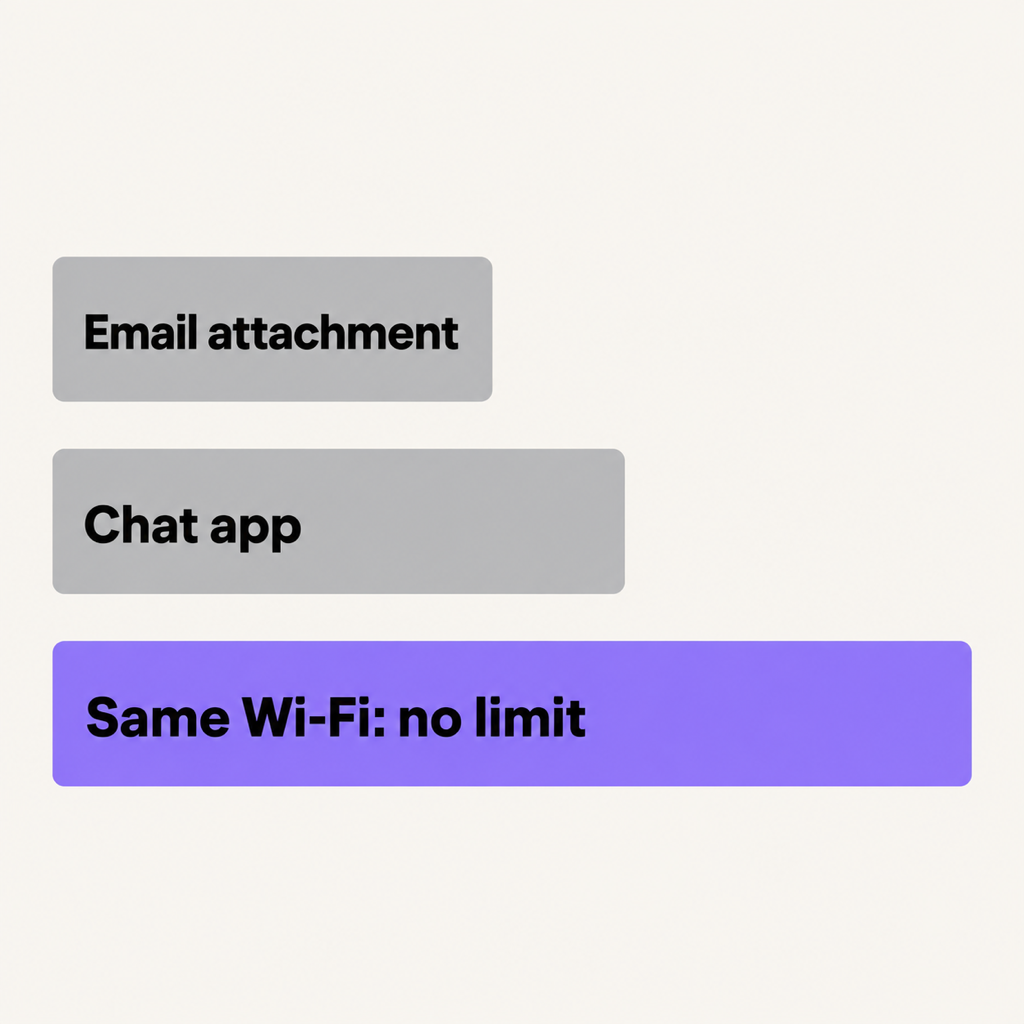
Same room: send it over the local Wi-Fi
If the phone and the computer (or the two phones) are on the same Wi-Fi, the video doesn't need to go anywhere else. That's the fastest and only uncapped option.
Beam is our free app for iPhone, Android, Mac and Windows that does this in a tap:
- Install Beam on both devices (Mac and Windows from beam.riekapps.com, phones from their app stores) and join the same Wi-Fi.
- From Android, share the video and choose Send with Beam. From iPhone, tap Choose › Photos in Beam. From a Mac, Share › Beam in Finder. From Windows, right-click, Send to › Beam.
- Tap the device you want it on.
The video arrives byte for byte: same resolution, same bitrate, same file. There's no size limit, it's encrypted end to end, and the receiver checks it against a SHA-256 hash before saving it. If the Wi-Fi drops at 70% of a 4 GB clip, send it again and it resumes from where it stopped.
No Wi-Fi? Turn on one phone's hotspot and join it from the other device. They're now on the same network, and because the video never goes to the internet, it doesn't use mobile data.
Other same-room options: AirDrop between Apple devices, Quick Share between Android and Windows, or a USB cable for a computer.
Far away: send a link, not an attachment
When the other person is somewhere else, the video has to travel over the internet, and the best way is a download link to the original file:
- Google Drive, iCloud Drive, OneDrive or Dropbox: upload the file and share a link. Quality is untouched; the limit is your cloud storage.
- iCloud Photos link (Share › Copy iCloud Link on iPhone): opens in any browser, including on Android and Windows.
- File transfer services such as WeTransfer: no account needed on the receiving side, but free plans cap the size and links expire.
Inside WhatsApp and Telegram
- WhatsApp: send the video as a Document (paperclip › Document) instead of from the gallery. It then goes as the original file, up to 2 GB.
- Telegram: sending as a File also skips compression, with a larger size limit.
What to avoid
- Email: Gmail caps attachments at 25 MB and Outlook around 20 MB. Anything bigger becomes a cloud link anyway.
- Sending from the gallery in chat apps: compressed every time.
- Bluetooth: technically possible between some devices, but a few hundred MB can take the best part of an hour.
Common questions
How do I send a large video from iPhone to Android?
In the same room, put both phones on one Wi-Fi or hotspot and use a cross-platform app like Beam. Far apart, share an iCloud link or a Google Drive link. Details in iPhone to Android without losing quality.
What is the best way to send a 4 GB video?
Nearby, a local Wi-Fi transfer: no size limit and no upload. Remotely, a cloud storage link to the original file.
Does sending a video over Wi-Fi reduce quality?
Not with a file transfer. The quality loss comes from apps that re-encode video, not from Wi-Fi. A file transfer sends the exact bytes.
The short version
Nearby, skip the internet: Beam over your Wi-Fi sends the original at any size. Far away, share a cloud link to the original file. And in WhatsApp, always send big videos as a Document.
From the studio

Previous Article
Quick Share on Mac: How to Send Files from Android (and Samsung) to a MacBook
Next Article
How to Transcribe a Voice Recording to Text for Free (iPhone & Android)