How to Transfer Photos from iPhone to Android Without Losing Quality
Send photos and videos between an iPhone and an Android phone at full quality: why chat apps blur them, and four ways that keep the original file.
Your friend has an iPhone, you have an Android, and the trip photos are on their phone. They send them over WhatsApp, and on your screen the sunset looks like it was painted with a sponge. That isn't your phone's fault. Here's why it happens, and how to transfer photos from iPhone to Android without losing quality, in either direction.
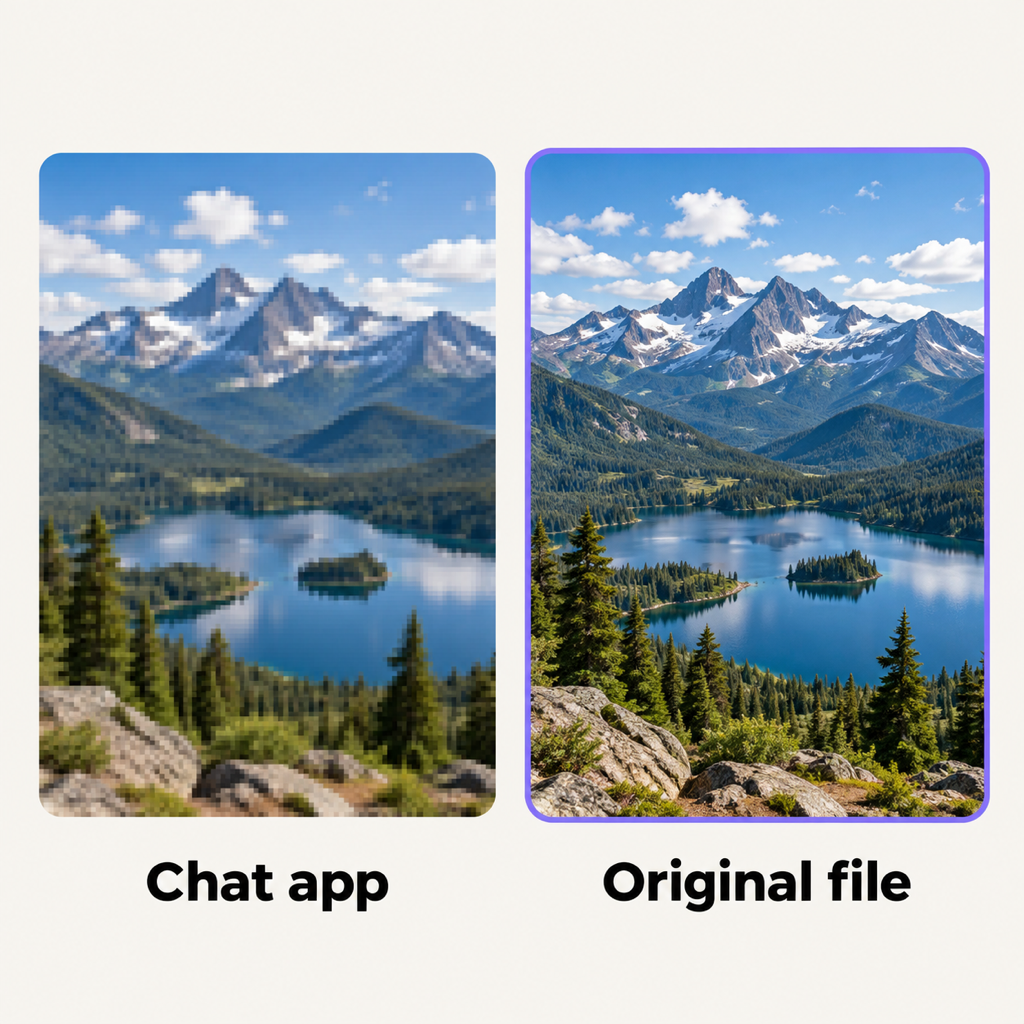
Why photos look worse after you send them
Chat apps are built for speed on mobile data, so they shrink photos and re-encode videos before sending. Even "HD" modes compress. The only way to keep the original is to send the file, not a chat message.
1. Same room, same Wi-Fi: Beam
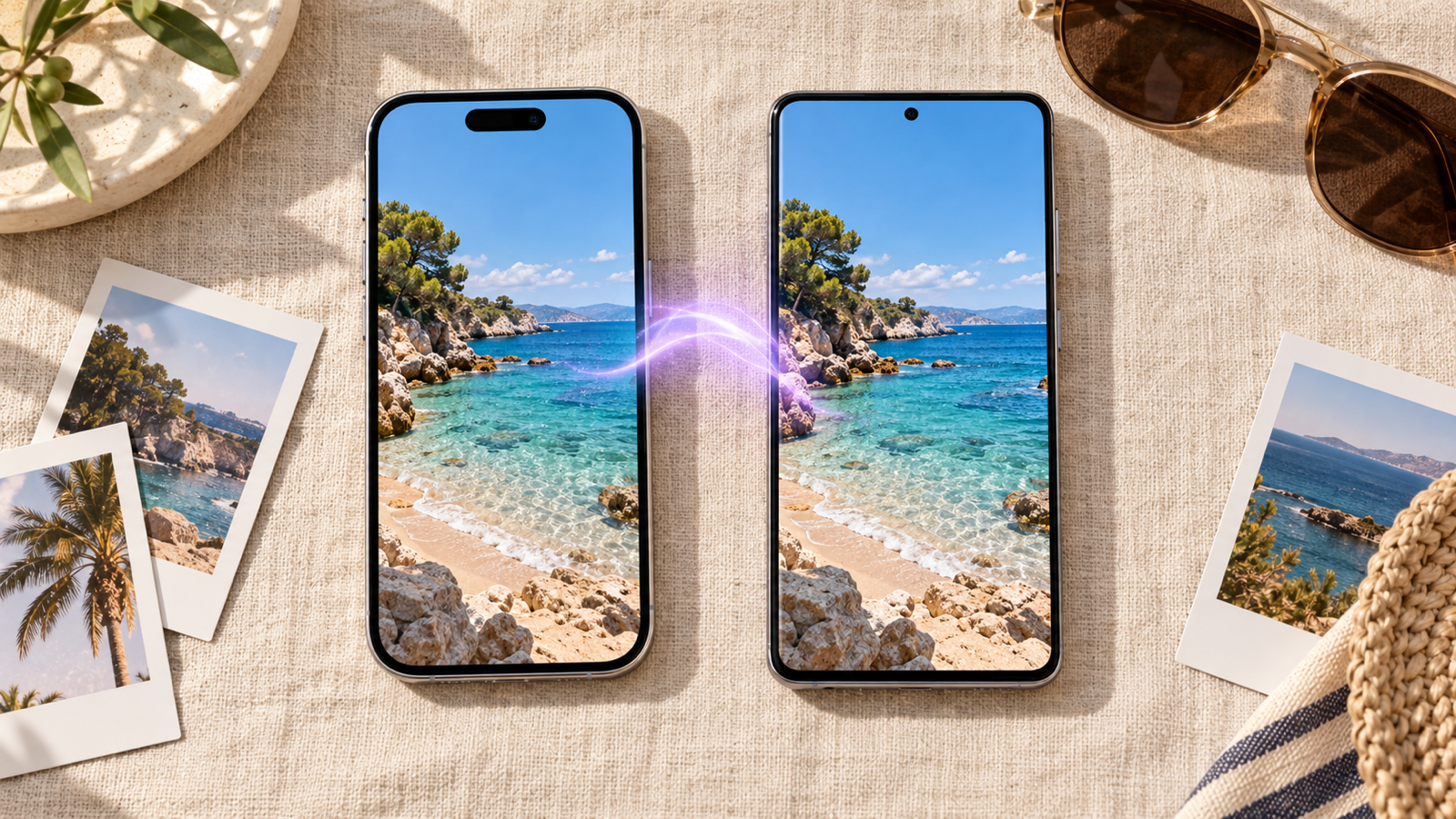
AirDrop only works between Apple devices, and Quick Share mostly between Android and Windows. Beam is our free app that runs on both phones, plus Mac and Windows, and sends files straight across the Wi-Fi you're both on. No account, no upload.
- Both install Beam: Beam for iPhone and Beam on Google Play.
- Join the same Wi-Fi. No Wi-Fi? One phone turns on its hotspot and the other joins it. The photos go across the hotspot directly, so no mobile data is used.
- iPhone to Android: in Beam on the iPhone, tap Choose, then Photos, select the pictures and tap the Android phone.
- Android to iPhone: in Gallery or Google Photos, tap Share, then Send with Beam, then the iPhone. Keep Beam open on the iPhone while it receives; iOS doesn't let apps listen in the background.
The photos arrive as the originals: HEIC stays HEIC, Live Photo stills and RAW files keep their full resolution, and videos keep their bitrate. Each file is checked against a SHA-256 hash, so nothing arrives damaged. On Android they land in Downloads/Beam; on iPhone in Files › On My iPhone › Beam.
A note on HEIC: most modern Android phones and Google Photos open HEIC fine. If an older app on the Android phone doesn't, set the iPhone's camera to Most Compatible (Settings › Camera › Formats) for new photos.
2. Far apart: a shared Google Photos album or iCloud link
If you're not in the same place, use a link. Google Photos shared albums work on both platforms; an iCloud Photos link (Share › Copy iCloud Link) opens in any browser, and the Android side can download the originals. Quality survives, but everything goes up to a server first, and big videos take as long as the slower connection allows.
3. WhatsApp "Document" instead of photo
In WhatsApp, sending a photo as a Document (the paperclip, then Document) sends the original file instead of a compressed image, up to 2 GB. It's handy when you're already in the chat. It still uploads to WhatsApp's servers and uses mobile data if you're not on Wi-Fi.
4. Pixel and AirDrop
Google has started making Quick Share work with AirDrop on its newest Pixel phones. If you have one of those, try it: the iPhone may need AirDrop set to Everyone for 10 Minutes. On every other Android phone it isn't an option yet.
What doesn't work well
- Bluetooth: iPhones don't send files to Android over Bluetooth.
- Plain WhatsApp, Messenger, Instagram DMs: they compress.
- Email: a 20 to 25 MB attachment cap, so a handful of photos at most and no video.
Common questions
Can you AirDrop from iPhone to Android?
Not on most Android phones. Only Google's newest Pixels have started to interoperate with AirDrop. For every other phone, use a cross-platform app such as Beam over the same Wi-Fi.
How do I transfer photos from iPhone to Android wirelessly?
Put both phones on the same Wi-Fi or hotspot and use a local transfer app like Beam, or share a Google Photos album or iCloud link if you're apart.
Does sending photos by Bluetooth or WhatsApp reduce quality?
WhatsApp does, unless you send the photo as a Document. iPhones can't send files to Android over Bluetooth at all.
The short version
Chat apps compress; file transfers don't. In the same room, Beam sends the originals phone to phone in seconds. Apart, share a Google Photos album or iCloud link. Moving videos? Read how to send large video files without losing quality.
From the studio

Previous Article
How to Transfer Files from PC to Android Wirelessly (and Back)
Next Article
How to Share Files Between Mac and Windows on the Same Network