How to Share Files Between Mac and Windows on the Same Network
Four ways to move files between a Mac and a Windows PC: SMB file sharing, an exFAT USB drive, the cloud, and a one-tap Wi-Fi app. Step by step.
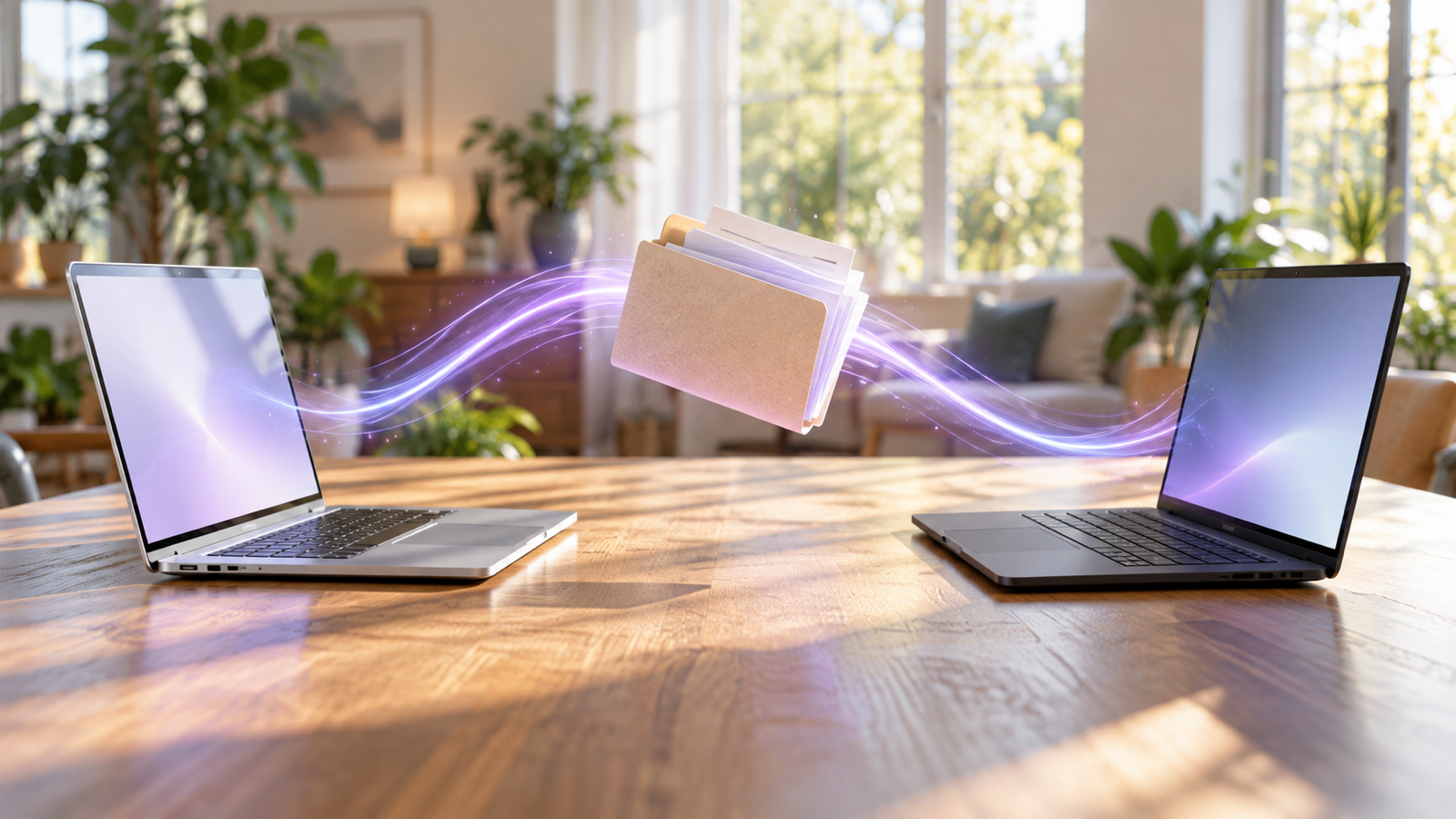
A Mac and a Windows PC on the same desk, the same Wi-Fi, and no obvious way to hand one file from one to the other. There isn't a shared AirDrop button, but there are good options. Here's how to share files between a Mac and Windows on the same network, from the built-in way to the quickest one.
1. Built-in network file sharing (SMB)
Both systems speak SMB, the Windows file-sharing protocol, so either machine can open a shared folder on the other. It's the best choice when you want a folder that stays shared, like a project folder both computers work from.
Open a Mac folder from Windows
- On the Mac, open System Settings › General › Sharing and turn on File Sharing.
- Click the info button next to it, then Options, and under Windows File Sharing tick your user account. Enter your Mac password when asked.
- Note the address shown, or the Mac's IP address from System Settings › Wi-Fi › Details.
- On Windows, type \\ followed by that IP (for example \\192.168.1.20) into File Explorer's address bar and sign in with your Mac user name and password.
Open a Windows folder from the Mac
- On Windows, right-click a folder, choose Properties › Sharing › Share and add your account.
- On the Mac, in Finder choose Go › Connect to Server and type smb:// followed by the PC's name or IP address.
- Sign in with your Windows account (a Microsoft account works with its email and password) and the folder mounts in Finder.
SMB is powerful and free. It's also fiddly: network discovery settings, account types, a Mac that changes IP address, and a guest network that blocks it all. For sending one file now and then, it's more setup than the job needs.
2. A USB drive formatted as exFAT
Both macOS and Windows read and write exFAT with no extra software, and it handles files over 4 GB. Format the drive as exFAT (Disk Utility on the Mac, or right-click › Format on Windows) and it works as a shuttle between the two. NTFS drives are read-only on a Mac, and APFS drives don't open on Windows, which is where most "my Mac can't write to this drive" trouble comes from.
3. The cloud: iCloud Drive, OneDrive, Google Drive, Dropbox
All four have apps for both systems. Drop a file in the synced folder on one, and it appears on the other. Good for files you want everywhere; slow for a large video, which has to upload and download again, and it uses your cloud storage.
4. One tap over Wi-Fi: Beam
For "send this file to that computer", Beam is the short path. It's our free app for Mac, Windows, iPhone and Android. The two computers find each other on the local network, and the file goes straight from one to the other, never through a server.
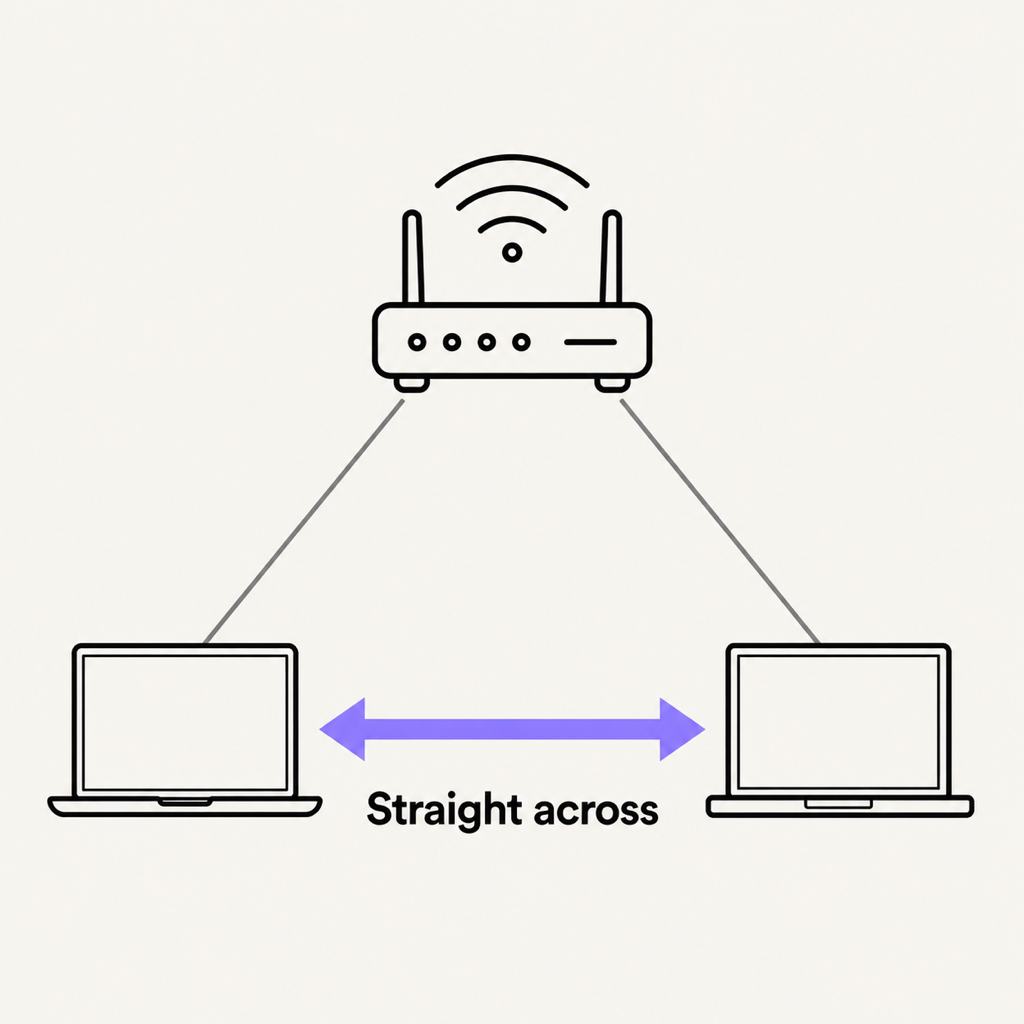
- Install on both from beam.riekapps.com. The Mac app lives in the menu bar; the Windows app in the system tray.
- Mac to Windows: in Finder, choose Share › Beam, or drop the file on the menu bar icon, and click your PC.
- Windows to Mac: right-click the file, choose Send to › Beam, and click your Mac.
Accept once and tick "Always accept"; after that your own computers receive without asking. Files land in Downloads, are checked against a SHA-256 hash before they're saved, and are encrypted in transit. A big file that's interrupted resumes where it stopped. If Windows Firewall is blocking Beam, the app tells you and fixes it with one click.
Which should you use?
- A folder both computers work from every day: SMB sharing.
- Moving a lot of data with no network: an exFAT drive.
- Files you want on every device: a cloud folder.
- Sending individual files between the two, often: Beam.
Common questions
Can a Mac and a Windows PC share files without the internet?
Yes. SMB sharing and local apps like Beam only need both computers on the same network, not an internet connection. A phone hotspot counts as a network too.
Why can't Windows see my Mac on the network?
Check that File Sharing is on with Windows File Sharing enabled for your account, that both are on the same Wi-Fi (not a guest network), and connect by IP address instead of waiting for the Mac to appear under Network.
Is there AirDrop for Windows?
Not from Apple. Cross-platform apps fill the gap; we compare them in AirDrop for Windows: the alternatives that work.
The short version
For a permanent shared folder, set up SMB. For everyday sends between your Mac and PC, Beam is one click and no configuration. Phones in the mix too? See PC to Android and Android to Mac.
From the studio

Previous Article
How to Transfer Photos from iPhone to Android Without Losing Quality
Next Article
AirDrop for Windows and Android: The Alternatives That Actually Work