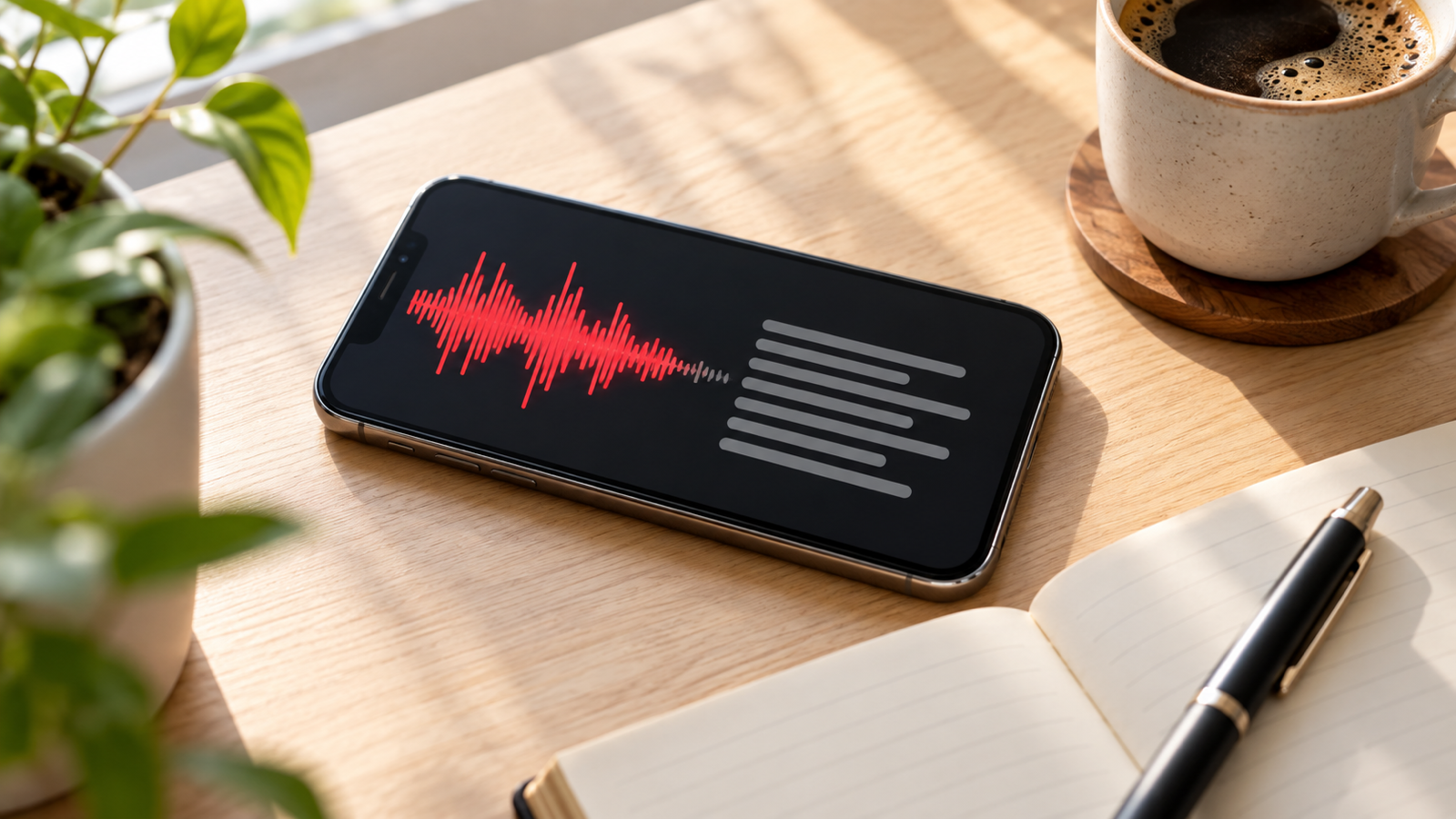
Transcribe Voice Memos to Text: iPhone, Android and Mac
How to transcribe voice memos on iPhone (iOS 18 built-in), Mac and Android, what is free, how to get the text into Word or Docs, and tips for accuracy.
On an iPhone running iOS 18 or later, open the Voice Memos app, tap a recording, and tap the transcript button (a speech-bubble icon with quotation marks) to see the text. It works on the iPhone 12 and later, in English and a growing list of other languages, and it runs on the phone itself, so nothing is uploaded. On a Mac with macOS Sequoia the same Voice Memos app shows the transcript next to the waveform. Older iPhones do not get the button, so they need a transcription app or a share-to-transcribe workflow. Android has no single Voice Memos app: Samsung Voice Recorder has a Speech-to-text mode and Google Recorder transcribes live on Pixel phones. The sections below cover each case, what is genuinely free, and how to get the text into a Word document.
Transcribe voice memos on iPhone
Apple added transcription to Voice Memos in iOS 18. There is nothing to install and no setting to turn on. The steps:
- Open Voice Memos and tap the recording you want.
- Tap the recording again to expand it, then tap the transcript icon in the lower-left corner of the player (a speech bubble with quote marks).
- The text appears and scrolls in time with the audio. Tap any word to jump the playback to that moment.
- To use the text elsewhere, tap the three-dot menu and choose Copy Transcript, or long-press inside the transcript to select part of it.
Three things decide whether you see the button at all. First, the phone: Apple limits transcription to the iPhone 12 and later, which includes every iPhone SE from the third generation onwards. Second, the language: transcripts started with English (several regional variants) and Apple has added more languages in later iOS 18 updates, but it still does not cover every language the keyboard supports. The transcript language follows the phone's primary language, not the language spoken in the memo, so change it in Settings, General, Language and Region before transcribing a memo in another language.

Transcribe voice memos to text free
- Voice Memos on iOS 18 (iPhone 12 and later): free, unlimited, offline. The limit is the language list and the phone model, not a quota.
- Google Recorder on Pixel: free and unlimited for live transcription, offline in supported languages. Only on Pixel phones.
- Samsung Voice Recorder: the Speech-to-text mode is free. On older Galaxy phones it caps each transcribed recording at about ten minutes; newer One UI versions with Galaxy AI lift that and can transcribe an existing file afterwards.
- Transcription apps and websites: almost all give a free trial measured in minutes, then charge, and the websites also mean uploading your audio to a server you know nothing about.
In short: a recent iPhone, a Pixel or a current Samsung already has free transcription. Everyone else pays, with money or with their audio.
Transcribe voice memo on Mac
Voice Memos syncs through iCloud, so a memo recorded on your iPhone is already on your Mac if both are signed in to the same Apple account with Voice Memos enabled in iCloud settings. On macOS Sequoia or later, open Voice Memos, select the recording, and click the transcript icon (the same speech-bubble symbol) in the player at the bottom. The text appears in a panel to the right, and you can select it and copy it like any other text, or right-click and choose Copy Transcript.
The Mac uses the same on-device models and language rules as the iPhone. On an older Mac that cannot run Sequoia, open the memo file (an .m4a) in a transcription app instead; it is no longer built in.
Transcribe voice memos on Android
Samsung Galaxy: Voice Recorder
Open Samsung's Voice Recorder app and switch the mode at the top from Standard to Speech-to-text before you press record. The app writes the text as you speak and saves it with the recording. On Galaxy phones with Galaxy AI (Galaxy S24 and later, plus several S23 and Z-series models after the One UI 6.1 update), you can also open an existing recording and tap Transcribe to turn it into text afterwards, with a summary option in the same screen.
Google Pixel: Recorder
The Recorder app on Pixel phones transcribes live as you record and labels speakers on newer models. Tap a recording and swipe to the Transcript tab to read it, search inside it, or tap a word to play from there. Recordings can back up to recorder.google.com, where the transcript is searchable from a computer.
Any other Android phone
The stock recorder on most other brands does not transcribe. Either use Google Docs voice typing, which types as you speak but keeps no useful audio, or install a recorder app that transcribes its files on the device. The full list of methods is in how to transcribe a voice recording to text.
Transcribe a voice memo to Word or Google Docs
No built-in app has an export-to-Word button, so the route is copy and paste.
- iPhone: open the transcript, tap the three dots, tap Copy Transcript. Open Word, Pages or Google Docs, long-press and paste.
- Mac: show the transcript, click inside it, press Command-A then Command-C, and paste into your document.
- Pixel: in Recorder, open the transcript, tap the three dots and choose Save to Google Docs, which creates a Doc you can later download as .docx.
- Samsung: open the recording, tap the transcript text, select all and copy, or use Share to send the text to Samsung Notes or Word.
Keep the recording alongside the document: a transcript without the audio is hard to check later.
An app that transcribes without the restrictions
If your phone does not qualify, or you need the same workflow on both Android and iPhone, Voice Recorder: Transcribe AI records with the screen off and transcribes on the phone using the speech recognition built into Android or iOS, so the audio is never uploaded. Recording, playback, trimming, folders and sharing are free with ads; transcription, Clean voice noise removal, AI summaries, WAV export, fades and silence removal are part of Voice Recorder Pro, a subscription at $3.99 a month or $19.99 a year in the US. Summaries send only the transcript text, never the audio, and are written in the language you spoke.
How to get an accurate voice memo transcript
Every tool above fails in the same ways, and the transcript is decided before you press stop.
- Keep the microphone within a metre. Accuracy falls off sharply with distance. For a meeting, put the phone in the middle of the table, not at your end.
- Reduce steady noise first. Fans, air conditioning and traffic confuse recognition more than occasional sounds do. Turn things off, or close a door. If the recording already exists, see how to remove background noise from audio before transcribing.
- Match the language setting. Set the phone, or the app, to the language being spoken before you record.
- Read it the same day. You will still remember what was said and can fix names and numbers, which are what speech models get wrong most.
Recording a 90-minute class is its own problem, covered in how to record lectures on your phone.
Common questions
Can Voice Memos transcribe on iPhone 11 or older?
No. Built-in transcription needs an iPhone 12 or later on iOS 18. On an older phone, share the memo to a transcription app instead.
Why is there no transcript button in my Voice Memos?
The phone is older than an iPhone 12, iOS is below 18, or the phone's primary language is not one Apple transcribes yet.
Can I transcribe an old voice memo?
Yes. Recordings made before iOS 18 are transcribed when you open them, as long as the phone and language qualify.
Does Voice Memos transcription upload my recording?
No. Transcription runs on the device. The transcript is stored with the memo and syncs over iCloud only if Voice Memos is enabled in your iCloud settings.
How do I transcribe a voice memo someone sent me?
Save the audio file, then open it in an app that transcribes files. Voice Memos can import a file via the Share sheet on iOS 18, after which the transcript button works as normal.
The short version
iPhone 12 or later on iOS 18: open the memo in Voice Memos, tap the speech-bubble icon, copy the text. Mac on Sequoia: same icon, same app. Pixel: the Recorder app transcribes live. Samsung: switch Voice Recorder to Speech-to-text, or tap Transcribe on Galaxy AI phones. Anything else needs a recorder app that transcribes on the device. Whatever you use, record within a metre in a quiet room, set the right language, and read the transcript the same day.
From the studio

Previous Article
Rubik’s Cube Beginner Method Algorithms: The 7 You Need (Cheat Sheet)
Next Article
Transfer Files from Windows to Android: Every Method, USB to Wi-Fi