How to Remove Background Noise From Audio for Free (Phone & Computer)
Remove fan hum, traffic and room hiss from a voice recording for free on iPhone, Android or a computer, and learn how to record cleaner audio.
The interview was great. The air conditioning, the espresso machine and the bus outside were also in it, at full volume. Background noise is the most common reason a voice recording is hard to listen to, and the reason transcripts come out full of gaps.
You can remove background noise from audio for free, on your phone or on a computer. Before choosing a tool, it helps to know which kind of noise you are dealing with, because that decides what can be fixed.
Steady noise vs. everything else
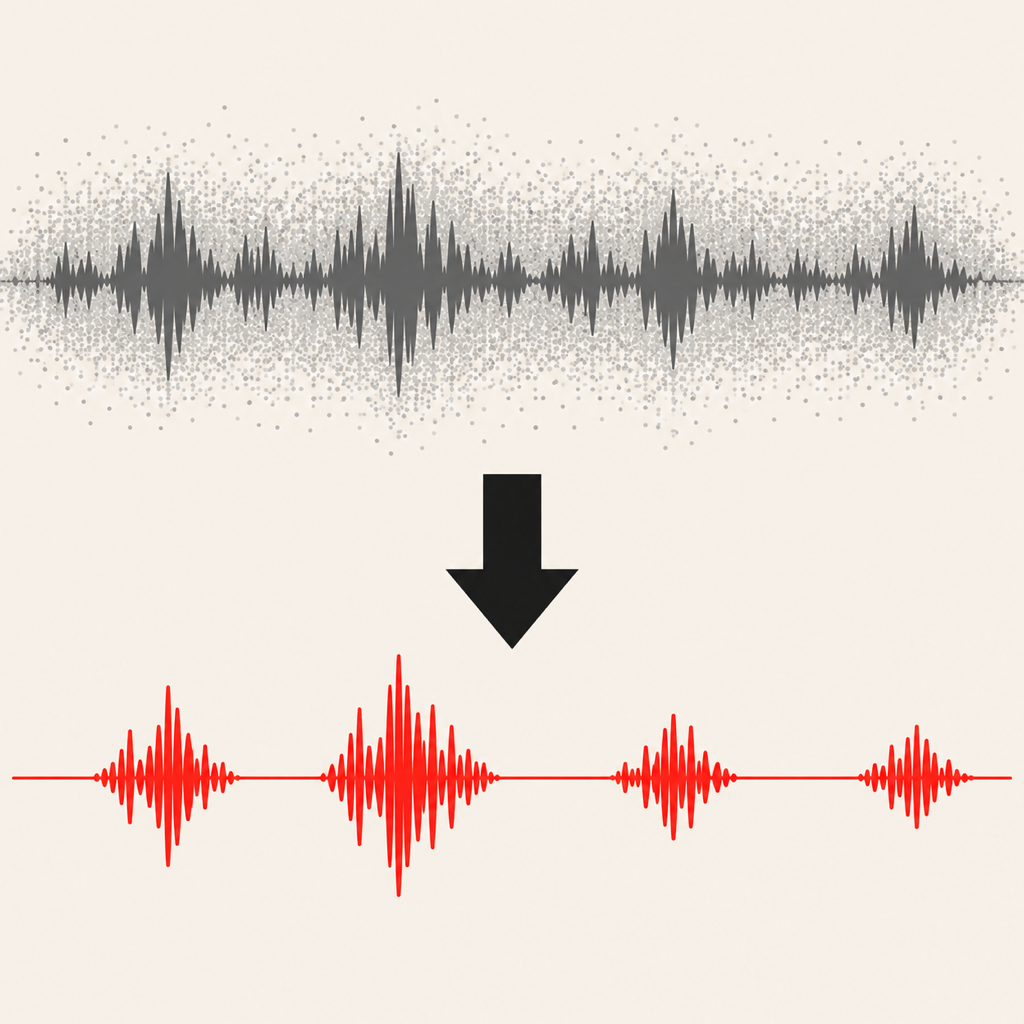
Noise removal works by learning what the noise sounds like and subtracting it from the voice. That works well for steady noise, which sounds the same from second to second:
- fans, air conditioning and fridges
- electrical hum and buzz
- traffic rumble and road noise
- room hiss and a noisy microphone
It works badly, or not at all, on noise that behaves like speech: other people talking, music with vocals, a TV in the next room. Two other problems aren't noise at all, and no filter fixes them properly: clipping (a voice so loud it distorted) and heavy echo in a big empty room.
On iPhone: Enhance Recording in Voice Memos
Apple's Voice Memos has a one-tap fix. Open a recording, tap Edit, and tap the magic wand (Enhance Recording). It reduces background noise and room echo. There are no settings to adjust, but for a voice memo recorded in a noisy room it is often enough.
On Android: a recorder with noise removal
Android's built-in recorders differ by phone, and some recent phones only offer noise tools for video, in the gallery or photos app. For voice recordings, the reliable route is a recorder app that cleans audio itself.
Voice Recorder: Transcribe AI has Clean voice, which removes steady background noise such as fans, traffic, hum and room hiss on the phone itself. The audio isn't uploaded. Clean voice saves the cleaned version as a copy next to the original, so you can compare the two and never lose the raw recording. It works the same way on Android and iPhone.
On a computer: Audacity (free)
For the most control, Audacity is free on Windows, macOS and Linux and has a two-step noise reduction effect:
- Select a second or two of the recording where nobody is talking (only the noise). Open Effect, then Noise Removal and Repair, then Noise Reduction, and click Get Noise Profile.
- Select the whole recording, open Noise Reduction again and click OK. Start with a gentle reduction. Too much makes voices sound watery and robotic.
Audacity rewards patience. If you have a single important file and a free evening, it is excellent.
Online AI tools
Web tools such as Adobe Podcast's speech enhancer can produce impressive "studio" results from rough recordings. They also mean uploading the full audio, and free tiers usually cap length. That is fine for a podcast you will publish anyway, and a poor fit for a confidential meeting or an interview with a source.
Record it cleaner in the first place
Every noise tool works better on a better recording. Five habits do more than any filter:
- Move the phone closer. Halving the distance to the speaker makes the voice much louder compared with the room. This is the single biggest improvement.
- Turn off what you can. Fans, air purifiers, the TV. Ten seconds with a switch beats ten minutes of editing.
- Get off hard surfaces. Rooms with curtains, carpet and furniture echo less than kitchens and empty offices.
- Point the microphone at the speaker. On most phones the main microphone is on the bottom edge.
- Leave the phone on the table. Handling noise from fingers and pockets is almost impossible to remove.
Why it matters for transcripts
Speech recognition struggles with the same things your ears do. Cleaner audio means fewer missed words when you transcribe a voice recording to text, and a far more useful transcript of a meeting or a lecture.
From the studio

Previous Article
How to Record Audio With the Screen Off on Android and iPhone
Next Article
How to Record Lectures on Your Phone as a Student (and Turn Them Into Notes)