Is Android File Transfer Discontinued? Yes: What Happened and What to Use Now
Yes, Google discontinued Android File Transfer for Mac in 2024. Whether the old copy is safe to keep using, why it was dropped, and what replaced it.
Yes, Android File Transfer is discontinued. Google removed the download from android.com in 2024 and took the support page down with it. The last build was already several years old by then, and it was never updated for Apple silicon Macs. There is no official replacement for Mac: Google's answer is Quick Share, which exists for Windows but not for macOS. If you still have a copy, it may keep working on your current Mac and phone, but each macOS or Android update makes that less likely, and the old installers circulating on download sites are not a safe way to get it back.
Is Android File Transfer discontinued?
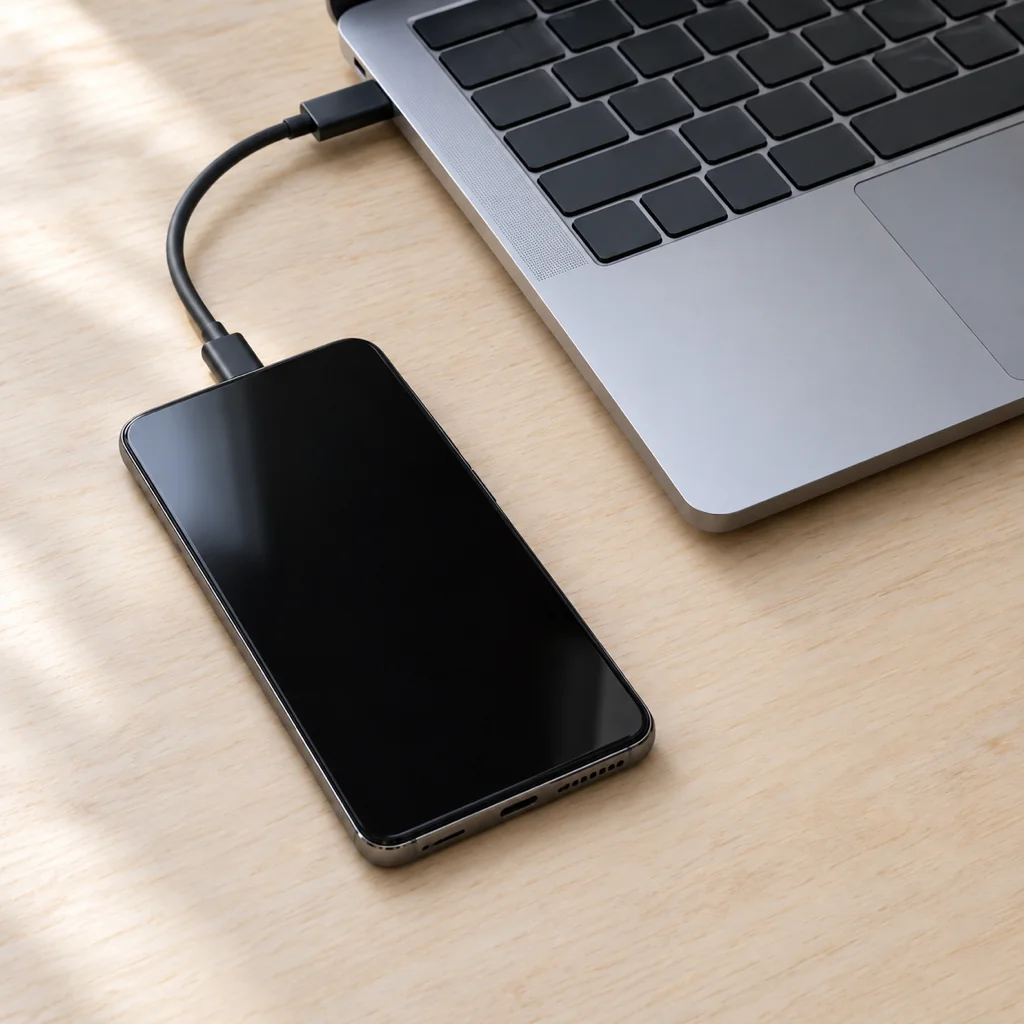
It is. Android File Transfer was Google's small Mac utility for browsing an Android phone over USB, and it mattered because macOS cannot speak MTP, the protocol Android uses for files over a cable, on its own. Without the app, a plugged-in Android phone charges and nothing else; it never appears in Finder.
The app stopped receiving meaningful updates years before it was pulled. Then, during 2024, the download link on android.com quietly disappeared and the support article went with it. Google made no announcement and named no successor. Old links now redirect to general Android pages, and you cannot download it from Google any more.
It was never a Windows product. Windows has understood MTP natively since Windows 7, so an Android phone shows up in File Explorer the moment you set its USB mode to File transfer. The discontinuation only affects Mac users.
Is Android File Transfer safe to use now?
If you already have it installed from the original Google download, there is nothing dangerous about keeping it. It is an old app, not malware. The problems are practical rather than security problems:
- It breaks on new combinations. The app ran through Rosetta on Apple silicon and relied on old macOS behaviour for USB devices. Every macOS release since has made "Could not connect to device" more common, and newer Android versions changed how the phone presents itself over USB. On a recent Mac with a recent phone it often fails outright.
- It will never be fixed. Any bug you hit today is permanent. There is no update channel and nobody at Google is looking at it.
- Copies from download sites are the real risk. With the official download gone, "Android File Transfer for Mac" searches now lead to mirror sites. Some host the genuine old .dmg, some wrap it in an installer that adds other software, and you have no easy way to tell which is which. A file-transfer tool runs with access to your whole phone's storage, so this is not where you want to gamble. If you do not already have the original, do not go looking for it.
Our rule of thumb: keep using an existing install until the day it stops connecting, and have a replacement ready for that day rather than hunting for an installer.
Why did Google discontinue Android File Transfer?
Google never said, so this is reading between the lines, but the picture is consistent:
- It was a stopgap from 2011. It was written so Macs could talk to the first MTP-only Android phones. It was always minimal: one window, drag and drop, a 4 GB file limit, no search.
- The cable fell out of favour. Google's own direction for moving files is wireless (Quick Share) and cloud (Google Photos, Drive). A USB utility for one desktop platform did not fit that strategy.
- Maintaining it got harder. Apple silicon, notarisation, tighter USB permissions and each new macOS release all demanded work on an app with no revenue and a shrinking team behind it.
- Third parties did it better. By the time it was removed, free tools such as OpenMTP already handled MTP on Macs more reliably than Google's app did.
What replaced Android File Transfer on Mac?
From Google: nothing on the Mac. Quick Share is the official way to move files off an Android phone wirelessly, and Google ships a Quick Share app for Windows, but there is no Quick Share for macOS and no sign of one. We cover the workarounds in Quick Share on Mac.
So the replacement is whatever you choose, and there are three sensible routes:
- Another MTP app over the cable. OpenMTP is free, open source and runs natively on Apple silicon; MacDroid mounts the phone in Finder and has free and paid tiers. Both do the job Android File Transfer did, and do it better.
- A local Wi-Fi app. The phone and the Mac find each other on your network and the file goes straight across, no cable and no cloud. Beam is our free app for this: on Android it adds Send with Beam to the share menu, on the Mac it sits in the menu bar and keeps receiving in the background, every transfer is encrypted and checked against a SHA-256 hash before it is saved, and a dropped connection resumes where it stopped. It also runs on Windows and iPhone, so one app covers every device you own. LocalSend is a free open-source alternative that works the same way.
- The cloud. Google Photos and Google Drive need no setup and are fine for a few files, but everything goes up to a server and back down, so big videos are slow and eat your storage quota.
The full comparison, including the "could not connect" fixes if you stick with a cable, is in Android File Transfer for Mac: why it is gone and what to use instead.
Latest Android File Transfer for Mac
There is no "latest" version. The final official build was 1.0.12, and it is years old. Anything advertising a newer Android File Transfer for Mac, a 2025 or 2026 edition, an Apple silicon build or a "fixed" version is not from Google. At best it is the old app re-hosted; at worst it is a wrapper around something else.
If you want the same experience with a maintained app, install OpenMTP. It looks and works almost exactly like Android File Transfer, is actively updated for current macOS versions, and has no file size cap. That is the honest answer to "latest version".
Do you still need Android File Transfer?
Probably not. It depends on whether you want a cable at all:
- You need a cable if you move tens of gigabytes at a time, you are copying to or from a phone with no Wi-Fi access, or you want to browse the phone's folders directly. In that case install OpenMTP or MacDroid and forget Android File Transfer existed.
- You do not need a cable for the everyday case: photos, videos, a PDF, a voice memo. A Wi-Fi app sends them from the share menu in a couple of taps, and on a modern router a 1 GB video takes well under a minute.
- You need neither if your photos already back up to Google Photos. They are waiting at photos.google.com on the Mac.
Step-by-step instructions for every route, in both directions, are in how to transfer files from Android to Mac.
Common questions
When was Android File Transfer discontinued?
Google removed the download and the support page from android.com during 2024, without an announcement. The app itself had not had a meaningful update for years before that.
Can I still download Android File Transfer?
Not from Google. Copies on other sites are unofficial, and some bundle extra software. If you do not already have the original installed, use OpenMTP instead.
Does Android File Transfer work on macOS Sequoia or Tahoe?
Sometimes, but unreliably. It was never updated for Apple silicon or recent macOS releases, and "Could not connect to device" is the common result. OpenMTP and MacDroid are built for current macOS.
Is there a Google replacement for Android File Transfer?
Not on the Mac. Quick Share, Google's wireless sharing, has a Windows app but no macOS app.
Was Android File Transfer ever available for Windows?
No. Windows reads Android phones over MTP natively, so it never needed the app and nothing has changed there.
What is the best free alternative to Android File Transfer?
OpenMTP for a cable, or Beam or LocalSend over Wi-Fi. All three are free.
The short version
Yes, Android File Transfer is discontinued: Google pulled it in 2024 and will not replace it on Mac, since Quick Share skips macOS. An existing install is safe but will break eventually; do not download copies from mirror sites. Use OpenMTP if you want a cable, or drop the cable with Beam: share on the phone, tap the Mac, done.
From the studio
Previous Article
Sign PDF on Phone Free: iPhone and Android, Step by Step
Next Article
How Big of a Video Can You Text? MMS, RCS and iMessage Limits Explained