How to Download Video from Link on Android
Save a video from a link to your Android gallery: copy the link, paste it in a downloader, save. Which links work, which never will, and why.
To download a video from a link on Android, copy the link, paste it into a video downloader app, check the preview and tap Save. The video lands in your gallery and plays offline. This works when the link points to a video file, such as an MP4 or WebM. It does not work for a link to a page that only plays a stream, or for protected videos, and no honest app can change that.
Below are the steps, a faster way that skips copying, and how to tell in five seconds whether a link can be saved at all.
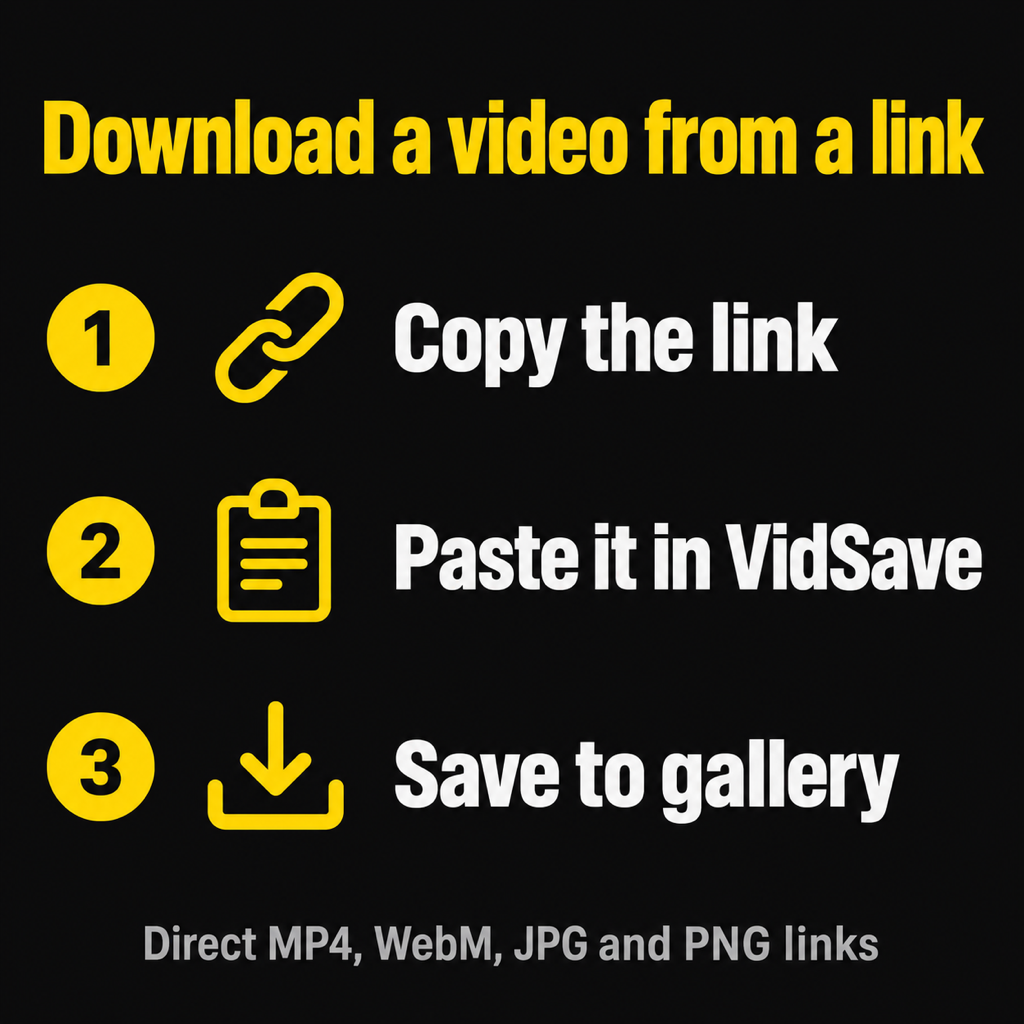
Download a video from a link in three steps
With VidSave, a free video downloader for Android:
- Copy the link. In your browser, email, chat or notes, long-press the link and tap Copy link.
- Open VidSave and tap Paste. If a link is already on your clipboard, the app offers it. VidSave checks the link and shows a preview with the file size, length and format, so you know what you are saving before you spend the data.
- Tap Save to gallery. The file goes to Movies/VidSave (videos) or Pictures/VidSave (images) and shows up in your gallery app straight away.
There is no account and no login, and nothing is added to the video: no watermark, no re-encoding. A direct link has one quality, the original, so that is what you get.
The faster way: share the link instead of copying it
You can skip the copy and paste. Wherever you see the link, tap Share and pick VidSave from the share sheet. The app does not even open: the download starts in the background and you follow it in your notifications, which also give you Open and Share buttons when it finishes. You never leave the app you were in.
This is the method to use when someone sends you a clip in a chat, or when you are reading a page in the browser. If the video is playing in the browser, our guide to downloading video from Chrome on Android covers the browser's own download button too.
Which video links can be downloaded?
This is where most "it doesn't work" moments come from. A link can point to one of three things:
- A video file. The address usually ends in
.mp4or.webm, and opening it in a browser tab plays the video on a plain black page with nothing around it. These links download perfectly. - A page that contains a video. A post, an article or a video page, with text, comments and a player. The link is to the page, not to the file. A link downloader cannot pull a video out of a page like this.
- A stream or a protected video. Films, series and most big video services send video in small encrypted chunks. There is no single file behind the link, and the encryption is there to stop copying. Nothing that respects the law saves these.
VidSave checks this for you. It looks at what the server actually sends and confirms the file really is an MP4, WebM, JPG or PNG before it saves anything. If it is a page or a stream, you get a plain message instead of a broken file. For more on telling them apart, see download MP4 from a link on Android.
Where do downloaded videos go?
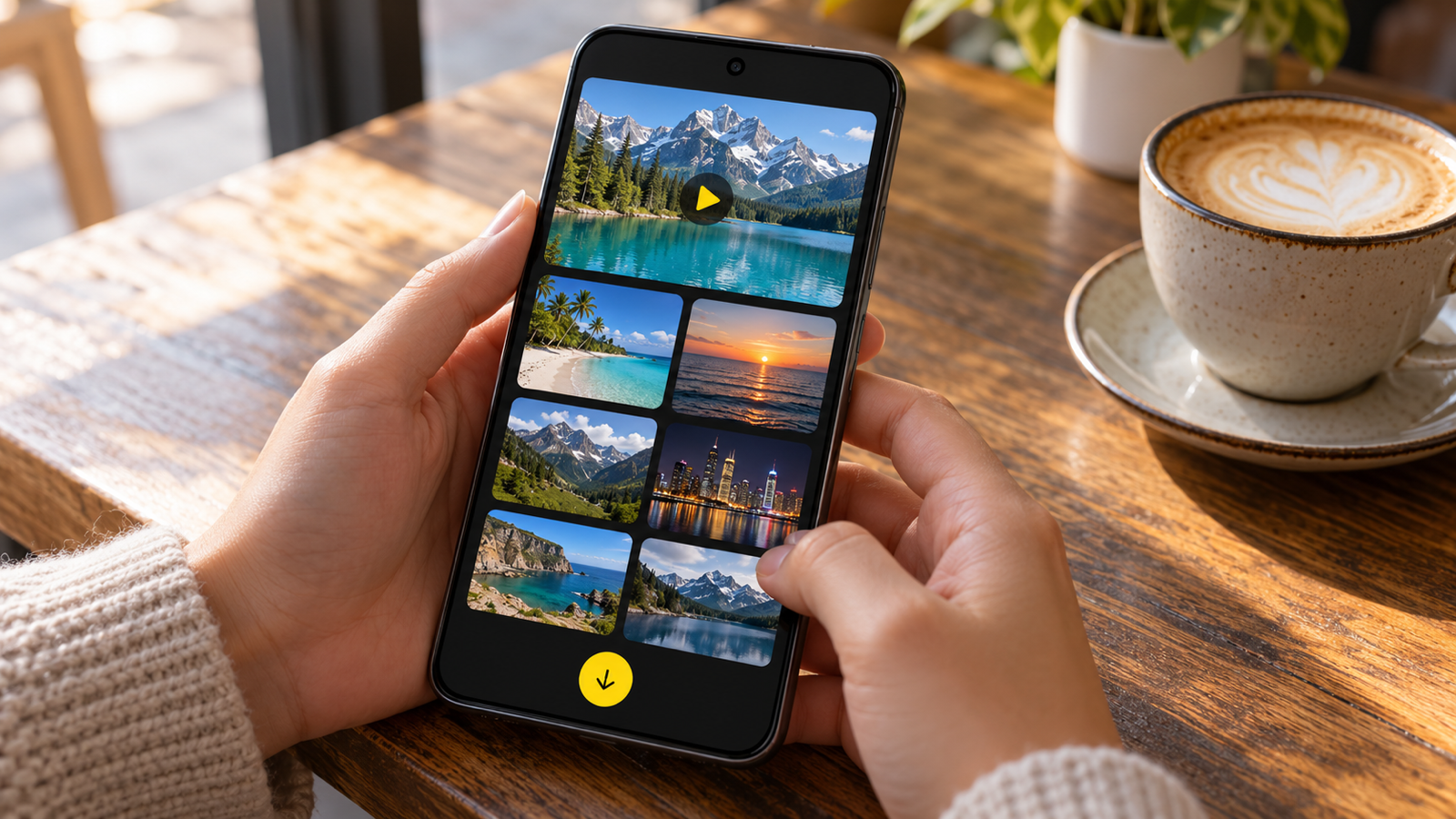
Videos saved with VidSave go to Movies/VidSave and images to Pictures/VidSave. Both are normal folders that every gallery app scans, so the video appears in Google Photos (under On this device) or your phone's own Gallery app as a VidSave album. The app also keeps a Library of everything you saved, with videos and images apart.
Files downloaded by the browser go elsewhere, to the Download folder. If a video you saved is missing from your gallery, how to save video to gallery on Android walks through the usual reasons.
Why a video link fails to download
When a save fails, the reason is almost always one of these:
- It is a page link, not a file. See above. Look for a link that goes straight to the file.
- The link has expired. Many sites hand out file links that stop working after an hour or a day. Get a fresh link from the source.
- The site blocks downloads. Some servers refuse requests from anything but their own player. VidSave tells you the site does not allow downloading this file, and there is nothing more to do.
- It is protected. Encrypted video is not saveable, by design.
- No space or no signal. Large videos need free storage, and a dropped connection interrupts the download. Try again on Wi-Fi.
One more thing: only save videos you made, were sent for keeping, or have permission to download. A file being reachable does not make it free to reuse.
Common questions
How do I download a video from a link for free?
Paste the link into a free downloader app such as VidSave and tap Save. Your first save has no ad at all; after that each save shows a short ad, or you can remove ads with a single payment. No subscription.
Can I download a video from a link without an app?
Sometimes. If the link is a direct video file, open it in Chrome and use the download option in the player's menu. It saves to the Download folder. An app adds a preview, a progress notification and saving straight to the gallery.
Why does my video link open a page instead of downloading?
Because the link points to a page with a player, not to the video file. Only direct file links can be downloaded from the link alone.
Does downloading from a link reduce quality?
No. A direct link is saved byte for byte, so the video is exactly the quality the site serves.
Can I download a video while using another app?
Yes. Share the link to VidSave and the download runs in the background, with progress in your notifications.
The short version
Copy or share the link, let VidSave check that it is a real video file, and save it to your gallery. If the link is a page or a stream, no link downloader will save it, and the error tells you so instead of leaving you with a broken file. To send the saved video to someone without it getting squashed, see how to send large video files without losing quality.