Download MP4 from Link on Android (and Why Some Links Fail)
How to download an MP4 from a link on Android, how to tell a real MP4 link from a page or stream, and what blob:, .m3u8 and protected video mean.
To download an MP4 from a link on Android, paste the link into a downloader app such as VidSave, or share the link to it, and tap Save. The MP4 is saved as it is, in its original quality, to your gallery. This only works when the link points to an MP4 file. A link to a page with a player, a blob: address or a streaming playlist is not an MP4, and no link downloader can turn it into one honestly.
How to download an MP4 from a link
- Copy the link, or long-press it and tap Share.
- Paste it in VidSave (or pick VidSave from the share sheet). The app requests the file and reads what the server sends back.
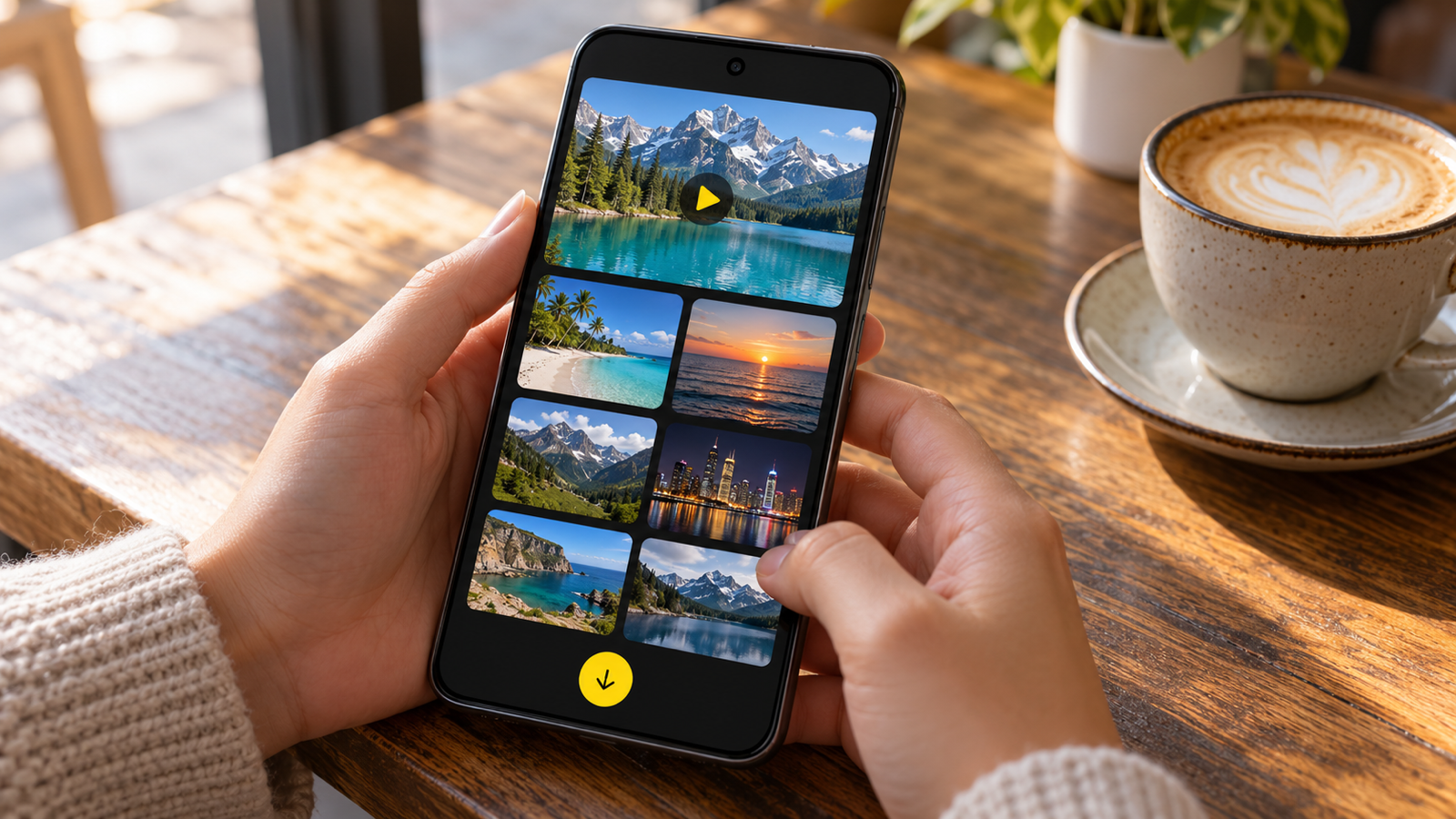
- Check the preview. When you paste, you see the format, the file size and the length, plus a playable preview, before anything is saved.
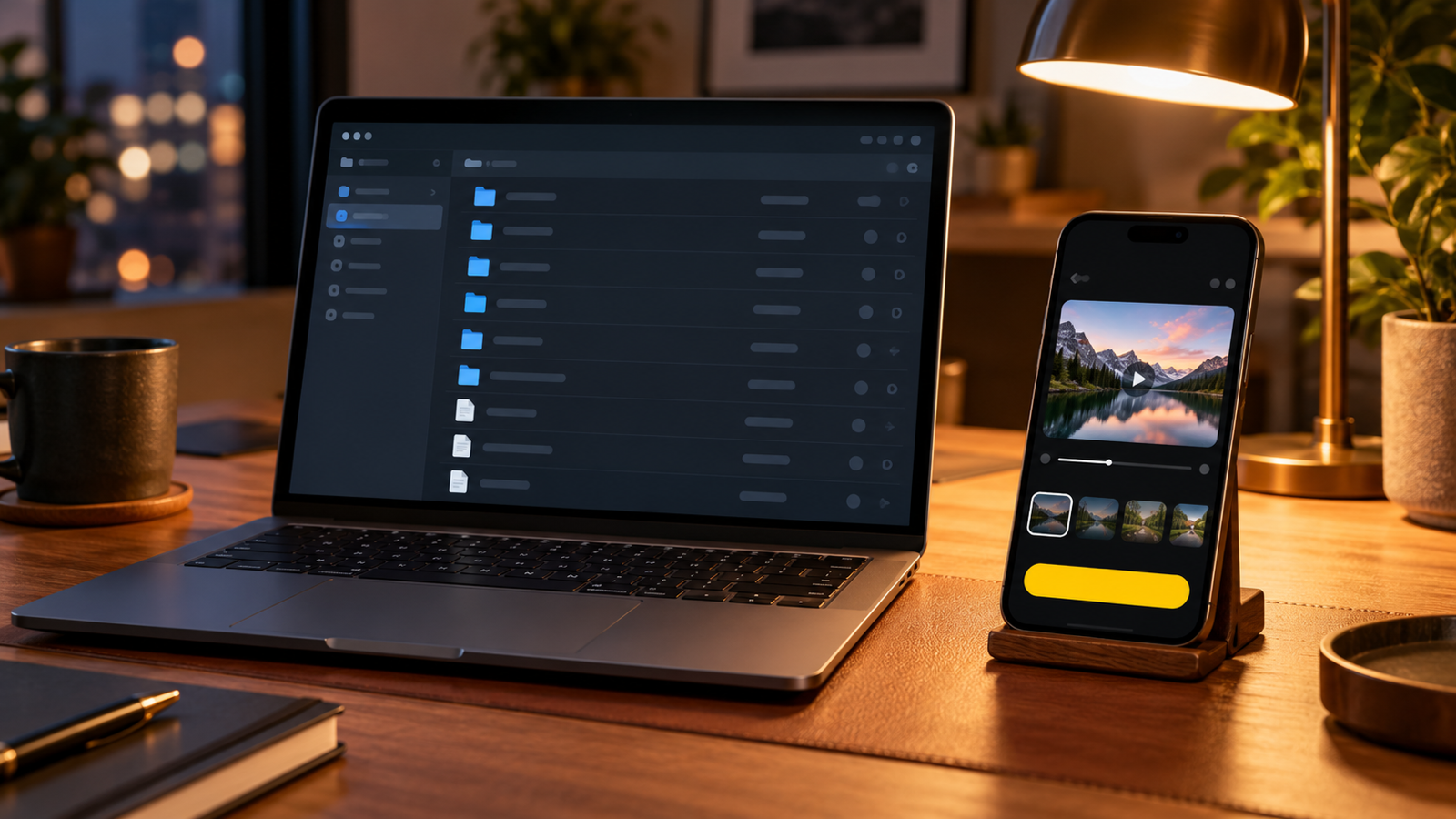
- Tap Save to gallery. The MP4 goes to Movies/VidSave. Images from JPG and PNG links go to Pictures/VidSave. WebM videos work the same way.
Nothing is converted or re-compressed. The file you get is byte-for-byte the file on the server, so an MP4 link always downloads at the quality it was uploaded in.
How to tell if a link is a real MP4
Before you blame the app, check the link. Thirty seconds tells you whether it can ever be saved:
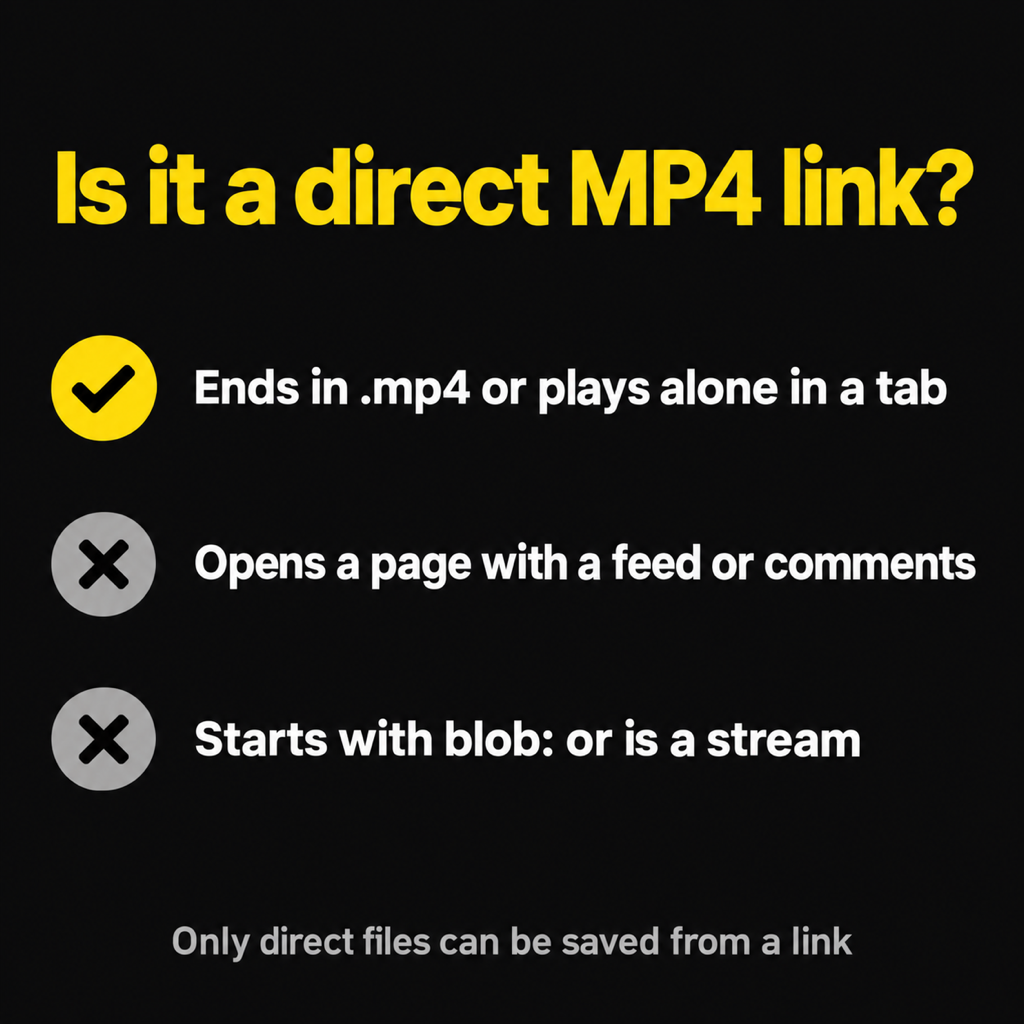
- Open it in a browser tab. A real MP4 plays on a plain black page with only a player: no text, no menus, no comments. That is the file.
- Look at the end of the address. Many file links end in
.mp4, sometimes followed by?and a long string (an access token). Those are fine. - No
.mp4? It can still be one. Some servers hand out files from addresses with no extension. What decides it is what the server sends. VidSave reads the file type the server declares and then checks the first bytes of the file itself, which is how it can tell a real MP4 from an error page wearing an MP4 name.
Links that are not MP4 files
Page links
A link to a post, an article or a video page points to the page. The video is inside it, loaded by the page's player. Downloading the link saves the page (an HTML file), not the video. Some apps get around this by scraping specific sites, which usually breaks those sites' terms. VidSave does not do that and tells you the link is not a file it can save.
blob: addresses
If you inspect a player and find an address starting with blob:, that is not a link to anything. It is a handle the page creates in memory while it plays. It does not work outside that page, on any device.
.m3u8 and .mpd streams
These are playlists. The video is cut into hundreds of short segments, often in several qualities, and the player switches between them as your connection changes. There is no single MP4 behind a playlist.
Protected video
Paid films, series and live sports are encrypted with DRM. Even if you had every segment, they would not play. Where offline viewing is allowed, it is inside the service's own app. VidSave reports these as protected and does not try.
Why an MP4 link still fails sometimes
- The link expired. Signed links (the long
?token=kind) often stop working after minutes or hours. Get a fresh one. - The server refuses outside requests. Some file hosts only serve their own player. You get "this site doesn't allow downloading this file".
- The file was removed. A dead link returns "not available any more".
- Not enough storage. Check the size in the preview before saving a long video.
- It is already saved. VidSave spots a link you have saved before and points you to it in your Library instead of making a copy.
Online MP4 downloaders vs an app
Web tools that "convert a URL to MP4" run in the browser and send your link to their server. They tend to be covered in pop-up ads and redirects on a phone, and they save to the Download folder. An app saves directly into your gallery, keeps a history on your phone, and keeps downloading in the background with progress in your notifications. VidSave needs no account, and your links go only to the site that hosts the file.
Whichever you use, only download videos you own or have permission to save.
Common questions
How do I convert a video link to MP4 on Android?
If the link is already an MP4 file, there is nothing to convert: download it with VidSave or Chrome. If it is a page or a stream, it cannot be turned into an MP4 from the link alone.
Can I choose the quality of an MP4 download?
A direct MP4 link has exactly one quality, the original. You get what the server holds.
Does VidSave download WebM too?
Yes. VidSave saves MP4 and WebM videos, and JPG and PNG images, from direct links.
Is downloading an MP4 from a link legal?
Downloading is fine for your own videos, files shared with you for keeping, and content whose licence allows it. Downloading someone else's copyrighted video without permission is not.
The short version
A real MP4 link plays alone in a tab. Paste or share it to VidSave and it lands in your gallery in its original quality. Page links, blob: addresses, playlists and protected video are not MP4 files and cannot be saved from a link. More on getting saved videos into the right place: how to save video to gallery on Android.