Download Embedded Video on Android: 4 Ways That Work (and When None Will)
How to download an embedded video on Android: the player menu, long-press, finding the .mp4 address in the page, and which embeds cannot be saved.
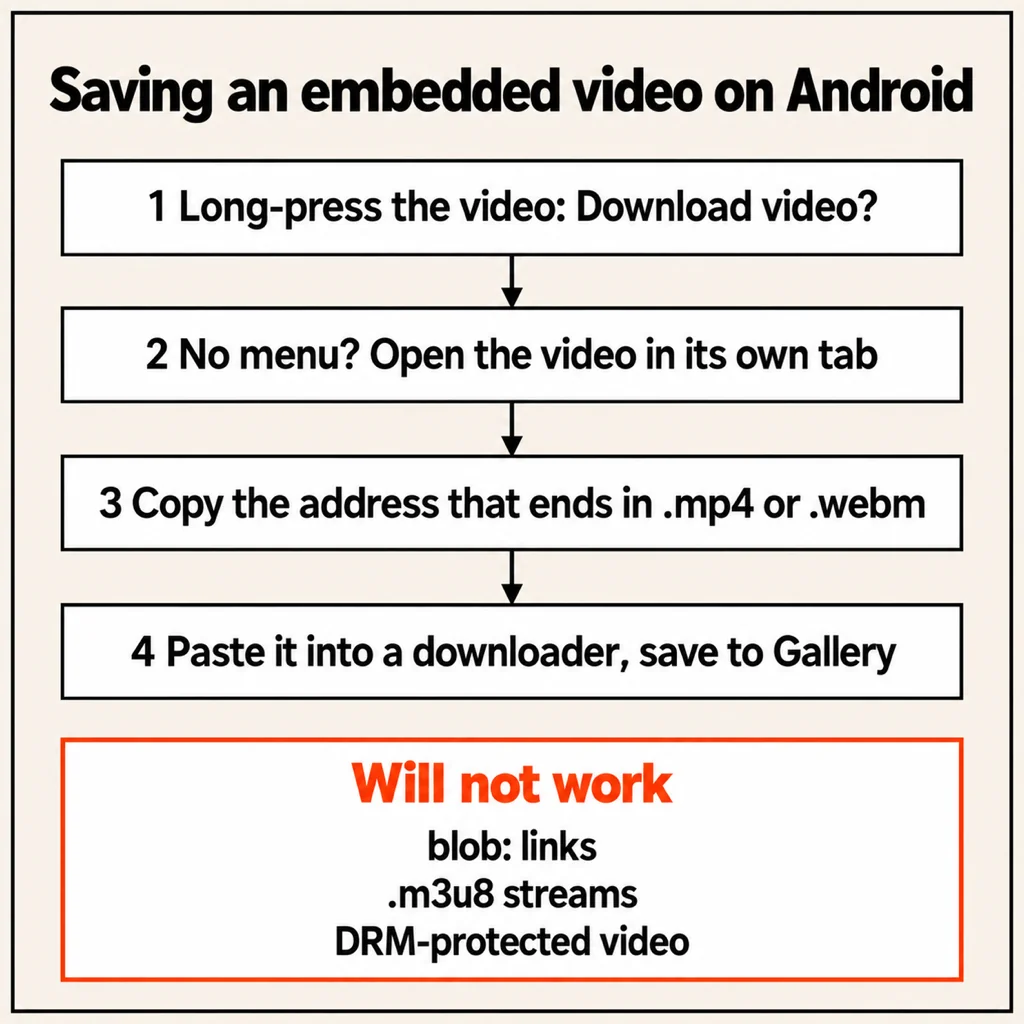
To download an embedded video on Android, first try the video player's own menu or a long-press on the video for a Download option. If there is none, find the video's direct address (the one that ends in .mp4 or .webm), copy it, and save it with your browser or a downloader app such as VidSave. If the video only exists as a stream (.m3u8), a blob: address or behind DRM, there is no file to save, and no honest app can change that. The steps below take you from the quickest check to the most thorough one.
What "embedded video" actually means
An embedded video is a player placed inside another web page: a clip in a news article, a lesson on a course page, a product demo in a blog post. The page you are reading is not the video. Somewhere behind the player there is either a single video file, a stream cut into hundreds of small pieces, or an encrypted stream. Only the first can be downloaded as one file.
That is why sharing the page link to a downloader often fails: the link points to an article (an HTML page), not to the video inside it. You need the address of the file itself.
Method 1: the player's own download option
Start the video, then look at the player controls. In Chrome on Android, the three-dot menu on a playing video's controls shows Download when the video is a plain file the browser can save. Some players also show their own download arrow in the corner.
If you see it, tap it. The file goes to your Downloads folder. To move it into Gallery, see our guide to saving a video to the gallery on Android.
Method 2: long-press the video
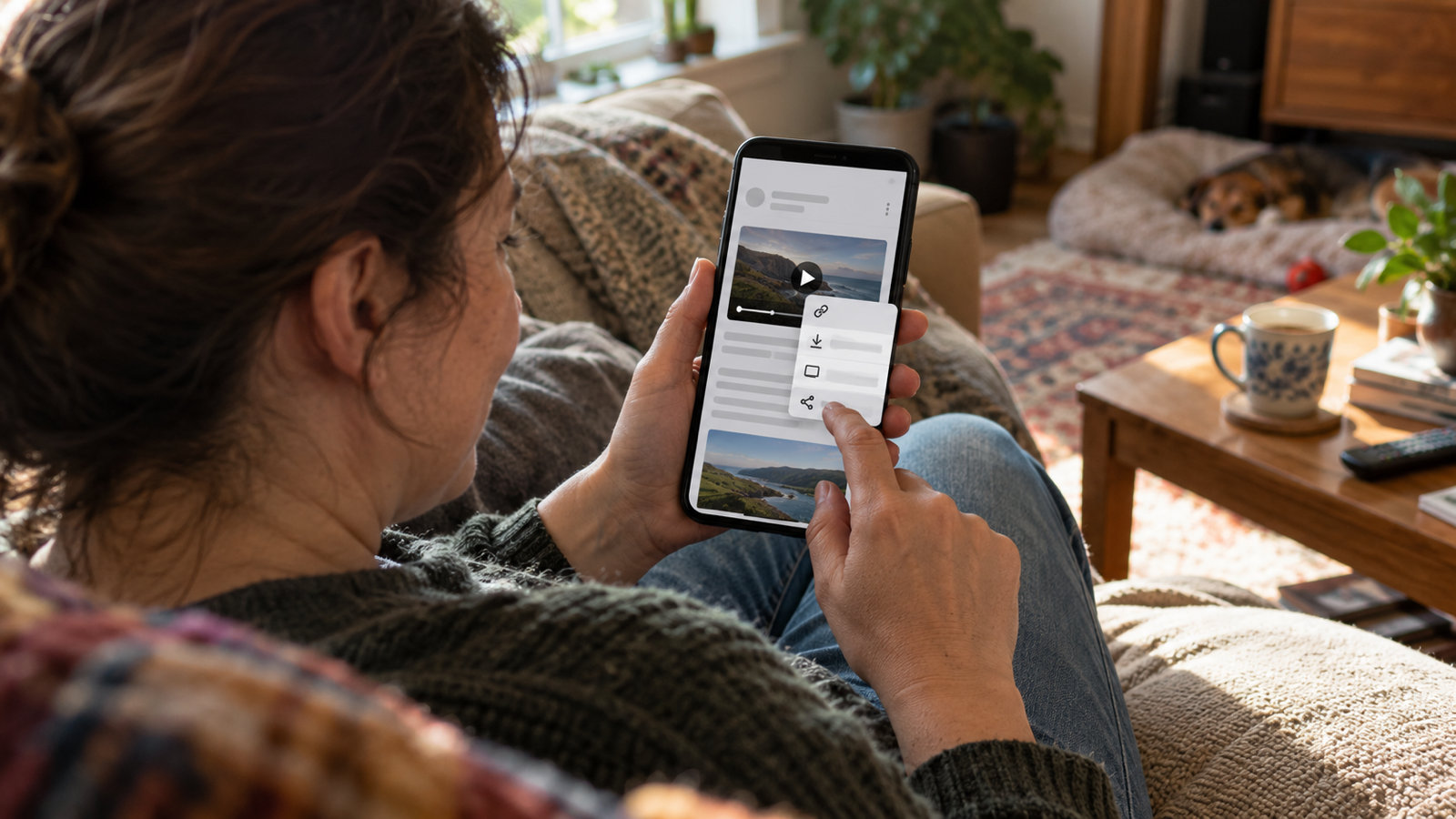
Pause the video and press and hold on it. Depending on the browser and the page, you may get Download video, Open video in new tab or Copy video address.
- Download video saves it directly.
- Open video in new tab plays the bare file on its own. Its address bar now shows the direct link. Copy it.
- Copy video address puts the direct link on your clipboard.
If the long-press only offers options for an image or a link, the player is covering the video with its own layer. Move on to method 3.
Method 3: find the .mp4 address in the page
Every embedded player has to tell the browser where the video lives. You can read that on your phone without a computer.
- Copy the page's address from the address bar.
- In a new tab, type
view-source:and paste the address right after it, then open it. Chrome on Android shows the page's source code. - Open the menu, tap Find in page and search for
.mp4. If nothing comes up, try.webm, then<videoandiframe. - A full address starting with
https://and ending in.mp4or.webm(sometimes followed by?and more text) is the file. Long-press it to select it, then copy. - Found an
iframewith asrcaddress instead? That is the player's own page. Open that address and repeat the search there.
Before saving, paste the address into a new tab. If the video plays on a plain black page, you have the real file.
Method 4: save the direct link with a downloader app
Once you have a direct .mp4 or .webm address, you can save it with the browser, but a downloader app does the rest of the job: it checks the file, shows you what you are about to save, and puts it straight into Gallery.
VidSave is our Android downloader for exactly this step:
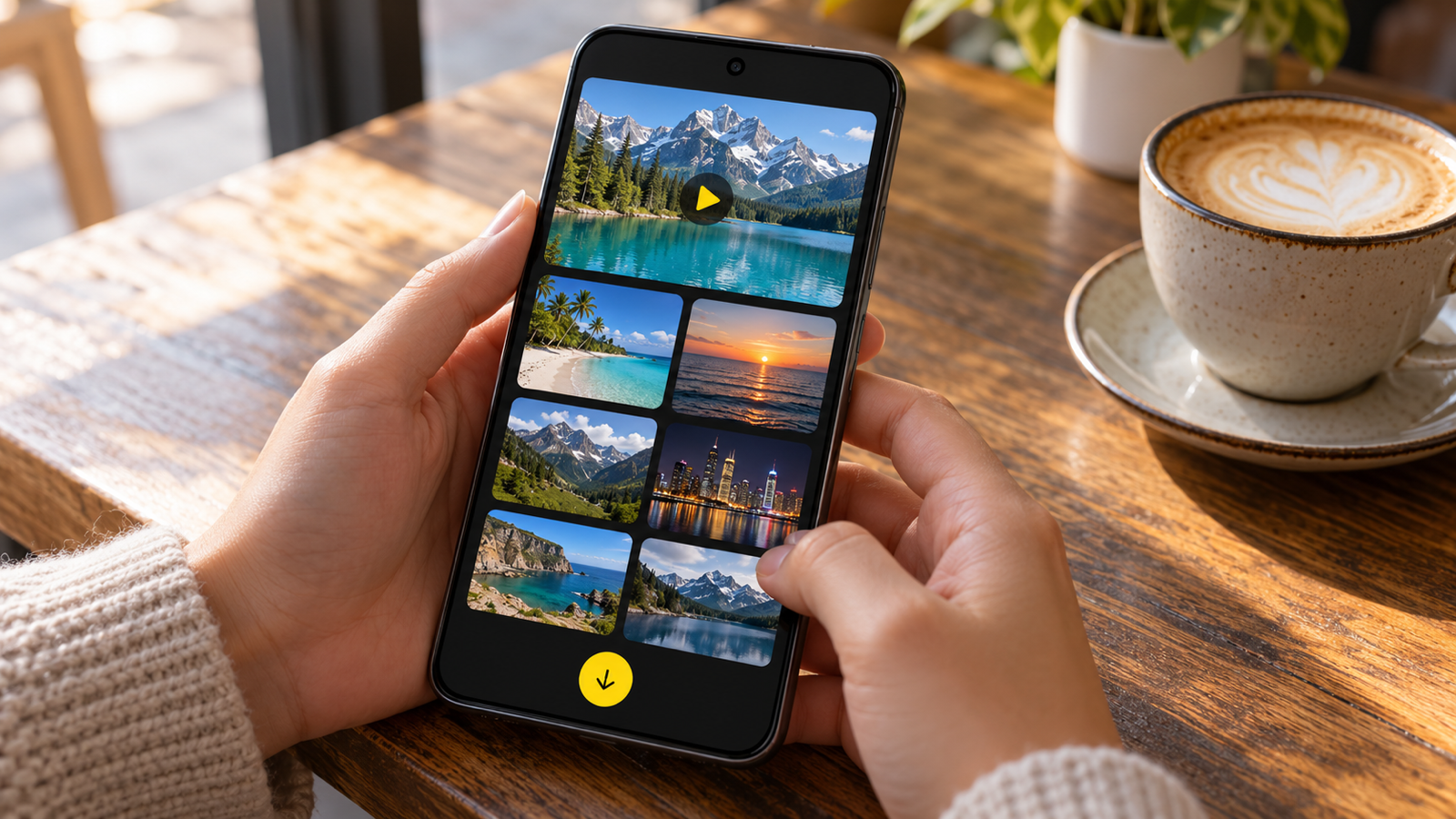
- Paste the link and VidSave shows a preview with resolution, length and file size before you save.
- Or share the link to VidSave from any app; the save runs in the background with progress in your notifications.
- Videos land in Movies/VidSave and show up in Gallery, ready to watch offline.
- It supports direct MP4 and WebM video, plus JPG and PNG images, on Android 10 and newer.
- No account. Free with ads, and Remove ads is one payment, not a subscription.
VidSave does not scrape web pages. If you paste an article link, it tells you the link is a page rather than a video, which is your cue to go back to method 2 or 3. More on telling the two apart in download MP4 from link on Android.
Embedded videos you can't download
Some embeds are built so that no single file ever exists on your phone. Knowing the signs saves you an hour of trying apps.
- A blob: address. If the only address you find starts with
blob:, it is a temporary object inside your browser tab, assembled from pieces while you watch. It cannot be opened anywhere else. - A .m3u8 or .mpd address. This is a playlist for a stream cut into short segments, often in several qualities. A file downloader can't save it as one video.
- Protected (DRM) video. Paid streaming, many course platforms and rented films encrypt their video. The player decrypts it only for playback, and saving the encrypted pieces gives you nothing watchable.
- Videos behind a login. The address often only works with your signed-in session and expires within minutes.
When a site offers its own offline or download button inside its app, that is the supported way to watch later. Only save videos you have the right to keep: your own uploads, files a site offers openly, or content with a licence that allows it.
Common questions
Why does my downloader say the link is not a video?
Because you shared the page, not the video. An article or post link opens an HTML page. Use method 2 or 3 to get the address that ends in .mp4 or .webm.
Can I download an embedded video in Chrome on Android without an app?
Yes, when the video is a plain file: use the Download option in the player's three-dot menu, or open the direct address and tap Download from Chrome's menu. The file goes to Downloads rather than Gallery.
Does view-source work on Android?
Yes. Type view-source: in front of any address in Chrome on Android and it shows the page's source, which you can search with Find in page.
Why does the copied video address stop working later?
Many sites sign their video addresses with a token that expires after a few minutes or hours. Save the file soon after you copy the link.
Can I download embedded videos on iPhone the same way?
The idea is the same (find the direct file), but the steps differ and VidSave is Android only. This guide covers Android.
The short version
Try the player's menu, then a long-press, then search the page source for .mp4. Once you have a direct link, paste it into VidSave and it lands in your Gallery. If all you find is blob:, .m3u8 or a protected player, the video was built not to be saved as a file. For other link types, read how to download video from Chrome on Android.
From the studio
Previous Article
Christmas Games for Adults to Play at Home: 16 Games for Friends, Family and Couples
Next Article
75 Day Challenge: Rules for 75 Hard, 75 Soft, 75 Medium and a Glow-Up Version