How to Save Video to Gallery on Android
Save a video to your Android gallery from a link, a chat or a download, and find the ones that saved but never showed up in the gallery.
To save a video to your gallery on Android, the video has to end up as a file in a normal media folder such as Movies, DCIM or Download. Gallery apps show every such folder automatically. From a link, the quickest way is to share the link to a downloader that saves into Movies. From a chat, use the app's own Save option. If a video saved but is not in your gallery, it is almost always sitting in a folder your gallery hides or cannot see.
Save a video from a link to your gallery
If someone sends you a link to a video file, or you find one on a web page:
- Tap Share on the link and pick VidSave. Or copy the link, open VidSave and tap Paste to see a preview first.
- VidSave checks that the link really is a video (MP4 or WebM) or image (JPG or PNG) file, then saves it.
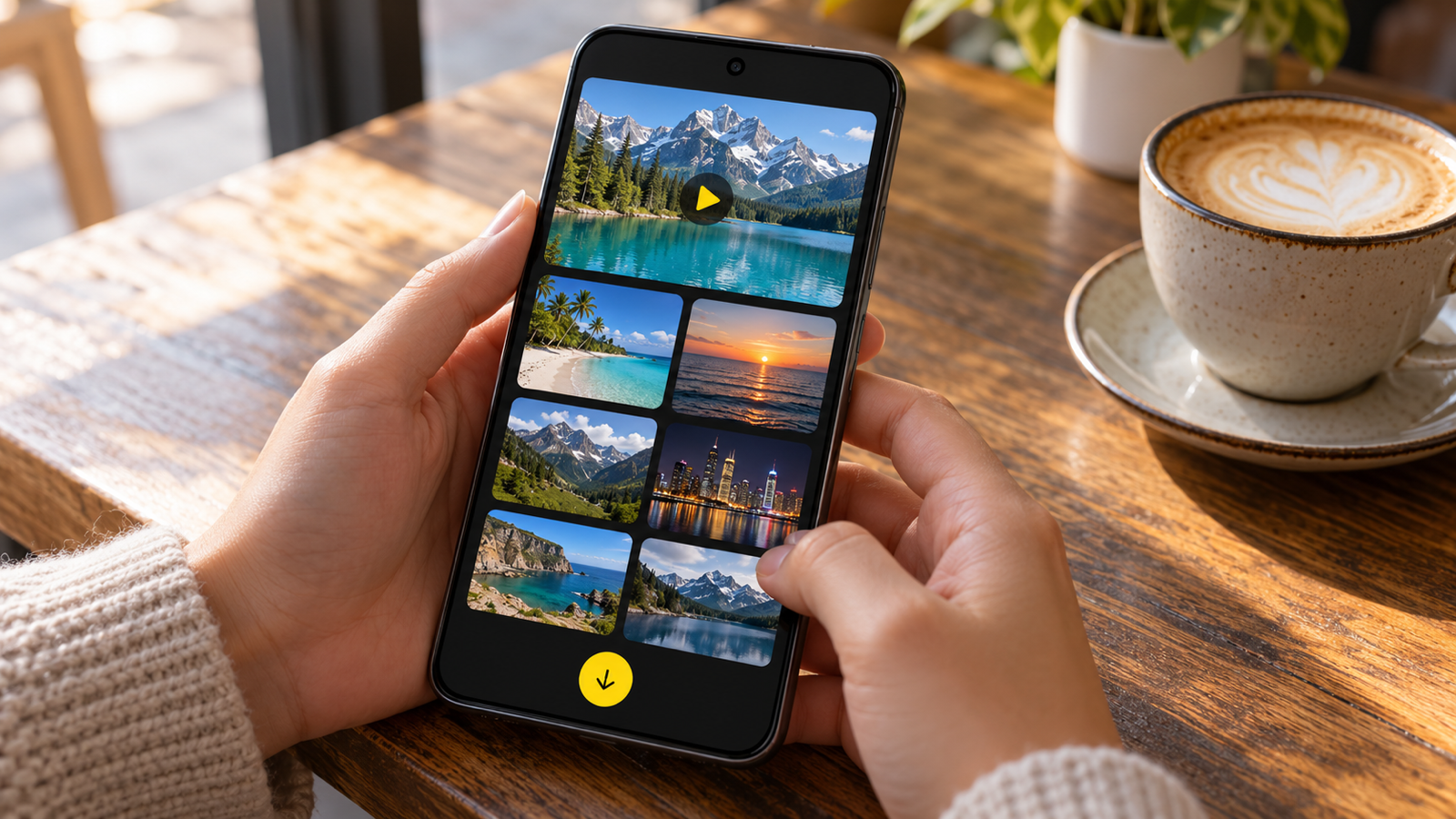
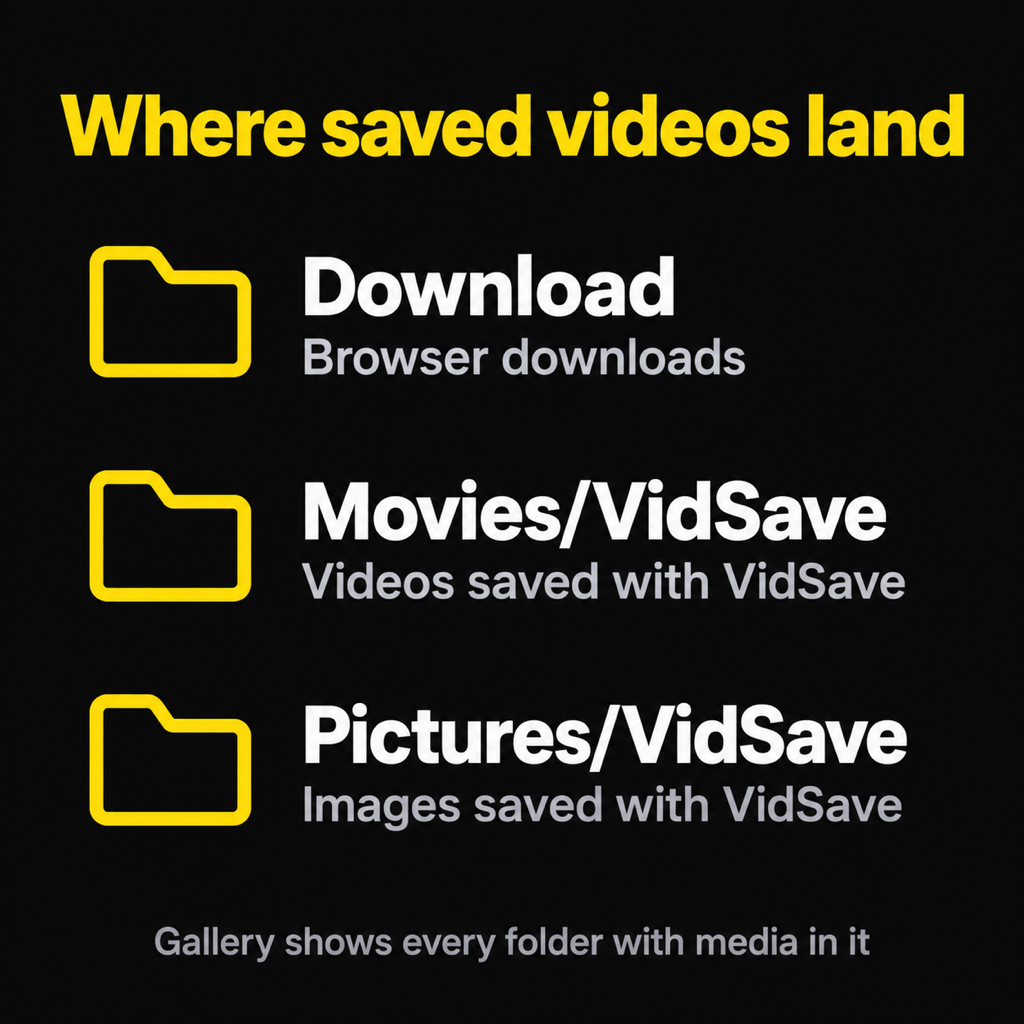
- The video goes to Movies/VidSave and appears in your gallery as a VidSave album, ready to play offline.
The detailed version, including which links can and cannot be saved, is in how to download video from a link.
Save a video from a chat app to your gallery
Most messaging apps download videos you receive into their own folder and can copy them to the gallery:
- Open the video in the chat, tap the three-dot or share icon, and look for Save, Save to gallery or Download.
- Some apps have a setting for this, usually called something like "Save to gallery" or "Media visibility", under Chats or Storage. Turn it on and new videos appear in the gallery automatically.
- If there is no save option, tap Share and send the video to Google Photos or Files, which stores a copy in a gallery folder.
Save a downloaded video to your gallery
Videos downloaded in a browser go to the Download folder. Most gallery apps already show it as an album called Download. If yours does not:
- Open the Files app (Files by Google, or My Files on Samsung) and go to Downloads.
- Long-press the video, tap Move to (or Copy to), and choose Movies or DCIM.
- Open your gallery. The video now shows up with your other videos.
For saving from the browser in the first place, see how to download video from Chrome on Android.
Video saved but not showing in the gallery?
Work down this list:
- Check device folders in Google Photos. Photos shows your camera roll on the main screen and everything else under Collections, then On this device. Downloaded and saved videos live there, not in the main timeline.
- The folder is hidden. A folder that contains a file named
.nomediais skipped by every gallery. Some apps add one on purpose to keep their media out of your gallery. Move the video to Movies. - It is inside an app's private storage. Files under
Android/dataorAndroid/mediabelong to that app and many galleries ignore them. Use the app's own Save or Export instead. - The gallery has not rescanned yet. Close the gallery fully and reopen it, or restart the phone. New files can take a moment to appear.
- The file is broken. A video that downloaded as a few kilobytes is not a video; it is usually an error page saved with a .mp4 name. Check the size in Files. A downloader that checks the file first, like VidSave, never saves one of these.
- It is on the SD card and the card is unmounted or set to private. Check in Settings, Storage.
Why save videos to the gallery at all?
Because the gallery is where everything else on the phone looks. A video in your gallery plays offline on a plane, shows up in the share picker of every app, gets backed up by Google Photos if you have backup on, and can be trimmed in the built-in editor. A video stuck in an app's private folder can do none of that, and disappears when you uninstall the app.
Common questions
Where is the gallery folder on Android?
There is no single gallery folder. The gallery shows media from DCIM (your camera), Pictures, Movies, Download and any other folder with photos or videos in it.
How do I save a video from a URL to my gallery?
Share the URL to VidSave or paste it into the app. If the URL is a direct video file, it saves to Movies/VidSave and appears in the gallery.
Why are my saved videos not in Google Photos?
Google Photos lists videos outside the camera folder under Collections, then On this device. Turn on backup for that folder if you want them in the main timeline.
Can I choose which album the video goes to?
VidSave always uses Movies/VidSave for videos and Pictures/VidSave for images, so saved files are easy to find. You can move them to any album afterwards in your gallery or Files app.
The short version
Get the video into a media folder and the gallery takes care of the rest. From a link, VidSave does that in one share. From a chat, use the app's Save. From Downloads, move it to Movies. If it still does not show, look for a hidden folder or a broken file, and see download MP4 from a link on Android for links that never were videos.
From the studio

Previous Article
How to Download Video from Chrome on Android
Next Article
Download MP4 from Link on Android (and Why Some Links Fail)