Best AI Keyboard for Android: 6 Picks by What You Want AI to Do
The best AI keyboard for Android depends on the job: replies from the chat, free rewrites, grammar, or AI built into your Pixel or Galaxy. Here are 6 picks.
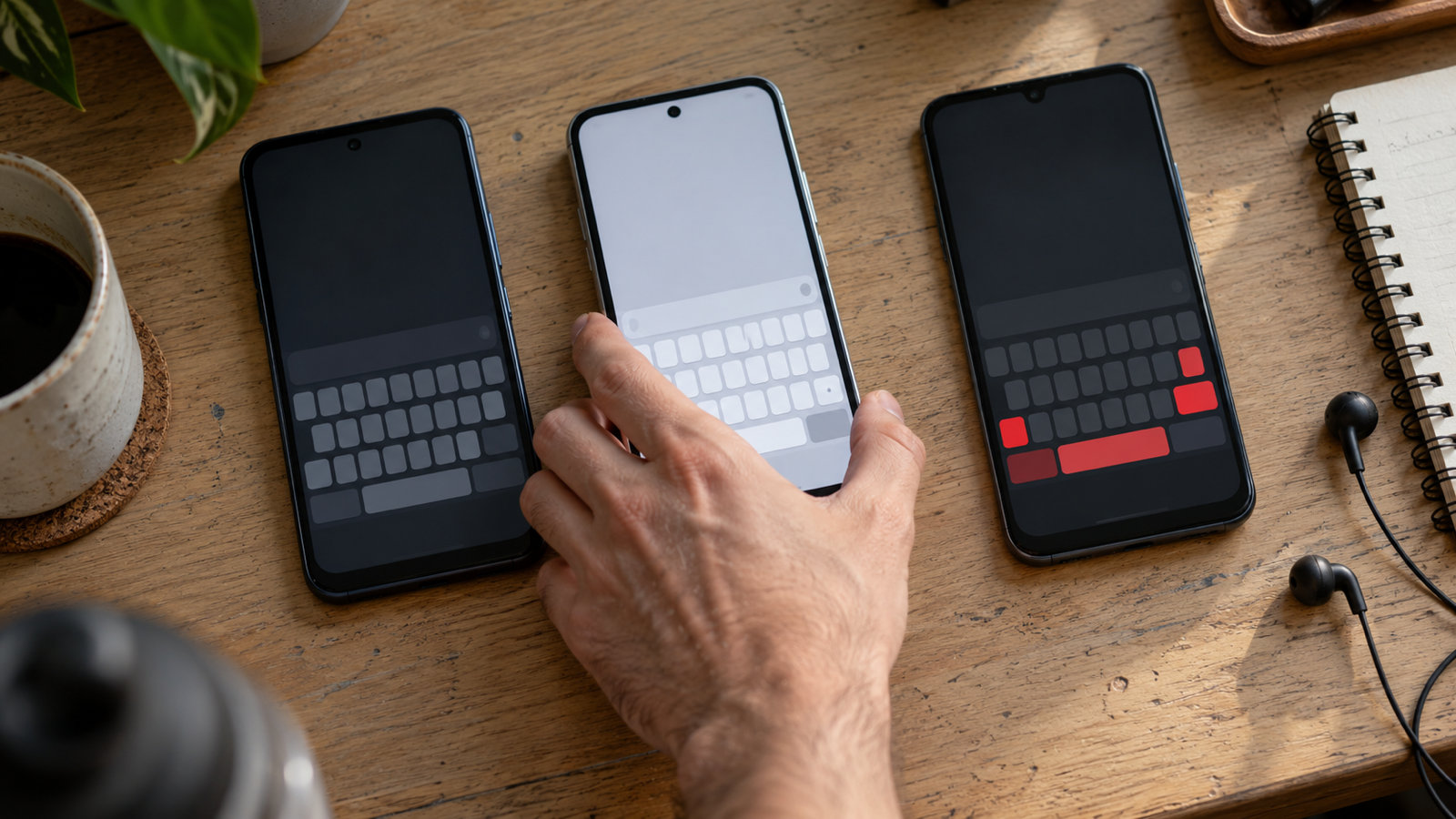
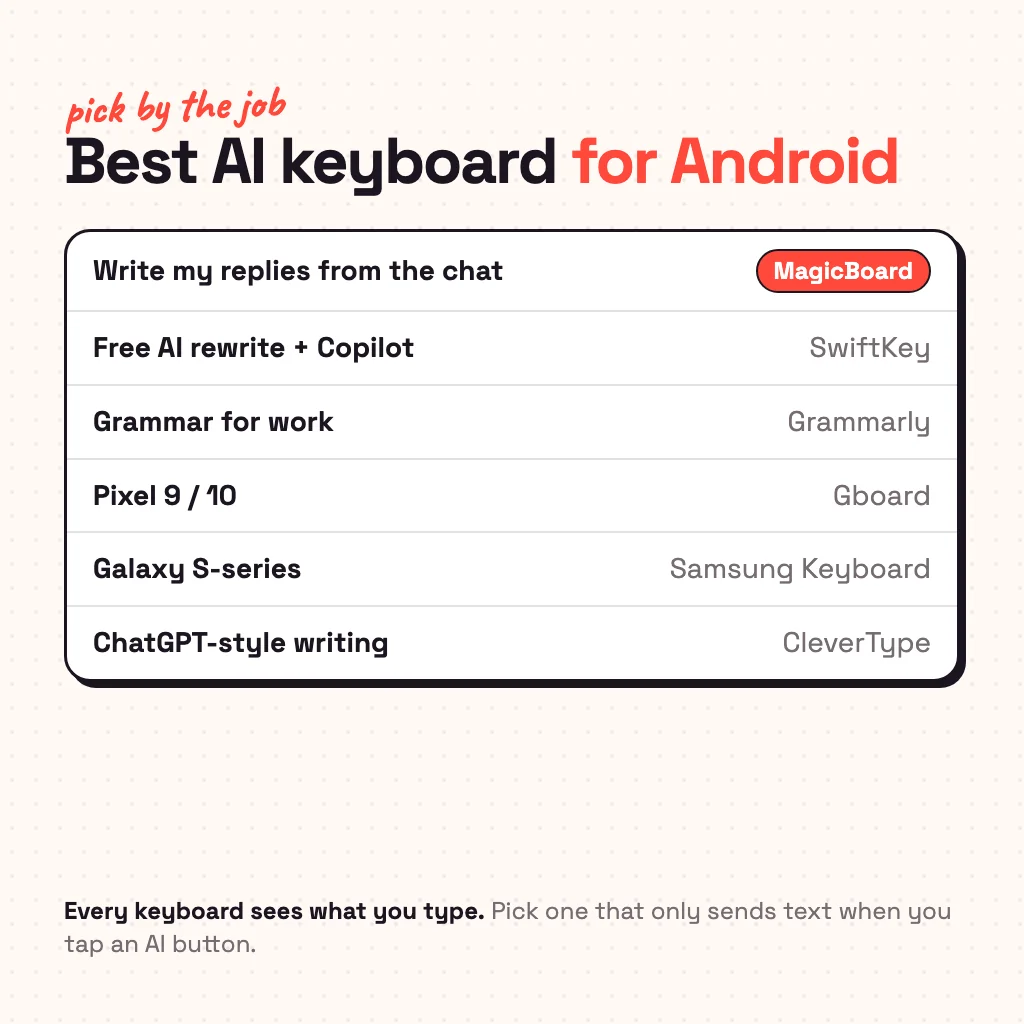
The best AI keyboard for Android is Microsoft SwiftKey if you want free AI rewriting with Copilot, MagicBoard if you want AI to write your replies straight from the chat, Grammarly Keyboard for grammar and tone at work, Gboard if you have a Pixel 9 or 10, Samsung Keyboard on a recent Galaxy, and CleverType for ChatGPT-style writing in the keyboard. They all call themselves "AI keyboards", but they do different jobs: some fix what you typed, some rewrite it, and only a few write the reply for you. Pick by the job first, then by price and privacy.
What does an AI keyboard actually do?
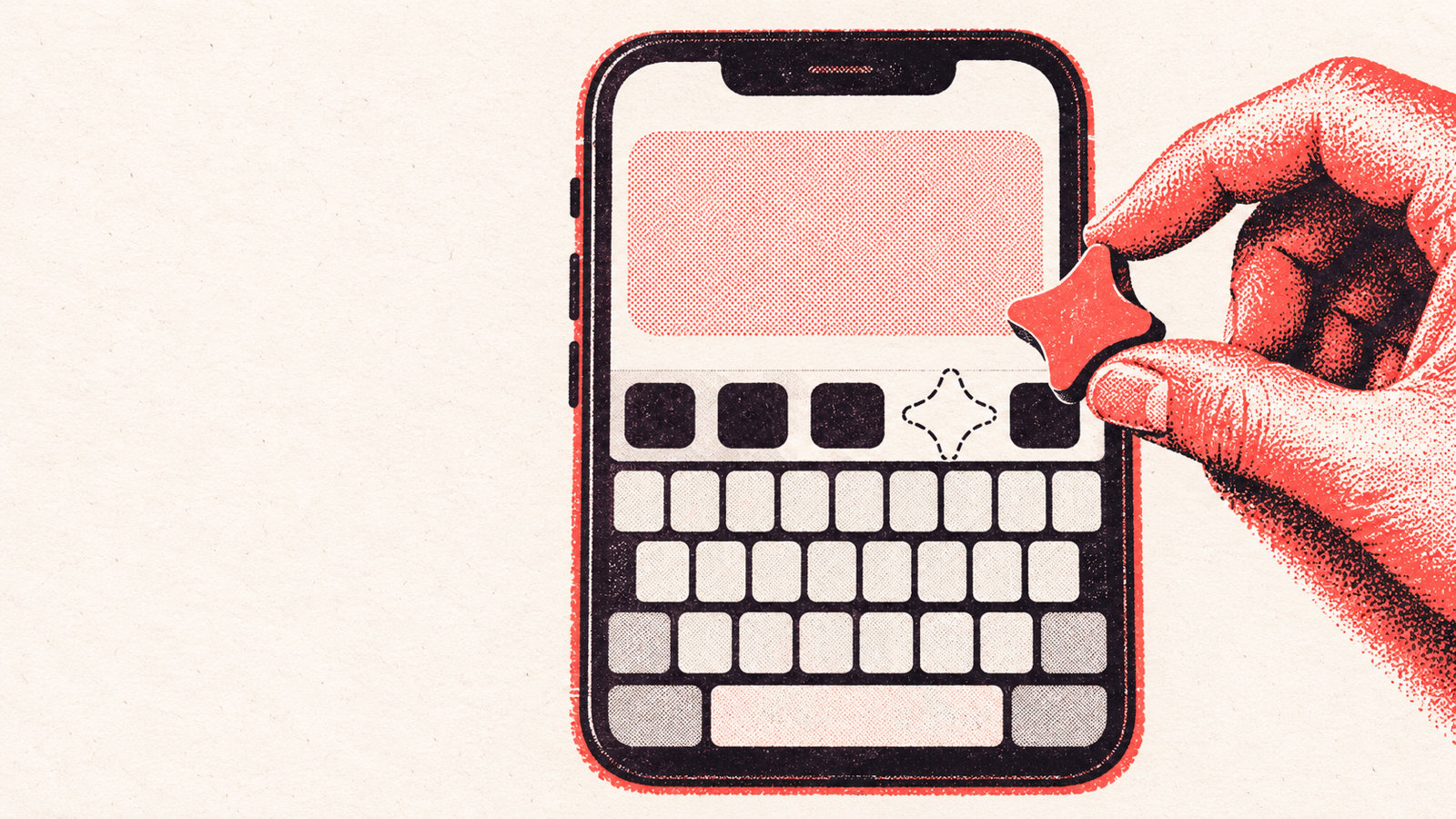
A normal keyboard predicts the next word. An AI keyboard sends a piece of text to a language model and puts the answer back in the text box. In practice that means four kinds of features:
- Fix: grammar and spelling correction beyond autocorrect.
- Rewrite: change the tone of what you typed (more formal, friendlier, shorter).
- Compose: write something new from a short instruction, like a chatbot inside the keyboard.
- Reply: read the message you got and write the answer, so you don't type a first draft at all.
Most AI keyboards are strong at fix and rewrite. Reply is rarer, because the keyboard has to see the conversation, not just your own text box.
1. Microsoft SwiftKey: best free AI keyboard
SwiftKey is the safest all-round pick. Its swipe typing and prediction are as good as Gboard's, and it has Microsoft Copilot built in: rewrite a message in a different tone, compose text from a prompt, or chat with Copilot without leaving the app you're in. It's free. The trade-off is that the AI works on what you type or ask; it doesn't read the chat you're answering, so you still write the first draft. Signing in with a Microsoft account syncs your typing data to Microsoft.
2. MagicBoard: best for AI replies to your chats
We make MagicBoard, so weigh this with that in mind. It's built for the reply job: in WhatsApp, Instagram, Telegram, Messages or Snapchat, tap ✨ Reply and it reads the messages on screen and gives you three whole replies. Tap one, edit it if you like, and send. It never sends anything by itself.
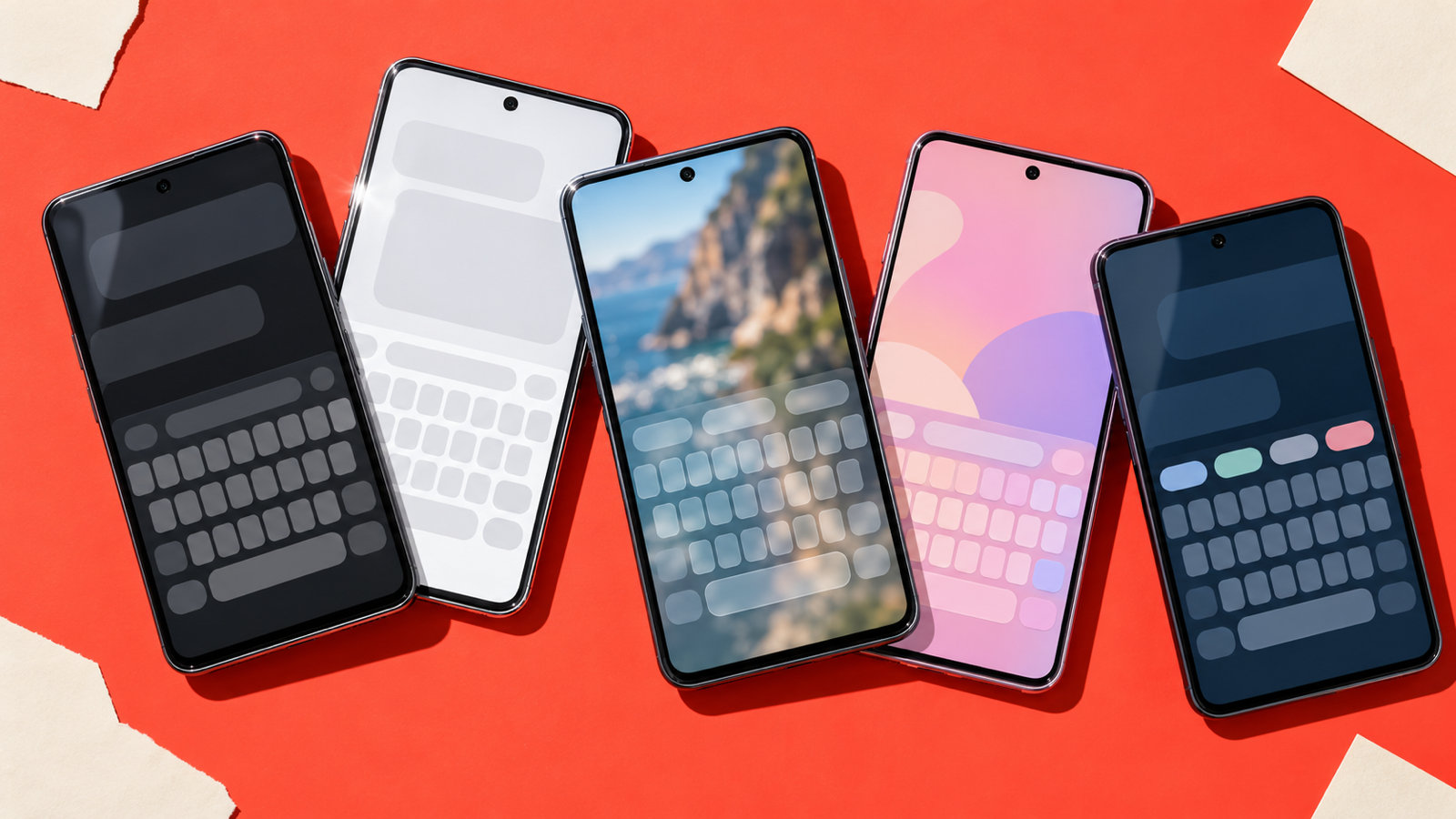
It also fixes grammar with a short "why", rewrites in any tone, translates what you typed, and has voice typing that cleans up the ums. It learns how you text, so replies sound like you rather than like a chatbot. Under the AI it's a full keyboard: glide typing, next-word suggestions, autocorrect that learns your words on the phone, GIFs, a clipboard and 35+ themes, in English, German, French, Spanish, Italian and Portuguese.
The AI runs in the cloud, so it works on any phone from Android 9 up. It's free with 30 AI uses to start, then 3 a day; MagicBoard Pro removes the limit and adds Personalities (Flirty, Bestie, Dry, Work…), People voices and Pro themes. Your typing stays on the phone; text only goes to the AI when you tap an AI button.
3. Grammarly Keyboard: best for grammar and tone at work
If your messages are mostly work emails, Slack and LinkedIn, Grammarly is the most careful corrector. It flags grammar, clarity and tone as you type and suggests rewrites. Basic corrections are free; full-sentence rewrites and tone changes need Grammarly Pro (about $12 a month billed yearly). Its plain typing (swipe and prediction) is weaker than Gboard's, and text is checked on Grammarly's servers.
4. Gboard: best if your phone has Gemini Nano
Gboard now has AI writing tools (Proofread, Rephrase, and tone options), but they run on Gemini Nano, Google's on-device model, so they only appear on the Pixel 9 and Pixel 10 series and a few recent flagships. On those phones they're free and private. On everything else they simply aren't there; our guide on Gboard AI writing tools missing explains why and what to use instead.
5. Samsung Keyboard: best on a recent Galaxy
On supported Galaxy phones, Samsung Keyboard has Galaxy AI writing assist: change the writing style, check spelling and grammar, and translate in chats. If you own a recent Galaxy, try it before installing anything; it's already there and free. It isn't available on other brands.
6. CleverType: best for ChatGPT-style writing in the keyboard
CleverType puts a ChatGPT-style assistant on the keyboard: grammar fixes, tone changes, paraphrasing and compose from a prompt, with reply suggestions in chat apps. It works on a free word allowance, with paid plans from about $5 a month. It's a good pick if you write a lot of longer text and want many AI tools in one place.
What about "rizz" keyboards?
A wave of dating keyboards (Smoothspeak, Rizz God, Huzz and others) promises flirty replies. Most started on iPhone, many want you to paste a screenshot first, and several charge weekly subscriptions. If flirting is all you want, they work; if you also need a keyboard you'll use all day, a full keyboard with a flirty tone (MagicBoard's Flirty personality, for example) is less to juggle. For hand-written lines, see our rizz lines.
Which AI keyboard is free?
| Keyboard | Free | Paid |
|---|---|---|
| SwiftKey | Everything, including Copilot | None |
| MagicBoard | Full keyboard, 30 AI uses then 3 a day | Pro: unlimited AI, Personalities, People voices |
| Grammarly | Basic corrections | Pro: rewrites, tone |
| Gboard | Everything (writing tools need Gemini Nano) | None |
| Samsung Keyboard | Everything on supported Galaxy phones | None |
| CleverType | A word allowance | Plans from about $5/month |
Is an AI keyboard safe to use?
Every keyboard can see what you type, AI or not, so trust matters more than features. Three things to check: does it send text only when you tap an AI button (not everything you type), does it skip password fields, and does the developer say whether it stores what it receives. Read the privacy policy before you switch. To try one, our guide on how to change keyboard on Android covers turning it on and switching back.
Common questions
What is the best AI keyboard for Android?
For free AI rewriting, Microsoft SwiftKey. For AI that writes your replies from the chat, MagicBoard. For grammar at work, Grammarly. On a Pixel 9 or 10, Gboard's built-in tools.
Is there an AI keyboard that replies to messages for you?
Yes. MagicBoard reads the chat on screen and suggests three replies you can send with one tap. Most other AI keyboards rewrite what you typed instead of writing the reply.
Is there a free AI keyboard for Android?
SwiftKey is fully free with Copilot. MagicBoard has free daily AI uses, and Gboard and Samsung Keyboard are free on phones that support their AI.
Does Gboard have AI?
Yes, on phones with Gemini Nano (Pixel 9, Pixel 10 and some flagships). On other phones the AI writing tools don't appear.
Is there a keyboard with ChatGPT for Android?
Several keyboards have a chatbot built in: CleverType's assistant, MagicBoard's Ask AI, and Microsoft Copilot in SwiftKey. None needs a separate ChatGPT account.