Gboard AI Writing Tools Missing? Why, and How to Get Them on Any Phone
Gboard's AI writing tools only run on phones with Gemini Nano v2, like the Pixel 9. Why they're missing, how to fix them, and an AI keyboard that works anywhere.
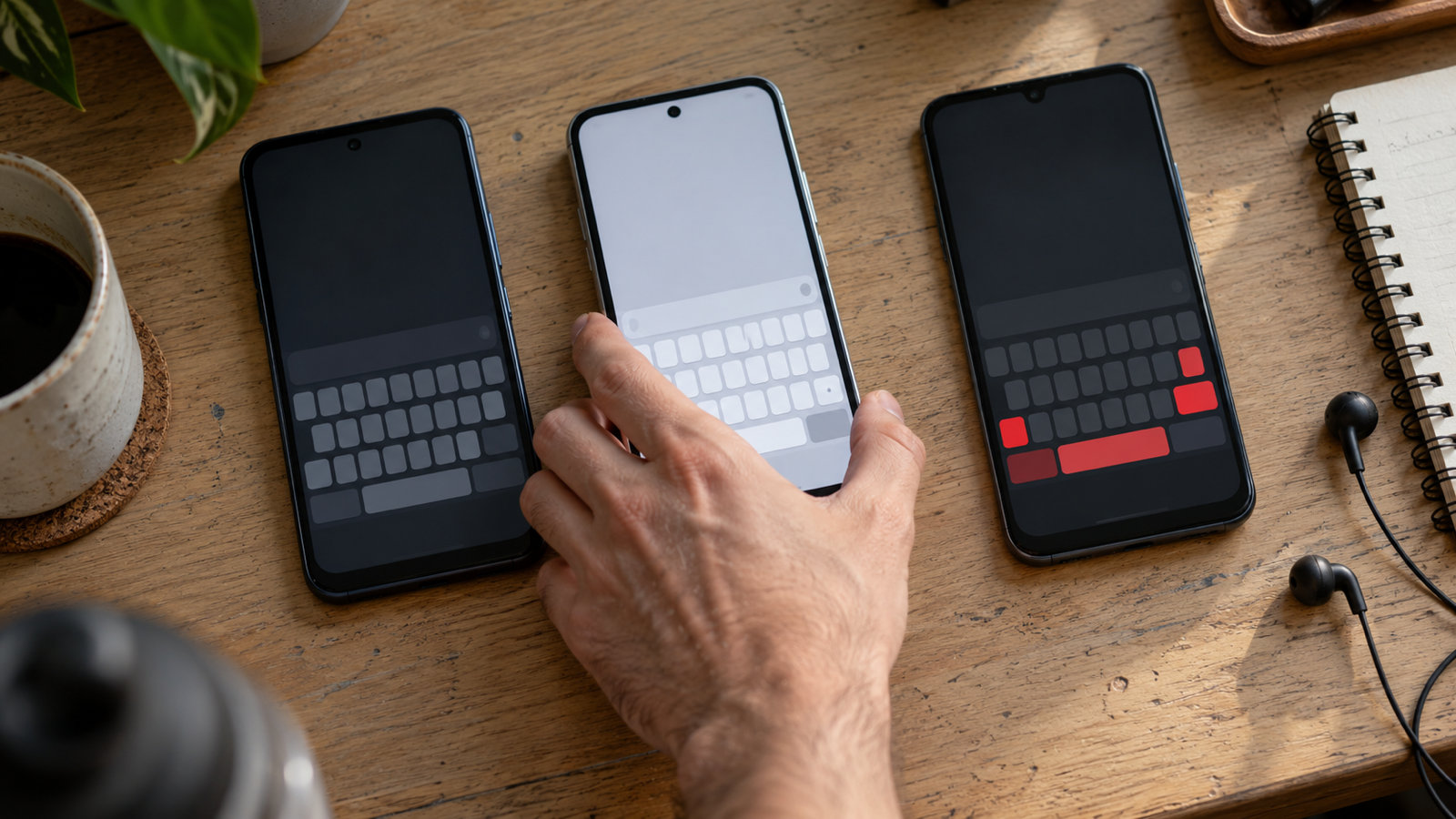
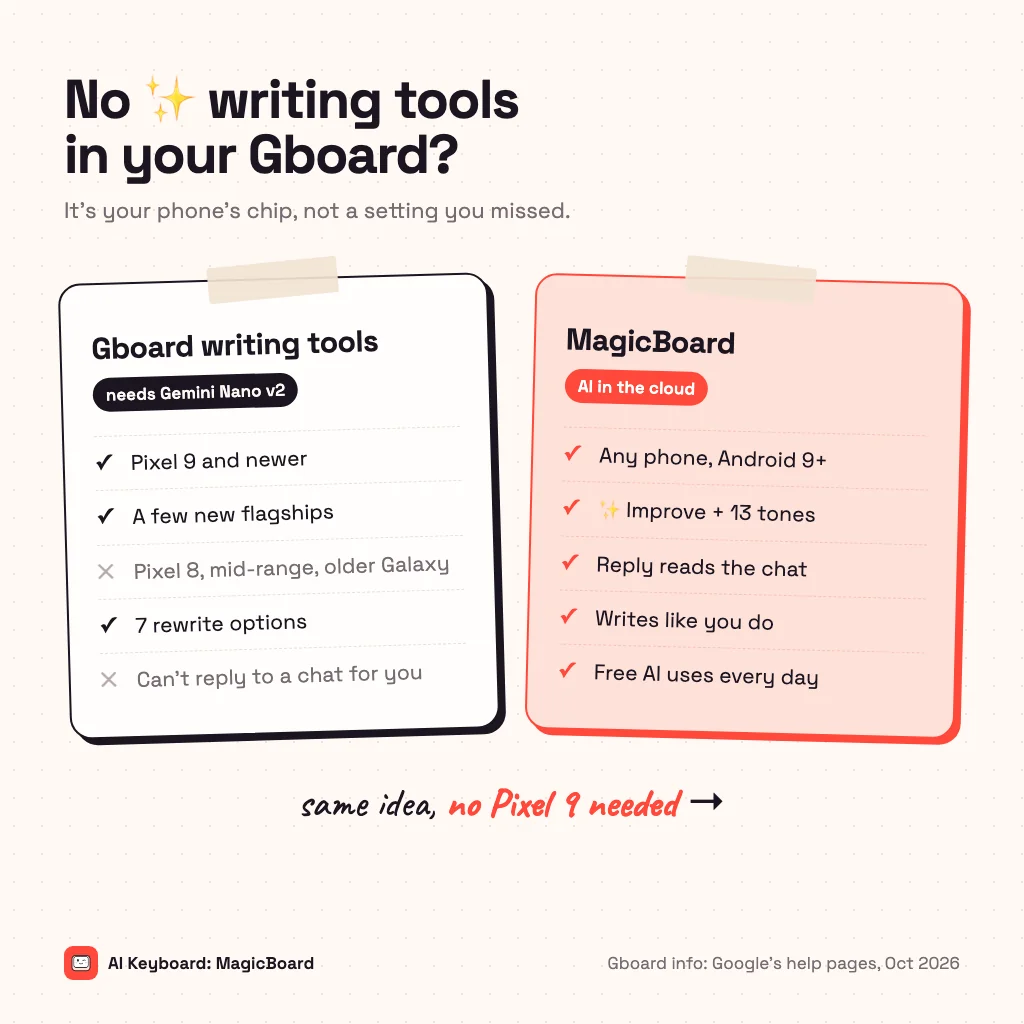
Gboard's AI writing tools (Proofread, Rephrase, Professional, Friendly, Emojify, Elaborate and Shorten) are missing on most Android phones because they run on Gemini Nano v2, Google's on-device AI model, which only newer flagship phones have: the Pixel 9 and Pixel 10 series and a few flagships on the newest chips. On a Pixel 8, a mid-range phone or an older Galaxy, no setting will turn them on. If your phone is supported, update Gboard, use a supported language and give the feature a few hours to download. If it isn't, you can get the same rewrite and tone tools from an AI keyboard that runs in the cloud and works on any phone from Android 9 up.
What are Gboard's AI writing tools?
Writing tools is a menu in Gboard that rewrites the text you've typed. Google's help page lists seven options: Proofread fixes spelling and grammar, Rephrase says it another way, Professional and Friendly change the tone, Emojify adds emojis, Elaborate makes it longer and Shorten makes it shorter. You type a message, open writing tools from the toolbar above the keys (a pen or ✨ icon, or the menu), pick a style and tap Use this. It works in any app where Gboard is your keyboard.
Why are Gboard writing tools missing on my phone?
Almost always it's the phone, not a setting. Four things have to be true:
- Your phone runs Gemini Nano v2 or newer. Google lists the Pixel 9 and newer. Outside Pixel, the rollout has been reported only on phones with the newest chips (Snapdragon 8 Elite, Dimensity 9400, Exynos 2500 class), such as the OnePlus 13, Honor Magic 7, OPPO Find X8 and Motorola Razr 60 Ultra. The Pixel 8 series doesn't get it.
- Gboard is up to date and set as your default keyboard.
- You're typing in a supported language. English (US, UK, India, Canada, Australia), Spanish, French, Italian, Portuguese, Japanese, Korean and Chinese.
- The rollout has reached you. Google turns it on in stages, so two identical phones can differ for a few weeks.
If your phone isn't on that list, nothing in Settings will add the feature. It isn't hidden; your phone can't run the model.
How to fix Gboard writing tools not showing
On a supported phone, go through these in order:
- Update Gboard in the Play Store (search Gboard, tap Update), then restart the phone.
- Make Gboard the default keyboard in Settings → System → Keyboard → On-screen keyboard. Our guide to changing the keyboard on Android shows each screen.
- Switch the input language to a supported one, such as English (US).
- Stay on Wi-Fi for a while. The first time, the tools download in the background and can take a few hours before they appear.
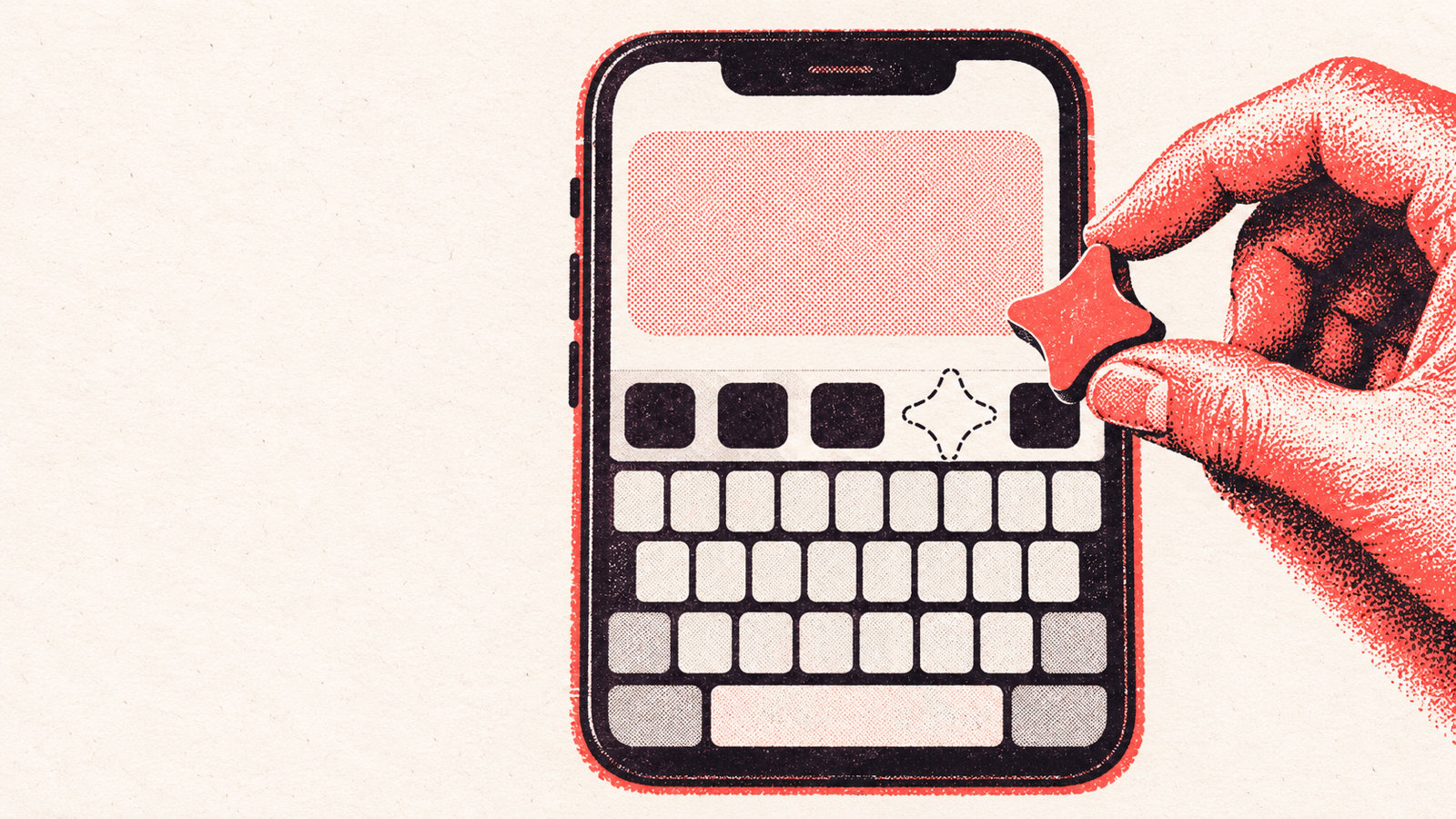
- Look in the menu. If the icon isn't in the toolbar, tap the four-squares menu above the keys; you can drag writing tools into the toolbar from there.
Gboard writing tools not working or "unavailable"
If the button shows but the tools say they're unavailable or never finish, the model usually hasn't finished downloading. Connect to Wi-Fi, keep the phone charged and try again later. Some people report the tools stop working in battery saver mode, so turn that off while you test. Clearing Gboard's cache (Settings → Apps → Gboard → Storage → Clear cache) is safe; clearing its data also erases your learned words, so leave that for last.
How to get AI writing tools on any Android phone
If your phone can't run Gemini Nano, use a keyboard whose AI runs in the cloud instead. We built MagicBoard for this: an AI keyboard for Android 9 and newer with the same kind of rewrite tools as Gboard, plus a few things Gboard doesn't do.
- Every Gboard option, and more tones. ✨ Improve fixes grammar and tells you why. The tones include Professional, Friendly, Casual, Polite, Formal, Shorter, Longer, Add emojis, Funny, Witty, Gen-Z and Humanize, and you get three versions to pick from.
- Reply without copying. In WhatsApp, Messages, Instagram or Telegram, tap Reply and MagicBoard reads the chat on screen and writes an answer. Gboard's tools only rewrite what you've already typed.
- It sounds like you. Replies match how you text, from length and emoji to the words you use. With People voices, it writes to each person the way you usually write to them.
- Write it from scratch. Describe a message, email, caption or post and pick short, medium or long.
- Voice typing that tidies itself up, and translation before you send.
It's a full keyboard, too, with glide typing, autocorrect that learns your words, GIFs, clipboard and themes, so you don't have to keep switching back to Gboard.
Gboard writing tools vs MagicBoard
| Gboard writing tools | MagicBoard | |
|---|---|---|
| Phones | Pixel 9 and newer, a few flagships with Gemini Nano v2 | Any phone with Android 9 or newer |
| Rewrite and tone | 7 options | ✨ Improve + 13 tones, 3 versions each |
| Reply to a chat | No | Yes, reads the chat on screen |
| Writes like you | No | Yes, and per person with Pro |
| Where the AI runs | On the phone, sometimes the cloud | Our server, only when you tap; not stored |
| Price | Free | Free daily AI uses; Pro for unlimited |
The honest trade-off: Gboard's tools can work offline on a supported phone. MagicBoard needs an internet connection for AI, and your text goes to our server when you tap an AI button. It isn't stored there, and AI is off in password fields. Want to compare more keyboards? See our list of Gboard alternatives for Android.
Common questions
Why don't I have AI writing tools in Gboard?
Your phone probably can't run Gemini Nano v2, which Gboard's writing tools need. Google lists the Pixel 9 and newer; other brands have it only on the newest flagship chips. A Pixel 8 or a mid-range phone won't get it.
How do I turn on writing tools in Gboard?
On a supported phone, update Gboard, make it your default keyboard, type in a supported language and open writing tools from the toolbar or the menu above the keys. The first download can take a few hours on Wi-Fi.
Does the Pixel 8 have Gboard writing tools?
No. The Pixel 8 series runs an older Gemini Nano, and Gboard's writing tools need Gemini Nano v2, so they start with the Pixel 9.
Is there a keyboard like Gboard writing tools for any phone?
Yes. AI keyboards that run in the cloud work on any phone. MagicBoard has rewrite and tone tools, grammar fixes, AI replies to the chat on screen and translation on Android 9 and newer, with free AI uses every day.
Are Gboard writing tools free?
Yes, they're free on supported phones. There's no paid version that unlocks them on other phones.
From the studio
Previous Article
Thanksgiving Pick Up Lines: 70 Funny, Cheesy and Cute Lines
Next Article
Dopamine Detox Challenge: A 21-Day Plan for Beginners