Torn Paper Effect: How to Make It on Photos and Videos
How to make the torn paper effect on a photo or a video: on Android in a minute, in Photoshop, Canva and CapCut, plus the details that make the rip look real.
The torn paper effect makes a photo look as if it was ripped out of a page: the subject sits inside a rough, uneven white border with paper fibres along the edge, often with a soft shadow and a second layer showing through the tear. To make it, cut the subject out, add an irregular white edge, put a paper texture behind it and add a shadow. A paper animation app does that from one photo in about a minute and can also animate the rip for Reels and TikTok. In Photoshop or Canva you build the same look by hand with a torn-edge brush, mask or frame.
What is the torn paper effect?
It goes by a few names: torn paper effect, ripped paper effect, paper tear effect. They all mean the same scrapbook look, where an image appears as a physical scrap of paper that someone tore by hand. There are two versions people search for:
- On a photo: a still image with a torn white edge, used for collages, thumbnails, posters and Instagram posts.
- In a video: the torn cutout moves. It rips onto the screen, peels up, or tears away to reveal the next shot. This is the version behind the paper animation trend on Reels, TikTok and Shorts.
How to make a torn paper effect on Android
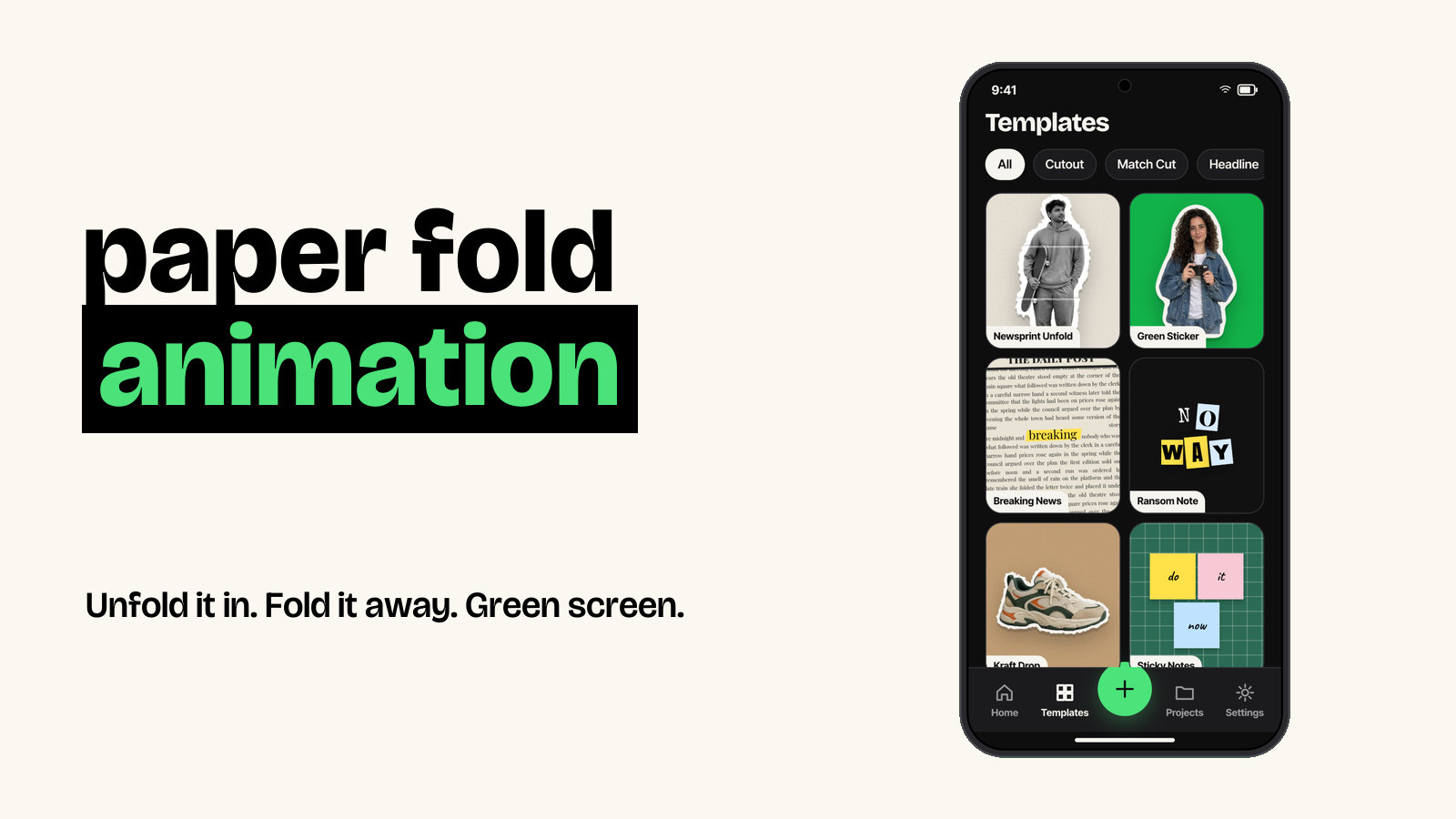
These are the steps in Foldcut (Paper Animator: Text Match Cut on Google Play), our app:
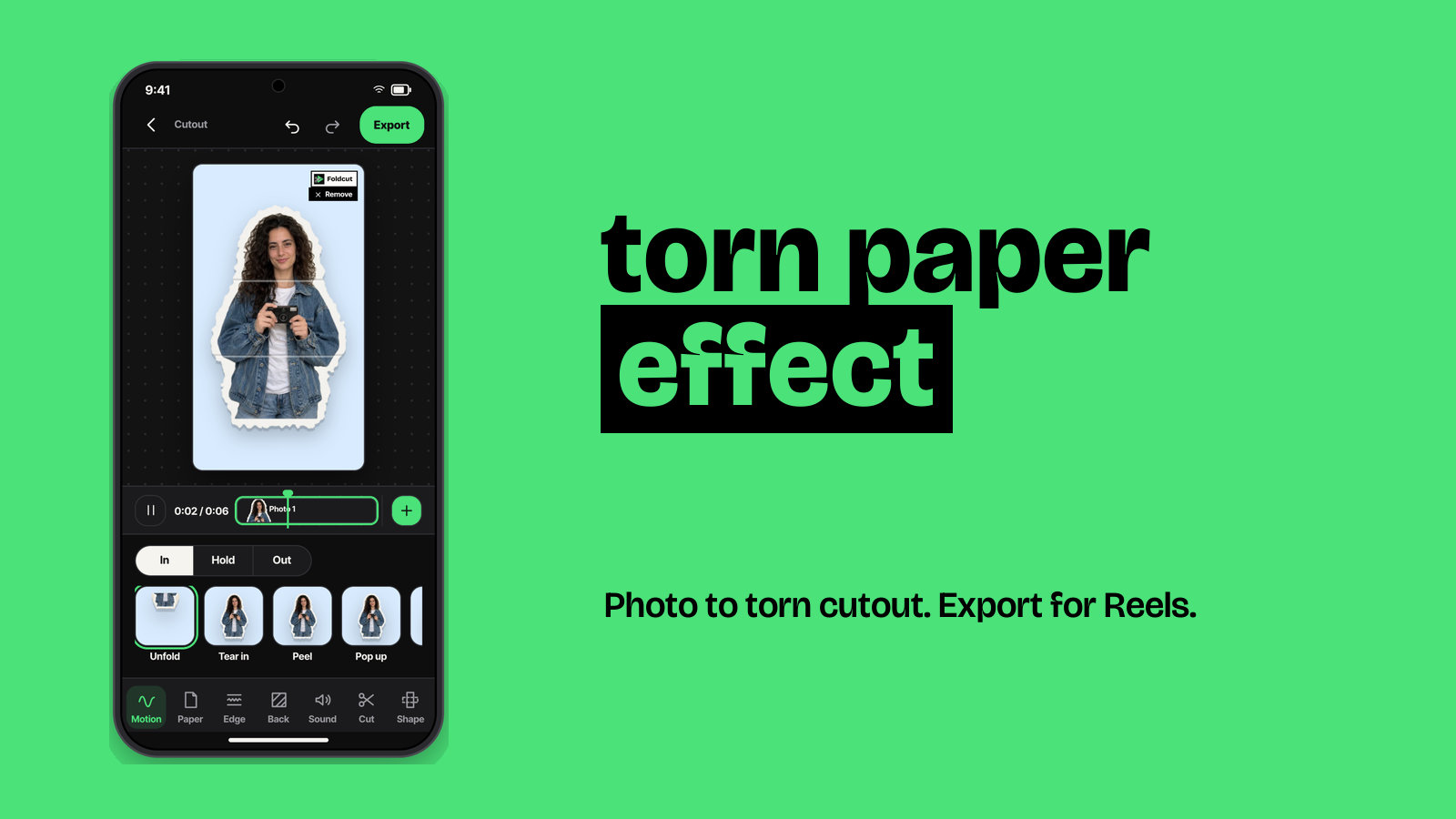
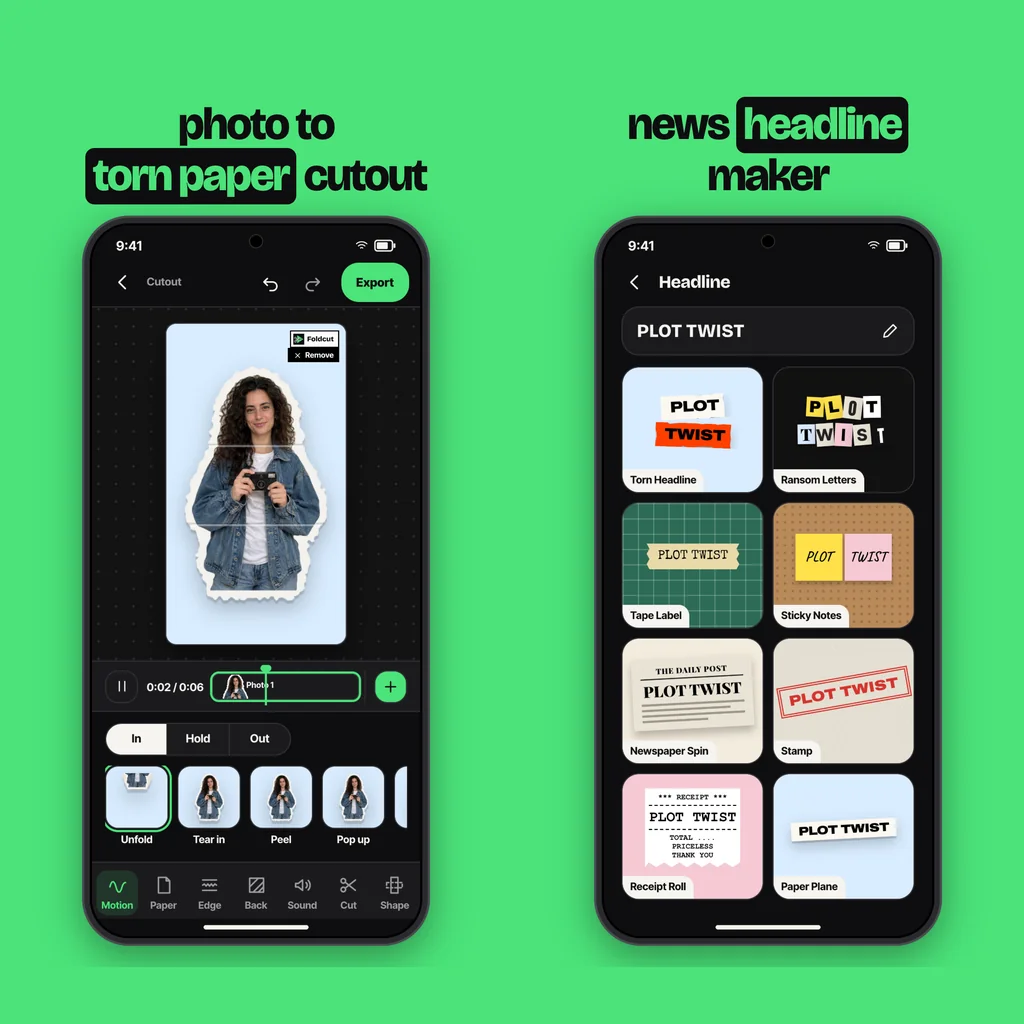
- Start a Cutout. Tap + and choose Cutout, then pick a photo. The app finds the person or object and cuts it out. If there is no clear subject, choose Use the whole photo to keep it as a torn photo print instead.
- Set the edge to Torn. Under Edge, pick Torn for the ripped look. Scissor gives a clean cut line and Sticker gives a thick white border, if you want to compare.
- Pick the paper and photo look. Choose from plain white, newsprint, kraft, notebook, grid or magazine paper. Then pick a photo look such as Black & white, Halftone or Photocopy for the zine style.
- Choose the background. Choose a crumpled paper, kraft, grid paper, cork board or cutting mat texture, a solid colour, your own photo, or green screen.
- Animate the rip (optional). Under Motion, set the way in to Tear in and the way out to Tear off. A paper rip sound plays on each tear.
- Export. Save a video for Reels and TikTok, a green screen video to use in another editor, or a sticker PNG with a transparent background for still designs.
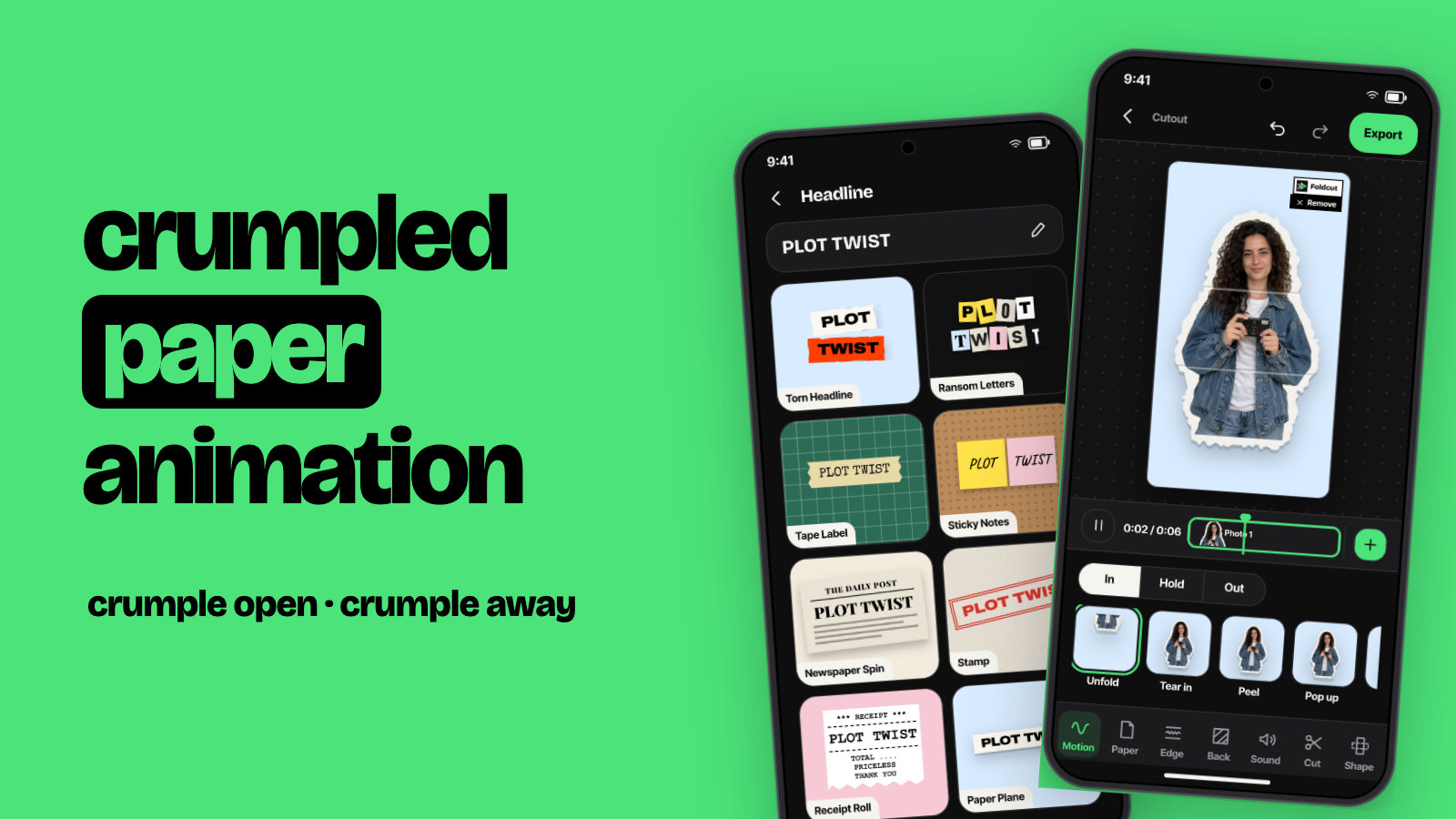
For text instead of a photo, the Headline mode has a Torn Headline look: type your line and it comes out as ripped paper strips.
How to make a torn paper effect in Photoshop
- Open your photo and select the subject (Select > Subject), then put it on its own layer.
- Duplicate that layer, fill the copy with white and place it underneath. Expand it a little with Select > Modify > Expand (10 to 30 px) to make the border.
- Rough up the outer edge of the white layer. Erase along it with a torn-edge or chalk brush, or apply Filter > Distort > Ripple to a layer mask so the edge becomes irregular.
- Add a paper texture on top of the white layer with a Multiply blend so it doesn't look like flat white.
- Add a soft Drop Shadow to the border layer (low opacity, small distance) so the scrap lifts off the background.
To get the "tear reveals a second photo" version, mask a jagged line across the top image and let the second image show through, with a thin white fibre edge along the tear.
How to make a torn paper effect in Canva
Search Elements for "torn paper" and you'll find ripped paper shapes, frames and edges. Drop your photo into a torn-paper frame, or place a torn paper strip over the edge of your image. For a cutout, use the Background Remover on the photo (a Pro feature), add a white outline with the Shadows > Outline effect, then layer a torn paper element behind it. Canva is good for still posts. Making the rip actually move takes much more work.
How to make a torn paper effect in CapCut
CapCut has paper tear transitions and templates, and creators share "paper tear effect" green screen clips. Place the overlay above your footage and use Chroma key to remove the green, so the rip reveals your clip. For your own photo as a torn cutout, use Remove background, add a white stroke, and keyframe the position and rotation. Or make the cutout in a paper animation app and import it as a green screen clip. For CapCut's text version, see text match cut in CapCut.
Tips for a torn edge that looks real
- Make the edge uneven. Real tears are irregular, with small jumps and wider bits. A perfectly even wobble looks digital.
- Show the white fibre. Torn printed paper has a thin pale edge where the paper core shows. A light, slightly fuzzy border sells it.
- Add texture and shadow. Flat white with no shadow reads as a sticker, not paper.
- Keep the subject clear of the edge. Leave a margin so the tear never cuts into faces or hands.
- Add the sound. In a video, a short rip on each tear makes the effect feel physical, even at low volume.
Common questions
What is the torn paper effect called?
It is also called the ripped paper effect or paper tear effect. In video it is part of paper cutout animation, the scrapbook style used in Reels and TikTok.
How do I make a torn paper effect on a photo for free?
Use a free editor with a torn-paper frame or brush, or make a watermarked video or sticker in a paper animation app. In Foldcut, watermarked videos are free (three a day) and the first clean export is free.
Can I make a torn paper effect video?
Yes. Animate the cutout so it tears in, holds and tears off, or use a paper tear transition between clips. A paper animation app times the motion and the rip sound for you.
How do I put a torn paper cutout on my own video?
Export it as a green screen video and remove the green with chroma key in CapCut, Premiere or any editor. Or export a transparent sticker PNG and place it as an overlay.
What is a good torn paper effect app for Android?
Foldcut (Paper Animator: Text Match Cut on Google Play) cuts out the subject, gives it a torn, scissor or sticker edge on six paper stocks, animates it with Tear in and Tear off, and exports video, green screen or a sticker PNG. Watermarked videos are free, credits start at $0.99 and Pro is $2.49 a month.