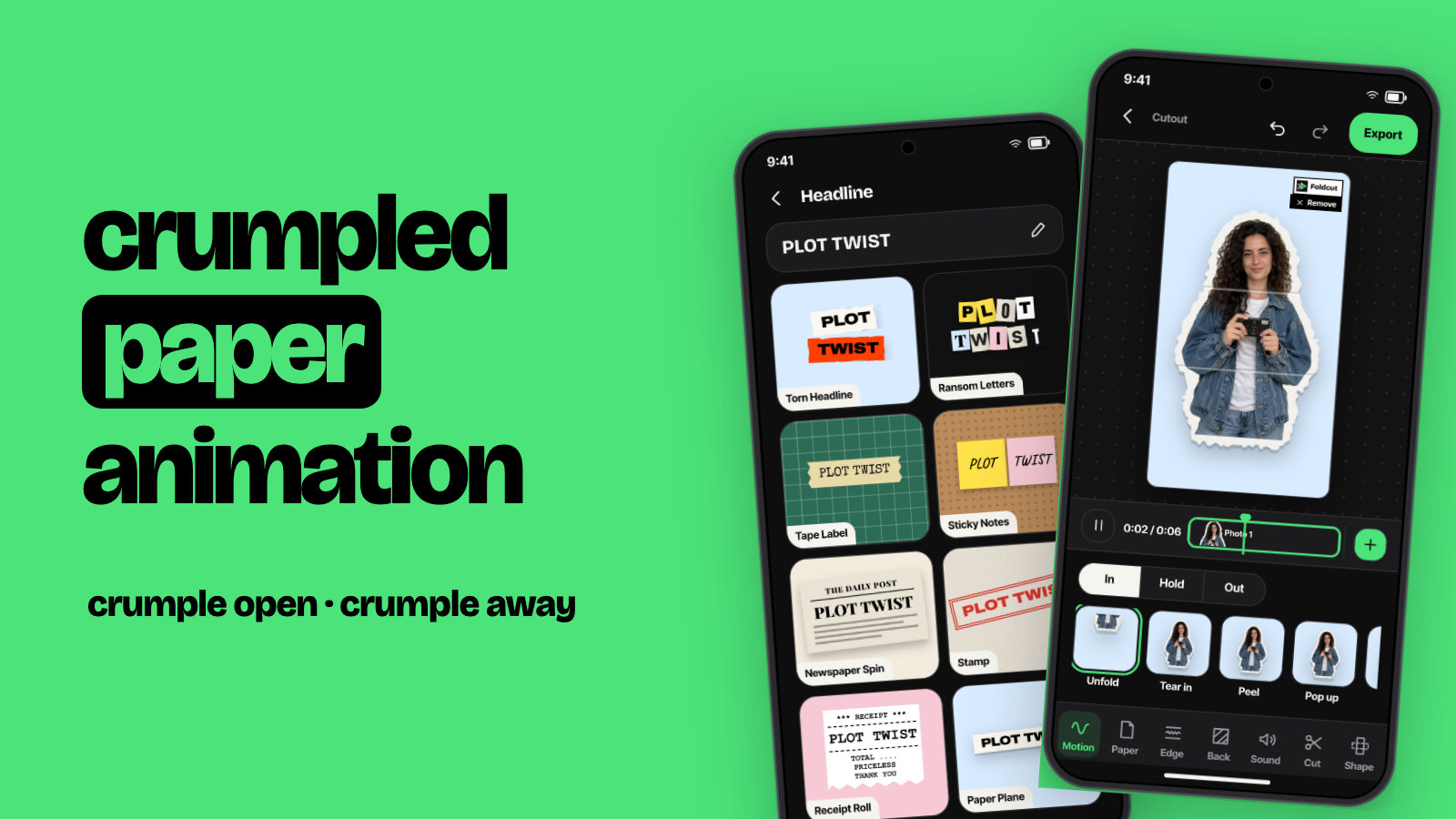
Crumpled Paper Animation: How to Make It on Your Phone, in Canva or by Hand
How to make a crumpled paper animation: the crumple-open reveal, the crumple-away ending and the crumpled background, on Android, in Canva or by hand.
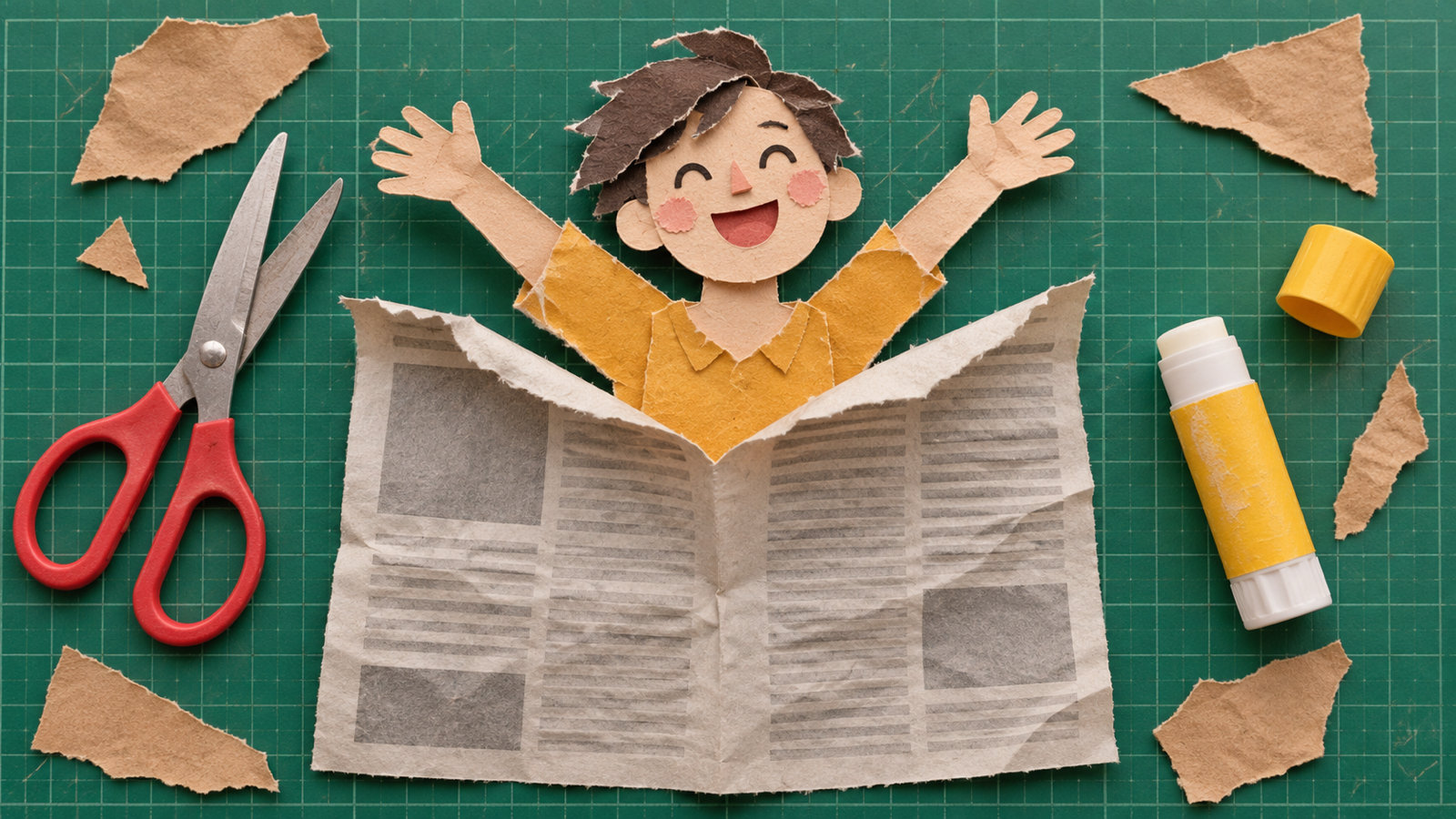
A crumpled paper animation is a clip where a paper ball opens up into a flat sheet to reveal a photo or a headline, or where a cutout gets scrunched into a ball and tossed away at the end. The fastest way to make one is a paper animation app: pick a photo, set the way in to "Crumple open" or the way out to "Crumple", and export. In Canva or CapCut you build it from crumpled-paper stock clips and overlays, and by hand you film real paper being crumpled and play the clip in reverse. Below are all four ways, with the settings that make it look like real paper.
The three crumpled paper effects people mean
"Crumpled paper animation" covers three different looks, and it helps to know which one you want before you start:
- Crumple open (the reveal). A scrunched paper ball spins in, opens and flattens into a creased sheet showing your photo or text. It's the classic intro and "big news" reveal.
- Crumple away (the ending). Your cutout folds in on itself and shrinks into a ball. It works for an outro, a "never mind" joke or a before-and-after.
- Crumpled paper background. A static or slowly moving crumpled texture behind everything else. It isn't an animation on its own, but it's what makes the other two feel like one hand-made piece.
How to make a crumpled paper animation on Android
These are the steps in Foldcut (Paper Animator: Text Match Cut on Google Play), our paper animation app:
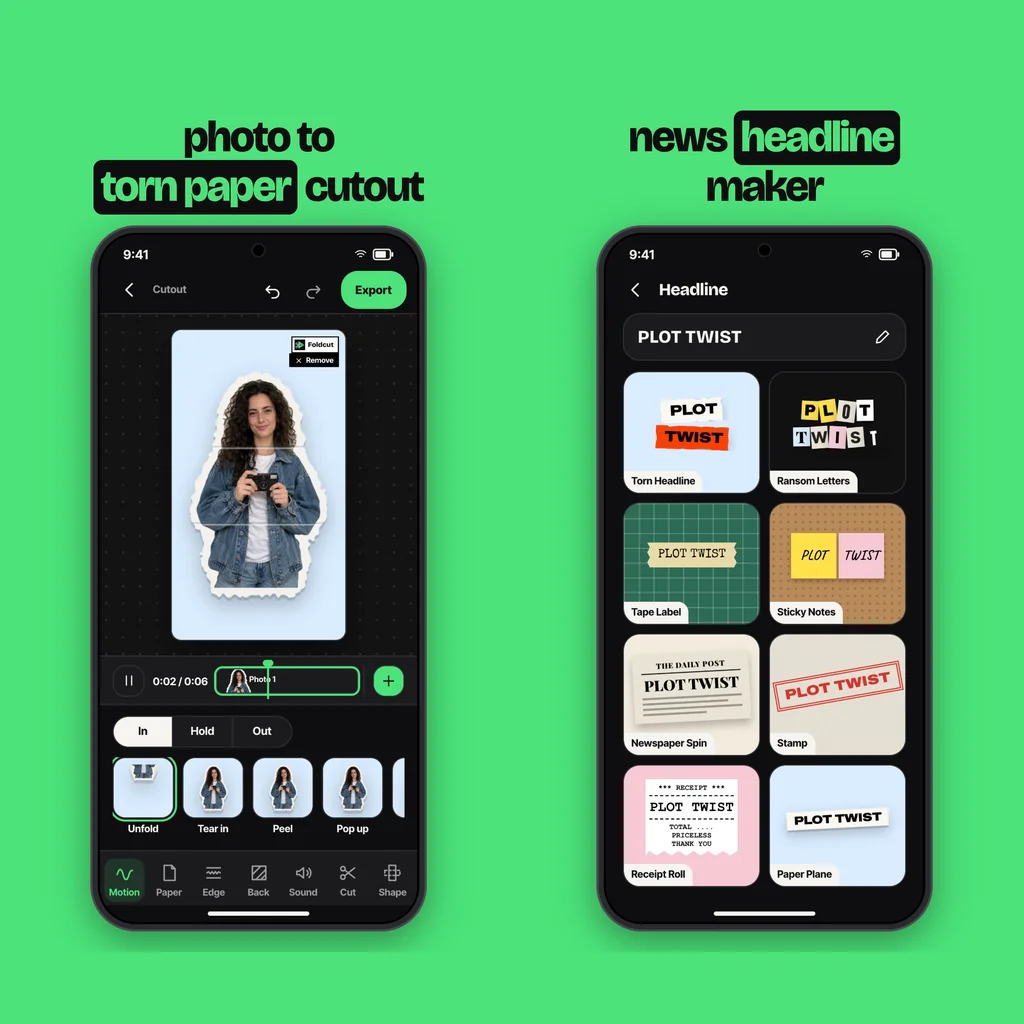
- Start a Cutout. Tap + and choose Cutout, then pick up to six photos. The app cuts the person or object out of each one.
- Set the motion. Open Motion. Under In, pick Crumple open so the photo arrives as a paper ball and opens flat. Under Out, pick Crumple so it scrunches up when it leaves. You can use one, the other, or both on the same photo.
- Pick the paper. Newsprint or plain white crumples best on screen because the creases show. A black and white or photocopy look on the photo adds to the effect.
- Put it on crumpled paper. Under Back, choose Texture and then Crumpled for a creased, smoothed-out sheet behind the cutout.
- Check the sound. A crumple sound plays in time with both crumple motions, so the scrunch is heard as well as seen.
- Export. Save a 9:16 video for Reels, TikTok and Shorts, or a green screen video to drop the crumpling cutout into another edit.
For text instead of a photo, open Headline, type up to three short lines and choose the Crumple Reveal look: a paper ball spins in and opens into a creased sheet with your words in bold capitals. It's a Pro look. The free headline looks include Torn Headline, Ransom Letters and Stamp, which is a good choice if you want the crumpled background without the Pro reveal.
How to make a crumpled paper animation in Canva
Canva doesn't crumple your own photo, but you can fake the look with library elements:
- Create a vertical video design (1080 × 1920).
- Open Elements and search "crumpled paper". Filter to Videos to find crumpled-paper backgrounds and paper-opening clips; some are free and some need Canva Pro.
- Put the paper clip on the bottom layer, then your photo above it with its background removed, and set the photo to appear once the paper is flat.
- Add a drop shadow to the photo and a short paper sound from the Audio tab.
The limit is that the paper and your photo move separately, so the photo never actually crumples. For a reveal of a title card it's fine; for a cutout that scrunches up, you need an app built for it or a full editor.
Crumpled paper animation in CapCut, Premiere or After Effects
In CapCut or Premiere, the usual route is a stock crumpled-paper clip with a green or alpha background, laid over your footage and keyed out. Search "crumpled paper green screen" in the editor's library or on a free stock site, put it above your clip and use Chroma Key to remove the green.
In After Effects you can build the crumple yourself: apply a crumpled-paper texture to a layer, animate a displacement map from flat to creased, and scale and rotate the layer down to a ball. Blender users simulate it as cloth, which gives the most realistic folds but takes the longest. Both are worth it for a one-off brand intro, less so for a weekly Reel.
How to make it by hand (the reverse trick)
The most convincing crumple-open is real paper played backwards:
- Print your photo or headline on thin printer paper (thick card won't crumple well).
- Fix your phone above the table and start recording.
- Hold the sheet flat for a second, then crumple it into a ball slowly with both hands, keeping your hands at the edges of the frame.
- In any editor, reverse the clip. The ball now opens into a flat page on its own.
Speed it up a little (1.5× to 2×) after reversing so it doesn't look like slow motion, and record the crumple sound separately so you can play it forwards over the reversed video.
Tips that make the crumple look real
- Keep the crumple short. Around half a second to open or close; longer looks like a slow zoom.
- Leave the creases in. A sheet that opens perfectly smooth looks fake. Creases and slight grey shading sell it.
- Use it once per video. One crumple reveal at the start or one crumple away at the end is enough. On every photo it gets tiring.
- Pair it with sound. The scrunch sound does half the work.
- Mixing it with other paper motions? Our guide on how to make paper animation covers the unfold, tear and peel effects, and the text match cut works with the same paper look.
Common questions
How do you make a crumpled paper opening animation?
Use a crumple-open motion in a paper animation app, or film yourself crumpling a printed sheet and reverse the clip so the ball opens into a flat page.
Can I make a crumpled paper animation for free?
Yes. The hand-made reverse trick costs only paper, and Canva and CapCut have free crumpled-paper clips. In Foldcut, Crumple open, Crumple and the crumpled background are free to use. Free videos carry a small watermark (three a day), and your first clean export is free. After that, clean exports use a credit (from $0.99) or Pro ($2.49 a month).
How do I make a crumpled paper animation in Canva?
Search Elements for "crumpled paper", filter to Videos, put a paper-opening clip under your photo or title, and set the photo to appear once the paper is flat. Canva won't crumple the photo itself.
Where do I get a crumpled paper green screen?
Stock sites and the CapCut library have crumpled-paper green screen clips. Foldcut can also export your own crumpling cutout as a green screen video to key into any editor.
What is a good app for crumpled paper animation on Android?
Foldcut (Paper Animator: Text Match Cut on Google Play) turns a photo into a paper cutout that can crumple open on the way in and crumple up on the way out, on a crumpled paper background, with a matching crumple sound. Its Crumple Reveal headline look is part of Pro.
From the studio
Next Article
What to Reply When Someone Says Good Night: 50 Replies for Friends, Crushes and Partners