How to Make Paper Animation (Video, Step by Step, Free)
How to make paper animation videos: the trending torn paper cutout, step by step on Android, the hand-made stop motion way, and free options.
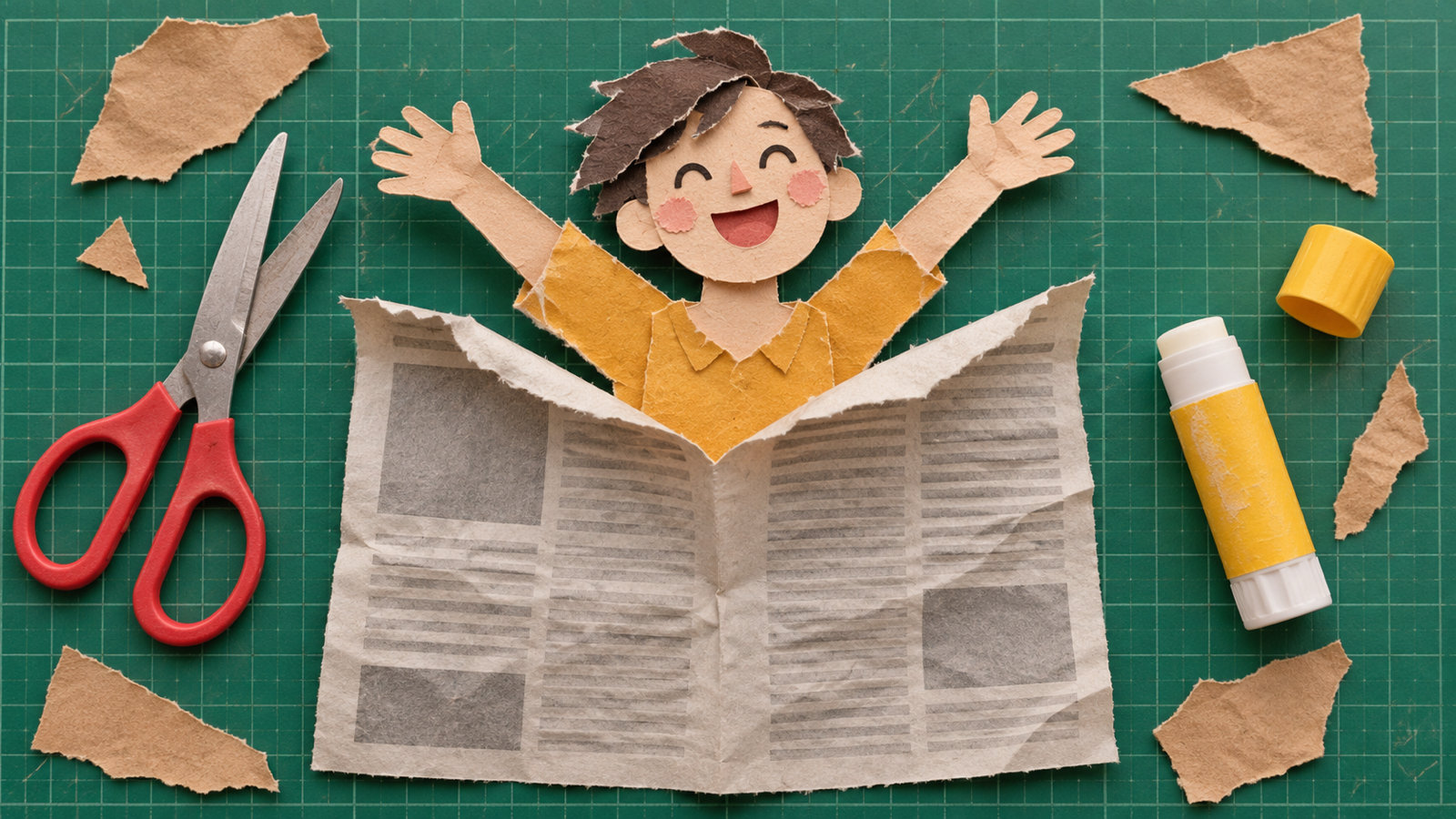
To make a paper animation video, cut your subject out of a photo, give it a paper look (a white or torn border, paper texture and a soft shadow), and animate it the way real paper moves: unfolding, peeling up, popping out of a page, then crumpling or blowing away. A paper animation app does all of that from one photo in about a minute. By hand, the same look takes printed photos, scissors and a stop motion app, or an hour of masking and keyframes in After Effects.
What is the paper animation trend?
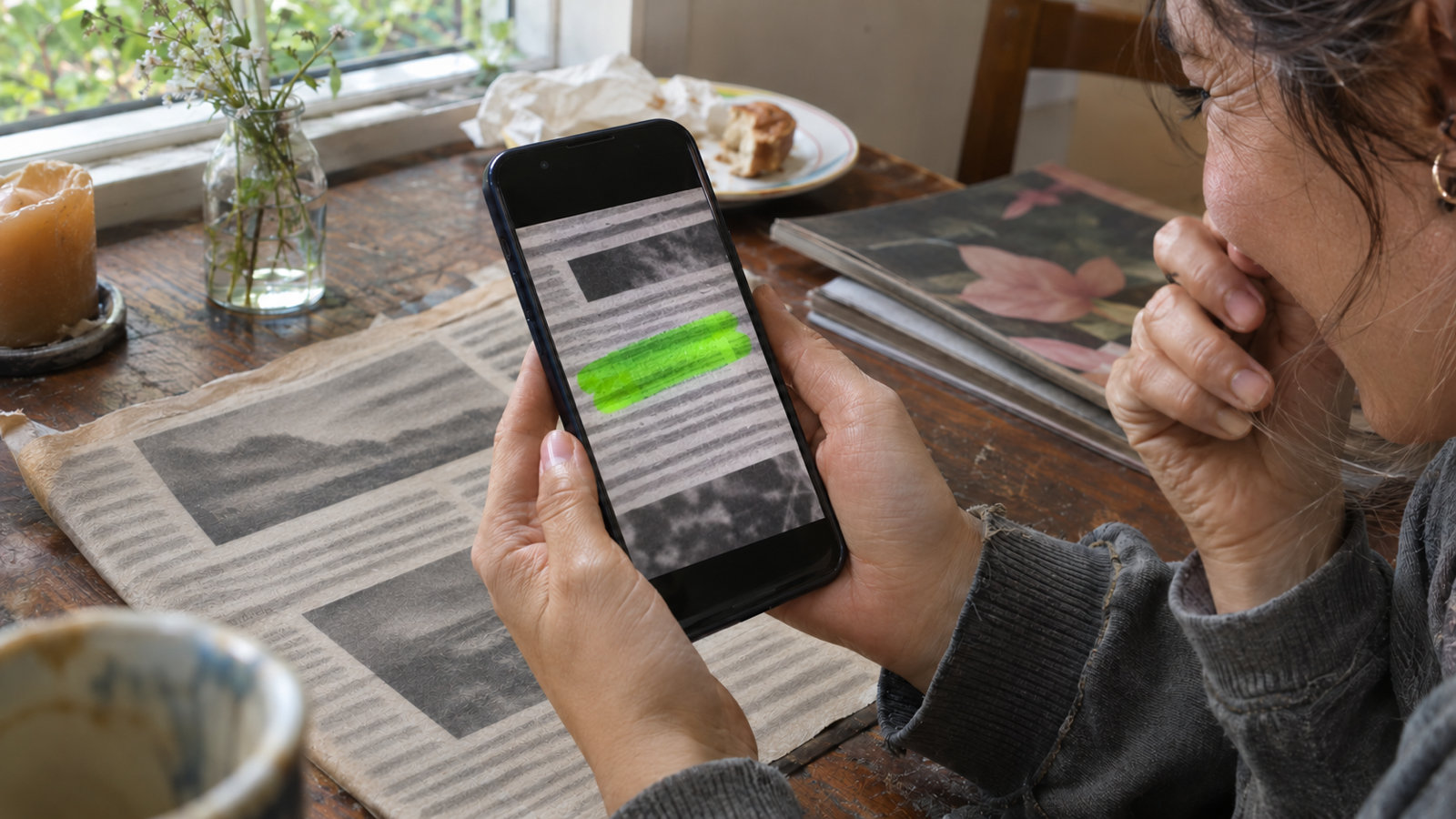
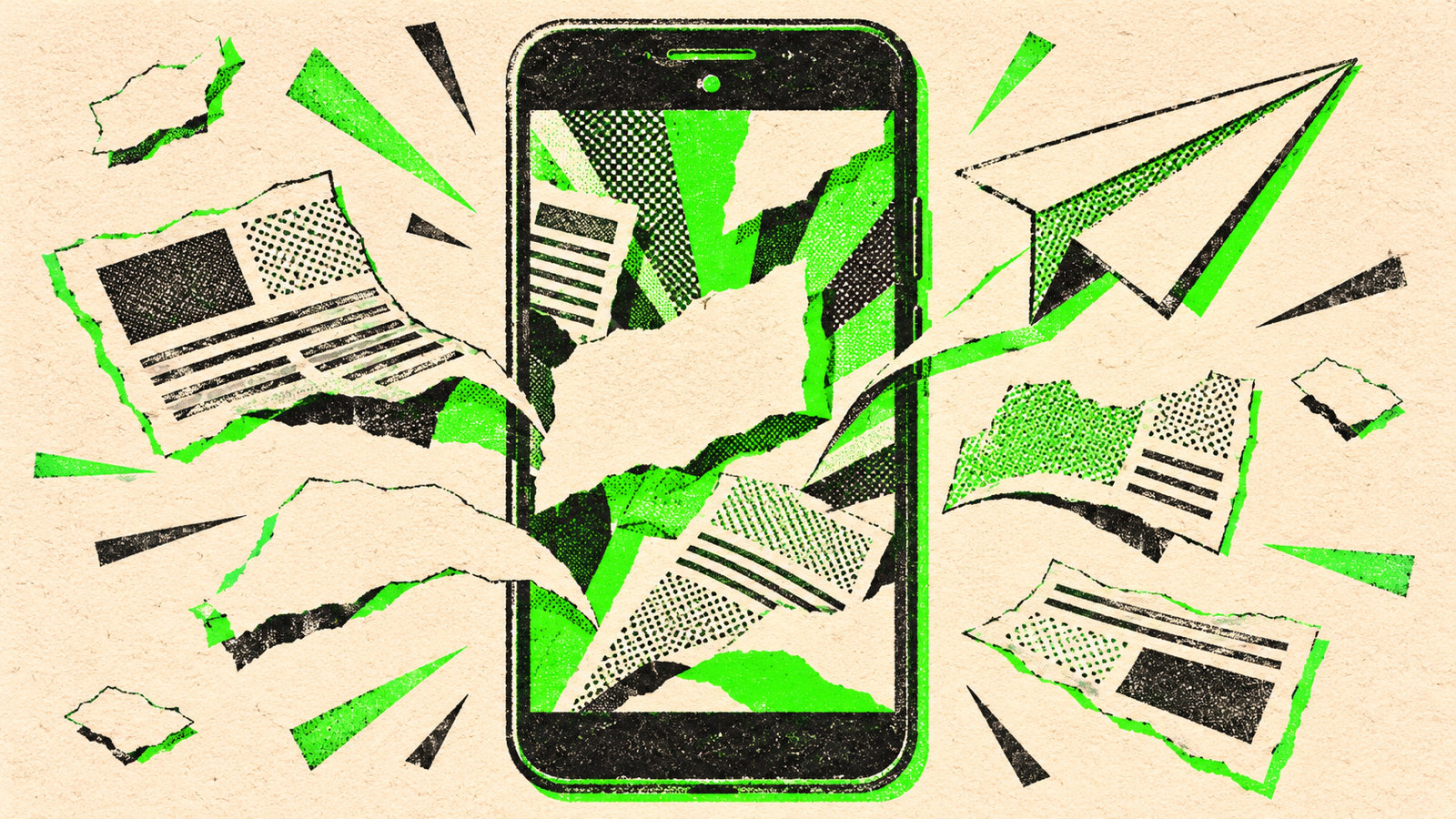
Paper animation is the cut-out, scrapbook look that has taken over Reels, TikTok and Shorts: people and objects appear as paper cutouts with rough torn edges, unfold out of newspaper pages, peel off like stickers and get crumpled up at the end. It feels hand-made in a feed full of glossy edits, which is exactly why it stops the scroll. The same style powers the text match cut, where a word stays fixed while newspaper and book pages cut around it.
How to make a paper animation on Android, step by step
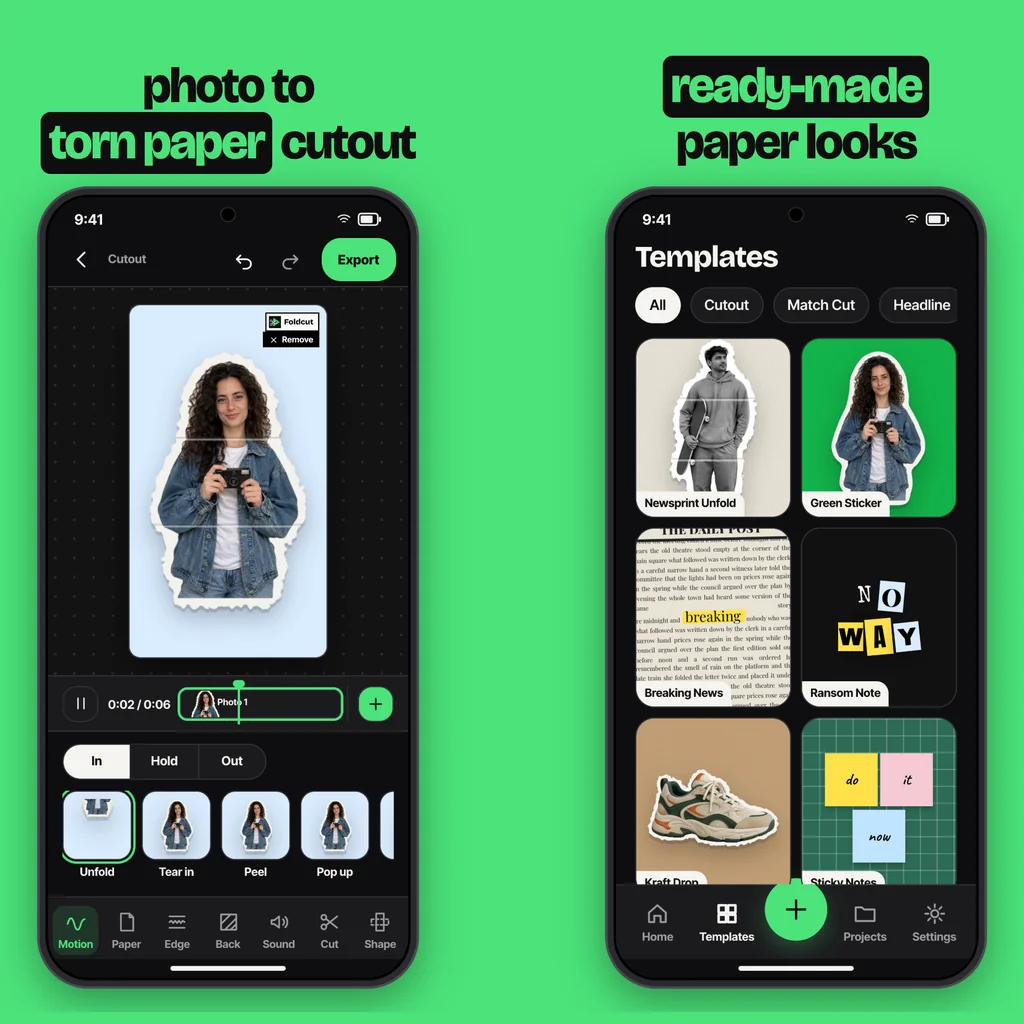
These are the steps in Foldcut (Paper Animator: Text Match Cut on Google Play), our app:
- Pick a photo. Tap + and choose Cutout, then pick up to six photos. The app finds the person or object and cuts it out for you.
- Choose how it moves. Under Motion, pick how the paper comes in (Unfold, Tear in, Peel, Pop up, Drop, Slide, Flip, Crumple open or Stamp), how it holds (Still, Wiggle, Float or Breathe) and how it leaves (Fold away, Tear off, Crumple, Slide out, Blow away, or stay).
- Pick the paper. Plain white, newsprint, kraft, notebook, grid or magazine paper, and a photo look such as black and white, halftone or photocopy.
- Set the edge. Torn for the classic ripped look, Scissor for a clean cut, or Sticker for a thick white border.
- Choose the background. Crumpled paper, kraft, grid paper, cork board, cutting mat, a solid colour, your own photo, or green screen to use the cutout in another editor.
- Add sound and export. Paper sounds (rip, unfold, crumple, stamp) play in time with each motion. Export a video for Reels and TikTok, a green screen video, or a sticker PNG.
Prefer to start from a finished look? The Templates tab has ready-made paper animations (Newsprint Unfold, Green Sticker, Kraft Drop and more); swap in your photo and export.
How to make paper animation by hand (stop motion)
The original paper animation is stop motion, and it still looks great if you have an afternoon:
- Print your photo on matte paper and cut the subject out, leaving a white border. Tear the border by hand for a rough edge.
- Fix your phone above the table on a stand so the frame never moves, and use a stop motion app to shoot.
- Move the cutout a few millimetres per frame: slide it in, lift a corner, fold it in half. Twelve frames make one second.
- Shoot under steady light (no window light changing over the hour) and play it back at 12 frames per second.
It is slow, and you need a new print for every photo, but nothing beats real paper for texture.
How to make paper animation in CapCut or After Effects
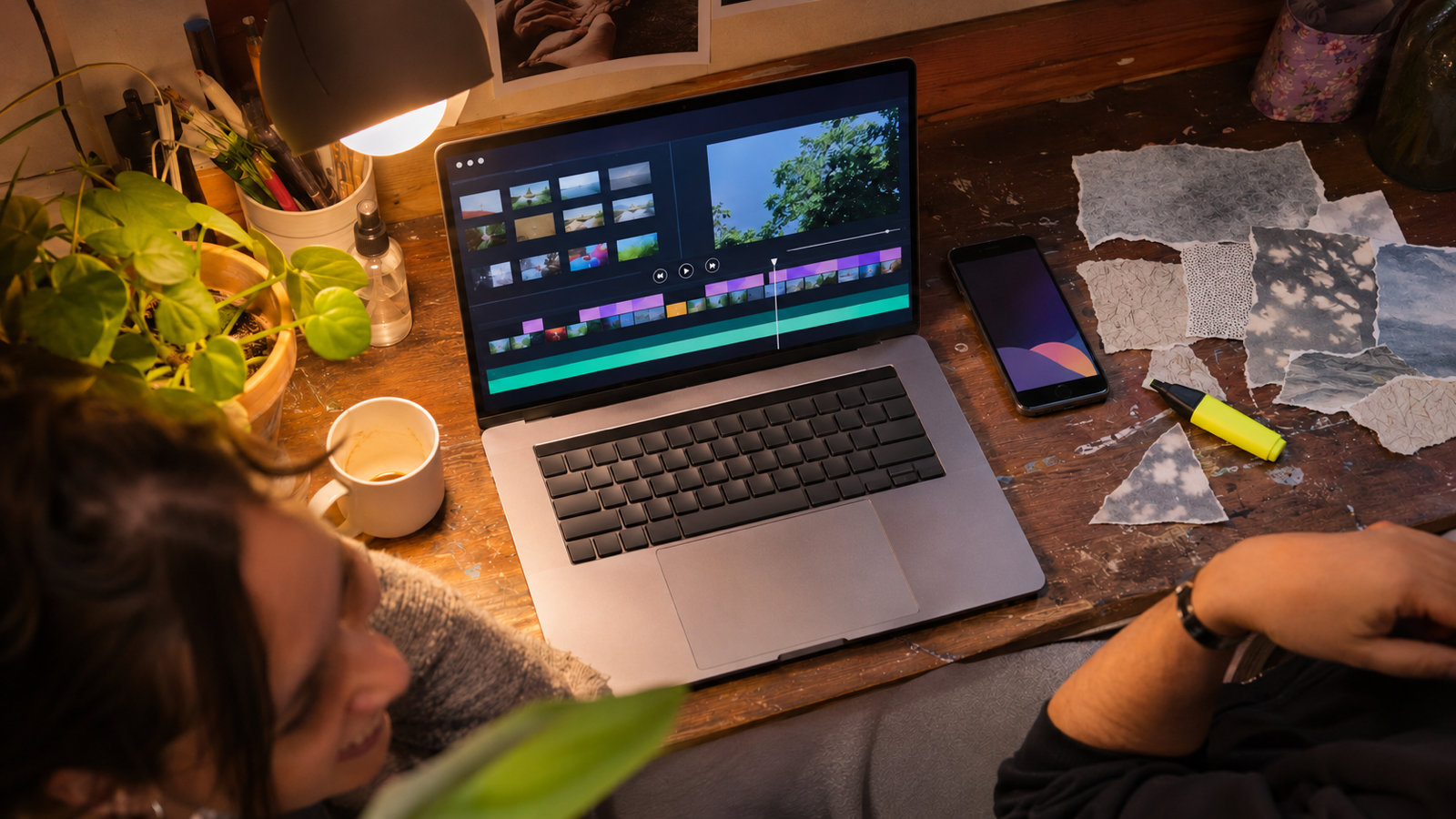
In a desktop or mobile editor, the paper look is built from layers: remove the background from your photo, add a white stroke or a torn edge mask, lay a paper texture over it with a multiply blend, add a drop shadow, then animate position, rotation and scale with keyframes. CapCut also has paper transition templates and green screen paper overlays you can drop over your clip. The result can be excellent; it just takes much longer per video, and every new photo means redoing the mask. If you're after the text version, our guide to text match cut in CapCut shows the manual method.
Tips for paper animation that gets watched
- Use photos with a clear subject against a plain background; the cutout comes out cleaner.
- Keep each cutout on screen 1.5 to 3 seconds. Long enough to see the motion, short enough to keep the pace.
- Match the motion to the mood: Unfold and Pop up for reveals, Tear in for drama, Crumple for an ending or a joke.
- Add sound. The rip and crumple sounds sell the paper even when the motion is small.
- Export in 9:16 for Reels, TikTok and Shorts so nothing gets cropped.
Can you make paper animation for free?
Yes. Stop motion by hand costs only paper and ink, and CapCut is free if you're happy to build the look yourself. In Foldcut every motion, paper, edge and background is available to everyone; free videos carry a small watermark (three a day), and the first clean export is free. Clean exports after that, including green screen and sticker PNG, use a credit (from $0.99) or Pro ($2.49 a month), which also unlocks 1080p and 4K at 60 fps and GIF export.
Common questions
What is paper animation called?
It's usually called cutout animation or paper cutout animation; on social media people also call it the paper animator or torn paper effect.
How do I make a torn paper effect on a photo?
Cut the subject out, give it a white border, then make the border edge irregular with a torn-edge mask or brush. Paper animation apps add the torn edge automatically.
How long does a paper animation take to make?
About a minute in an app, an hour or more with masks and keyframes in an editor, and an afternoon as hand-made stop motion.
Can I use a paper animation in another video editor?
Yes. Export it as a green screen video or a transparent sticker PNG and place it over your footage in CapCut, Premiere or any editor that supports chroma key.
What is a good paper animation app for Android?
Foldcut (Paper Animator: Text Match Cut on Google Play) turns a photo into a torn paper cutout with nine ways in, four holds and five ways out, six paper stocks, paper sounds, and video, green screen or sticker export. Watermarked videos are free; credits start at $0.99 and Pro is $2.49 a month.
From the studio
Previous Article
Text Match Cut App: How to Make the Trend on Android
Next Article
Paper Animator Alternative: The Best Options on Android