Paper Fold Animation: How to Make It (Templates, Green Screen, Free)
How to make a paper fold animation: the unfold reveal and fold-away exit on Android, in After Effects and Premiere, with templates, green screen and by hand.
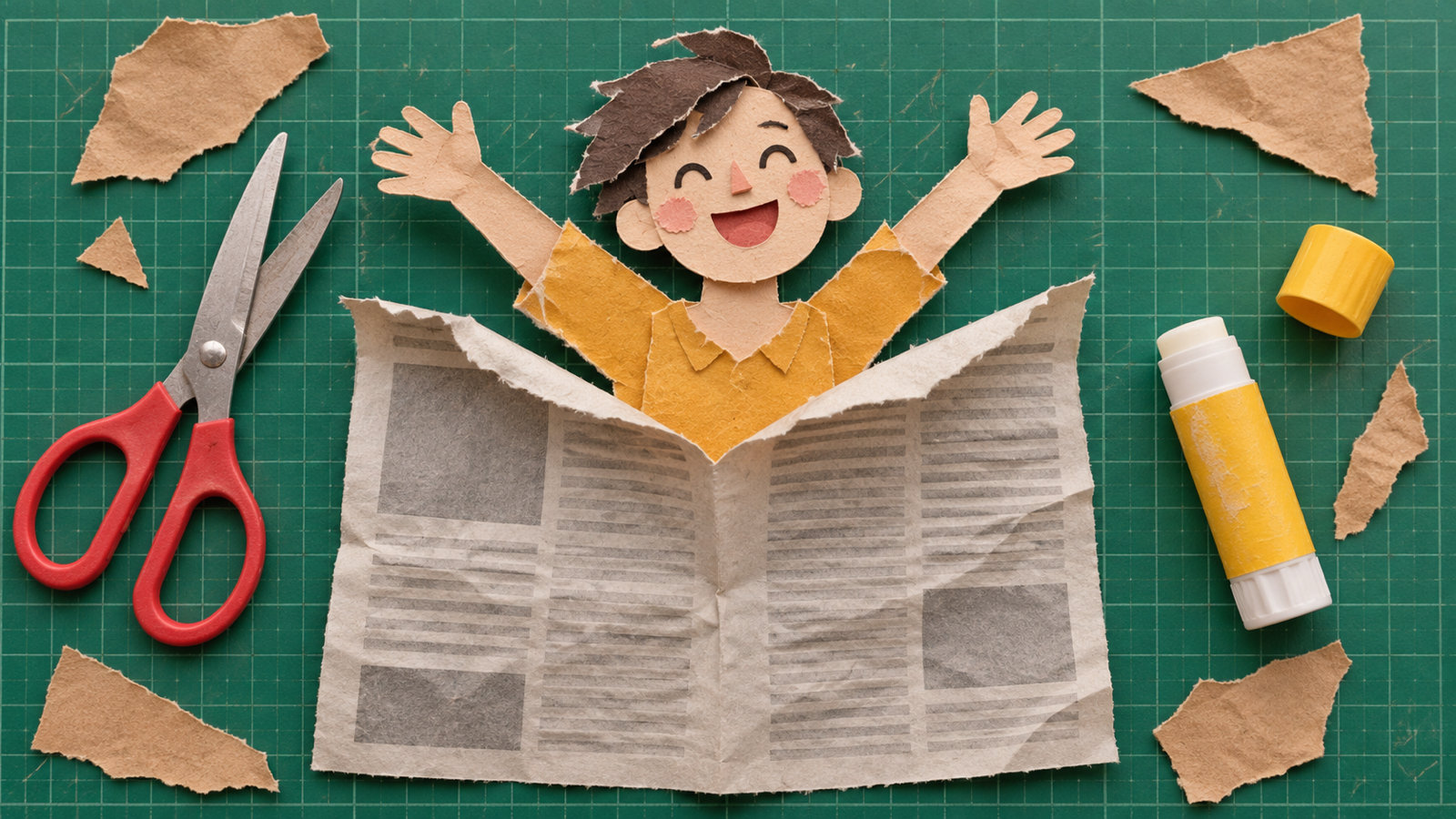
A paper fold animation is a clip where a photo, title or page unfolds into view like a sheet of paper opening up, or folds closed and disappears at the end. The paper bends along its creases, panel by panel, with light and shadow shifting across each fold. The quickest way to make one is a paper animation app: pick a photo, set the way in to Unfold and the way out to Fold away, and export. In After Effects or Premiere you build it from layer pieces rotating in 3D, or start from a template. For green screen use, export the fold over solid green and key it into any video.
What is a paper fold animation?
It is one of the core moves of the paper cutout style on Reels, TikTok and Shorts. There are three common versions:
- Unfold reveal: a folded sheet opens up to show a person, a product or a headline. This is the most-used opener.
- Fold away exit: the paper folds in on itself and vanishes, often as the transition into the next shot.
- Fold text or titles: a word or lower third unfolds like a paper strip. You see this in intros and YouTube videos.
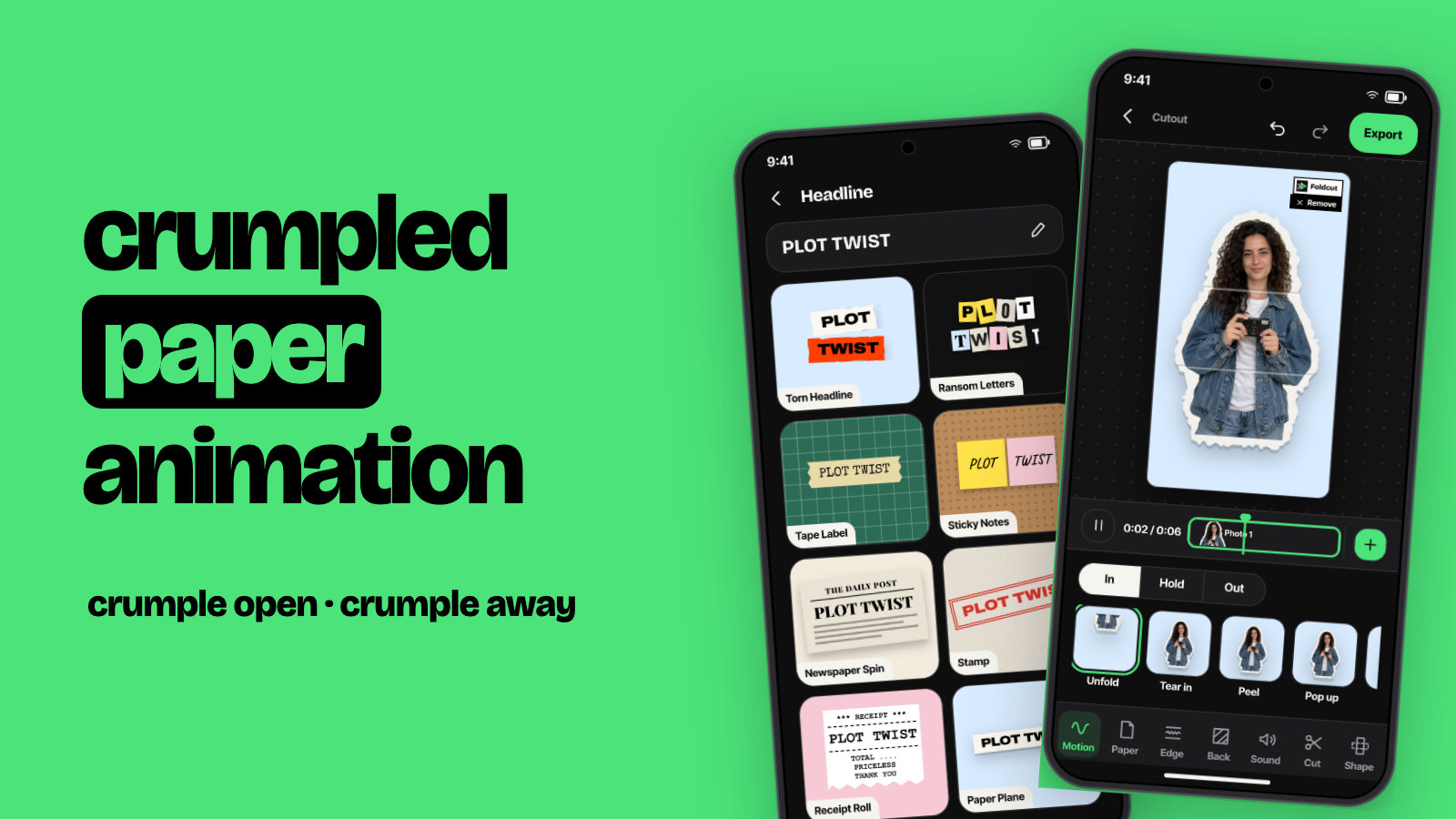
It pairs with the other paper moves: the torn paper effect for the edge and the crumpled paper animation for a scrunched-up exit.
How to make a paper fold animation on Android
These are the steps in Foldcut (Paper Animator: Text Match Cut on Google Play), our app:
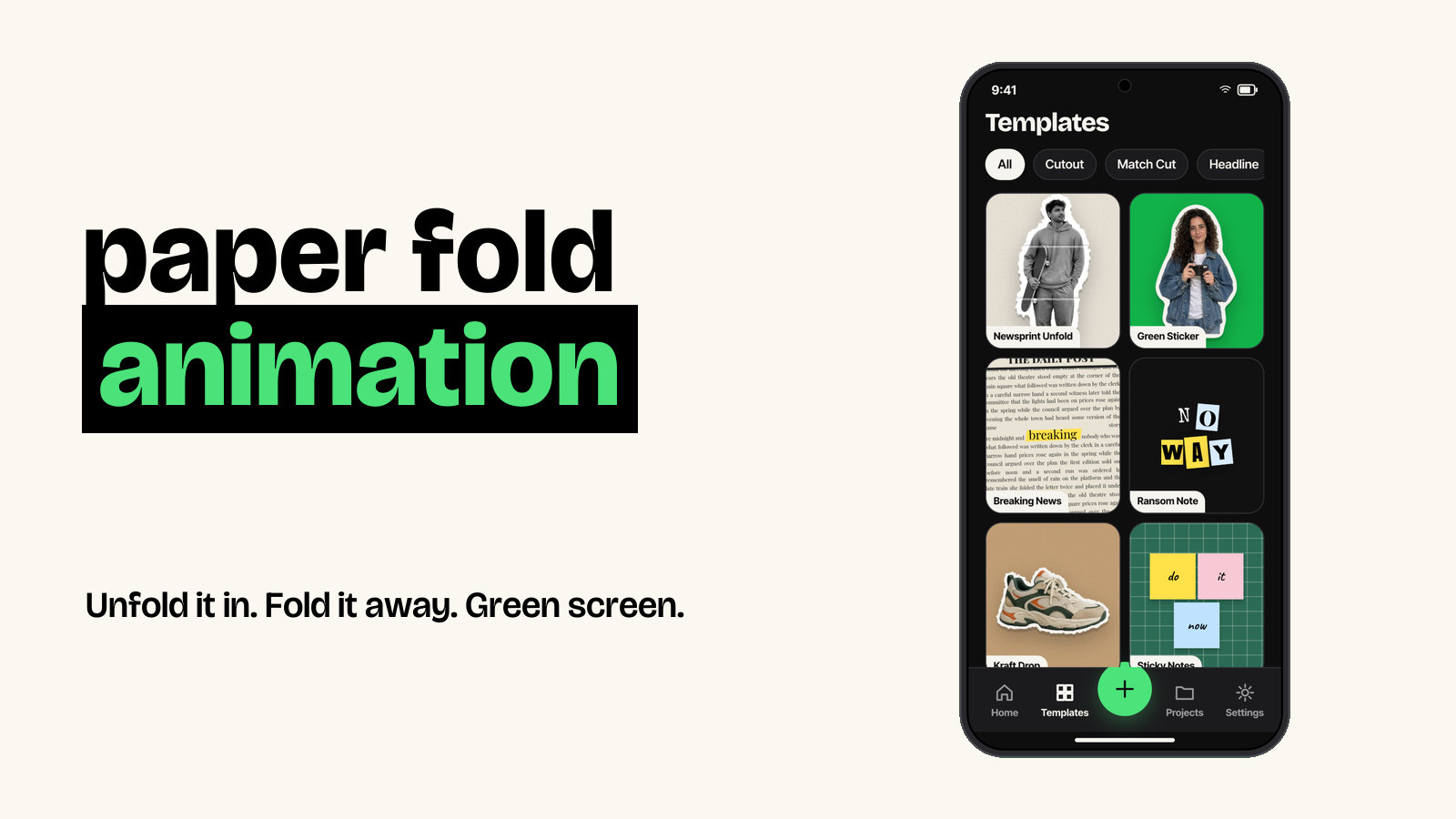
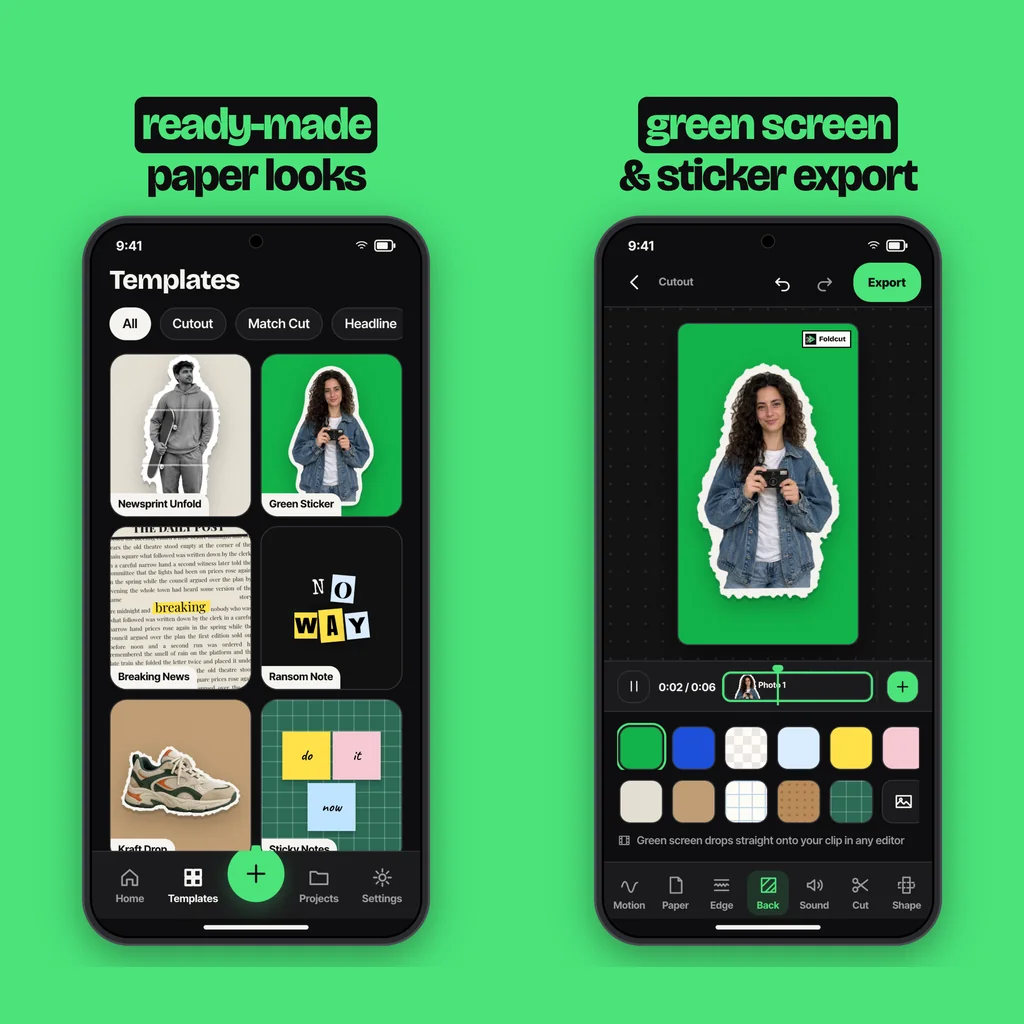
- Start a Cutout or a template. Tap + and choose Cutout, then pick up to six photos. Or open the Newsprint Unfold template from the Templates tab and swap in your photo.
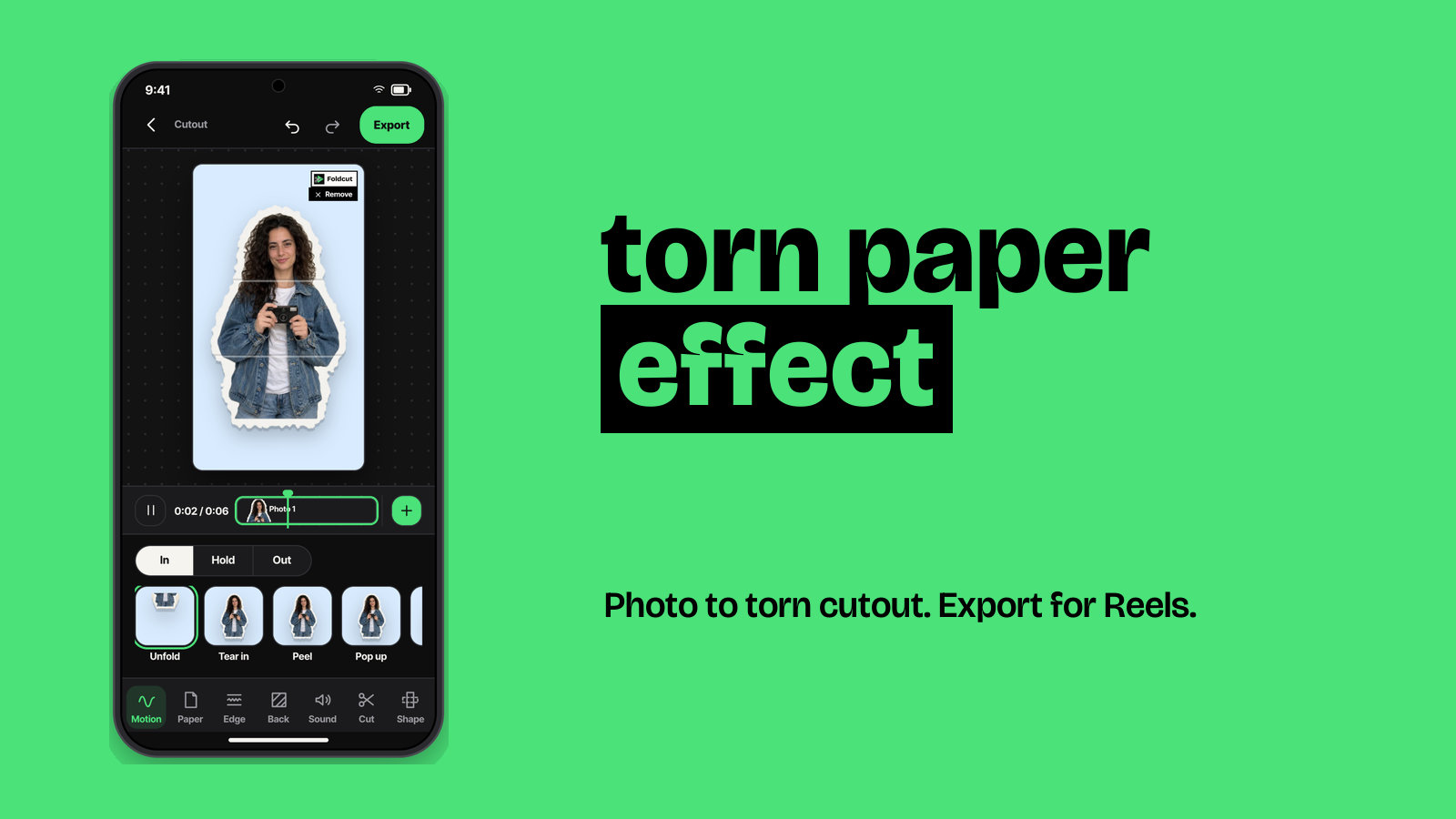
- Set the way in to Unfold. Under Motion, the In tab has Unfold (it is the default), along with Tear in, Peel, Pop up, Drop, Slide, Flip, Crumple open and Stamp.
- Choose how it holds. Pick Still, Wiggle, Float or Breathe for the moment it stays on screen.
- Set the way out to Fold away. The Out tab folds the paper closed again. Tear off, Crumple, Slide out, Blow away or None are the alternatives.
- Pick the paper and edge. Newsprint and kraft make the creases read well. Choose a Torn, Scissor or Sticker edge.
- Export. A paper unfold sound plays with each fold. Export a video for Reels and TikTok, a green screen video, or a sticker PNG.
With several photos, each one unfolds in turn, which makes an easy photo dump or before-and-after.
How to make a paper fold animation in After Effects
- Split your image into panels along the fold lines: duplicate the layer and mask each copy to one panel (two to four panels is plenty).
- Turn on 3D for every panel and move each anchor point onto its fold line, so it hinges in the right place.
- Parent each panel to the one next to it, so folding one carries the others with it like real paper.
- Keyframe the X or Y rotation from about 180° (folded) to 0° (flat), with each panel starting a few frames after the last.
- Add a light and turn on shadows, or darken each panel slightly as it turns, so the creases read.
- Ease the keyframes. Paper snaps open fast and settles slowly.
The built-in CC Page Turn effect curls a layer like a page. It is quicker, but it gives a curl rather than a crisp fold.
Paper fold animation templates (Premiere, After Effects, CapCut)
Searching "paper fold animation template" turns up After Effects projects, Premiere Pro MOGRTs and presets, some free and many paid. You drop your image into a placeholder and render. CapCut also has paper fold templates you can fill with your own photos. Before you use a free download, check the licence: many are free for personal use only, and some are re-uploads of paid packs. Templates are fast, but every video ends up looking like everyone else's. An app that folds your own photo with your choice of paper and edge gives you more variety.
Paper fold animation green screen
A green screen version lets you put the fold over any footage. Make the animation on a solid green background, export it, then in your editor place it above your clip and apply Chroma key (CapCut) or Ultra Key (Premiere) to remove the green. In Foldcut, set Back to green screen and choose the Green screen video export. Keep the paper itself free of green tones so the key stays clean.
How to make a paper fold animation by hand
Real paper still looks best. Print your photo, fold it into panels, and fix your phone above the table so it never moves. Use a stop motion app to shoot one frame each time you open the fold a few degrees, 12 to 24 frames for a full unfold. Shoot under steady light, then play it back at 12 frames per second. It is slow, but no plugin matches the real creases.
Common questions
How do you make a paper unfold animation?
In an app, pick a photo and set the way in to Unfold. In After Effects, split the image into panels, hinge each one on its fold line in 3D and rotate them open one after another.
Is there a free paper fold animation?
Some templates are free for personal use, and stop motion costs only paper. In Foldcut, watermarked videos are free (three a day) and the first clean export is free.
Can I make a paper fold animation in Canva or CapCut?
CapCut has paper fold templates and supports green screen overlays. For your own photo folding as a real cutout, it is easier to make it in a paper animation app and import it.
How long should a paper fold animation be?
About 0.5 to 1 second for the unfold, 1.5 to 3 seconds on screen, and half a second to fold away. Longer and it starts to drag.
What is a good paper fold animation app for Android?
Foldcut (Paper Animator: Text Match Cut on Google Play) unfolds your photo as a paper cutout, with nine ways in, four holds and five ways out including Fold away. It has six paper stocks and paper sounds, and exports video, green screen or a sticker PNG. Watermarked videos are free, credits start at $0.99 and Pro is $2.49 a month.
From the studio
Previous Article
Torn Paper Effect: How to Make It on Photos and Videos
Next Article
Fake Newspaper Headline Maker: Turn Any Line Into a Front Page (Photo or Video)