How to Remove White Background from Image (Free, Phone, PC or Browser)
Remove a white background from an image for free: an AI remover for photos, a colour key for logos and signatures, plus Word, PowerPoint, Paint, Canva and GIMP.
To remove a white background from an image, first decide what kind of image it is. For a photo of a person, product or pet on white, use an AI background remover such as BG Remover (free, no watermark) and save the result as a PNG. For a logo, text, a scan or a signature on flat white, use a colour key instead (PowerPoint's Set Transparent Color, GIMP's Color to Alpha), which deletes every white pixel and leaves crisp edges. Below is when to use which, step by step on a phone, in the browser and in the desktop apps people already have.
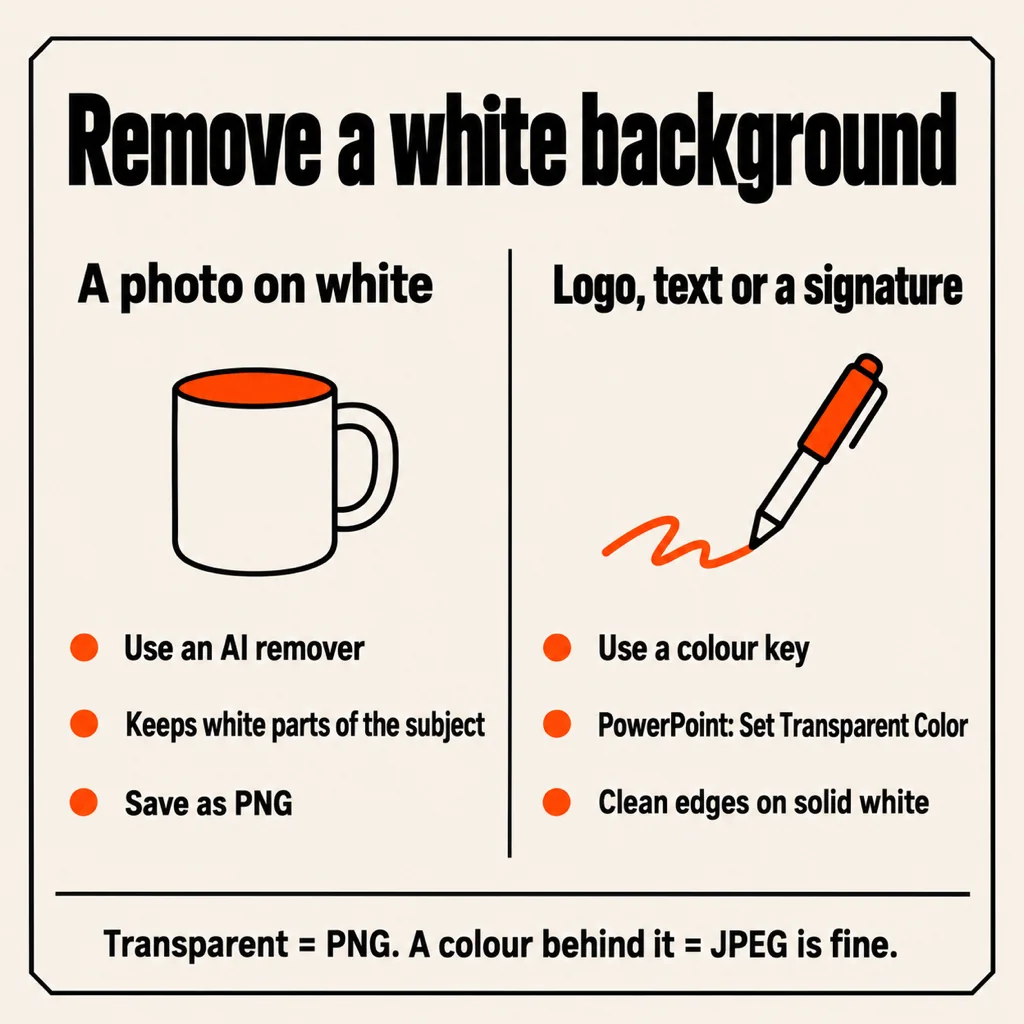
Photo or graphic? Pick the right method first
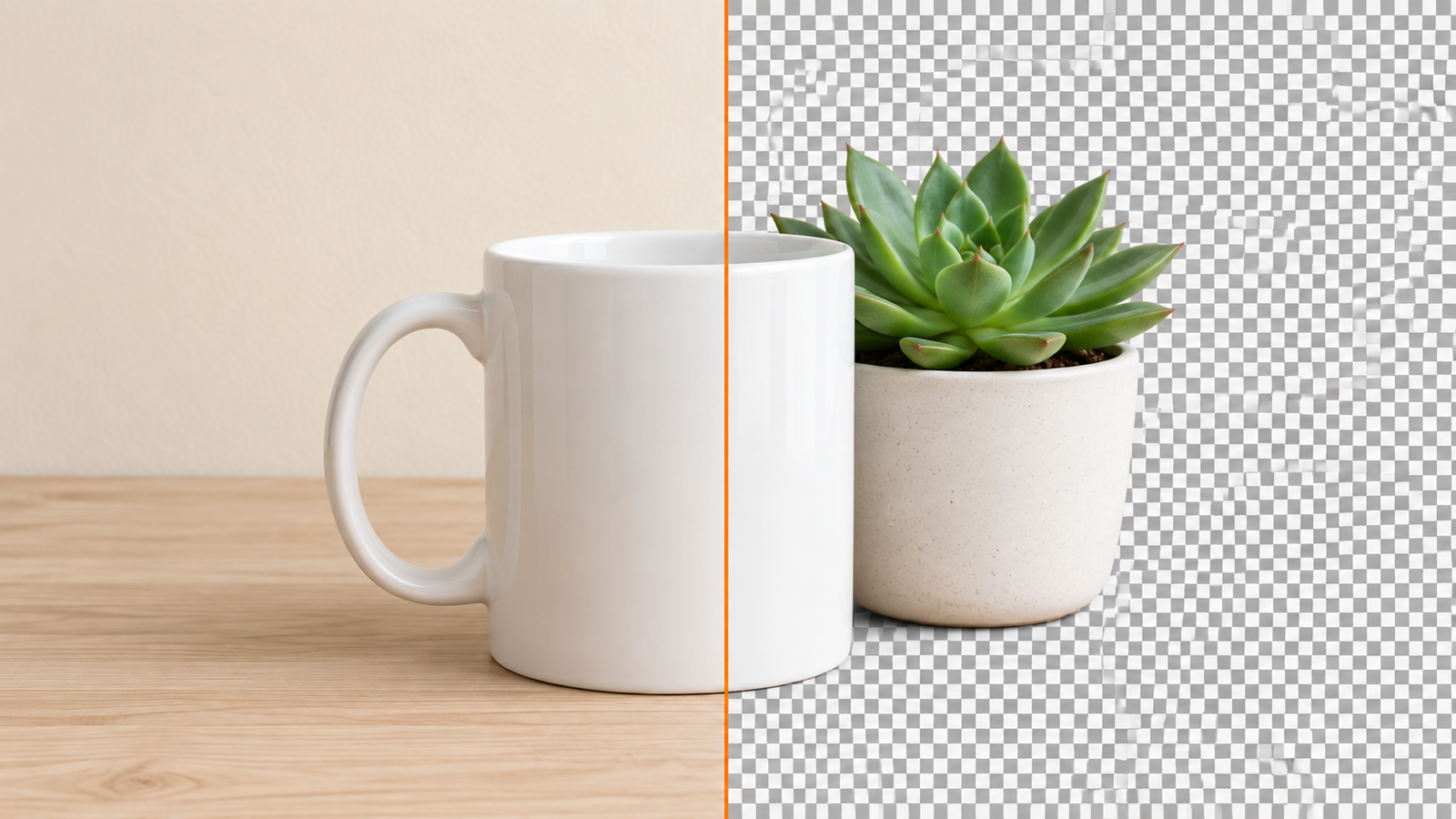
Most failed attempts come from using the wrong tool. A colour key removes one colour everywhere in the picture. That is perfect for black text on white paper, but on a photo it also punches holes in a white shirt, the shine on a mug or the whites of someone's eyes, and it leaves a grey fringe where the shadow fades into the background.
An AI remover doesn't look at colour at all. It finds the subject and cuts around it, so white parts of the subject stay and soft shadows go. On a thin signature or a line drawing, though, it may decide the strokes are "background" and smudge them. Rule of thumb:
- People, products, pets, food on white: AI remover.
- Logos, icons, text, clip art, scanned forms, signatures: colour key.
Remove a white background on your phone
On Android or iPhone, BG Remover does it in one tap and works offline after the first cut. It is ours, it's free, there is no watermark and no account, and the photo is cut on the phone itself (Apple's Vision on iPhone, Google's ML Kit on Android), so it never goes to a server.
- Tap the + in the middle of the bottom bar and pick the photo, take one with the camera, or paste an image you copied.
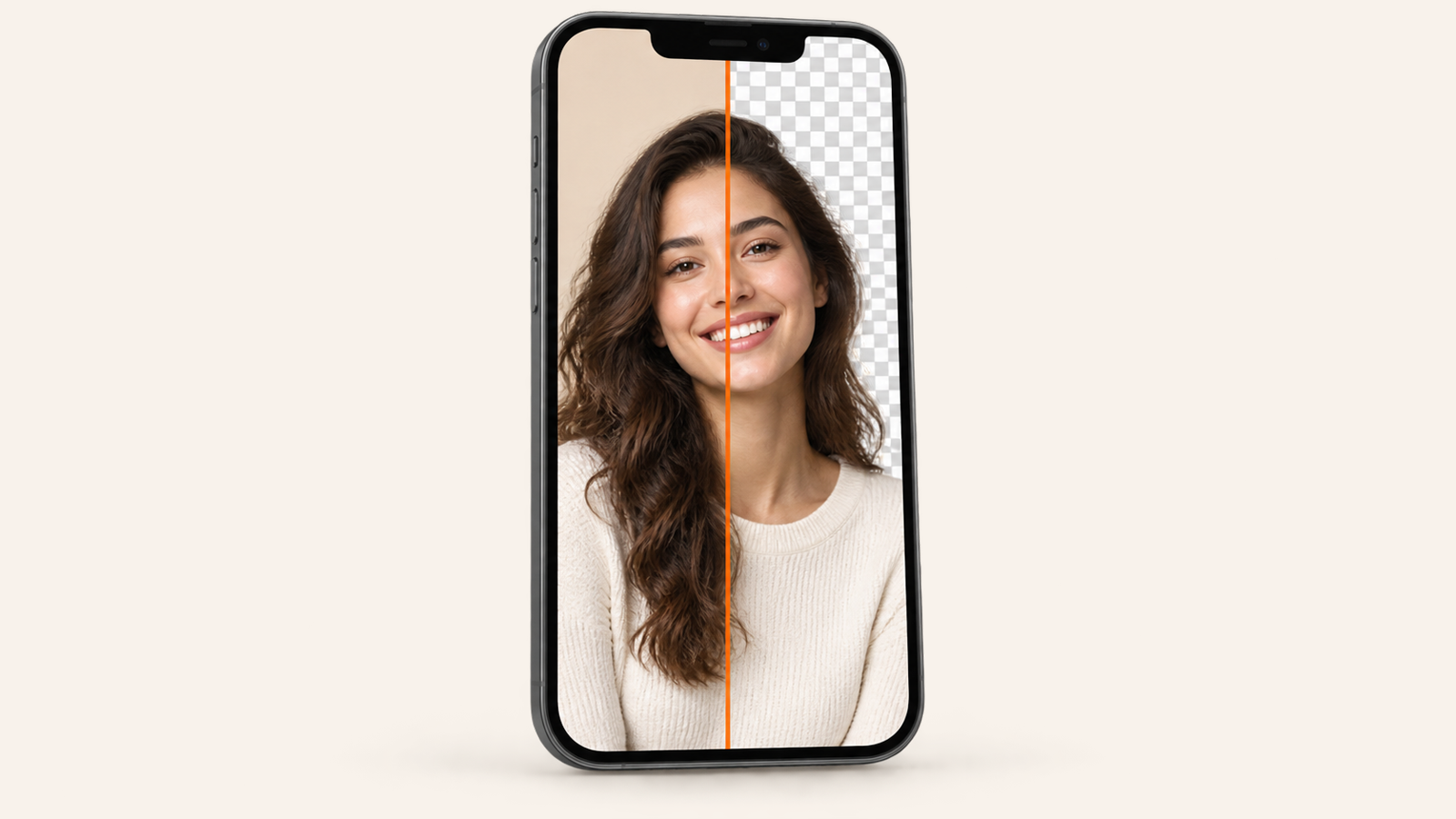
- Wait a moment. The white turns into a checkerboard: that means it is transparent now. Touch and hold to compare with the original, pinch to zoom on the edges.
- Keep Transparent for a clean PNG, or put something else behind it: a plain colour (or Any colour with sliders), a Blur of the original, or Your photo.
- Tap Save to Photos, Copy or Share. Transparent saves as PNG; a solid colour behind it saves as a smaller JPEG.
Built-in options exist too. On an iPhone with iOS 16 or later, touch and hold the subject in Photos and choose Copy or Share. On a Samsung Galaxy with One UI 5.1 or later, long-press the subject in Gallery and tap Save as image. Both give you the cutout only, without background or edge controls. The full Android walk-through is in how to remove background from picture on Android.
Remove a white background in the browser (no install)
Open bgremover.riekapps.com on a phone or a computer, drop in the image and wait while the model loads the first time (it is a one-off download, so Wi-Fi helps). The AI runs inside your browser, so the image isn't uploaded. If the cut missed a corner or kept a bit of white, use Erase and Restore to brush it back by hand, then download the PNG. You can also pick White, a colour, a blur or your own photo as the new background before saving.
Remove a white background in Word or PowerPoint
Both Office apps have the same two tools on the Picture Format tab once you click the image:
- Color > Set Transparent Color, then click the white. This is the colour key: best for logos, text and signatures on pure white. It only removes one exact shade, so a photographed sheet of paper with grey patches won't clear fully.
- Remove Background guesses the subject and marks the rest in purple. Use Mark Areas to Keep and Mark Areas to Remove to fix it, then Keep Changes.
To get the result out as a file, right-click the picture and choose Save as Picture > PNG. Google Slides has no remover of its own: make the PNG first with one of the tools here, then insert it.
Remove a white background in Paint (Windows 11)
The updated Paint in Windows 11 has a Remove background button in the Image group. Open the picture, click it, and the background disappears; save with File > Save as > PNG, because JPEG can't hold transparency. The older Paint's "transparent selection" only works while you're moving a selection inside Paint, and the saved file still has white.
Canva, GIMP, Photoshop and Illustrator
- Canva: select the image, Edit > BG Remover. It's part of Canva Pro, so free accounts hit a paywall. Transparent download is also a Pro option.
- GIMP (free): Layer > Transparency > Add Alpha Channel, then Colors > Color to Alpha with white selected. This is the best free colour key: it also turns the soft grey anti-aliasing into partial transparency, so edges stay smooth on a dark background.
- Photoshop: Remove Background under Quick Actions in the Properties panel for photos; Select > Color Range, click the white, then Delete, for graphics.
- Illustrator: if you are turning a logo into vectors with Image Trace, tick Ignore White under Advanced and the white simply isn't traced.
Tips for a clean edge
- Grey halo on a dark background? The colour key left the anti-aliased pixels. Use Color to Alpha in GIMP or an AI remover instead of a hard key.
- White subject on a white background (a white sneaker, a white cat): AI tools handle it far better than a colour key, but zoom in and touch up the edge.
- Scanned signature or document: raise the contrast first so the paper is pure white, then key it out. Our guide on how to make a background transparent covers signatures and logos in detail.
- Watermarks: many free apps stamp a logo on the result or cut the resolution. See remove background from photo without watermark for the ones that don't.
Common questions
How do I remove a white background from an image for free?
For photos, use a free AI remover such as BG Remover (app or bgremover.riekapps.com) and save as PNG. For logos and text, use PowerPoint's Set Transparent Color or GIMP's Color to Alpha.
How do I make a white background transparent and save it as a PNG?
Remove the white with any method above, then save or export as PNG. JPEG has no transparency, so a JPEG will fill the empty area with white again.
Why does my image still have a white background after I removed it?
Usually because it was saved as JPEG, or pasted into an app that shows transparent areas as white. Check the file in an app that shows a checkerboard.
Can I remove a white background on Samsung or iPhone without an app?
Yes. Long-press the subject in Samsung Gallery (One UI 5.1 and later) or in iPhone Photos (iOS 16 and later) and save or copy the cutout. You get the cutout only, with no edge or background controls.
What's the best way to remove white from a signature?
A colour key, not an AI remover: Set Transparent Color in Word or PowerPoint, or Color to Alpha in GIMP, after making the paper pure white.
From the studio
Previous Article
Beste KI Tastatur für Android: 6 KI-Tastaturen im Vergleich
Next Article
Best AI Keyboard for Android: 6 Picks by What You Want AI to Do