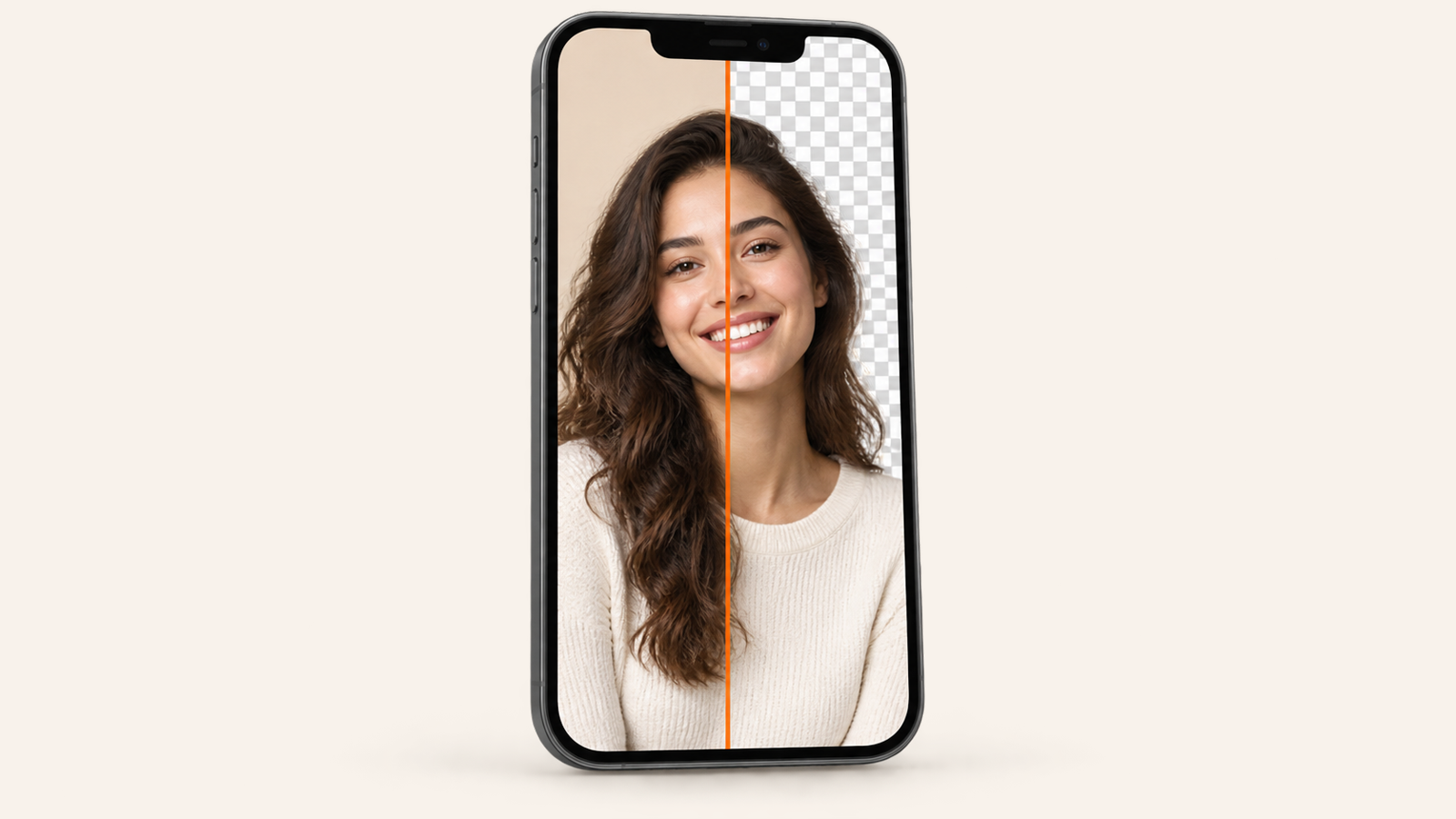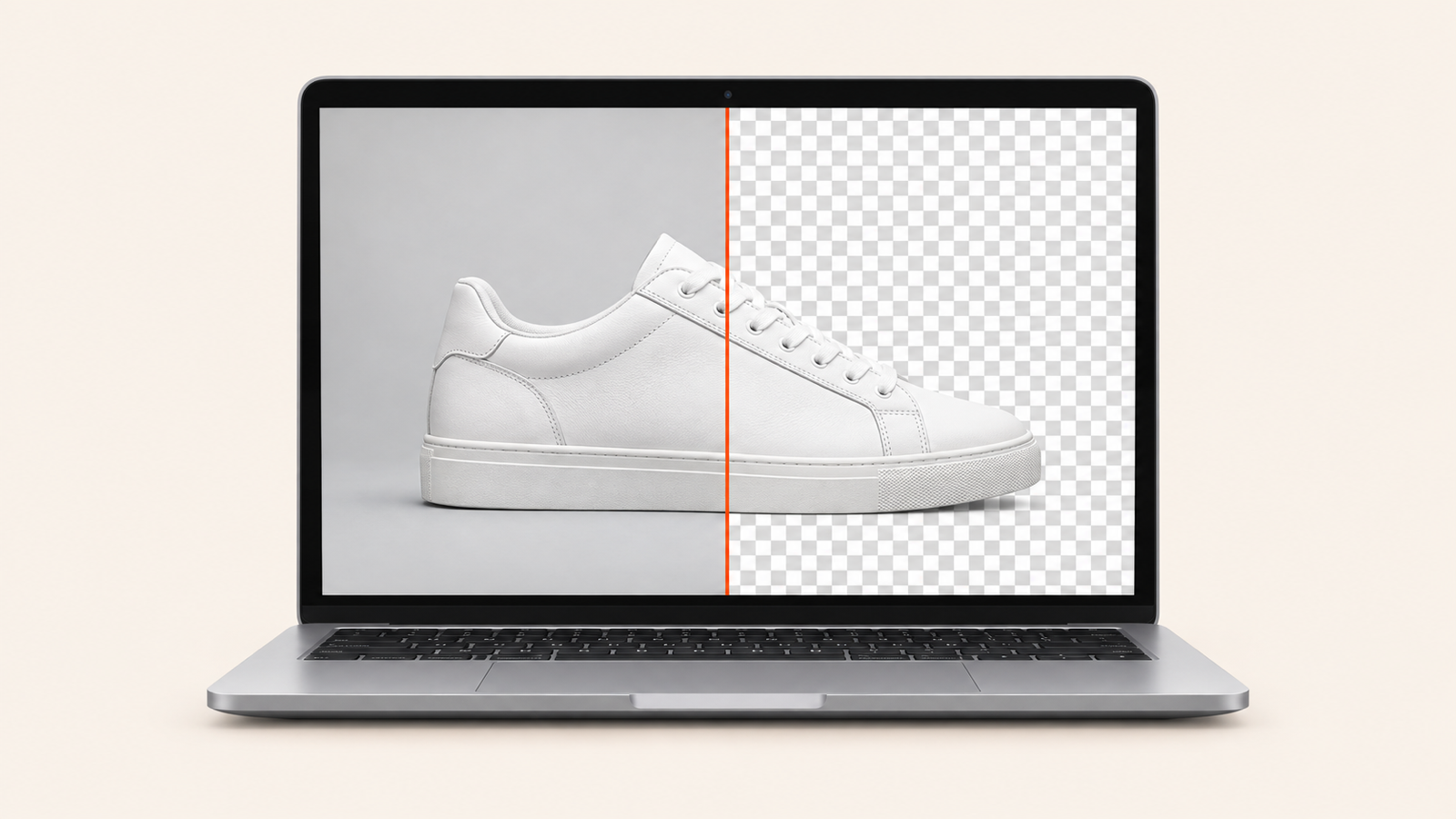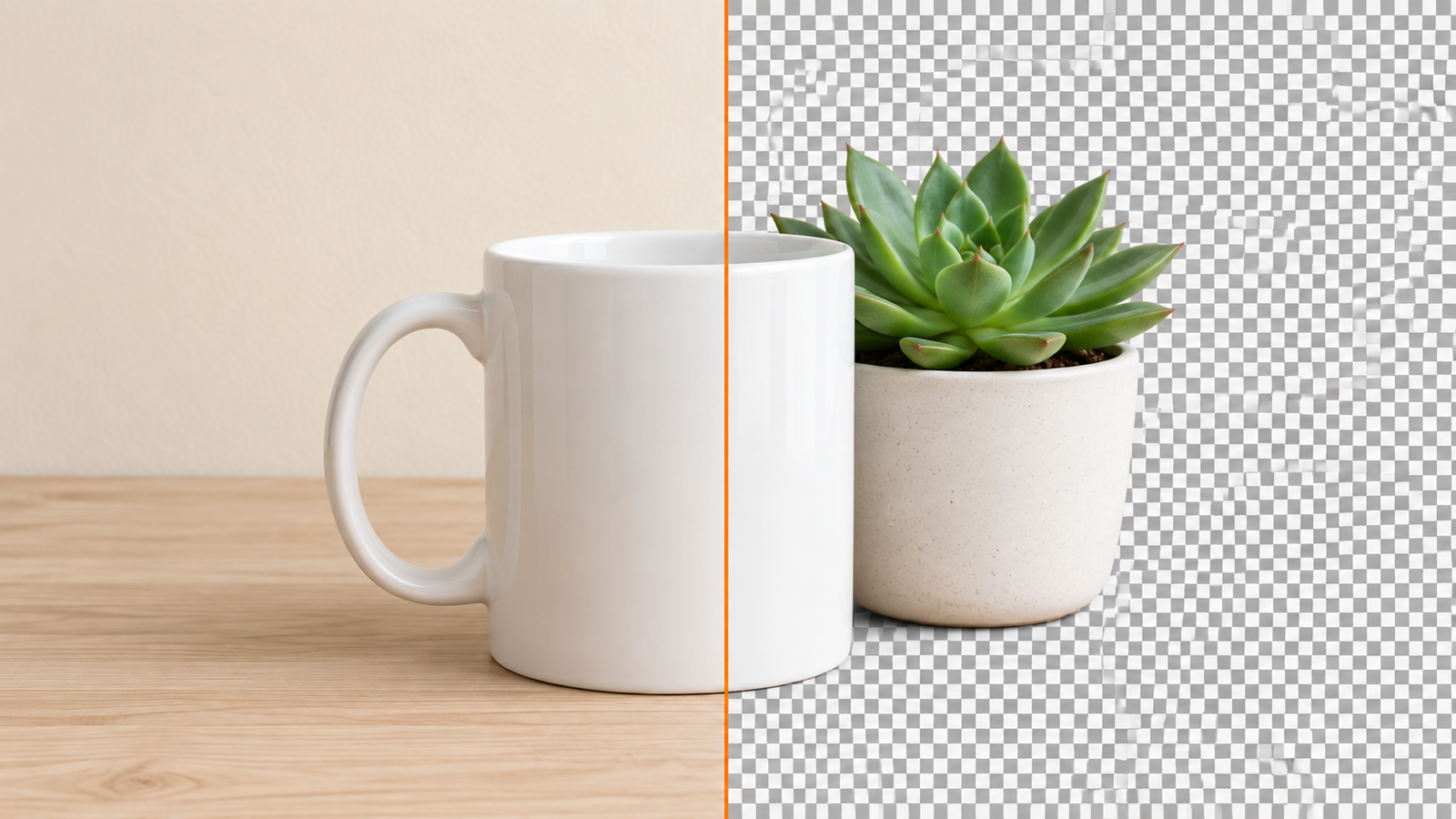
How to Make a Background Transparent for Free (PNG, Logo, Signature)
Make any image background transparent for free, with no signup or watermark. Photos, logos and signatures, on iPhone, Android or in the browser, saved as PNG.
You need a picture with no background: a logo for a website, a signature for a PDF, a product for a mock-up, a face for a sticker. The rule is the same every time. Cut the background away, then save the result as a PNG. Do the first step without the second and you get a white box. Do the second without the first and you get a big file with the background still in it.
This guide shows how to make a background transparent for free on a phone or a computer, what changes when the image is a logo or a signature rather than a photo, why an AI image chat cannot give you a real transparent file, and how to check that what you saved is actually transparent.
The short version
- Open BG Remover on your phone or at bgremover.riekapps.com. It is free, needs no account, and does the work on your device.
- Add the image. The background dissolves to a checkerboard in a couple of seconds.
- Leave the background set to transparent and save. The file is a PNG with real transparency and no watermark.
That works for photos, logos and signatures alike. The rest of this post is the detail for when one of those needs a little more care.
What "transparent" actually means
An image is a grid of pixels, and each pixel normally stores three numbers: red, green and blue. A transparent image stores a fourth, the alpha value, which says how see-through that pixel is. Fully opaque, fully clear, or anything in between for a soft edge.
Only some file formats have room for that fourth number. PNG does. JPG does not. WebP and HEIC can, GIF has a crude on-or-off version, and SVG is transparent by nature because it is drawn rather than painted. So whenever a tool asks what to save as, the answer for a transparent background is PNG.
The grey-and-white checkerboard you see in editors is not part of the picture. It is the editor's way of showing you "nothing is here". If a checkerboard shows up in the final file when you open it somewhere else, the tool baked a pattern into the pixels instead of leaving them clear. More on that below, because one very popular tool does exactly that.
Make a photo background transparent
For a photo of a person, a pet or an object, a segmentation model does the cutting. BG Remover runs one on your device, so the photo never uploads and the result has no watermark and no size cap.
On iPhone or Android
- Install BG Remover from the App Store or Google Play (both are linked on the app page) and tap the + in the bottom bar.
- Pick the photo. The cut runs on the phone using Apple's Vision engine or Google's ML Kit.
- Keep the first swatch, transparent, selected. Use Soft edge if the outline looks harsh.
- Tap Save. Transparent results are always written as PNG, so the alpha channel survives. Copy puts the same PNG on the clipboard for pasting into another app.
On a computer, Chromebook or tablet
- Open bgremover.riekapps.com and drop the image on the page, or paste it from the clipboard.
- Wait for the cut. The first visit downloads the model into the browser; after that it is cached.
- Fix anything the model missed with the Erase and Restore brushes.
- Click Download. The file is a full-size PNG.
If you would rather use the built-in cutout on iPhone or Samsung, the steps are in our guide to removing a background without a watermark. Just remember that the phone's own share sheet sometimes converts the result to JPG on the way to another app, which throws the transparency away.
Make a logo transparent (remove the white background)
Most "logo transparent" searches start with a JPG of a logo on a white box, usually pulled from an email signature or a website. The good news is that a flat graphic is easier to cut than a photo. The bad news is that the JPG has probably been compressed, so the "white" is a cloud of near-white pixels and the edges have faint halos.
- Start from the biggest version you can find. A remover cannot invent detail. A 200-pixel logo will still be a 200-pixel logo, just transparent. Check the company's press or brand page for a large file, or better, ask for the SVG.
- Drop it into BG Remover as normal. The model treats the logo as the subject and the white as background. For a logo with a white part inside it, for example white lettering on a coloured shape, use the Restore brush in the browser to paint that part back.
- Look at the edges on a dark background before you use it. Faint white fringes that were invisible on a white page stand out on a dark website header. The Soft edge control in the app or a pass with the Erase brush cleans them up.
If the logo is a simple one- or two-colour mark, there is also a case for redrawing it as an SVG rather than cutting a bitmap. It will be transparent, tiny and sharp at any size.
Make a signature transparent
A transparent signature is what you want for signing PDFs, adding a name to a design, or an email footer. Here is the way to get a clean one:
- Sign on plain white paper with a dark pen, larger than you normally would. A fine biro on lined paper is the hardest case for any tool.
- Photograph it in good light, straight on, so the paper is evenly white. Shadows across the page become grey blotches that a remover may keep.
- Crop tightly to the signature, then run it through BG Remover with the background set to transparent.
- Check the thin strokes by zooming in. Restore any that broke, then save as PNG.
If the point of the exercise is to sign a document, you may not need the PNG at all. Our guide to signing a PDF on Android covers drawing a signature straight onto the page, which skips the photo step entirely.
Why Nano Banana cannot give you a transparent PNG
"Nano banana remove background" and "nano banana can't remove background" are both climbing in search, and they are two halves of the same story. Gemini's image model can make a background look removed: ask for a transparent background and it paints the subject on a grey-and-white checkerboard. But that checkerboard is painted pixels. The image it returns is opaque, with no alpha channel, so the moment you place it on a slide or a website the checker pattern comes with it. On top of that, a generative model repaints the subject a little each time, so your product or your face is a close copy rather than the original.
The fix is simple. Use Nano Banana for what it is good at, changing the scene or the style, and use a segmentation remover for the actual cutout. If you already have a Nano Banana image on a fake checkerboard, run it through BG Remover and the model will treat the checker as background and remove it properly.
How to check the file is really transparent
A surprising number of "transparent" PNGs are not. Three quick tests:
- Look at the extension. If it ends in .jpg or .jpeg, it is not transparent, whatever the preview showed. Re-export as PNG.
- Put it on a dark background. Drop it into a slide with a black fill, or open it in an app with a dark theme. A transparent image shows the dark colour around the subject. A white or checkered box means the background is still there.
- Check the file size. A transparent PNG of a small subject is usually much smaller than the original photo, because the cleared area compresses to almost nothing.
Mistakes that quietly put the background back
- Screenshotting a transparent image. A screenshot captures the screen, so you get the checkerboard or whatever was behind the picture. Always use the app's Save or Download instead.
- Sending it through a chat app. WhatsApp, Messenger and most messaging apps recompress images to JPG. Send transparent PNGs as a document or a file, not as a photo, or use a cloud link.
- Saving from the wrong app. Some gallery and social apps re-save everything as JPG when you share or edit. Keep the original PNG somewhere safe.
- Flattening on export. In Canva, Photoshop and similar tools, a "transparent background" tick box at export is separate from removing the background on the canvas. Both have to be done.
- Choosing a white background by accident. White and transparent look identical on a white page. Pick the checkerboard swatch, not the white one, when you want see-through.
Where a transparent PNG is the right choice, and where it is not
- Yes: website logos and icons, stickers for WhatsApp or Telegram, overlays in video editors such as DaVinci Resolve or Premiere, layers in a design tool, watermark-style signatures, and product images that need to sit on a coloured banner.
- Usually not: marketplace listings. Amazon, eBay and most marketplaces ask for a pure white background, not a transparent one, because their systems flatten to JPG. In BG Remover pick the white swatch instead, and the app saves a JPG for you.
- Not needed: a photo that already sits on the background you want. Removing and re-adding the same backdrop only loses quality.
Frequently asked questions
Can I make a JPG transparent?
Not while it stays a JPG. You cut the background from the JPG and save the result as a PNG. The source format does not matter; the output format does.
Is there a free way to make a background transparent online?
Yes. bgremover.riekapps.com runs the model inside your browser, so there is no upload, no account, no credits and no watermark. It works on Windows, Mac, Linux and Chromebook, and on tablets.
Does Canva make backgrounds transparent for free?
Canva's background remover and its transparent-PNG export are both paid features. You can cut the image with a free remover first and then bring the PNG into Canva to design around it.
How do I make a background transparent in Photoshop?
Select the subject with Select Subject, invert the selection, delete, and export as PNG with transparency ticked. It works well, but for a single logo or signature it is far quicker to use an on-device remover and skip the layers.
Can I make a video background transparent?
Not with a photo tool. Video needs a green screen or an editor with a subject-tracking cutout, and the output has to be a format with alpha such as ProRes 4444 or WebM. For a short clip you can export frames, cut each one to PNG and rebuild it, but it is a chore.
What is the "transparent background code"?
If you searched that phrase, you probably want CSS rather than an image. In CSS the value is background: transparent, or a colour with zero alpha such as rgba(0, 0, 0, 0). For an image on a web page you still need a transparent PNG or an SVG; CSS cannot make an opaque JPG see-through.
Will the transparent edge look soft or hard?
Either, as you prefer. A hard edge suits logos and icons. A slightly soft edge hides the halo on hair, fur and fabric. BG Remover's Soft edge slider adjusts it before you save, and the PNG keeps the partial transparency.
Cut on the device, keep transparent selected, save as PNG. Get those three right and the background stays gone wherever the image ends up.
From the studio

Previous Article
remove.bg Is Closing: Free Alternatives That Don’t Watermark (2026)
Next Article
How to Solve a Rubik’s Cube: The Beginner Method in 7 Steps