remove.bg Is Closing: Free Alternatives That Don’t Watermark (2026)
remove.bg shuts its standalone site on 1 December 2026 and moves into Canva. Here is what changes, what to do before then, and the best free replacements.
For seven years, "remove.bg" has been the answer whenever someone asked how to cut a background out of a photo. That is ending. remove.bg has announced that it is migrating into Canva, which bought it in 2021, and the standalone website is reported to close on 1 December 2026. Searches for the name have jumped as people work out what to use instead.
This post covers what is actually changing, what to do if you have credits or an API key, and the free remove.bg alternatives that give you a full-size cutout with no watermark.
What is changing at remove.bg
- The website is going away. remove.bg's own FAQ now says it is "migrating remove.bg's background removal functionality into the Canva platform". Coverage of the announcement puts the last day of the standalone site at 1 December 2026, 9:00 CET.
- Unused pay-as-you-go credits expire on that date. If you bought a credit pack, use it before December.
- The API is moving too. Self-serve API access ends with the site, and remove.bg is pointing developers to Leonardo.Ai, another Canva company.
- The replacement lives inside Canva. Canva's background remover is part of its paid plans, so a free remove.bg user does not get a free Canva equivalent.
Even before this, the free tier was thin: previews were capped at 0.25 megapixels (roughly 625 by 400 pixels), and a full-resolution download cost one credit per image. Most people who searched "remove.bg free" found that out at the download button.
What to do before 1 December
- Download anything you still need from your remove.bg history while the site is up. Do not assume it will be carried across.
- Spend remaining credits on the high-resolution downloads you were saving them for. They will not be refunded.
- If you use the API, budget the migration now. Every integration will need a new endpoint and, most likely, a new pricing model.
- Pick a replacement for everyday use and get used to it before the deadline, so you are not scrambling on a Monday morning in December.
What made remove.bg good, and what to look for now
It did one thing, did it in a couple of seconds, and never asked you to learn an editor. Any replacement should be judged on the same five points:
- Cut quality on hair, fur and thin edges, not just clean product shots.
- Full-size output. A cutout you cannot download at your photo's real resolution is a demo, not a tool.
- No watermark and no "HD" upsell.
- Privacy. Does the photo leave your device? For product shots it may not matter. For photos of your kids or your ID, it does.
- Price and limits per month, per image, or per export.
The best free remove.bg alternatives
1. BG Remover: free, full size, and nothing is uploaded
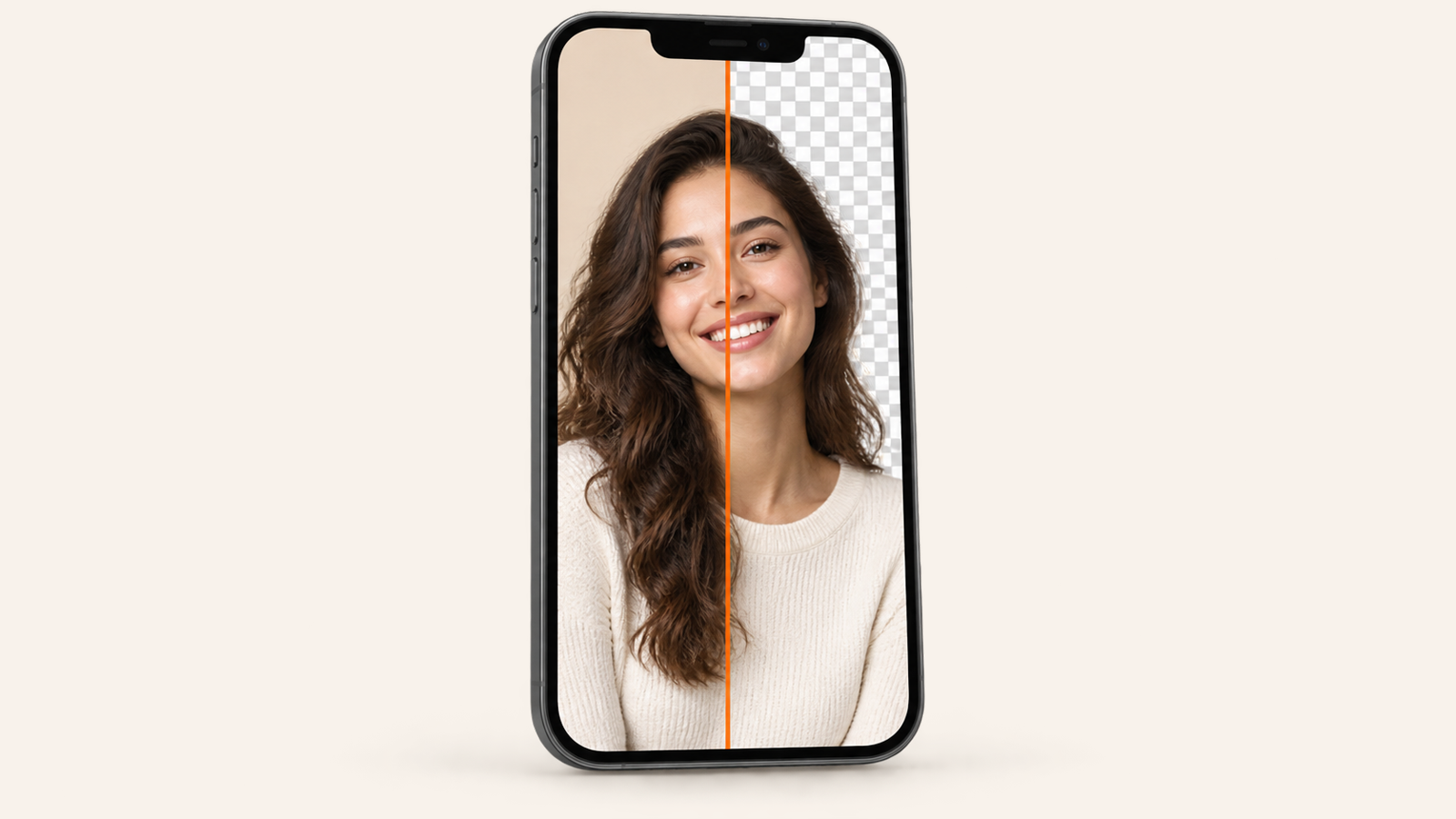
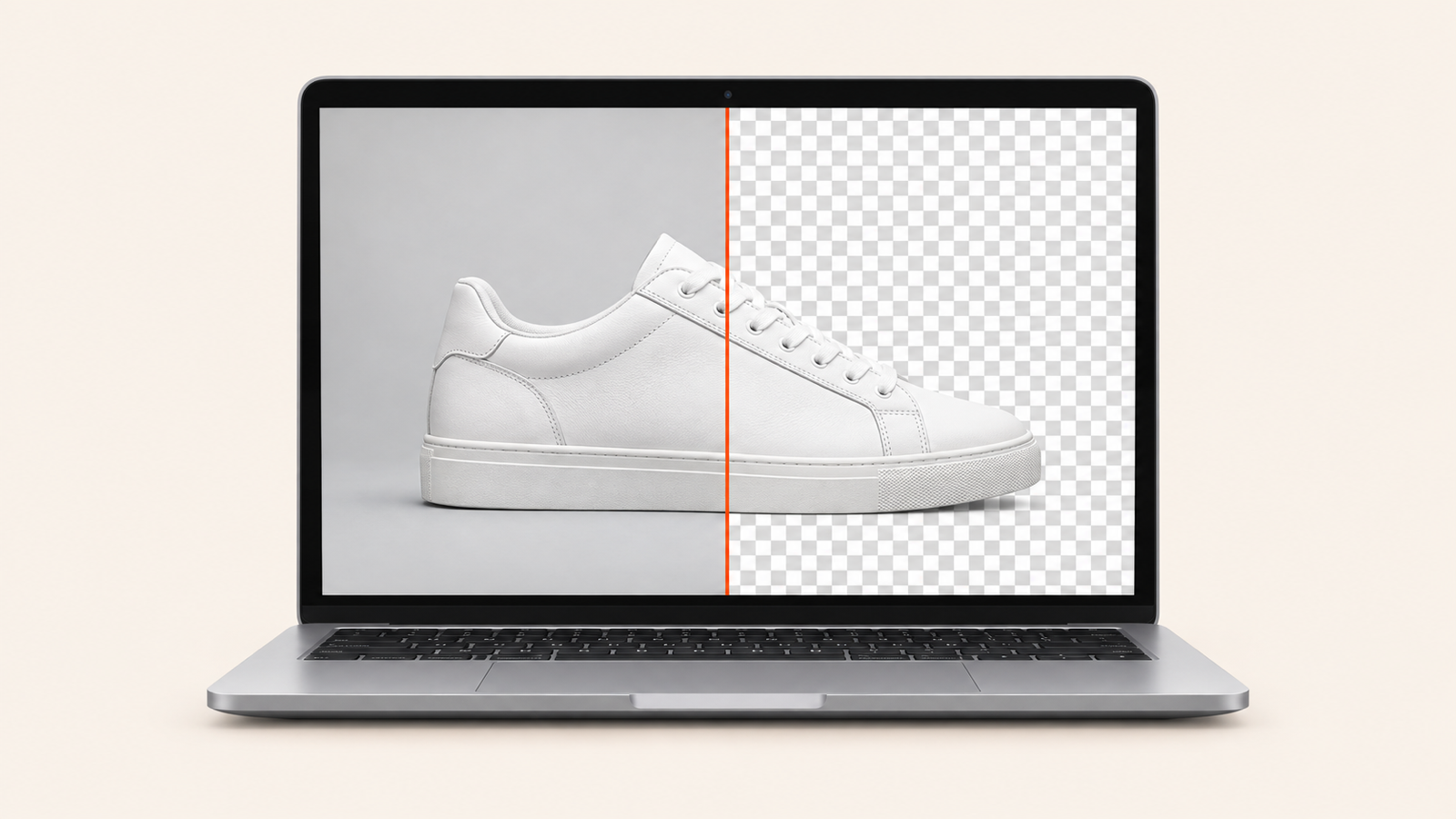
BG Remover is our own answer to this. It runs the AI model on your device rather than on a server, which is why it can be free without a watermark or a credit system:
- Full-resolution PNG or JPEG output, no upsell.
- Works in any modern browser on a laptop, and as an app on Android and iPhone.
- Erase and restore brushes in the browser version for edges the AI missed; a soft-edge slider in the apps.
- Transparent, solid colour, blurred, or your own background photo.
- Batch several photos in one session in the browser.
- No account, no sign-in, no daily cap.
Honest limits: it is a background remover, not a design suite. There is no API, no AI-generated backgrounds, and no bulk processing of thousands of files. The first browser visit downloads the model, which takes about as long as loading a short video; after that it is cached.
2. The cutout already built into your phone
iPhone (iOS 16 and later) and Samsung Gallery (One UI 5 and later) both lift a subject when you touch and hold it in the photo. It is free, private and instant. The trade-off is that you get a copy on the clipboard with no way to fix edges or add a background, so it suits stickers and quick shares more than product photos. We wrote up the steps in how to remove a photo background without a watermark.
3. Adobe Express
Adobe's free background remover is genuinely free and, unlike the old remove.bg free tier, it downloads at full resolution. You need an Adobe account, the photo is uploaded to Adobe, and it sits inside a much bigger editor that pushes you toward templates and Premium features. Good pick if you already live in Adobe's tools.
4. Canva
This is where remove.bg is going, so if you are a Canva Pro subscriber you already have it: select an image, open Edit, and tap Background Remover. It is not on Canva's free plan. If the only thing you wanted from Canva was the cutout, it is an expensive way to get it.
5. Photoroom
Photoroom is the strongest option for people who sell things online: batch editing, AI product scenes and marketplace-ready templates. Its free plan exports carry a Photoroom watermark and are not licensed for commercial use, so for a shop you are on a paid plan from day one.
For developers: replacing the API
If you were calling remove.bg from code, you have three routes. The official one is Leonardo.Ai's API, which Canva is steering remove.bg customers toward. The second is any of the other hosted removers with an API, most of which price per image much as remove.bg did. The third is to run an open model yourself: rembg, BiRefNet and ormbg are all published under permissive licences and run happily on a modest GPU, or even in the browser, which is exactly what BG Remover's web version does. Self-hosting costs engineering time instead of credits, and the photos never leave your infrastructure.
Want the API without the engineering? We build background-removal APIs to order: your endpoint, your model choice, your region, priced for your volume rather than per credit. Email us at riekapps@gmail.com with roughly how many images a month you process and what remove.bg was costing you, and we will reply with a quote.
Frequently asked questions
Is remove.bg still working today?
Yes. The site and the API are reported to run until 1 December 2026. The change is announced, not immediate.
Will my remove.bg subscription transfer to Canva?
remove.bg has said the functionality is moving into Canva, not that accounts or credits are. Treat your remove.bg balance as something to use up, and check your account emails for the specific terms of your plan.
Is Canva's background remover free?
No. It is included with Canva's paid plans. Free Canva accounts can see the button but cannot run it without a trial or subscription.
Which alternative is closest to the remove.bg experience?
For "drop a photo, get a cutout, download" with nothing else in the way, BG Remover in the browser is the nearest match, and it removes the two limits people complained about most: the preview resolution and the credits.
Does BG Remover upload my photos?
No. The model runs inside the browser tab or on the phone. That is also why it keeps working with the Wi-Fi off once the model has loaded.
remove.bg made background removal a one-click job for everyone. The tools that replace it should at least keep that promise, without a watermark on the result.
From the studio

Previous Article
How to Remove a Photo Background Without a Watermark (Phone or Browser)
Next Article
How to Solve a Rubik’s Cube: The Beginner Method in 7 Steps