How to Remove Background from Picture on Android (Free, 4 Ways)
How to remove the background from a picture on Android for free: a one-tap app, Samsung Gallery, the browser, and how to save a transparent PNG or a white background.
To remove the background from a picture on Android, open the photo in a background remover app such as BG Remover, wait a second while it finds the subject, then save the cutout as a transparent PNG or put a plain colour behind it. On a recent Samsung Galaxy you can also long-press the subject in Gallery and copy it out, and on any phone a browser tool works without installing anything. Below are four free ways, which one to use, and how to get a clean edge, a white background or a transparent file.
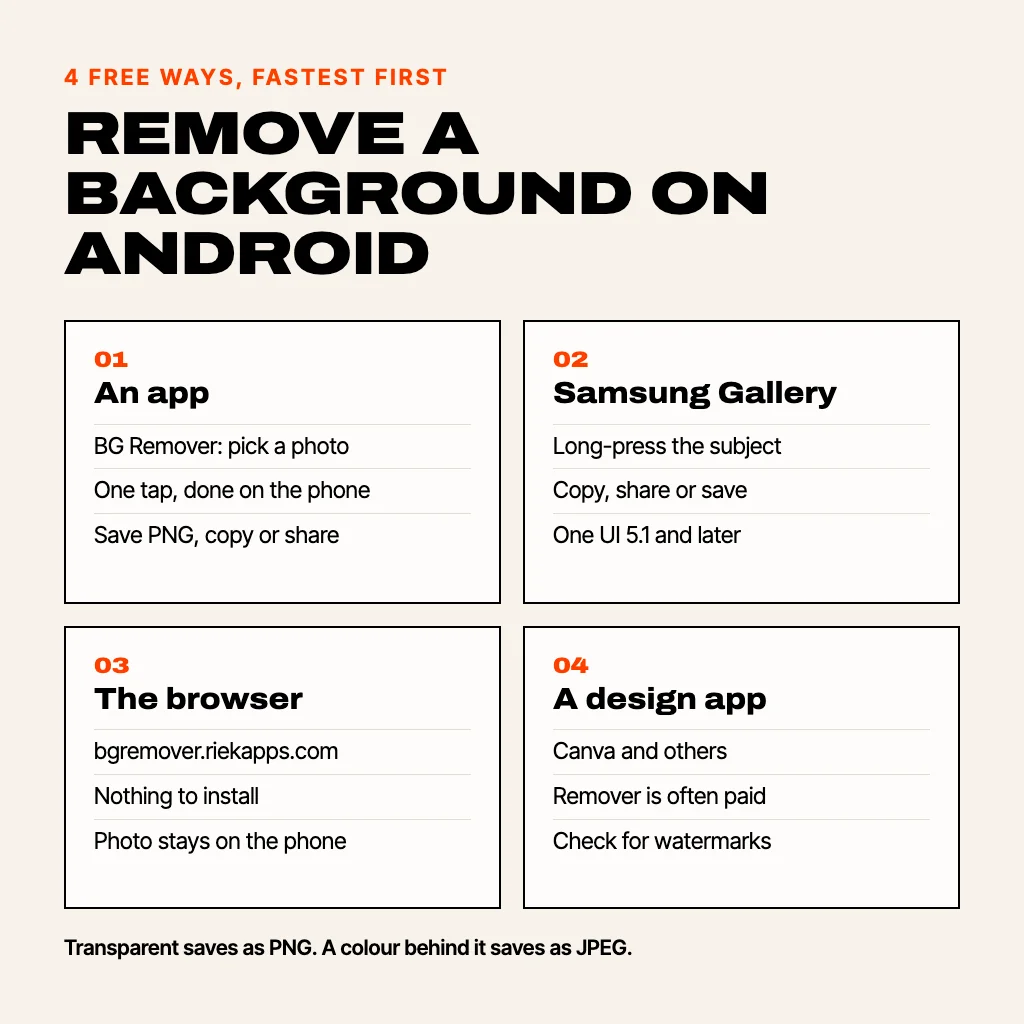
1. Remove the background with a free app (any Android phone)
This works on every Android phone from Android 7 up, whatever the brand. We'll use BG Remover because it is ours, it is free, there is no watermark and no account, and the photo never leaves your phone: the cut is done on the device by Google's ML Kit subject segmentation.
- Install BG Remover from Google Play and tap the + in the middle of the bottom bar.
- Choose Pick a photo, take a new one with the Camera, or paste an image you copied. You can also share a photo to BG Remover straight from Gallery or Google Photos.
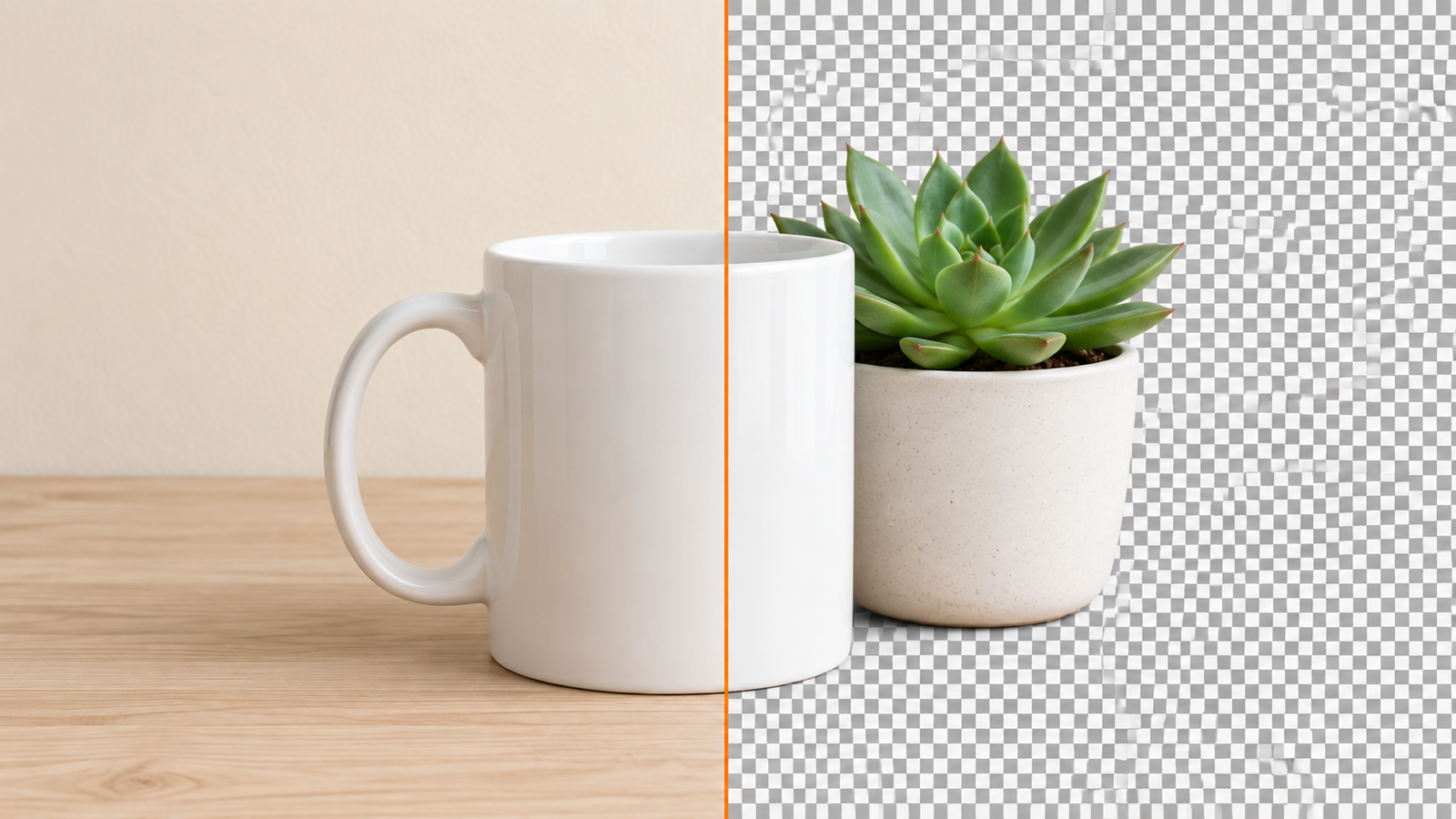
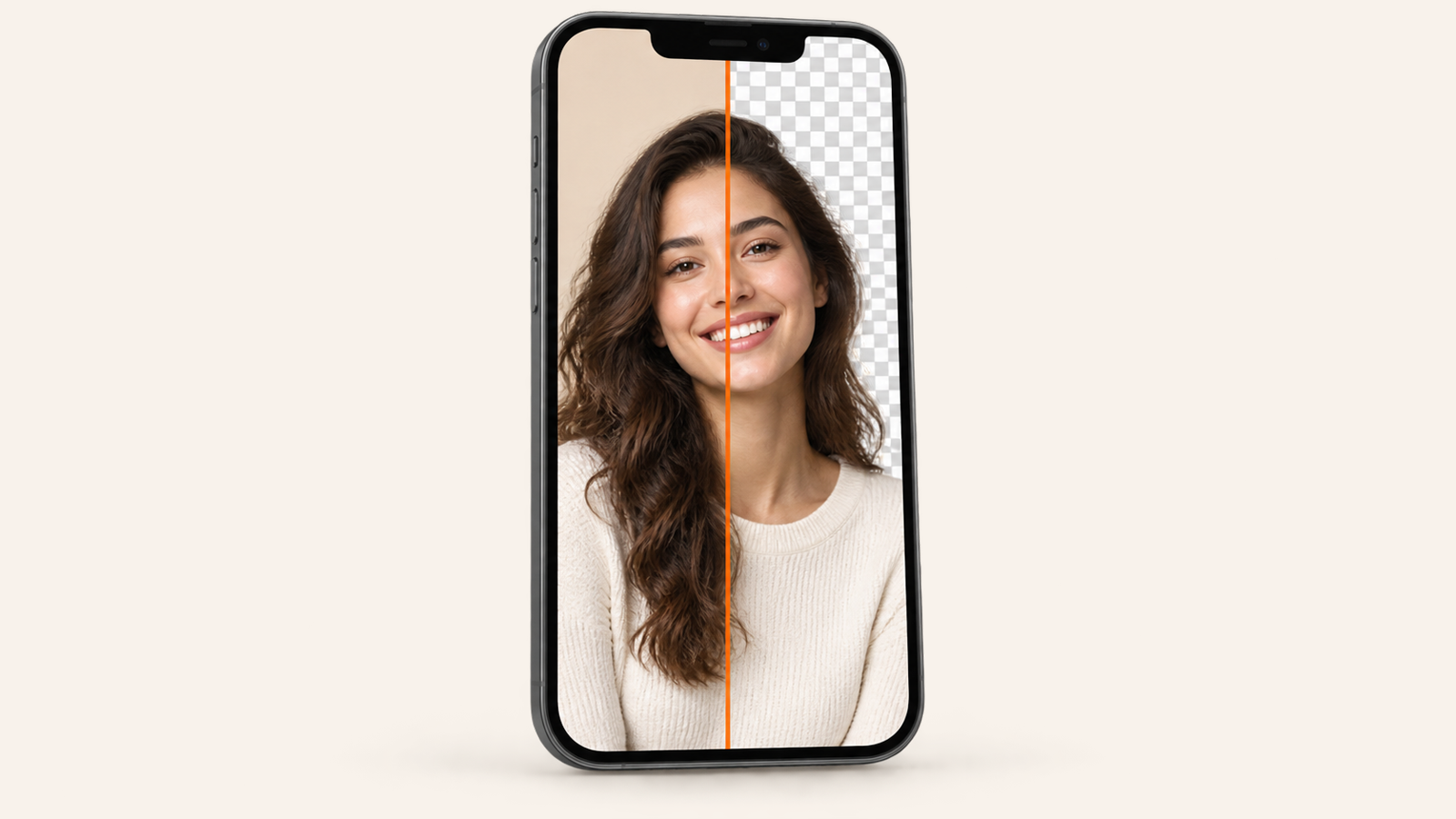
- Wait a second. The background is replaced with a checkerboard, which means it is transparent. Touch and hold the picture to see the original, and pinch to zoom in on the edges.
- Pick what goes behind it: Transparent, a plain colour (white, black and four more in one tap, or Any colour with hue, saturation and lightness sliders), a Blur of the original, or Your photo.
- Tap Save to Photos, Copy or Share.
The first cut on a new phone can take a little longer, because Android downloads the segmentation model once. After that it works offline. Saved images go up to 3072 pixels on the long side, and your cutouts stay in the app so you can change the background later without cutting again.
2. Samsung Gallery: long-press the subject
On Galaxy phones with One UI 5.1 or later (the S23 generation onwards, and many A-series phones after their updates), Samsung's Gallery can lift a subject without any app:
- Open the photo in Gallery.
- Touch and hold the person, pet or object until a glowing outline appears.
- Tap Copy to paste it into a chat or a document, Share, or Save as image to keep a transparent PNG.
It's quick, but you only get the cutout: no colour background, no blur and no soft-edge control. If you need a white background for a form or a listing, take the saved PNG into an app that can fill it.
3. In the browser, with nothing to install
If your phone is full or it's not your phone, open bgremover.riekapps.com in Chrome. Tap to choose a photo, wait while the model loads the first time, and download the result. It is the same free tool as the app, and the AI also runs on your device rather than on a server, so the photo is never uploaded. You can touch up the edges with erase and restore, then swap in a colour, a blur or another photo. The first visit downloads the model, so use Wi-Fi if you can.
4. Canva or another design app
If the cutout is going straight into a poster, a thumbnail or a social post, a design app saves a step. Canva's one-tap background remover is part of Canva Pro, though; on a free account you'll usually hit the paywall. Other editors on Google Play do the same job, but many add a watermark or cap the resolution unless you pay, so check before you spend time on a photo. We compared the options in remove background from photo without watermark.
Which way should you use?
- Most photos, any phone: an app, because you get the edge controls and the backgrounds in one place.
- A quick sticker on a Galaxy: Samsung Gallery's long-press.
- Someone else's phone or no space: the browser.
- Going into a design anyway: your design app, if you already pay for it.
How to get a white background (or any colour) on Android
Remove the background first, then fill it. In BG Remover, tap the white swatch (the app remembers it, so five product shots in a row stay white), and save. Opaque results save as JPEG, which is what most ID, passport-style and marketplace forms ask for. Check the official size and lighting rules for passport photos yourself: a white background alone doesn't make a photo compliant.
How to save a picture with a transparent background on Android
Pick Transparent before saving and the app writes a PNG, the format that keeps transparency. Two traps: some chat apps convert images to JPEG when you send them, which turns the transparent area black or white, so send the file as a document if the other person needs the transparency. And a screenshot of a checkerboard is not transparent: always save or share the file itself. For other ways to do this on a computer, see how to make a background transparent.
Tips for a clean cut
- One subject, in focus, not too small. A person, a pet or one product works best. A crowd or a tiny subject in a wide shot confuses every remover.
- Contrast helps. Dark hair against a dark wall is hard; step away from the wall or use a lighter background when you take the photo.
- Soften the edge. If the outline looks cut out with scissors, raise the Soft edge slider a little before you save.
- Hair and fur are where every tool struggles. Zoom in and compare with the original before you post.
Common questions
Does Android have a built-in background remover?
Not on every phone. Samsung Galaxy phones with One UI 5.1 or later can lift a subject in Gallery with a long-press. On other phones, use a free app or a browser tool.
How do I remove the background from a picture on Android for free without a watermark?
Use BG Remover from Google Play or bgremover.riekapps.com in Chrome. Both are free, need no account and add no watermark.
Can I remove a background on Android without uploading the photo?
Yes. BG Remover does the cut on your phone with ML Kit, and the web version runs the model in your browser, so the photo is never sent to a server.
Why is my transparent PNG black when I send it?
The chat app converted it to JPEG, which has no transparency. Send it as a file or document instead of as a photo.
From the studio
Previous Article
Christmas Games for Couples: 15 to Play at Home, Online or After Dark
Next Article
Wedding Invitation Message for WhatsApp