Best Background Remover App for iPhone (Free, No Watermark)
The best background remover app for iPhone is free, needs no account and leaves no watermark. Compare 6 options and see when the built-in Photos trick is enough.
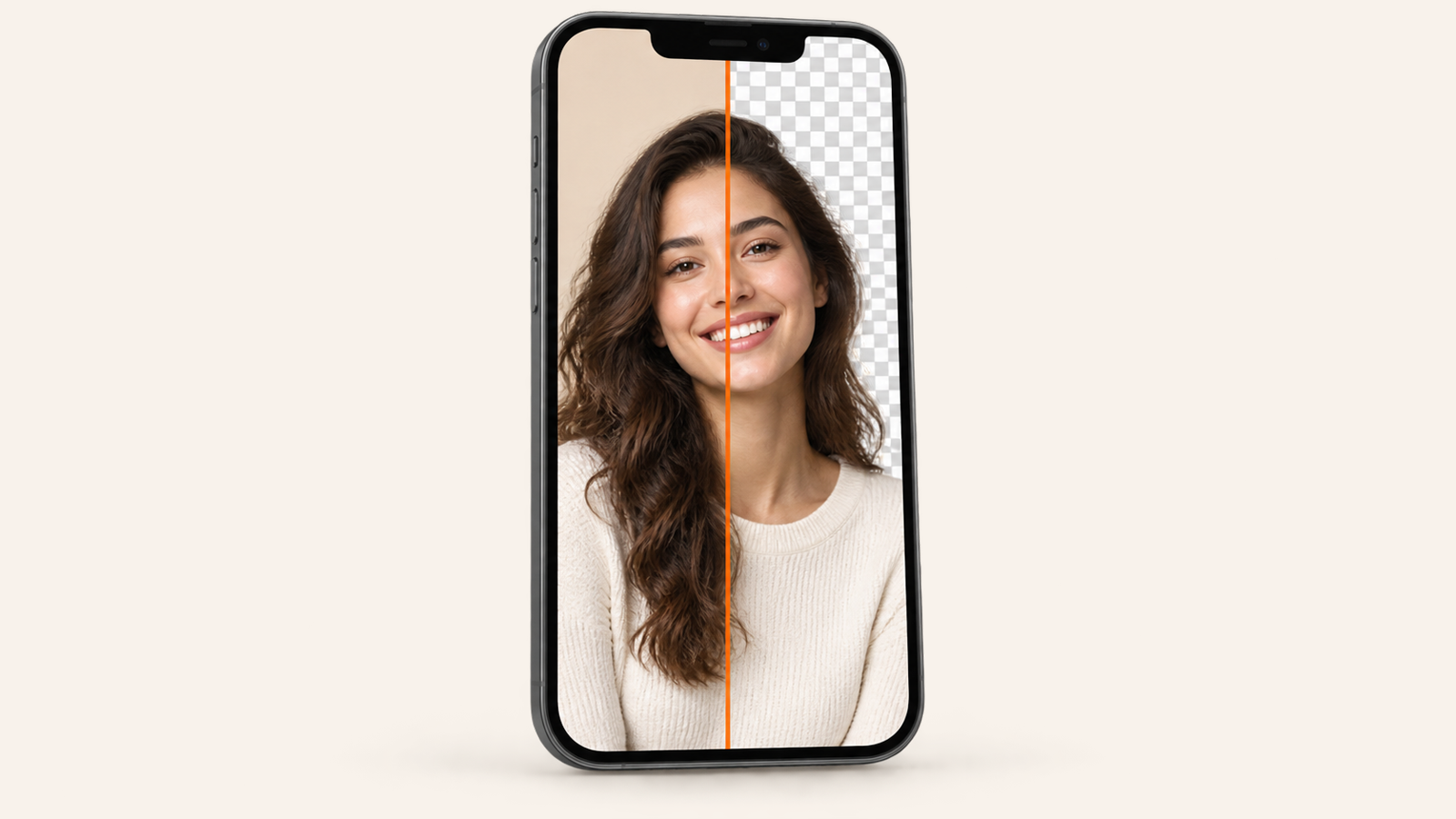
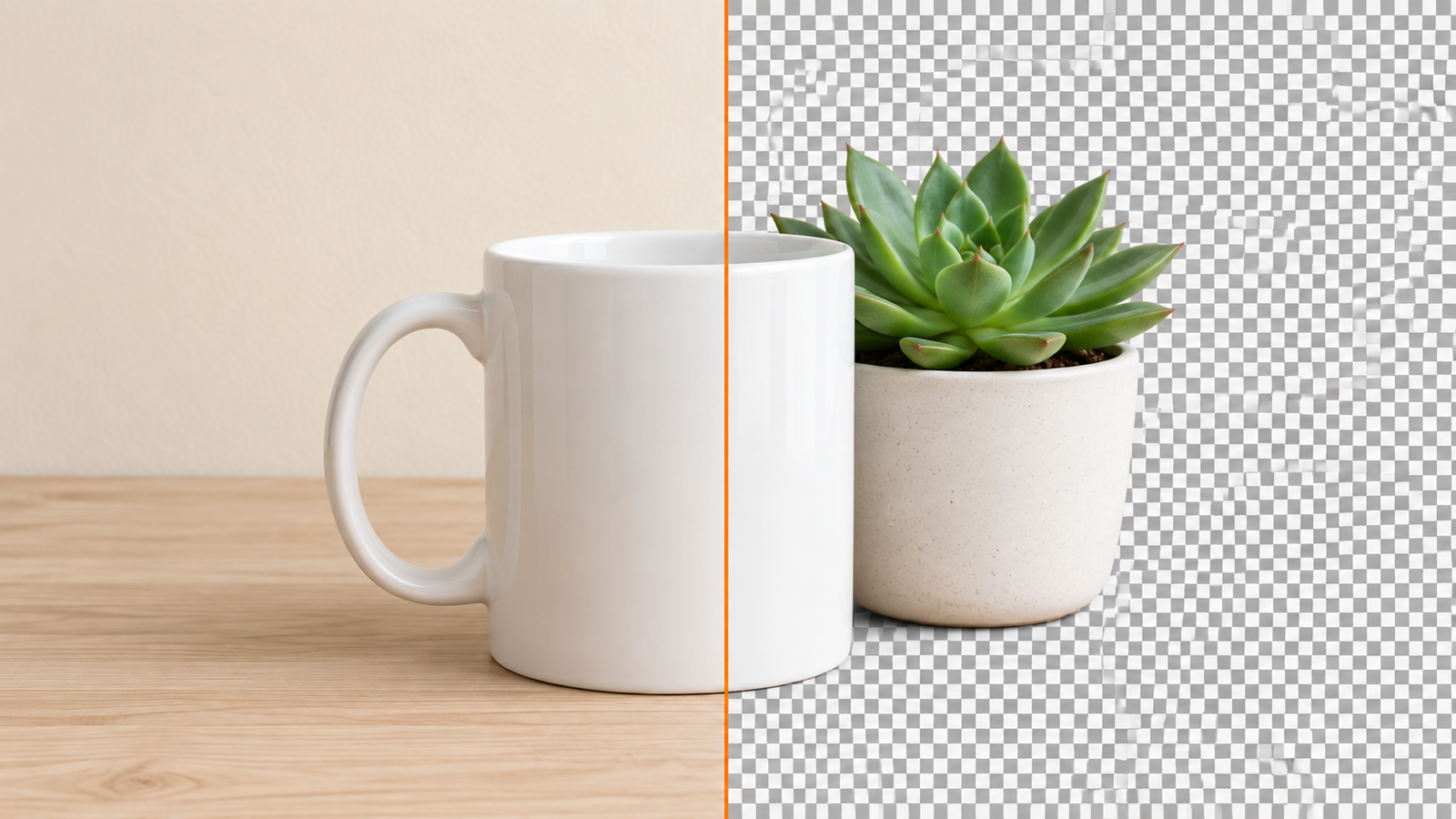
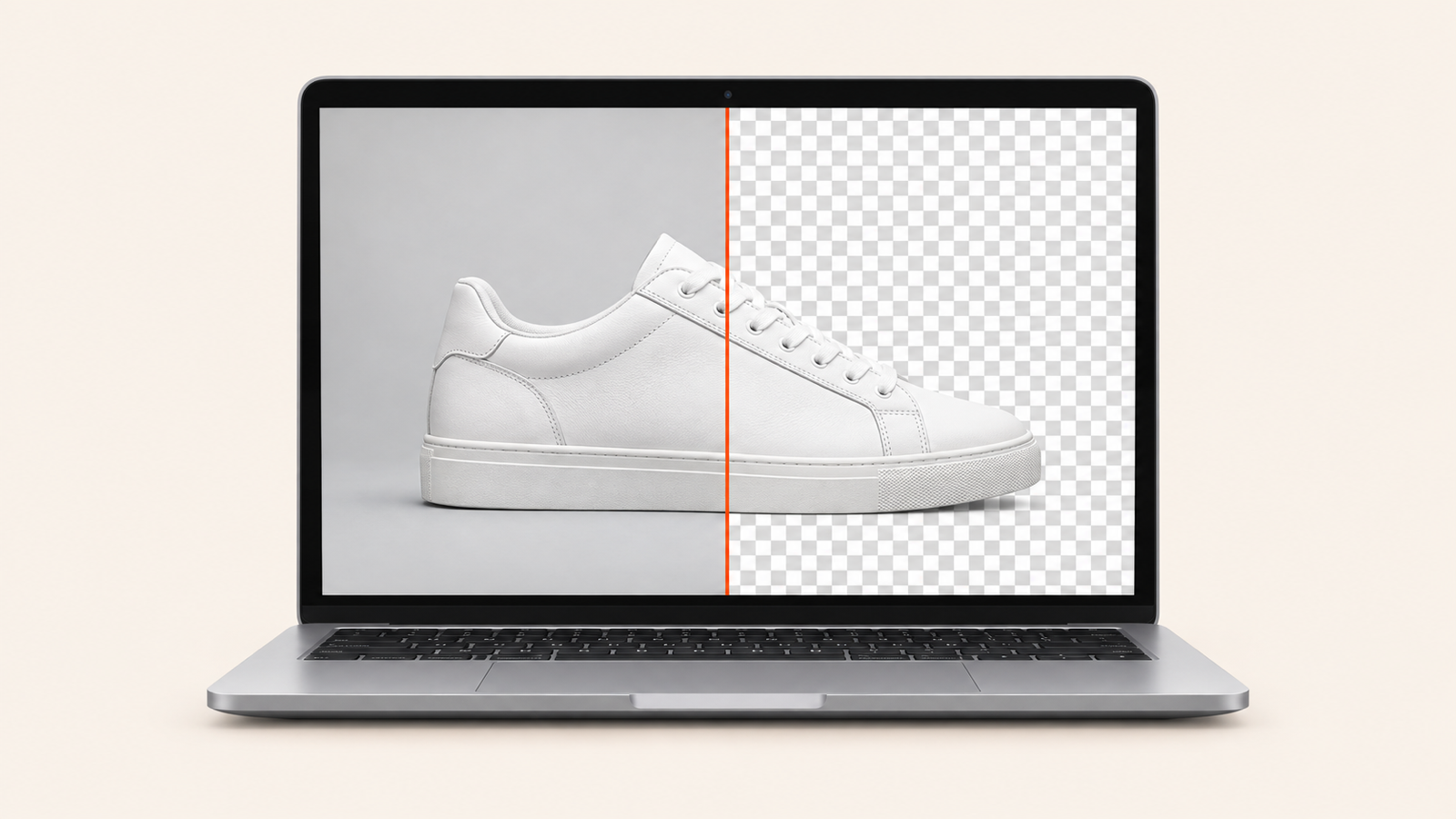
The best background remover app for iPhone is one that cuts the subject out in one tap, lets you save it at full size with no watermark, and doesn't make you create an account or pay a weekly subscription first. If you only need a sticker, the Photos app can already lift a subject for free. If you need something behind it (a white background for a listing, a colour for a profile picture, a blur, another photo), use a dedicated app. Ours, BG Remover, is free, runs entirely on your phone and has no ads or watermark; below is how it compares with Photos, Adobe Express, Photoroom, Canva and remove.bg, honestly.
Get it on the App Store (iPhone, iOS 17 or later) or Google Play (Android 7 or later).
Can an iPhone remove a background without an app?
Yes, up to a point. Since iOS 16, on an iPhone XS or newer, you can open a photo in Photos, touch and hold the subject, and choose Copy, Share or (on iOS 17 and later) Add Sticker. The subject is lifted off its background in a second, and it costs nothing.
What it can't do is the step most people actually need next. There is no way to put a white or coloured background behind the subject, blur the original background, drop the person onto another photo, or soften a hard edge around hair. You get a floating cutout on the clipboard, and you have to take it into another app to finish the job.
So the built-in trick is perfect for stickers and quick pastes into Messages or Notes. For product photos, profile pictures, ID photos on a plain colour or anything you'll post, you want an app that does the cut and the background in one place.
What makes a good background remover app for iPhone
- A clean full-size export for free. Many "free" apps preview the cutout and then watermark or shrink it at the save button. Check before you edit ten photos.
- No account wall. Removing a background shouldn't need an email address.
- On-device or cloud. Apps that upload your photo to a server can be fine, but on-device processing is faster, works without a signal and keeps your photos private.
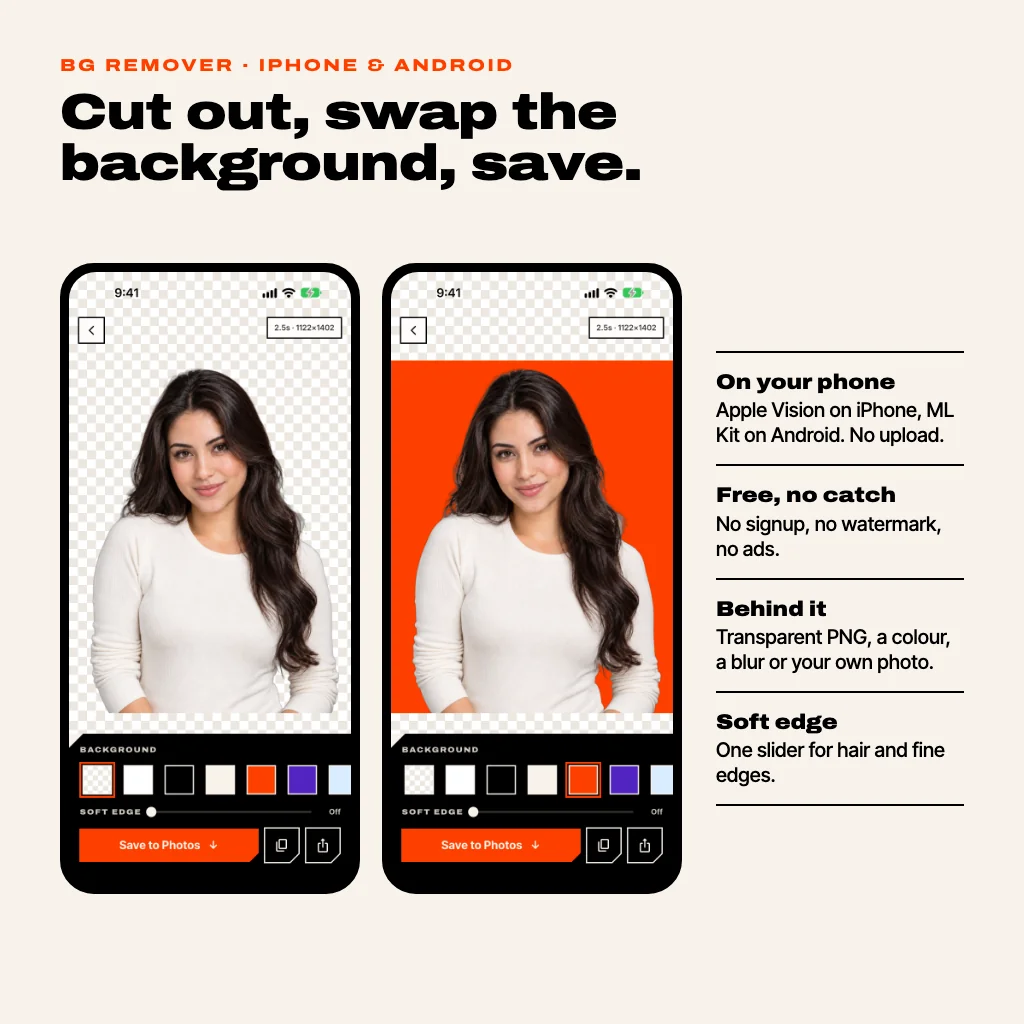
- Backgrounds, not just erasing. Transparent PNG, white, any colour, a blur and your own photo cover almost every use.
- Edge control. Hair and fur look cut out with scissors unless you can soften the outline.
- Share sheet support. Being able to send a photo into the app from Photos, Safari or WhatsApp saves a lot of tapping.
Best background remover apps for iPhone, compared
Here is how the usual options stack up for the job of getting one clean cutout out of your iPhone. Free tiers change often, so check the listing before you commit.
| App | Clean full-size export | Account | Where it runs | Backgrounds |
|---|---|---|---|---|
| BG Remover | Free, no watermark | None | On your iPhone | Transparent, colours, blur, your photo |
| Photos (built in) | Free | None | On your iPhone | None, cutout only |
| Adobe Express | Free removal | Adobe account | Adobe's cloud | Full design editor |
| Photoroom | Free tier reported to watermark and limit resolution; Pro removes it | Yes | Cloud | Templates, AI backgrounds |
| Canva | Background Remover is a paid Pro feature | Yes | Cloud | Full design editor |
| remove.bg | Credits for full size; standalone service moving into Canva | For full size | Cloud | Basic |
Pick BG Remover if you want the cutout and a background in a few taps, for free, without an account and without your photo leaving the phone. Pick Adobe Express or Canva if the cutout is the first step of a bigger design (a flyer, a thumbnail with text) and you're happy to sign in. Pick Photoroom if you sell online at volume and want its templates and AI scenes enough to pay for Pro. remove.bg users should read our note on what happens when remove.bg closes before buying more credits.
How to remove a background on iPhone with BG Remover
- Open the app and tap +. Pick a photo from your library, take a new one with the camera, or paste one you copied. You can also share a photo straight into BG Remover from Photos or any app with a share button.
- Wait a second or two. The subject is found and cut out on your phone by Apple's Vision framework, the same kind of subject lifting Photos uses. Hold your finger on the photo to compare with the original, and pinch to zoom into the edges.
- Choose what goes behind it. Leave it transparent, tap white, black or one of the colour swatches, pick any colour from the wheel, blur the original background, or choose one of your own photos.
- Soften the edge if you need to. The Soft edge slider feathers the outline, which helps with hair and fuzzy jumpers.
- Save, copy or share. Save to Photos gives you a transparent PNG, or a JPEG when there's a background behind it. Copy puts a PNG on the clipboard to paste anywhere. Share sends it to any app.
Exports keep your photo's resolution (up to 4096 pixels on the long side on iPhone), and there's nothing to unlock: no Pro tier, no credits, no in-app purchases. Your recent cutouts stay in the app, so you can come back tomorrow and swap the white background for blue without cutting the photo again.
For the transparency side in more depth (which file types keep it, why a JPEG turns it white), see how to make a background transparent.
Which iPhones does it work on?
BG Remover needs iOS 17 or later, which covers the iPhone XS, XR and every model since. Because the cut happens on the phone, it also works in airplane mode, and nothing is uploaded. The only thing the app sends is an anonymous count of backgrounds removed, so we know it's being used; there is no analytics SDK and no tracking, as the privacy policy spells out.
Is there an Android version?
Yes, with the same design and the same features, on Google Play. On Android the cut is done on the phone by Google's ML Kit subject segmentation. The very first cut needs an internet connection while the phone fetches that model from Google Play services; after that it works offline too. Android exports go up to 3072 pixels on the long side.
When an app isn't the right tool
Automatic cutouts are very good on people, pets and products, and weaker on scenes with no clear subject (a crowd, a messy shelf) or a subject that matches its background. The phone app has no manual brush, so if the automatic cut misses a spot, open the same photo in the free web version at bgremover.riekapps.com, which has erase and restore brushes and can batch several images on a computer. It also runs in your browser, with no upload and no watermark. More on that in how to remove a background from a photo without a watermark.
Common questions
What is the best free background remover app for iPhone?
For a free, full-size cutout with no watermark, no account and a background behind it, BG Remover. For a quick sticker with no app at all, touch and hold the subject in Photos.
Does the iPhone have a built-in background remover?
Yes. On iOS 16 or later (iPhone XS and newer), touch and hold the subject of a photo and choose Copy, Share or Add Sticker. It can't add a new background behind the subject.
Is there a background remover app with no watermark?
Yes. BG Remover never adds a watermark and has no paid tier. Adobe Express also removes backgrounds for free but needs an Adobe account; Photoroom's free exports are reported to carry a watermark.
Does BG Remover upload my photos?
No. The background is removed on your iPhone by Apple's Vision framework (ML Kit on Android). There's no account and no server that sees your photo.
How do I put a white background behind a photo on iPhone?
In BG Remover, cut out the photo, tap the white swatch and save. It saves as a JPEG, ready for a product listing or an ID photo.
Does it work offline?
On iPhone, yes, from the first photo. On Android, after the first cut, once the phone has downloaded Google's segmentation model.
BG Remover is free on the App Store and Google Play, and in your browser at bgremover.riekapps.com.