How to Use Your Phone as a Speedometer (Android and iPhone)
How to use your phone as a speedometer: turn on the Google Maps speedometer, set up a GPS speedometer app, mount it, and get readings you can trust.
Yes, you can use your phone as a speedometer. Every smartphone has a GPS receiver that works out your speed from how fast your position changes, and a speedometer app (or Google Maps on Android) turns that into a live number. Install a GPS speedometer app, allow location access, wait a few seconds for a GPS lock outdoors, and mount the phone where you can glance at it. Below are the quickest options on Android and iPhone, how to set one up properly, and what to expect from the reading.
Option 1: the Google Maps speedometer (Android)
Google Maps can show your speed while it navigates:
- Open Google Maps, tap your profile picture and go to Settings → Navigation settings.
- Under Driving options, turn on Speedometer.
- Start navigating to any destination. Your speed appears in the bottom corner, and in many countries the road's speed limit appears next to it.
The catch is that it only shows during turn-by-turn navigation, and the number is small. It's fine for a quick check, but not as a dashboard you'd glance at all trip. Google Maps on iPhone and Apple Maps can show speed limits on supported roads, but neither has a full-screen speedometer.
Option 2: a GPS speedometer app
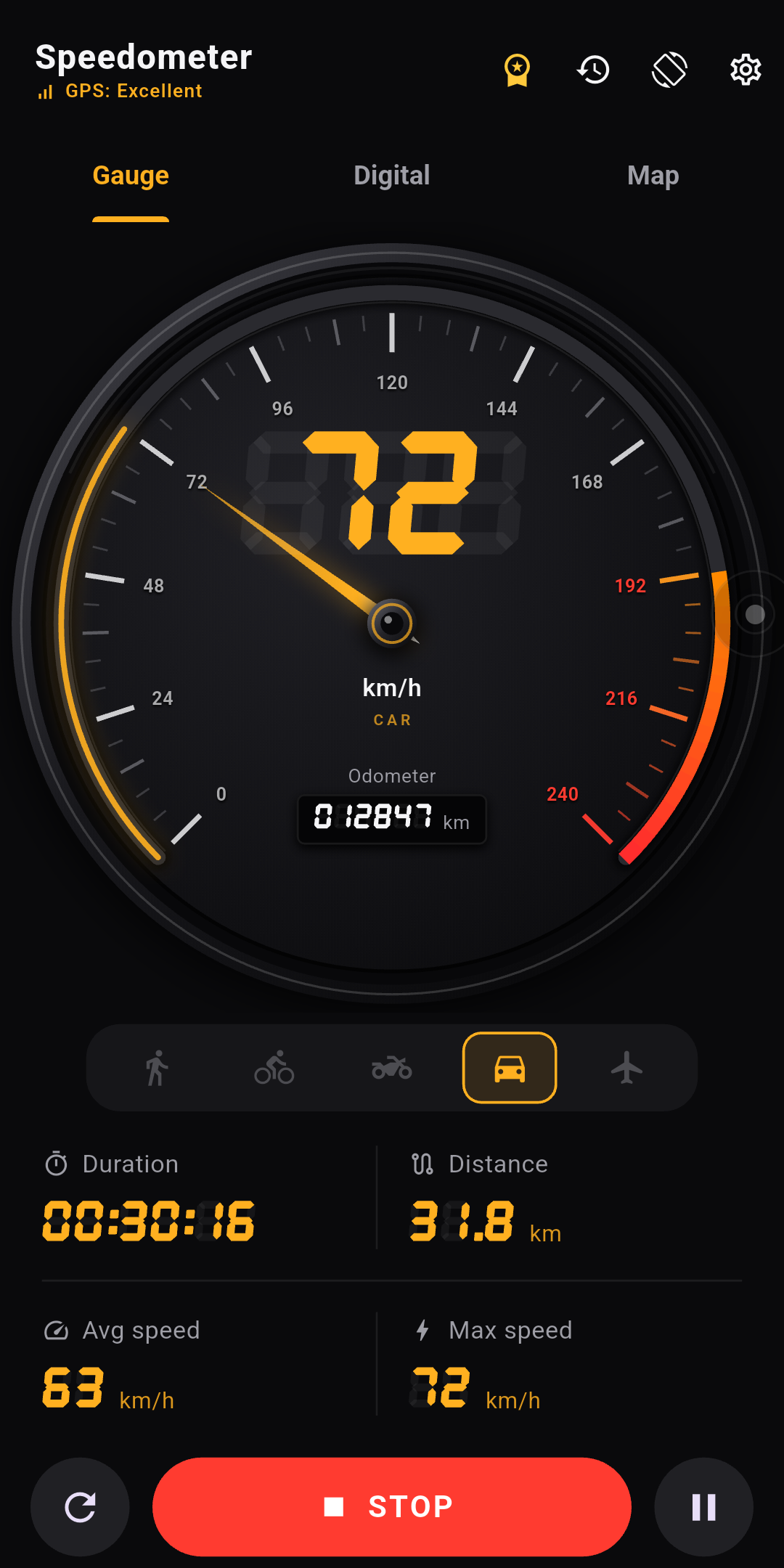
A dedicated app shows your speed as the whole screen, works without a destination, and adds things maps don't have: trip distance, top speed, average speed and speed alarms. On iPhone, search the App Store for "speedometer". On Android, GPS Speedometer: Trip Tracker is ours, and the setup below uses it as the example. Any decent GPS speedometer follows the same steps.
How to set up your phone as a speedometer
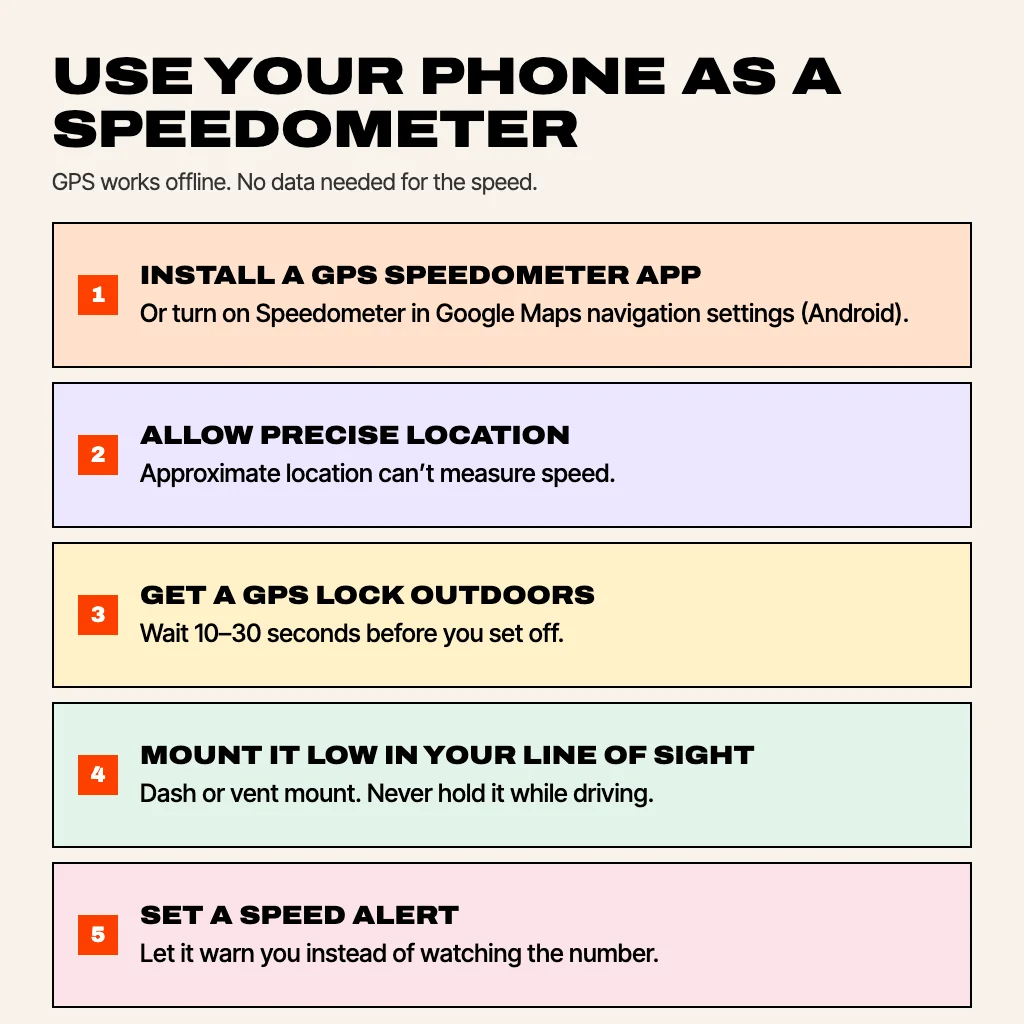
- Install the app and allow precise location. On Android 12 and later, choose Precise, not Approximate. Approximate location is only good to a few kilometres and can't produce a usable speed.
- Turn off battery saver for the trip. Battery-saving modes can throttle GPS updates, which makes the number lag or jump.
- Get a GPS lock before you set off. Open the app outdoors and give it 10–30 seconds. Most apps show a signal or accuracy indicator; wait until it's strong.
- Pick your units and vehicle. km/h, mph or knots. Our app also has walking, bicycle, motorcycle and car modes, each with its own odometer.
- Set a speed alert. Choose a limit and the app warns you when you go over it, which is more useful than watching the number.
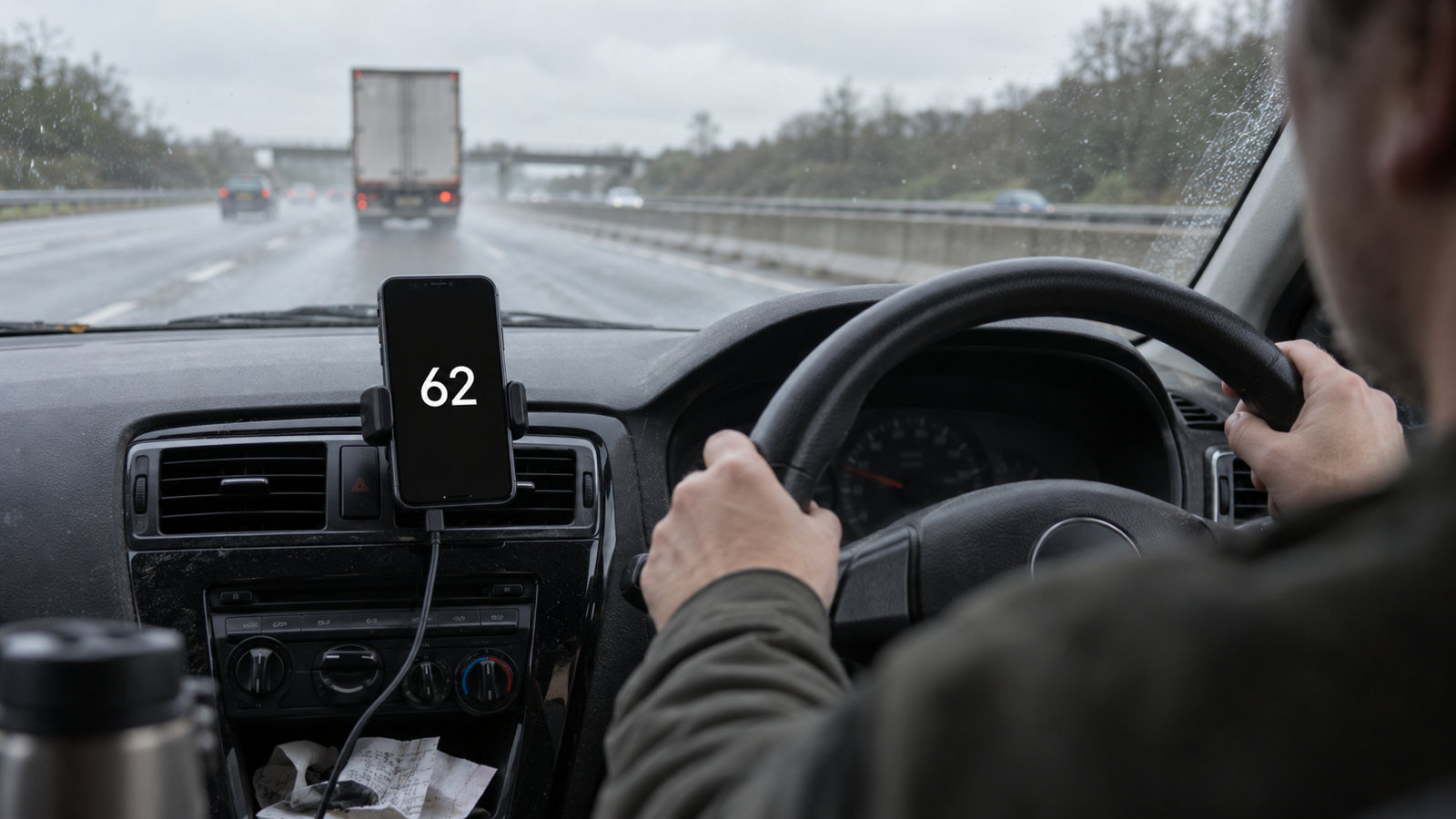
- Mount the phone, then drive. Use a dashboard, vent or windscreen mount low in your line of sight. Never hold the phone while driving; in many countries that alone is an offence, even if you're only looking.
How accurate is a phone speedometer?
At a steady speed on an open road, a phone's GPS speed is usually within 1–2 km/h of your true speed, and often more accurate than the car's own dial. Car speedometers are built to read slightly high on purpose; we explain why in how accurate is a GPS speedometer. GPS gets worse in a few predictable places:
- Tunnels and multi-storey car parks. No satellite signal, so the reading freezes or drops to zero until you're back outside.
- Between tall buildings. Signals bounce off glass and concrete, so the speed can wobble in city centres.
- Sharp acceleration. GPS updates about once a second, so the number trails a hard launch or brake by a moment.
- Phone deep inside the car. A phone in a bag or under a heated windscreen with metal coating gets a weaker signal than one on the dashboard.
Use your phone as a head-up display (HUD)
Some speedometer apps have a HUD mode that mirrors the digits. Lay the phone flat on the dashboard at night and the reflection reads correctly on the windscreen, so your speed floats in your line of sight. It works best in the dark with the screen at full brightness; in daylight the reflection is too faint. In our app, HUD mode is part of Pro.
Does a phone speedometer work without internet?
Yes. GPS satellites broadcast to your phone; nothing is sent back, so speed works with no mobile data and no signal bars. The only parts that need data are map tiles and address lookups. That makes a phone speedometer handy abroad, in the countryside and on boats.
Tips for long drives
- Keep the phone on a charger. Screen plus GPS drains a battery in a few hours.
- Don't block airbags or the view of the road with the mount. Low on the dashboard or in a vent is safest.
- Use a dark theme at night so the screen doesn't dazzle you.
- Treat it as a cross-check. If your car's dial and the phone disagree, the car is usually the one reading high.
GPS Speedometer: Trip Tracker
GPS Speedometer: Trip Tracker turns an Android phone into a car dashboard: an analog gauge, a giant digital readout and a live route map. Every journey is recorded with distance, moving time, average and top speed, then drawn on a map with the addresses you left from and arrived at. Free covers the gauge, the readout, the map, speed alerts, all four vehicle modes, unlimited recording and your three most recent trips. Pro unlocks full trip history, all eight dashboard colours and HUD mode, for one payment with no subscription. There's no account, and trips stay on your phone.
Common questions
Can I use my phone as a speedometer?
Yes. Phones calculate speed from GPS. Install a GPS speedometer app, allow precise location, and wait for a GPS lock outdoors.
Does my phone have a built-in speedometer?
Not as a standalone app. Google Maps on Android can show your speed during navigation if you turn on Speedometer in its navigation settings.
Are phone speedometers accurate?
At steady speed with a clear sky, usually within 1–2 km/h. They're less reliable in tunnels, between tall buildings and during sharp acceleration.
Does a phone speedometer use mobile data?
The speed reading doesn't. GPS works offline; only maps and addresses need data.
Can I use a phone speedometer on a bike?
Yes. Use a handlebar mount and pick bicycle mode if the app has one, so trips and the odometer are logged separately from the car.
From the studio
Previous Article
GPS Coordinates Format: Decimal Degrees, DMS and DDM Explained
Next Article
AI to Talk to About Feelings: How to Use It Well (and When Not To)