How to Find Coordinates on Google Maps (Android, iPhone and Computer)
How to find coordinates on Google Maps: drop a pin on Android or iPhone, right-click on a computer, get your current location and search by coordinates.
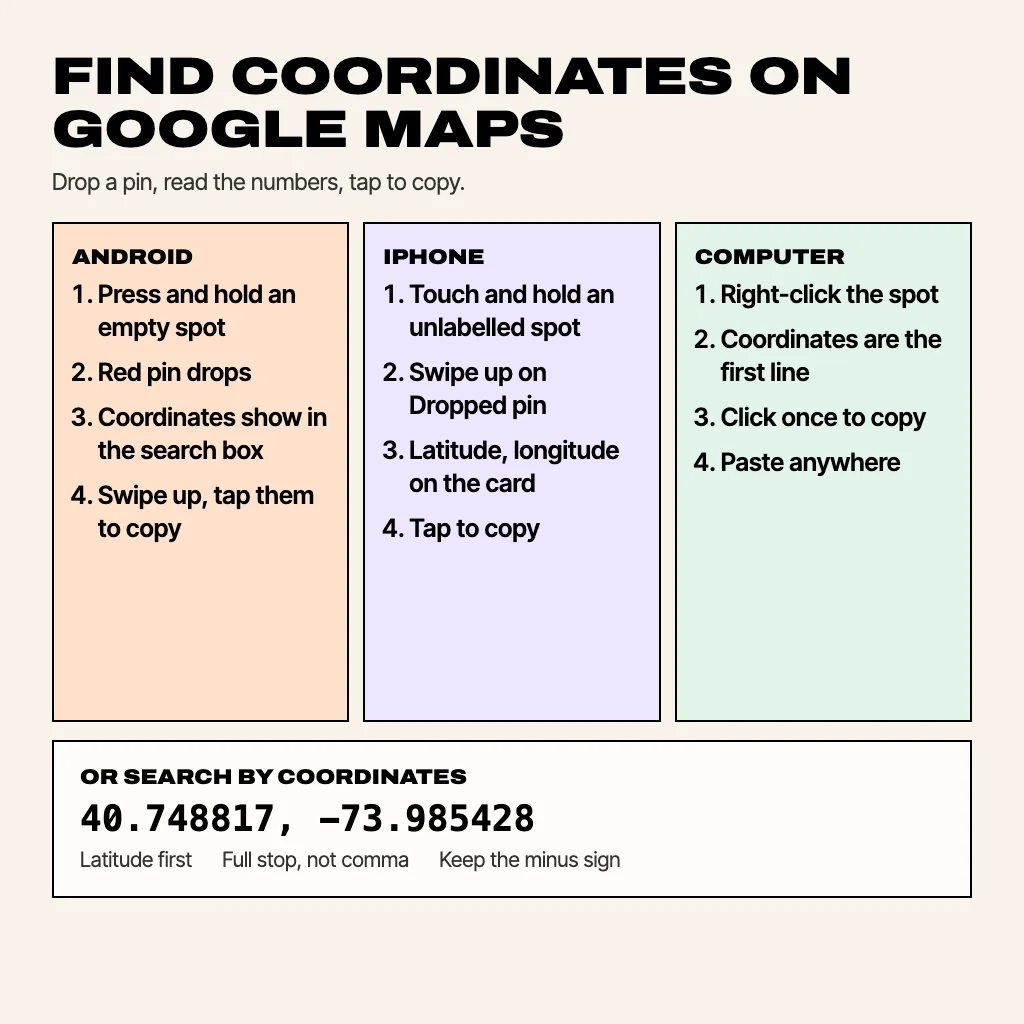
To find coordinates on Google Maps, press and hold any spot on the map on your phone (or right-click it on a computer). Google drops a pin and shows the latitude and longitude, such as 40.748817, -73.985428, in the search box or at the top of the menu. Tap or click the numbers to copy them. The steps differ slightly between Android, iPhone and a browser. Below are all three, plus how to get the coordinates of where you are standing, and how to search for a place by its coordinates.
How to find coordinates on Google Maps on Android
- Open the Google Maps app.
- Press and hold an empty part of the map (not a place label or icon) until a red pin appears.
- The coordinates appear in the search box at the top of the screen.
- To copy them, swipe up on the Dropped pin card at the bottom and tap the coordinates. Android shows a "Copied to clipboard" message.
If you press on a shop or landmark, Maps opens that place instead of a pin. Zoom in further and hold on a blank area next to it.
How to find coordinates on Google Maps on iPhone
- Open the Google Maps app on your iPhone or iPad.
- Touch and hold an unlabelled area of the map to drop a pin.
- Swipe up on the Dropped pin card at the bottom of the screen.
- The latitude and longitude are listed on the card. Tap them to copy.
Apple Maps works almost the same way: touch and hold to drop a pin, swipe up on the card, and the coordinates sit in the details section.
How to find coordinates on Google Maps on a computer
- Open google.com/maps in any browser.
- Right-click the spot you want (on a Mac trackpad, click with two fingers).
- The coordinates are the first line of the menu that opens.
- Click them once and they are copied to your clipboard.
On a computer you can also left-click the map. A small card appears at the bottom with the coordinates, and clicking it opens the full details for that point.
How to find the coordinates of your current location
Google Maps does not show your own coordinates on the blue dot. Here's how to get them:
- Tap the location button so the map centres on the blue dot.
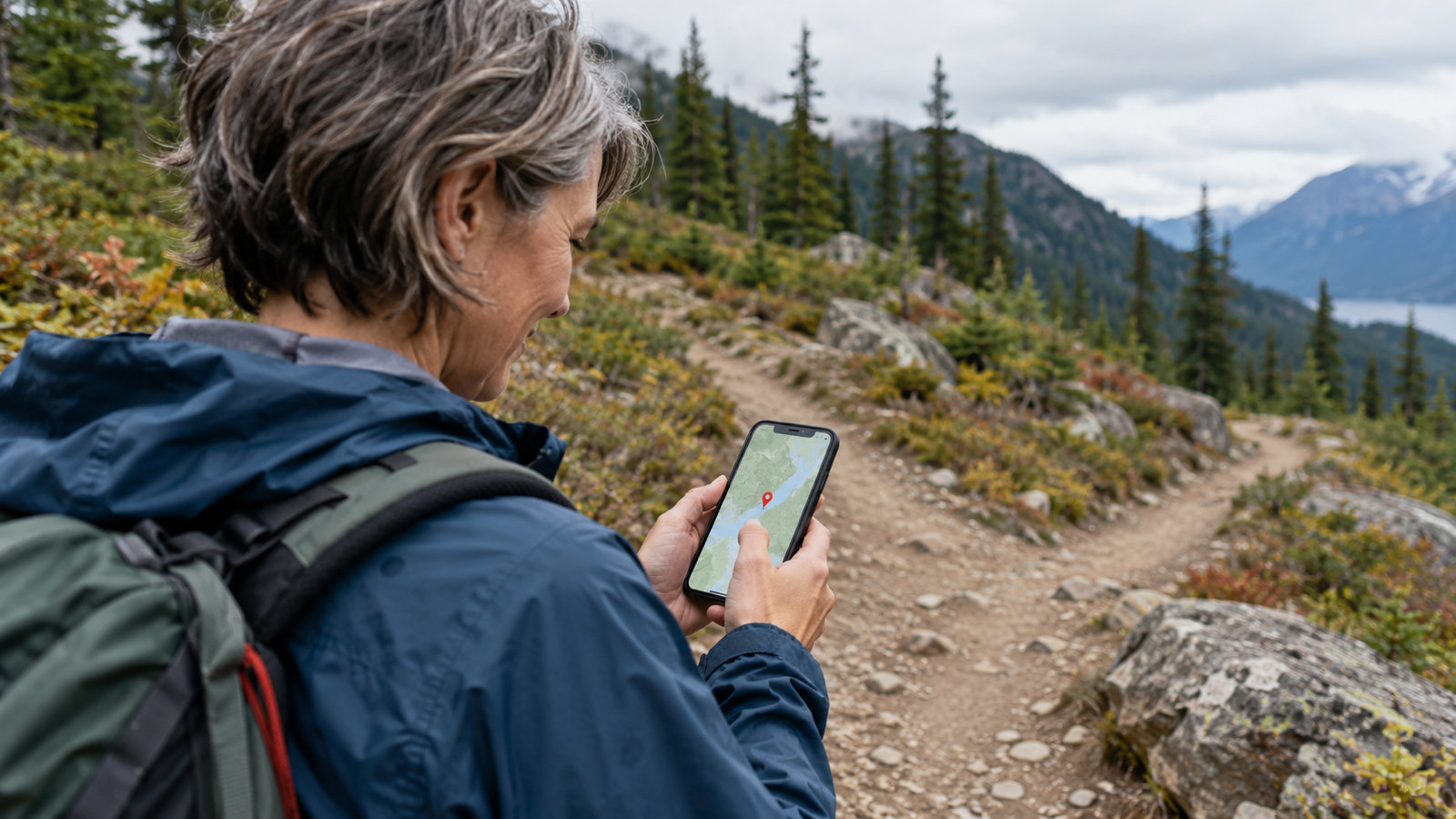
- Zoom right in and press and hold directly on the blue dot.
- A pin drops on your position, and its coordinates show in the search box just as above.
The figure is only as accurate as your phone's GPS fix at that moment. Outdoors with a clear view of the sky, a phone is typically accurate to within about 5 metres (GPS.gov puts it at 4.9 m). Indoors, between tall buildings or with location set to battery-saving mode, the blue circle gets wider and so does the error. If the circle around the dot is large, step outside and wait a few seconds before you drop the pin.
How to search a location by coordinates
This works in the other direction too. Type or paste coordinates into the Google Maps search box and press enter, and Maps puts a pin on that spot. It accepts three formats:
- Decimal degrees:
40.748817, -73.985428 - Degrees, minutes and seconds:
40°44'55.7"N 73°59'07.5"W - Degrees and decimal minutes:
40 44.929, -73 59.126
Put latitude first, use a full stop (not a comma) for the decimal point, and keep the minus sign or the N/S/E/W letter. A missing minus sign is the most common reason a pin lands on the wrong continent. Our guide to GPS coordinates format explains the three formats and how to convert between them.
How to share coordinates from Google Maps
After you drop a pin, tap Share on the Dropped pin card. That sends a Google Maps link, which opens in Maps on the other phone. If the person needs the raw numbers instead (for a delivery form, a geocaching log, a drone flight plan or an emergency call), copy the coordinates and paste them into the message. Raw numbers work in any map app, not only Google's.
Why Google Maps coordinates can look different
- Different number of decimals. Six decimals pins a spot to about 10 cm; five is about 1 m. Both are the same place for any practical purpose.
- DMS on one screen, decimals on another. They are the same point written two ways. Search the decimal pair and the place card shows the degrees-minutes-seconds version too.
- Minus signs instead of letters. South latitudes and west longitudes are negative in decimal format, so
-33.8568, 151.2153is Sydney, and33.8568, 151.2153is open Pacific Ocean east of Japan.
A faster way on Android: GPS Coordinates Map
If you need coordinates often, holding the blue dot gets old. GPS Coordinates Map shows your current latitude and longitude the moment it opens, and copies them in one tap. You can drop pins, search any address, measure the distance between two points, and switch between street, satellite, terrain and hybrid maps. Up to 3 favourite places are free. GPS Pro adds unlimited favourites, a location history timeline and TXT, CSV and PDF exports, and removes ads.
Common questions
How do I get GPS coordinates from Google Maps?
On a phone, press and hold the spot until a pin drops, and the coordinates appear in the search box. On a computer, right-click the spot and the coordinates are the first line of the menu.
How do I find my exact coordinates on Google Maps?
Zoom in on the blue dot and press and hold directly on it. Google Maps drops a pin on your position and shows its latitude and longitude.
Which number is latitude and which is longitude?
The first number is latitude (north–south, from -90 to 90). The second is longitude (east–west, from -180 to 180).
Can I find coordinates on Google Maps offline?
GPS itself needs no internet, but Google Maps needs downloaded offline maps to show the map around you. A dedicated GPS coordinates app can read your position with no data signal at all.
How accurate are Google Maps coordinates?
The coordinates of a dropped pin are exact for the spot you pressed. Your own position is as accurate as your phone's GPS, typically within about 5 metres outdoors.
From the studio
Previous Article
Pickup Lines to Make Her Blush: 80 Cute, Flirty and Funny Lines
Next Article
GPS Coordinates Format: Decimal Degrees, DMS and DDM Explained