All apps

Quicksign
Productivity · App
0
Rating
New
Downloads
Productivity
Category
Android
Platform
Quicksign screenshots
About
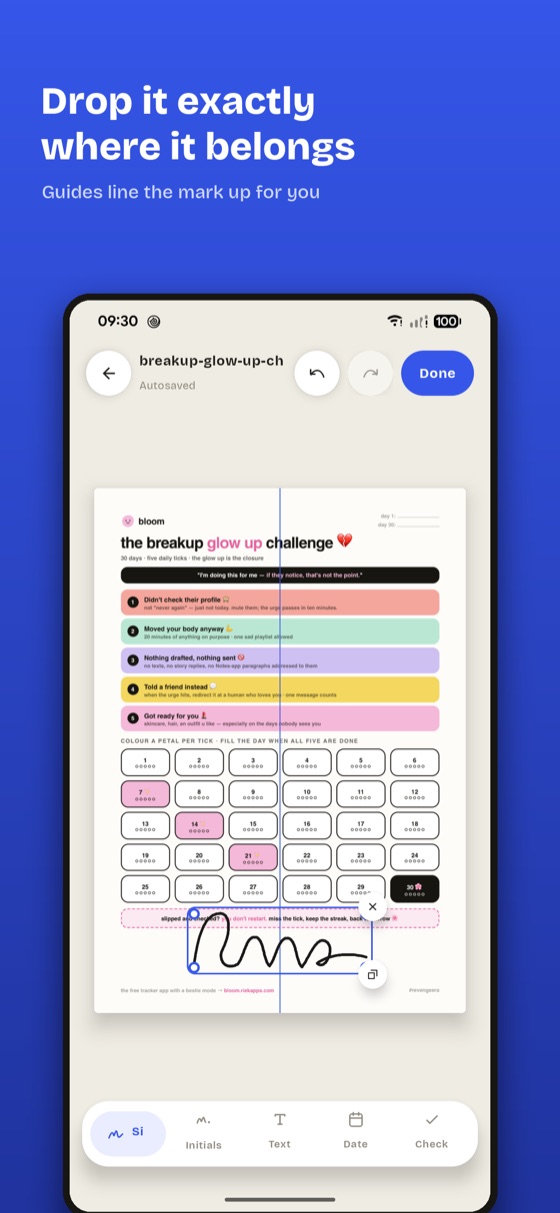
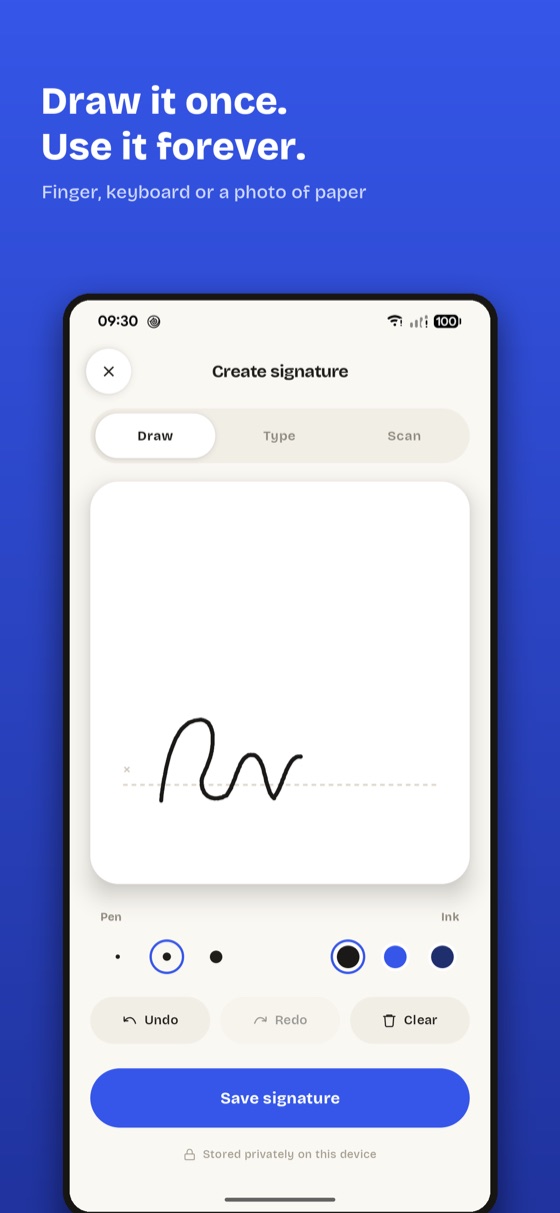
Sign a PDF on your phone in under a minute, without sending it anywhere. Draw your signature once, drop it exactly where it belongs, add a date or a tick, and export a signed file at the document’s own resolution — no account, no upload, no watermark.
What's inside
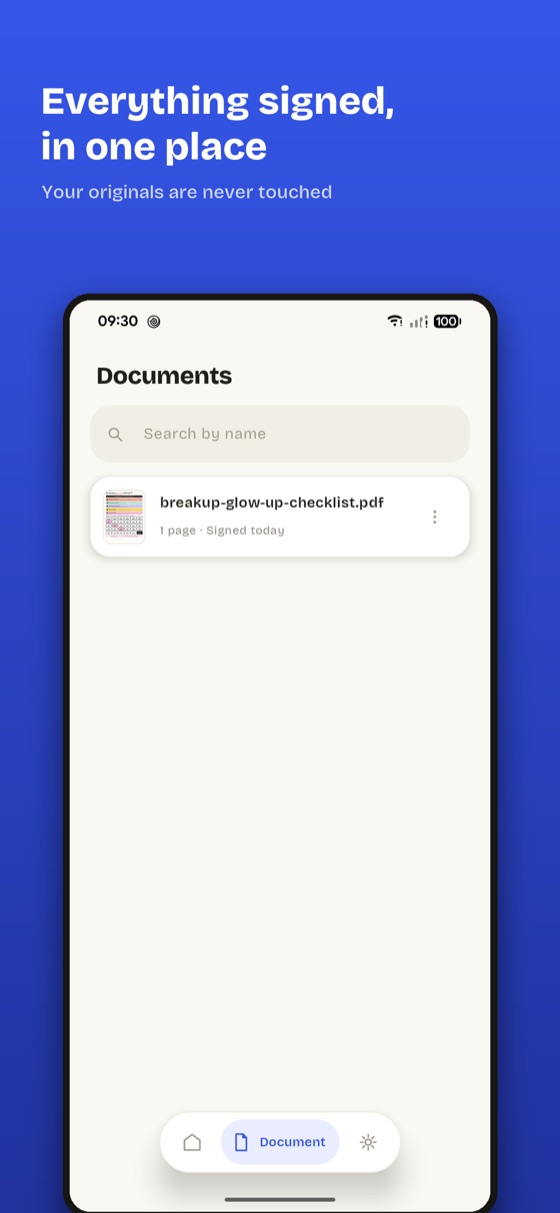
Sign PDFs and photographed documents entirely on-device
Draw, type or photograph a signature and save it for next time
Place, drag, pinch and rotate a mark with alignment guides
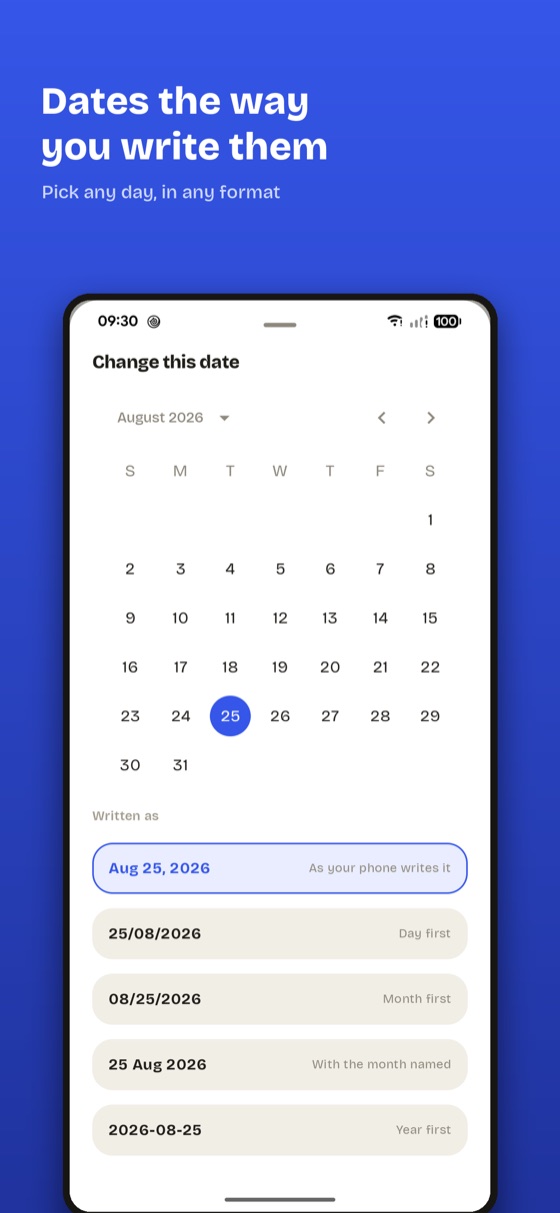
Add text, an editable date and tick marks to any form
Opens password-protected PDFs; the password is never stored
Exports at the document’s own resolution — never a watermark
Frequently asked questions
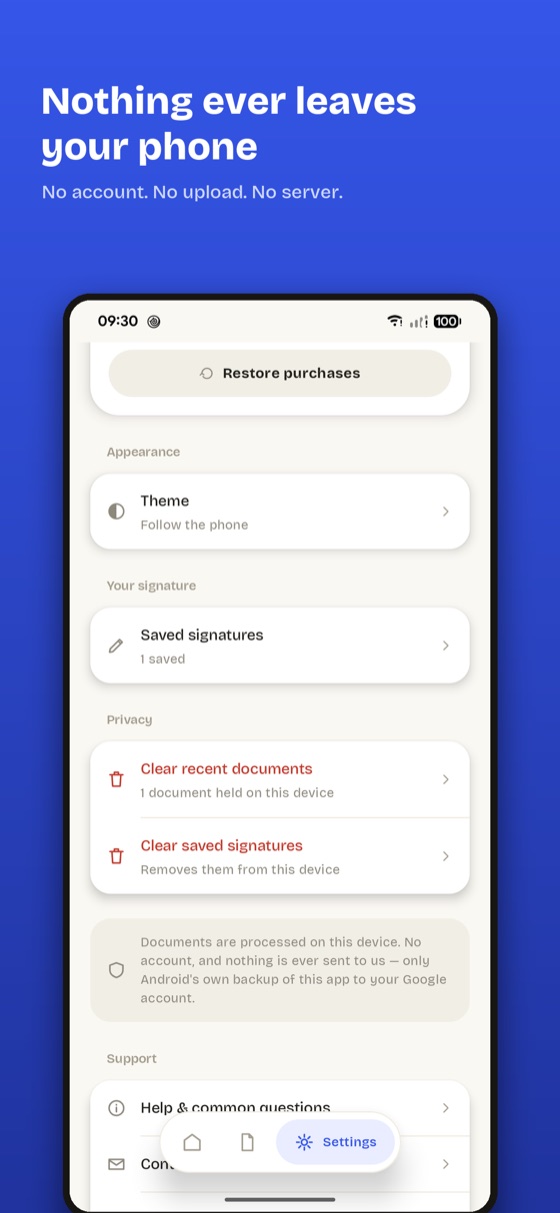
No. Quicksign opens, stamps and exports the file on your phone. There is no account and no Quicksign server — the only reason the app touches the network at all is to check a Google Play purchase.