Party Games on Phone and TV: 10 Games Where Everyone Plays From Their Own Phone
The best party games played on the TV with phones as controllers, plus phone-only games that need no TV: Jackbox, AirConsole, Netflix and free browser picks.
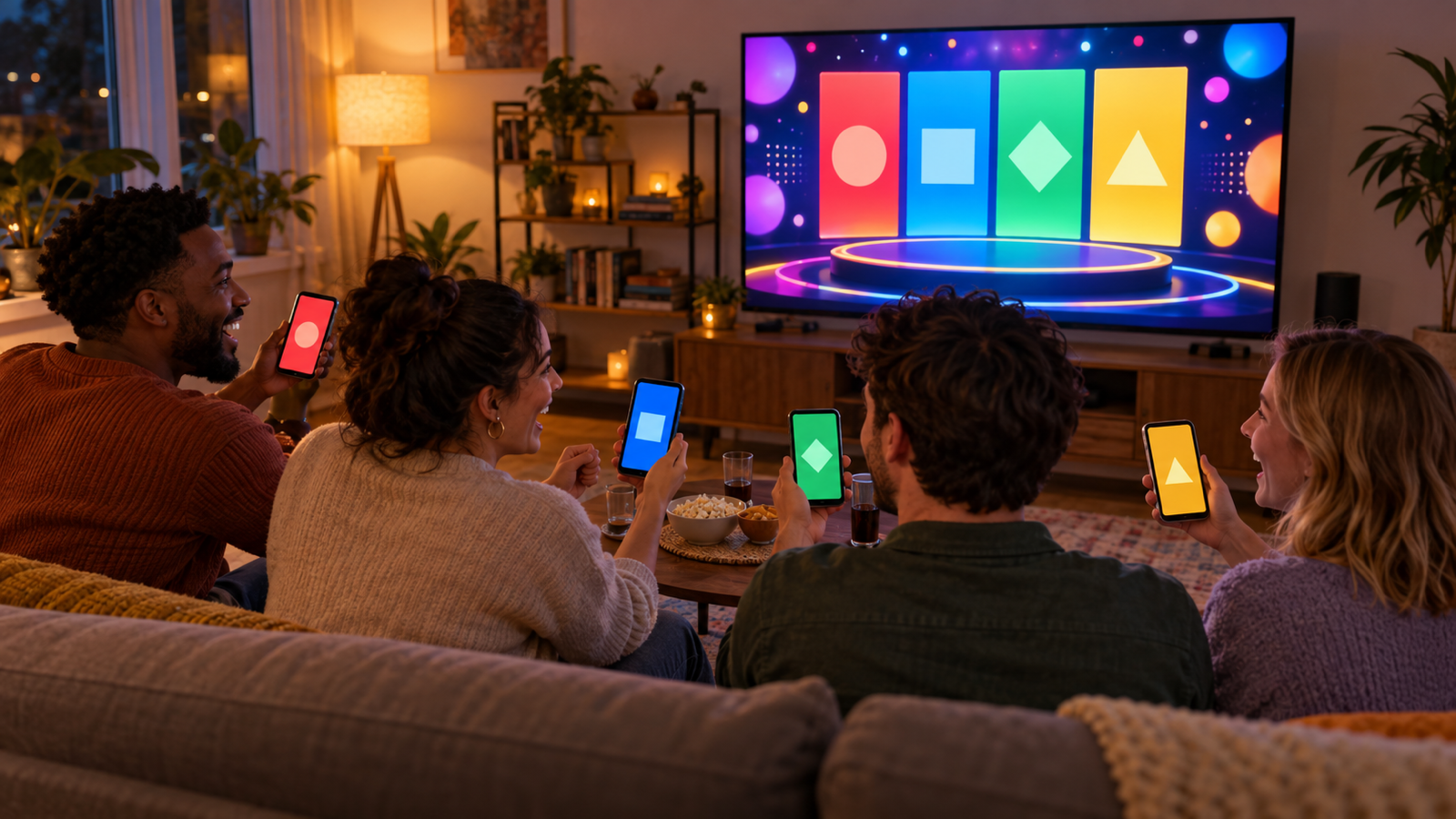
The best party setup of the last few years is not a console. It is the TV as the board and everybody's phone as their controller. Nobody has to install anything, nobody fights over four gamepads, and the person who "doesn't really do games" can play from the sofa with the thing already in their hand.
This guide covers the ten party games on phone and TV worth setting up, split into two groups: games that need the TV as a shared screen, and games where the phone is the whole game and the TV is optional. It ends with the practical bit, how to actually get your phone or laptop onto the TV in the first place.
The two setups, and which one you want
- TV is the board, phones are controllers. One device runs the game on the TV, a room code appears, everyone joins from a browser on their phone. Best for eight or more people and for anything with drawing, voting or trivia where everyone answers at once. This is the Jackbox model.
- Phone is the game. One phone gets passed around, or one phone is cast to the TV so everyone can read it. Best for small groups, drinking games, truth-or-dare and anything with a spinning wheel. No room codes, no joining, faster to start.
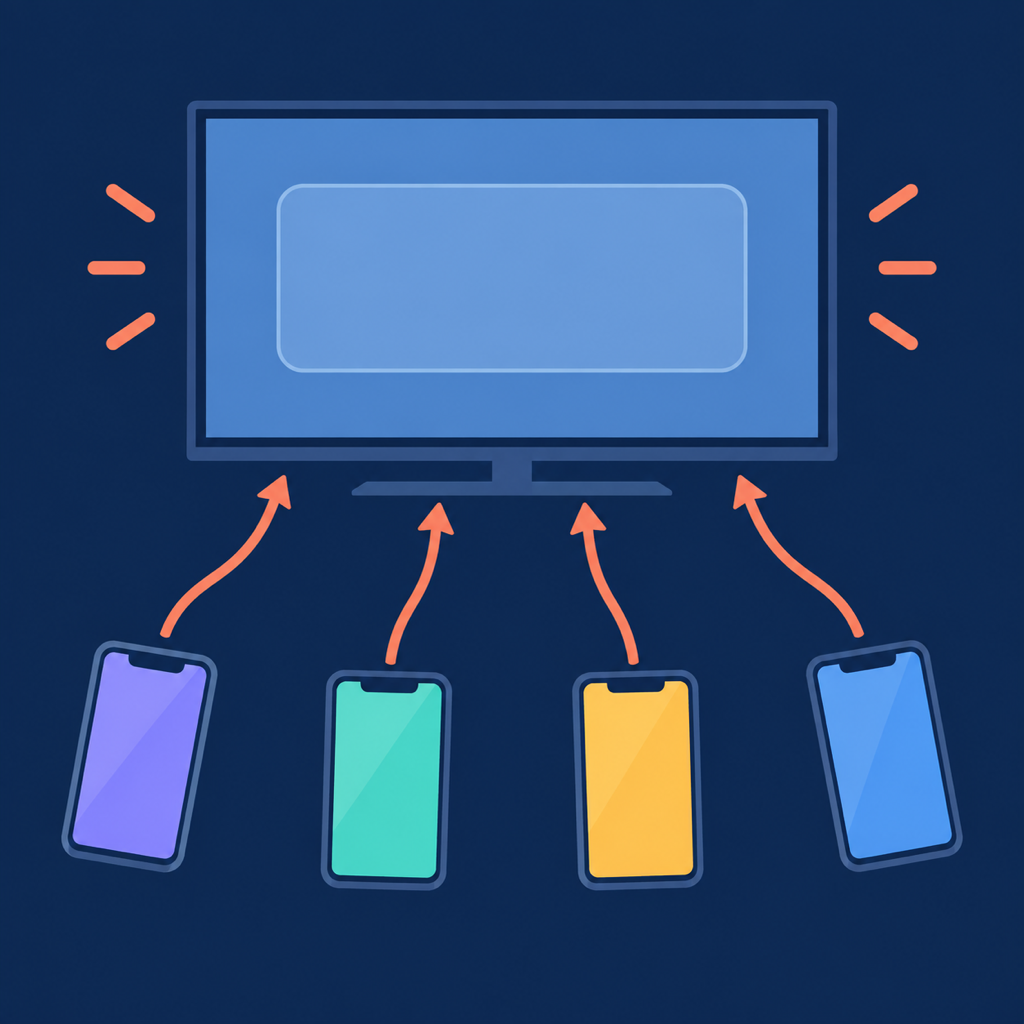
Most good nights use both: a phone-only game to warm up while people arrive, then a TV game once everyone is there.
Games where the TV is the board
1. The Jackbox Party Packs
The one everyone has heard of, and still the best of its kind. Buy a pack on a console, PC, Apple TV or Fire TV, and up to eight players join at jackbox.tv on their phones with a room code. Quiplash (write the funniest answer), Fibbage (bluff the truth) and Drawful (draw badly, guess worse) are the reliable ones. It costs money, usually a one-off purchase per pack, and there are nine or so packs, so pick one on sale rather than the newest.
2. AirConsole
Open airconsole.com on a smart TV, a laptop connected to the TV, or the AirConsole app on Android TV, and phones join with a code. It has a wide catalogue, from racing to card games to quizzes, and some games are free while the full library needs a subscription. Good if you want variety on one screen.
3. Netflix Games on the TV
If you already have Netflix, you have party games. Open the Games row on a supported TV app, pick a title, and phones join through the Netflix app as controllers. The line-up rotates, but there is usually a Pictionary-style game and a trivia game in there. No extra cost, which is the whole appeal.
4. Kahoot
The classroom quiz tool is a genuinely good party game if you make your own quiz about the people in the room. Host it from a laptop on the TV, phones join at kahoot.it with the pin. Twenty questions about who did what at last year's holiday will beat any pub quiz.
5. Gartic Phone and skribbl.io
Both are free browser games. Gartic Phone is telephone with drawings: write a sentence, the next person draws it, the next describes the drawing, and the reveal at the end is the funniest thing that will happen all night. Skribbl.io is Pictionary. Put the host's browser on the TV so everyone sees the reveal together, and play from phones.
Games where the phone is the game
6. Party Roulette
A spin-the-wheel game for adults: add names, pick a mode, spin, and the wheel picks who does the truth, dare, vote or song. The free browser version at partyroulette.riekapps.com/play works on any phone, and cast to the TV it becomes a shared screen with no joining at all. The Android app has fourteen modes and works offline. We wrote a full guide to playing it as drinking roulette.
7. Never Have I Ever
No screen needed, but a phone with a deck of statements keeps it going for an hour instead of ten minutes. Pass the phone, read the card, fingers down. Our Never Have I Ever app is free, and the online guide has forty questions and the rules for the finger, drinking and points versions.
8. Heads Up style guessing
One phone on your forehead showing a word, everyone else giving clues, tilt to pass or score. It is the best game for mixed ages because a seven-year-old and a grandparent can both play it in thirty seconds. Cast the phone to the TV so the room can see the word you cannot.
9. Truth or Dare for couples: DareDuo and Dirty Dice
For a night with one other person rather than eight, DareDuo is a card-draw truth or dare with an AI twist, and Dirty Dice rolls dares for couples. Phone only, no TV, and not for the family game night.
10. Most Likely To, on a wheel
The vote game: "most likely to text an ex at 2am", everyone points, the loser drinks or does a forfeit. It is one of the modes in the Party Roulette browser wheel, and it works beautifully cast to the TV because the wheel and the vote are both things a whole room wants to watch.
Which one for which night
- Eight to twelve people, mixed group: Jackbox or Netflix Games on the TV. Quiplash first.
- Four to six close friends: Party Roulette on a cast phone, then Gartic Phone.
- Family with kids: Heads Up style, then Kahoot with a quiz about the family.
- Pregame, people still arriving: Never Have I Ever on a passed phone. Zero setup, joins in one second.
- No TV at all: everything in the second list works on one phone.
- Everyone is remote: Gartic Phone, or Party Roulette with the host sharing a browser tab.
How to get the game onto the TV
This is the step that stalls most nights, so here it is in order of least effort.
- Smart TV browser. Samsung, LG and most Android and Google TVs have a browser app. Open the game's website on it directly. Slow to type, so use the TV remote's phone app or a keyboard, but nothing else needed.
- Cast from your phone. Android phones cast the whole screen from the quick settings tile to a Chromecast, Google TV or most smart TVs. iPhones use AirPlay to an Apple TV or an AirPlay-compatible TV (most sets from 2019 on). This is the easiest route for phone-first games like the wheel.
- Cast a browser tab from a laptop. In Chrome, the three-dot menu has "Cast", and you can send one tab to a Chromecast or Google TV. Cleaner than the whole screen because notifications stay on your laptop.
- HDMI cable. A laptop and a cable never fail. Keep one in the drawer.
- The game's own TV app. Jackbox on Apple TV or Fire TV, AirConsole on Android TV, Netflix on anything. If it exists, it is smoother than casting.
One practical rule: put the TV and every phone on the same Wi-Fi before people arrive. Guest networks and "the 5G one" are the source of nearly every "why can't I join" of the night.
Setup tips that save the evening
- Test the cast before the first guest. Not during.
- Room codes go on a sticky note on the TV, not shouted across the room three times.
- Phones die. Put a charger by the sofa. Someone will need it by round three.
- Start with something that needs no joining. A wheel game on a cast phone gets people laughing while the stragglers find the Wi-Fi.
- Silence the host device. Nothing kills a Fibbage reveal like a dating-app notification on the big screen.
Frequently asked questions
Do I need a console for phone-and-TV party games?
No. Every game in the second list runs on one phone, and Netflix Games, AirConsole, Kahoot, Gartic Phone and the Party Roulette browser wheel all run from a smart TV browser or a cast phone. Jackbox needs a console, PC, Apple TV or Fire TV to host.
Which of these are free?
Gartic Phone, skribbl.io, Kahoot's basic tier, Netflix Games if you already subscribe, the Party Roulette browser wheel, and the Never Have I Ever app. Jackbox and the full AirConsole library cost money.
How many people can play?
Jackbox is eight players plus an audience. Party Roulette's wheel is ten. Kahoot and Gartic Phone handle far more. For a bigger crowd, split into teams so every phone still counts.
Can we play if some people are on a video call?
Yes for the browser games. Share the host's tab on the call and remote players join with the same code or watch the wheel. Physical dares are the only thing that does not travel.
What if the TV has no browser and I have no cast device?
An HDMI cable from a laptop, or skip the TV and play the phone-only games. A wheel game on one phone in the middle of the table needs no screen at all.
Same Wi-Fi, one cast test, a wheel to warm up, then the big-screen game. That is the whole recipe.
From the studio
Previous Article
Never Have I Ever Online: Play Free With Friends (Rules + 40 Questions)
Next Article
Tinder Bio Lines That Get Matches: 60 Examples You Can Copy