How to Make a Picture Background White
How to make a picture background white for free on iPhone, Android, the web, Word, PowerPoint, Canva and Photoshop, with clean edges and no grey halo.
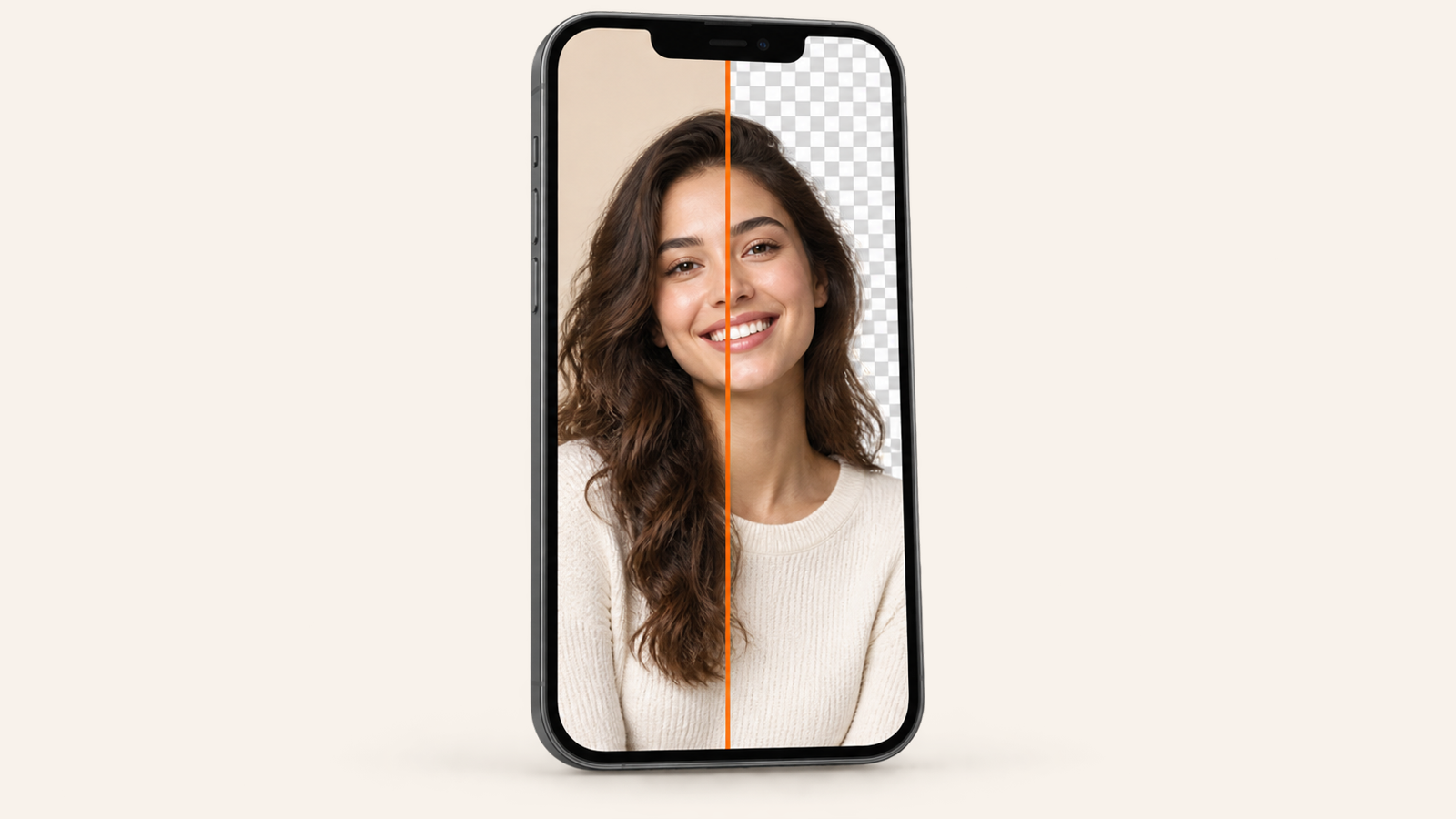
To make a picture background white, cut the subject out first, then put a white fill behind it and save the result as a JPEG. Painting over the old background with a white brush rarely works: it leaves grey smudges and a halo around hair. On a phone, a free background remover such as BG Remover does both steps at once: open the photo, tap the white swatch, save. Below are the ways to do it on iPhone, Android, the web, Word, PowerPoint, Canva and Photoshop, plus how to keep the edges clean.
Why “cut, then fill” beats painting it white
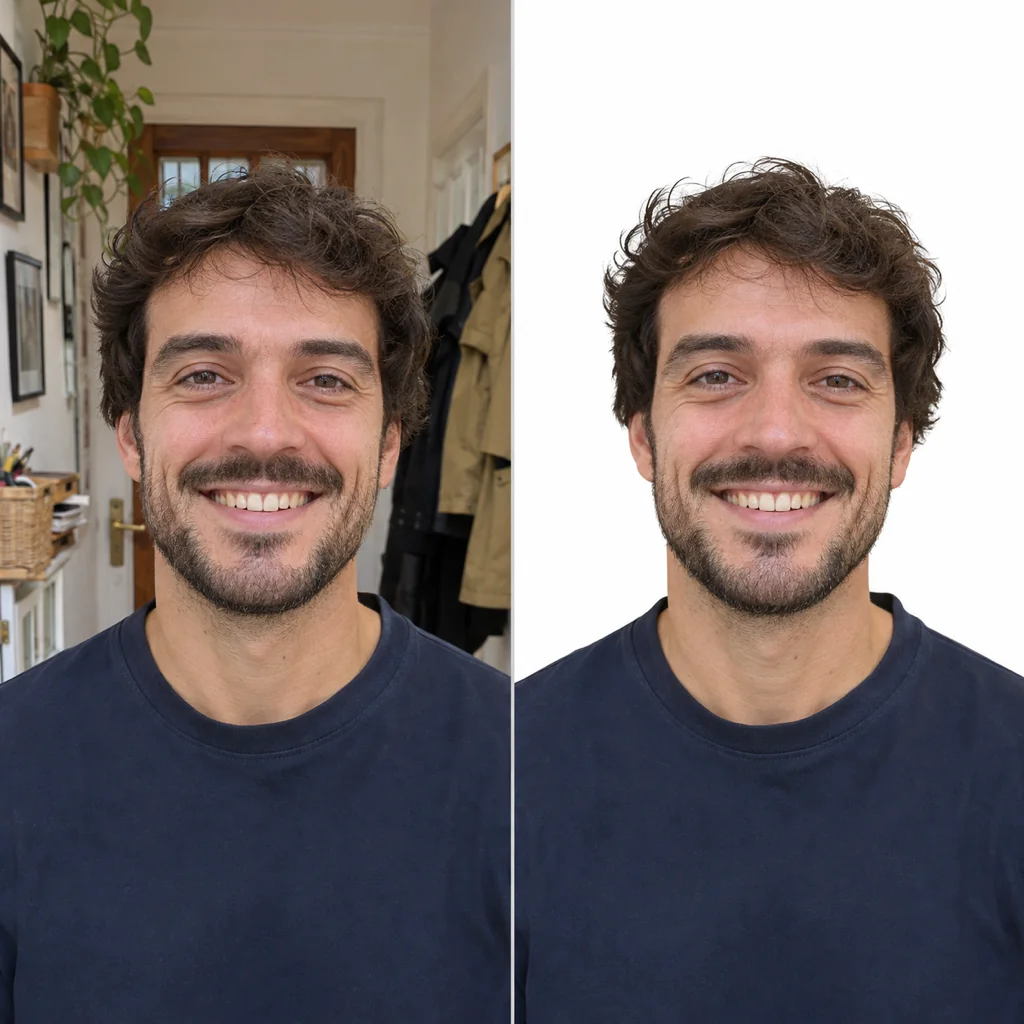
A white background has to be pure white (#FFFFFF) all the way to the edge of the subject. If you paint or brighten the old background, three things go wrong: shadows stay grey, the colour of the old wall bleeds into hair and fur, and the edge looks traced with a marker. Removing the background first gives you a clean outline; the white is then a flat layer behind it. That is what every method below does, just with different buttons.
How to make a picture background white on iPhone
- Install BG Remover from the App Store (iOS 17 or later; free, no account, no watermark).
- Tap + and pick the photo, take one with the camera, or paste an image you copied.
- Wait a second while the background is removed on your phone. Touch and hold to compare with the original.
- Tap the White swatch, then Save to Photos.
Without an app, iOS can lift the subject (touch and hold it in Photos, then Copy), but it only gives you a transparent cutout. You still need somewhere to put it on white, such as a Pages document or Keynote slide with a white background, which is more steps than the app.
How to make a picture background white on Android
Same app, same steps: install BG Remover from Google Play, open the photo, tap White, save. It remembers the last colour, so a batch of product photos all come out white without re-picking. Galaxy phones can also lift a subject in Samsung Gallery by long-pressing it, but that gives a cutout, not a white photo. We walk through every Android option in how to remove background from picture on Android.
How to make a picture background white for free online
On a laptop, or on a phone with no space, open bgremover.riekapps.com in the browser. Drop or paste the photo, wait for the cutout, choose the white background and download. The AI runs inside your browser, so the photo is not uploaded to a server, and there is no watermark or sign-up. The first visit downloads the model, so it is faster from the second photo on.
Most other free sites do the cut for free but download a small preview, or add a logo, unless you pay. We compared them in remove background from photo without watermark.
How to make a picture background white in Word and PowerPoint
- Insert the picture, select it and open Picture Format.
- Click Remove Background. Purple shows what will be removed; use Mark Areas to Keep and Mark Areas to Remove to fix mistakes, then Keep Changes.
- The background is now transparent, so the white page or white slide shows through. To export a white image, right-click it in PowerPoint and choose Save as Picture as JPEG, or put a white rectangle behind it first.
Office’s tool is fine for simple shapes on plain walls. Hair and busy backgrounds take a lot of manual marking, which is where an AI remover saves time.
How to make a picture background white in Canva
Select the photo and use Edit → BG Remover, then set the page background to white and download as JPG. The catch: Canva’s background remover is part of Canva Pro. On a free account, cut the photo elsewhere, upload the transparent PNG to Canva and place it on a white page.
How to make a picture background white in Photoshop
- Open the photo, duplicate the layer, and in the Properties panel click Remove Background (or use Select Subject and a layer mask).
- Add a new layer below it and fill it with pure white (Edit → Fill → White).
- Refine the hair with Select and Mask if you see a fringe, then export as JPEG.
Photoshop gives the most control, which matters for catalogue work with glass or fine fur. For a profile picture or a marketplace listing, it is far more than you need.
Getting a clean white background every time
- Shoot for the cut. One subject, in focus, a step away from the wall, with light on the front. Contrast between subject and background helps every tool.
- Watch the hair. If you see a grey or coloured fringe, soften the edge slightly (BG Remover has a Soft edge slider) or erase the fringe before saving.
- Save as JPEG for white, PNG for transparent. A white background doesn’t need transparency, and JPEG files are smaller and accepted by every form and marketplace.
- Product photos: marketplaces usually want pure white with the product filling most of the frame. Crop tight after you cut.
- ID and passport photos: a white background is only one of the rules. Size, head position, lighting and sometimes the exact shade (off-white or light grey) differ by country, so check the official rules before you submit.
If you need the opposite, a cutout with no background at all, see how to make a background transparent.
Common questions
How do I make a picture background white for free?
Use a free background remover that offers a white fill: BG Remover on iPhone and Android, or bgremover.riekapps.com in any browser. Open the photo, choose White and save. There is no watermark or sign-up.
How do I make the background of a picture completely white?
Remove the background instead of brightening it, then place the cutout on a pure white (#FFFFFF) layer. Brightening leaves grey shadows near the subject; a real cutout on white does not.
Can I make a picture background white on my phone without an app?
Partly. iPhone Photos and Samsung Gallery can lift the subject, but they give a transparent cutout, not a white photo. Use the free web version at bgremover.riekapps.com in your phone’s browser to get the white result without installing anything.
What is a good app to make a picture background white?
BG Remover (our app, on Google Play and the App Store) removes the background on your phone and puts it on white in one tap. It is free, with no account and no watermark, and the photo never leaves the device.
Is a white background enough for a passport photo?
No. Passport and visa photos also have rules on size, head position, expression and lighting, and some countries want off-white or light grey. Make the background white, then check the official requirements for your country.
From the studio
Previous Article
Christmas Pick Up Lines: 75 Funny, Cheesy and Cute Lines
Next Article
Games to Play With Your Boyfriend: 22 Over Text, in the Car or at Night