How to Add Timestamp to Photos (Android, iPhone, Samsung and Already Taken)
How to add a date and time stamp to photos on Android, Samsung and iPhone, to photos already taken (online, Windows, batch) and with location too.
To add a timestamp to photos as you take them, use a camera that stamps the date and time on the picture: Samsung’s camera has it built in (Camera → Settings → Watermark → Date and time), and on any other Android phone or iPhone a timestamp or GPS camera app does it. For photos already taken, read the date from the photo’s details and add it as text in an editor, or batch-stamp a folder on a computer. Every phone already saves the date and time inside the file; a stamp is only needed when people must see it on the image.
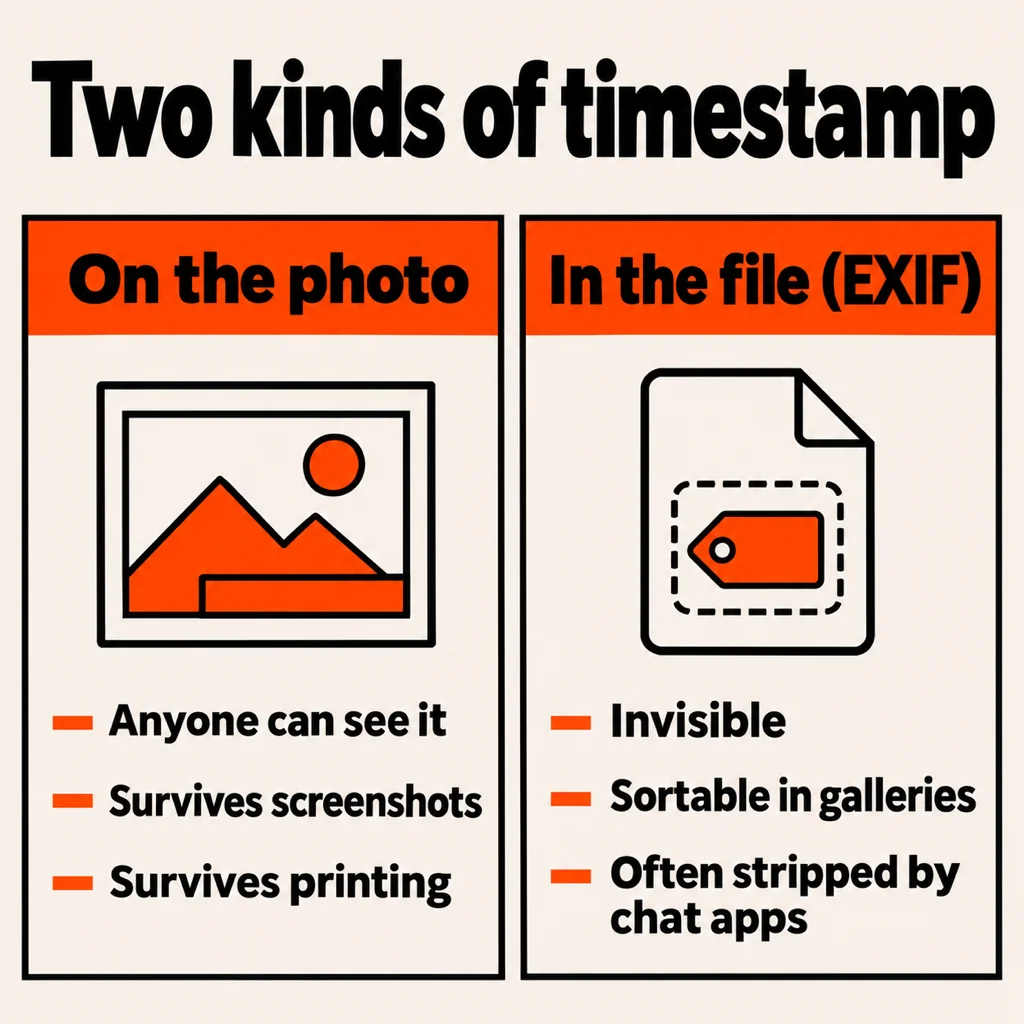
Hidden timestamp vs a visible stamp
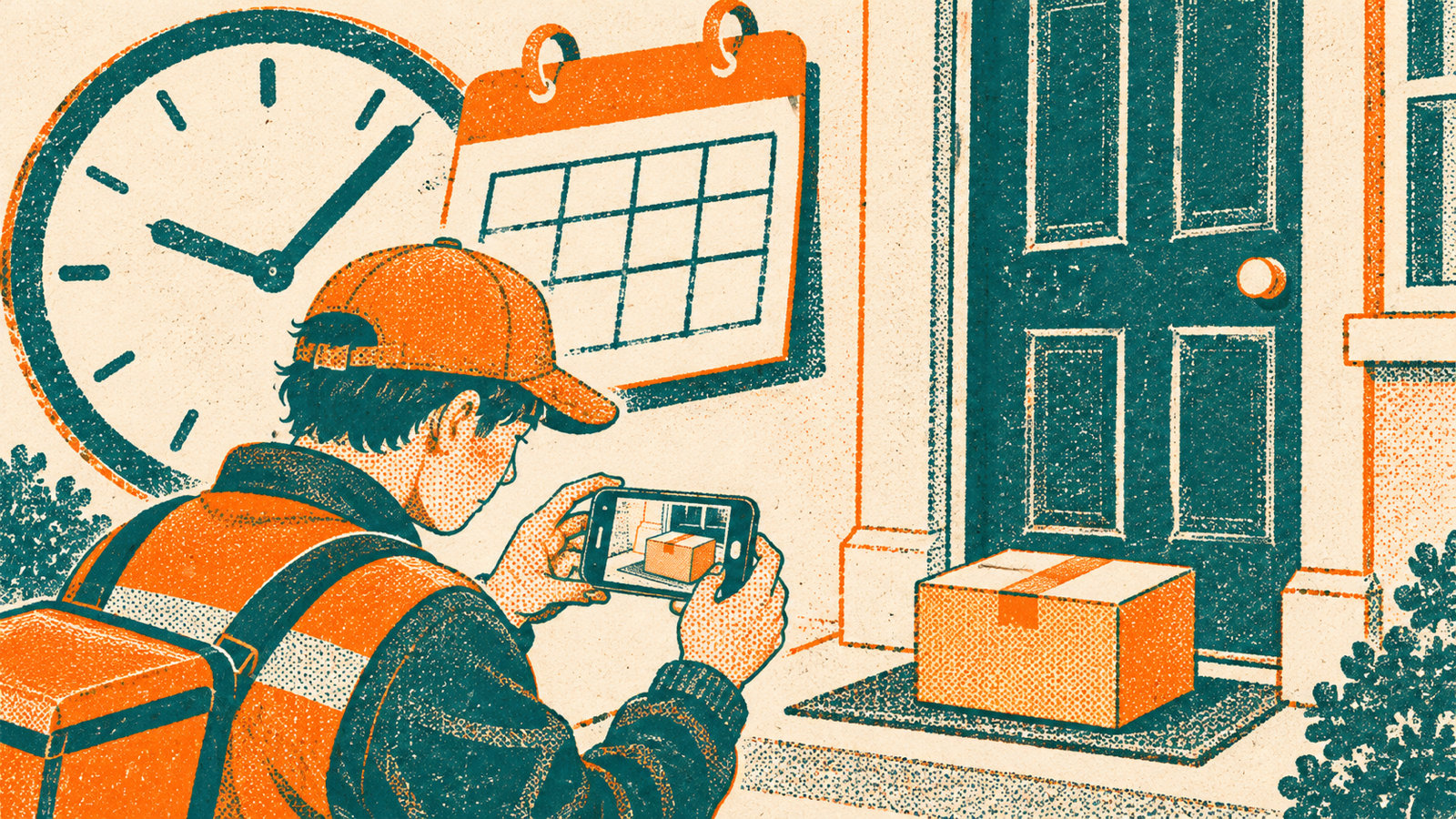
Every photo your phone takes records the date and time in its EXIF data. Galleries use it to sort photos, and you can see it by swiping up on a photo. It’s invisible on the picture, though, and WhatsApp, Instagram and most messengers strip it when you send the photo. A visible timestamp is drawn into the image, so the date survives sending, screenshots and printing. That matters for proof: deliveries, site progress, rental move-in photos, damage claims, attendance and before-and-after shots.
How to add timestamp to photos on Samsung
- Open Camera and tap the ⚙ gear.
- Tap Watermark and switch it on.
- Turn on Date and time, choose the font and where it sits, and go back.
New photos now carry the date and time in a corner. Samsung’s watermark can add your model name and custom text, but not your location or address. If you need those too, see the GPS camera section below.
How to add timestamp to photos on other Android phones
Some Xiaomi, Redmi, OPPO, Vivo and Motorola camera apps have a Watermark or Time watermark option in the camera settings; look there first. Google Pixel’s camera has no timestamp option, and neither do most stock cameras, so use a timestamp or GPS camera app from the Play Store. It replaces the shutter you tap, and every photo comes out already stamped.
How to add timestamp to photos on iPhone
The iPhone camera can’t stamp the date on photos. Your options:
- One photo, no app: open it in Photos, swipe up to see the date, then tap Edit → Markup → + → Add Text and type the date. It takes a minute, and the result looks typed because it is.
- Every photo, automatically: install a timestamp camera app from the App Store and take photos inside it.
How to add timestamp to photos already taken
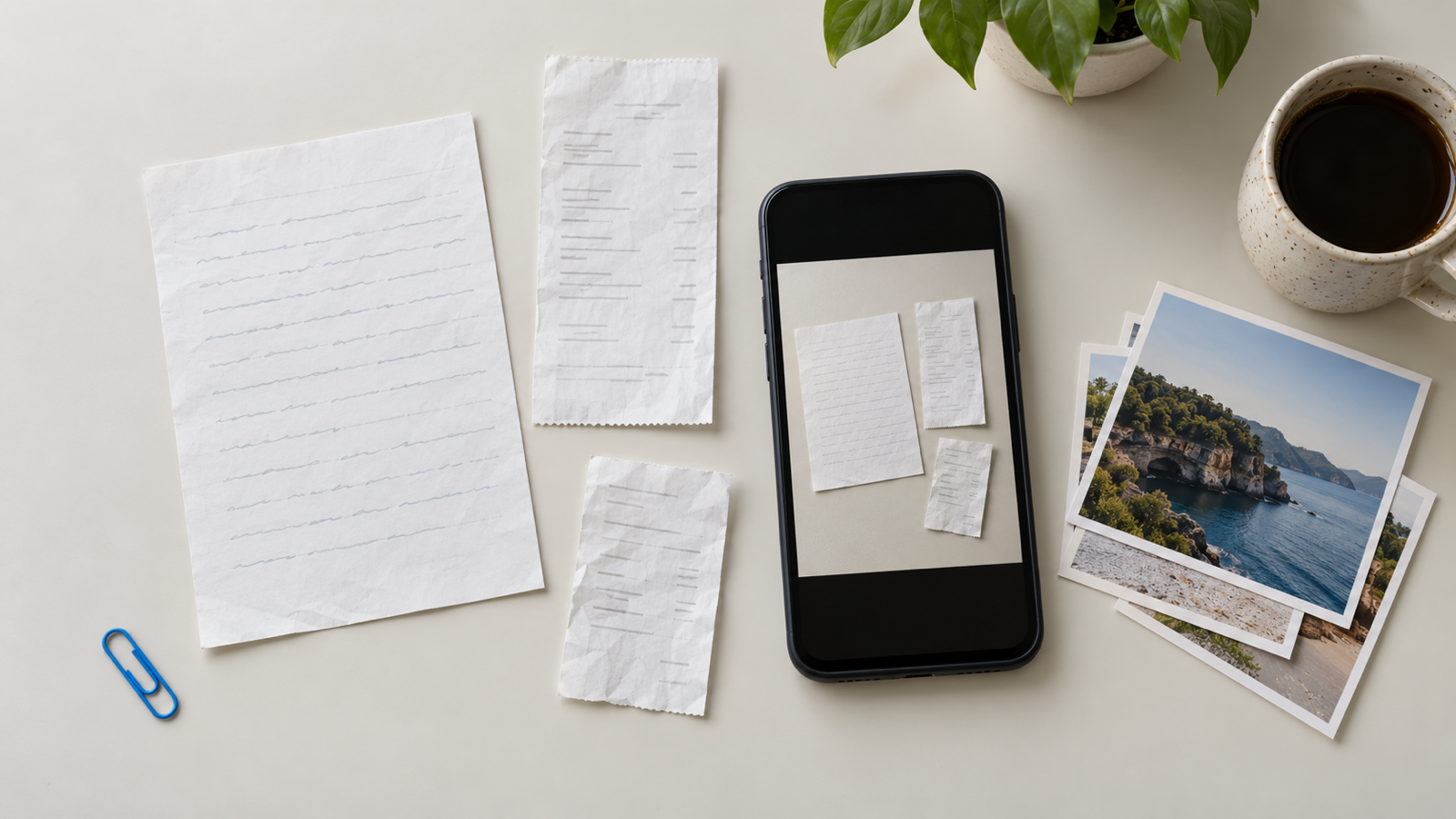
The date and time are already in the file; you only need to copy them onto the image.
- Online, free: find the date (swipe up on the photo, or right-click → Properties → Details on Windows), then add it as text in a browser editor such as Canva or Kapwing and download the result.
- Android or iPhone: use your gallery’s text tool, or a “timestamp photo” editor app that reads the original date from the file and stamps it for you.
- Windows, a whole folder: the free IrfanView can batch-stamp hundreds of photos. Open File → Batch Conversion, tick Use advanced options → Add overlay text, and type
$E36867, its code for the original date taken from EXIF. Every photo gets its own real date. - Mac: Preview can add text one photo at a time (Markup toolbar → Text). For batches, use Lightroom’s watermark with a date token, or an Automator or Shortcuts workflow.
Always keep the unstamped original. A stamp can’t be removed cleanly afterwards.
Add the time and the place: GPS camera stamps
A date alone proves when. For work photos, people usually also need where. A GPS map camera stamps both the moment you take the photo, from the phone’s clock and GPS, so there is nothing to type and nothing to fake.
GPS Map Camera & Coordinates, our Android app, opens straight on the camera, with no ad before you shoot. Its Classic stamp prints the date and time with the GMT offset (for example Mon, 23/11/2026 02:15 PM GMT +05:30), the place name, the full address, latitude and longitude, and a small satellite map. The Minimal stamp puts just the coordinates and time on one line. The date, time and GPS position are also written into the photo file, so gallery apps sort and map it correctly. Photos go to a “GPS Map Camera” album, and you can change the stamp style or correct the address after the shot without retaking it.
Classic and Minimal are free; free photos carry a small app tag. A one-time GPS Pro purchase adds the Survey stamp, which also prints altitude, GPS accuracy, compass direction, a note or job ID and your logo. Pro also removes the tag and ads and unlocks location history and exports. It stamps photos taken in the app; for photos already in your gallery, use the methods above.
Building a report from the stamped photos? Here’s how to make a PDF of photos on your phone.
Common questions
How do I add a date and time stamp to my photos?
On Samsung, turn on Camera → Settings → Watermark → Date and time. On other Android phones and on iPhone, use a timestamp or GPS camera app, which stamps every photo as you take it.
How do I add a timestamp to photos already taken?
Read the date from the photo’s details and add it as text in an editor (Canva, Kapwing or your phone’s Markup tool). For many photos on Windows, IrfanView’s batch conversion can stamp each photo with its own EXIF date using the code $E36867.
Does iPhone have a timestamp camera?
No. The iPhone records the date and time in each photo’s details but can’t draw them on the image. Use Markup for a single photo or a timestamp camera app for all of them.
Can a photo timestamp be faked?
Text typed in an editor can say anything, and EXIF dates can be edited. A stamp applied by the camera at the moment of capture, with the GMT offset and GPS coordinates, is much harder to dispute, especially if you keep the original file.
What is a good app to add timestamp to photos?
For date and time only, Samsung’s built-in watermark or a timestamp camera app is enough. If you also need the address and coordinates, GPS Map Camera & Coordinates (Android) stamps date, time, GMT offset, address, latitude and longitude and a map; its Classic and Minimal stamps are free.
The short version
Your phone already saves the time in the file. To make it visible, use Samsung’s watermark or a camera app that stamps as you shoot, and copy the date onto older photos in an editor or a batch tool. If the place matters too, use a GPS camera stamp. More in how to geotag photos and how to add location to photos.
From the studio
Previous Article
How to Add Location to Photos (iPhone, Android, Samsung and Google Photos)
Next Article
How to Send a Voice Memo (iPhone, Android, Text and Email)